




Beats raw willpower
Studying for two unbroken hours feels productive but burns you out. A dedicated study timer with a fixed sprint + short break loop is what the research actually backs.
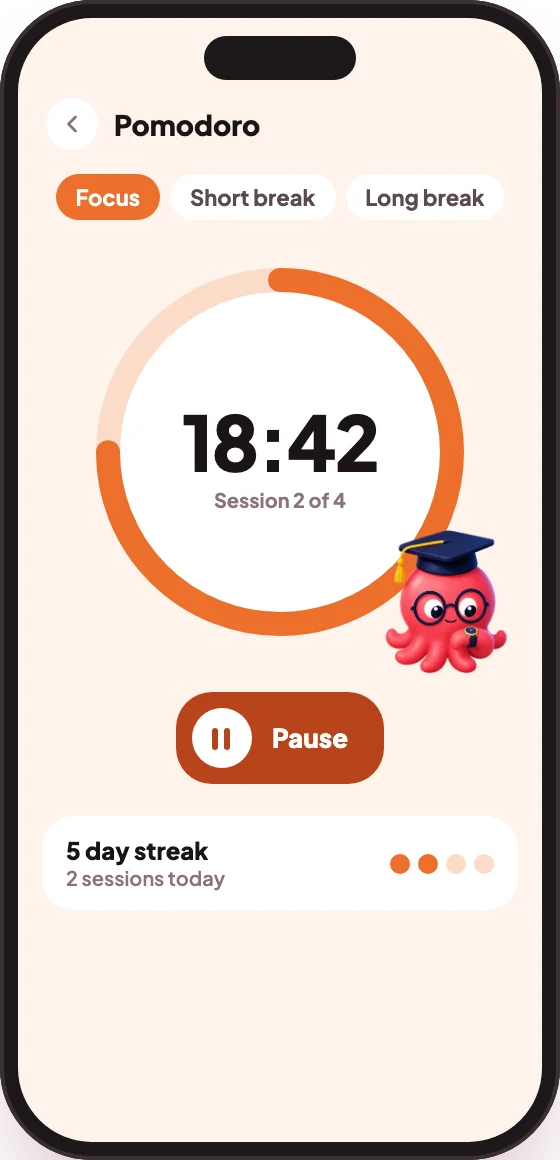
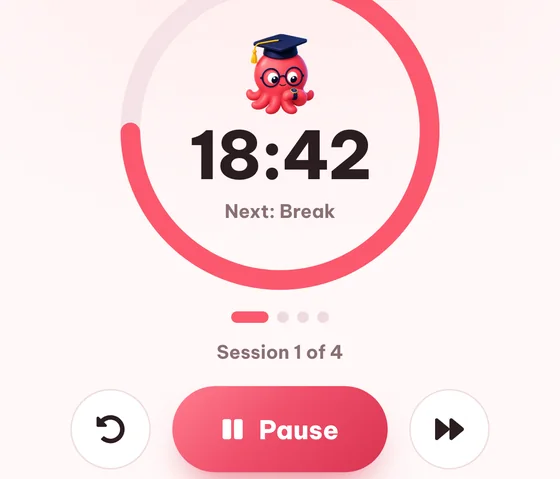
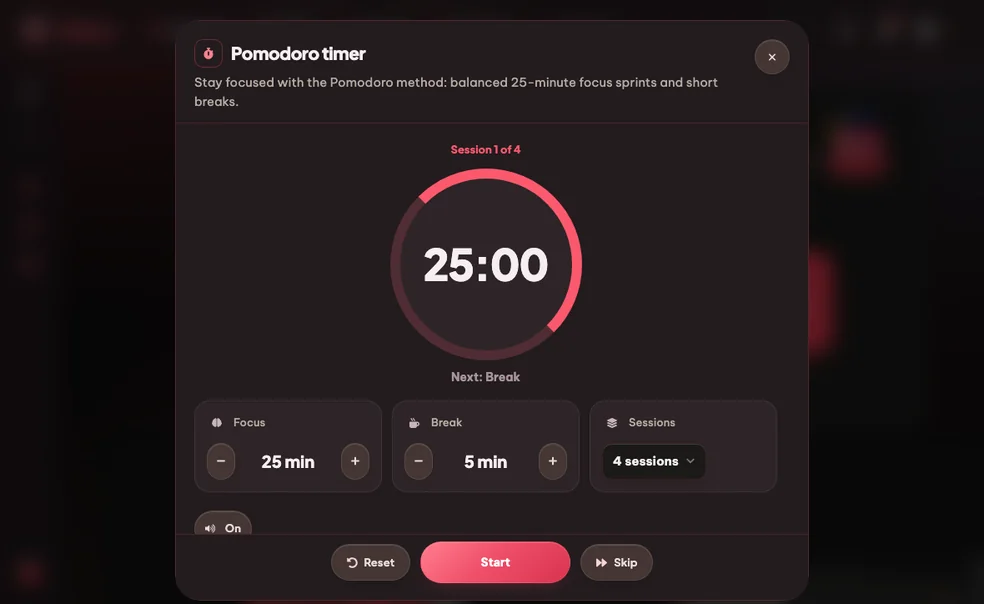
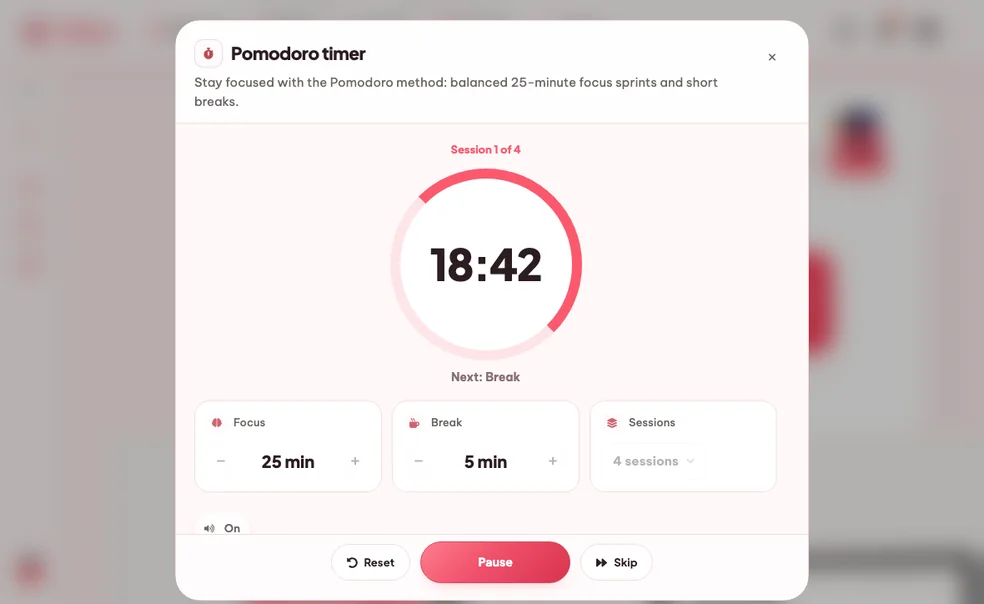
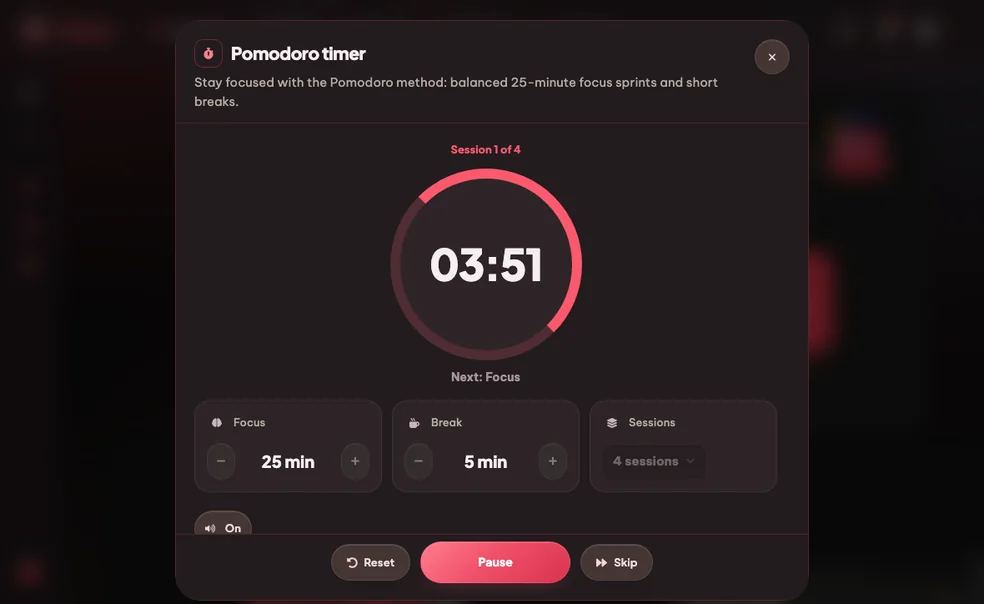
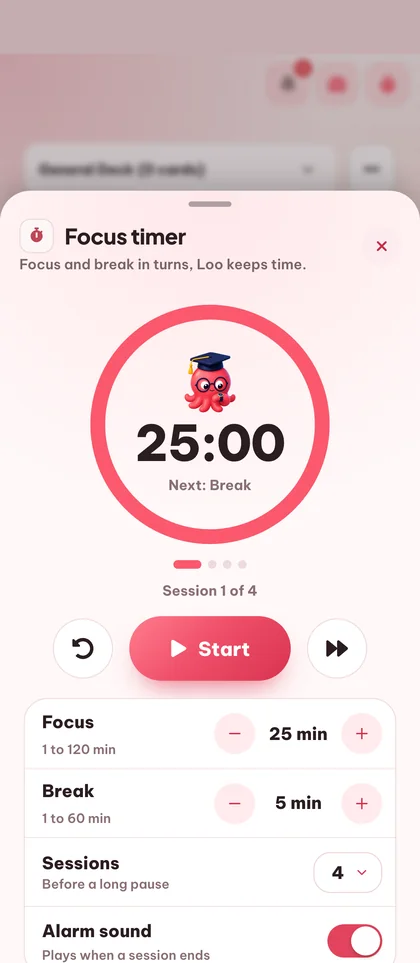
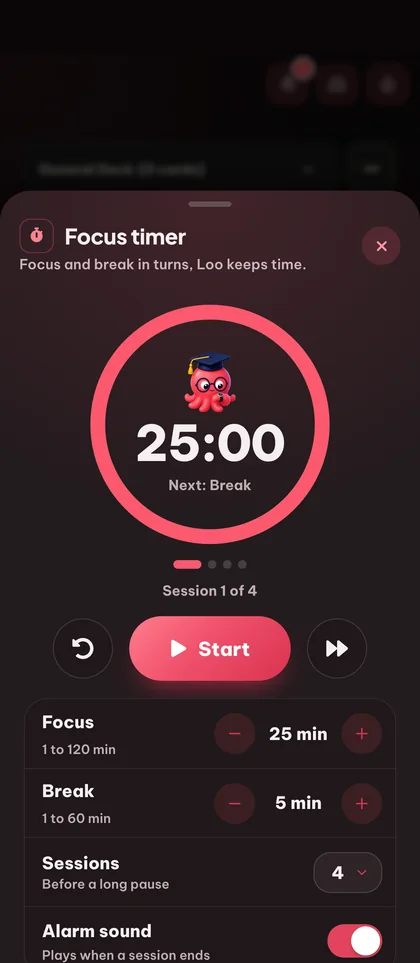
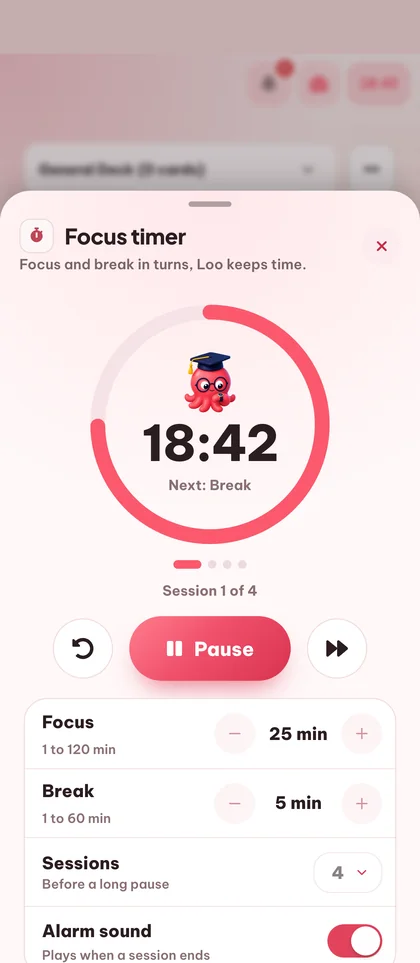
The classic Pomodoro technique (also called the tomato technique), dialed in for studying. Set a timer for 25 minutes of focused work, take a short break, repeat. Eduloo's free Pomodoro app runs as a study timer in the corner so you can keep summarizing, drilling flashcards or taking quizzes without losing track of the clock.
Free online study timer using the Pomodoro technique. Set a timer for 25 minutes of focus, take a 5-minute break, repeat. The focus timer follows you while you study.
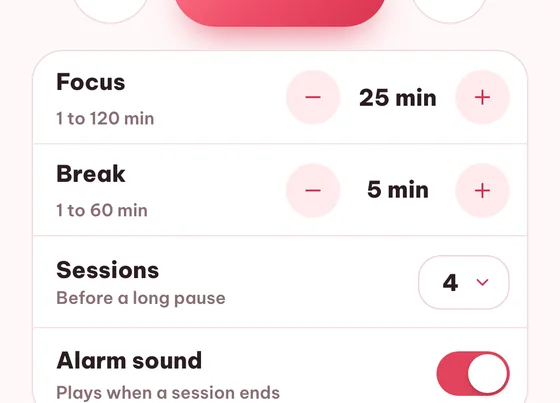
Set timer for 25 minutes of focus + 5 min break, fully customisable
Open Pomodoro Timer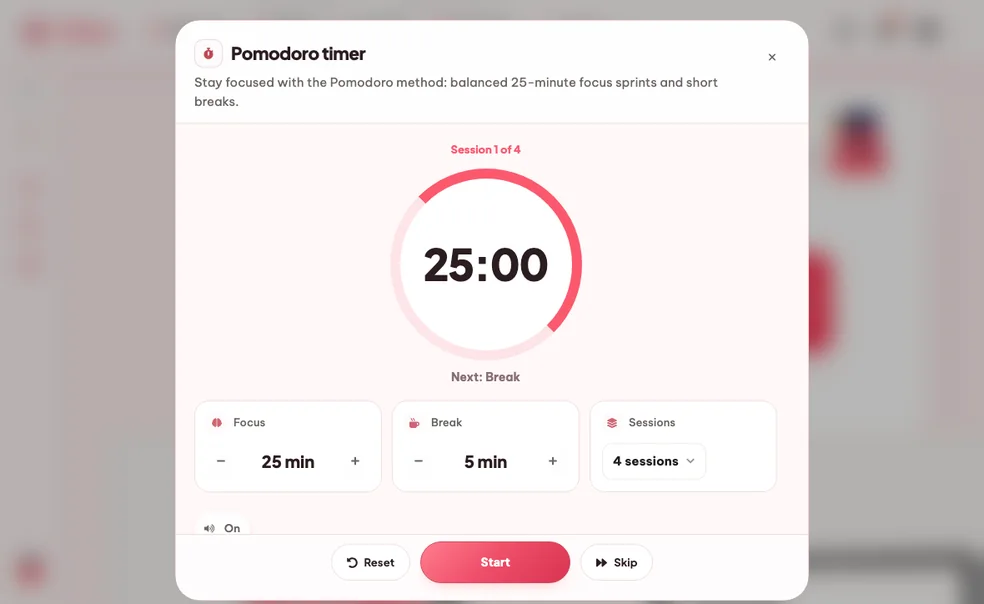
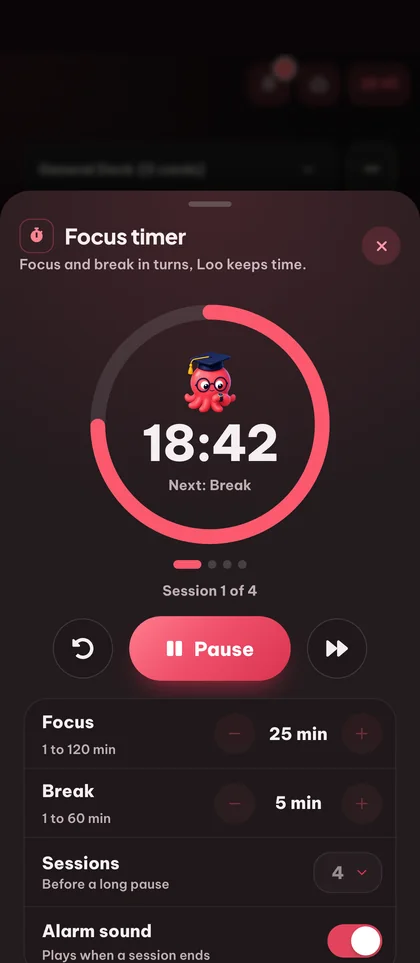
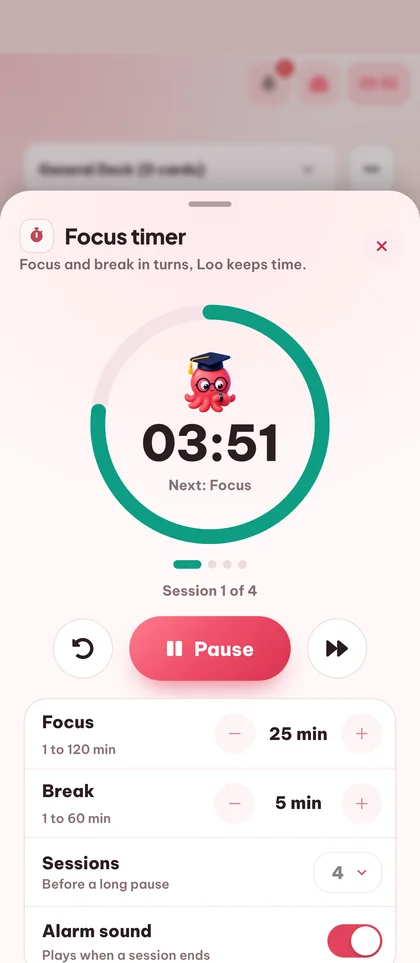
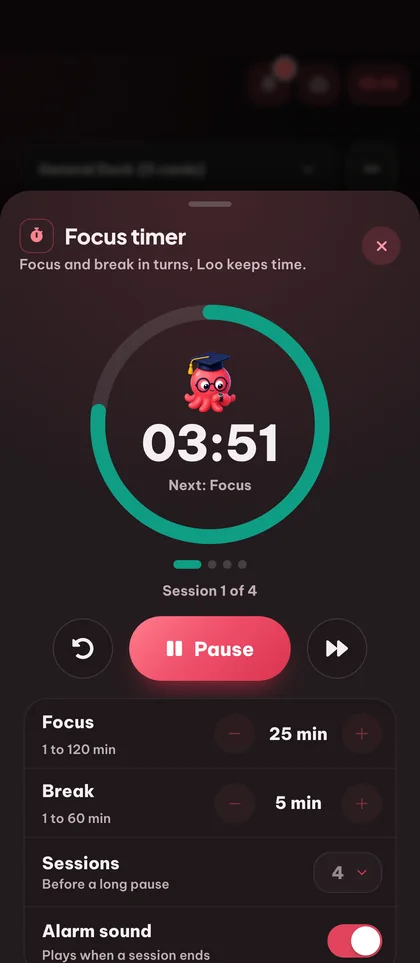

Studying for two unbroken hours feels productive but burns you out. A dedicated study timer with a fixed sprint + short break loop is what the research actually backs.
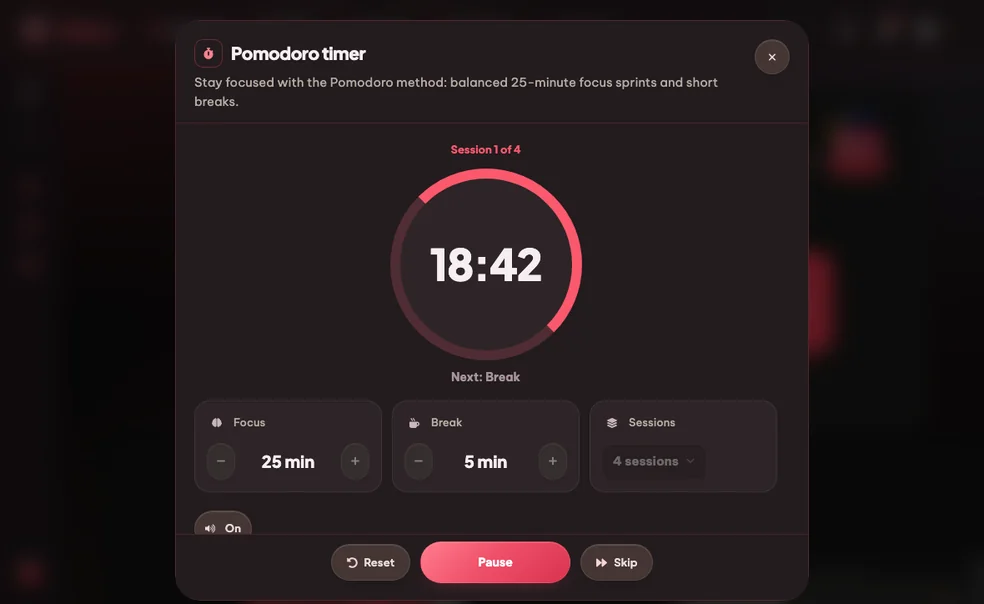
Knowing a break is 23 minutes away makes it easier to ignore that other tab. The focus timer turns 'just one quick thing' into 'after this sprint'.
Pop the Pomodoro timer out and it floats while you switch to flashcards or quizzes. One clock, one rhythm, every study tool in Eduloo.
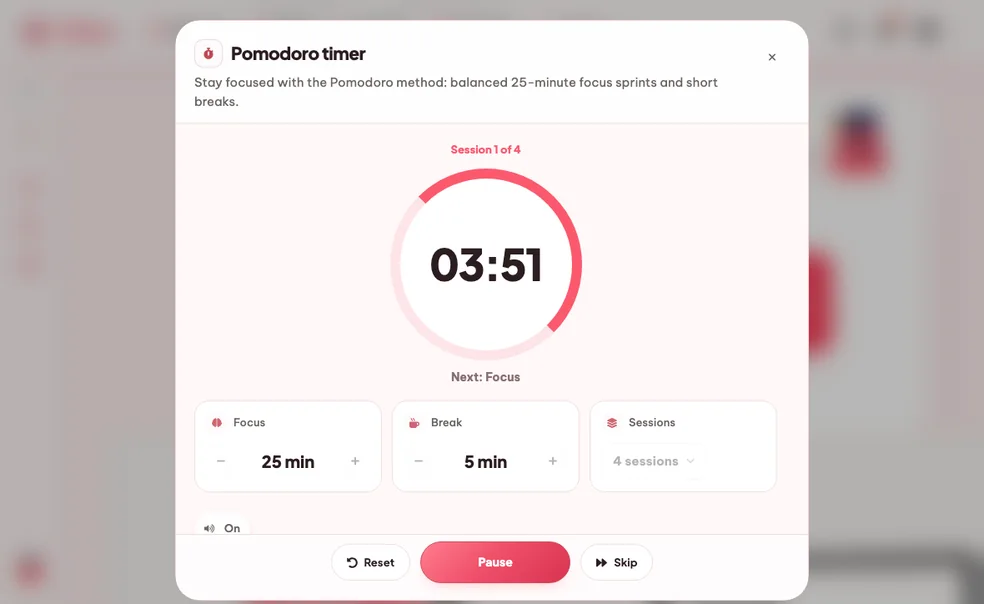
Set a timer for 25 minutes of focus, take a 5-minute break, and repeat for as many sprints as you choose. The tomato technique, dialed in for a study session.
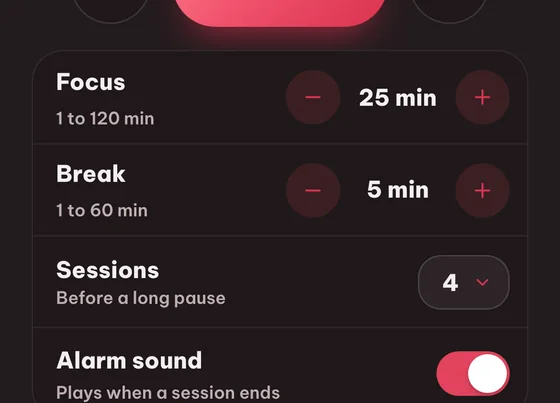
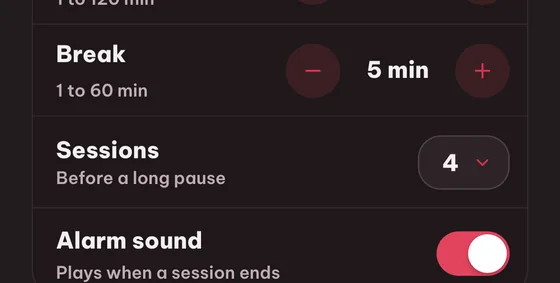
Don't like 25/5? Tune this Pomodoro method timer to whatever matches your attention span - set focus and break lengths to whatever fits the task.
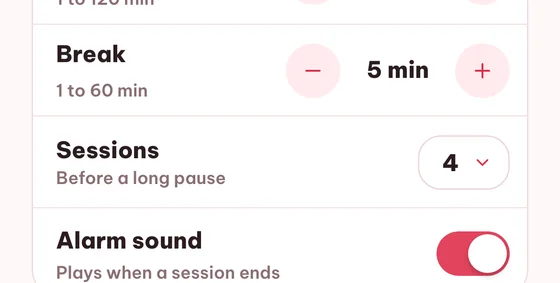
A soft chime when the sprint ends and another when the break is over. Mute if you're in a library.
Pop the focus timer out as a tiny floating widget that follows you across flashcards, quizzes, summaries and podcasts.
Still stuck? Ask Loo.
No answer here? Send us your question and we reply within a day.
Ask a questionCreate a free account to keep everything you build as a guest, lift the guest-mode limits, and sync across devices.
Select question type
1. What is the purpose of interfaces in Java?
Single Choice2. Java is a statically typed language.
True or False3. Complete the sentence: Java uses ____ and ____ for memory management and thread control.
Fill in the Blank4. Match each Java collection with its characteristic.
MatchingSession 1 of 4
Next: Break
Choose how this content felt and optionally leave a comment for the team.
1Create or auto-generate a topic. 2Click sections in the document to add them.
Click sections in the document to add them to this topic.
No sections selected yet.
No topics yet.
No sections.
Select a topic to view its location in the document.
Loading sources
Source no longer available.
Guest session found
Import your guest work to keep it in your account.