



Pomodoro टाइमर - focus in 25-minute sprints बिना जलन के

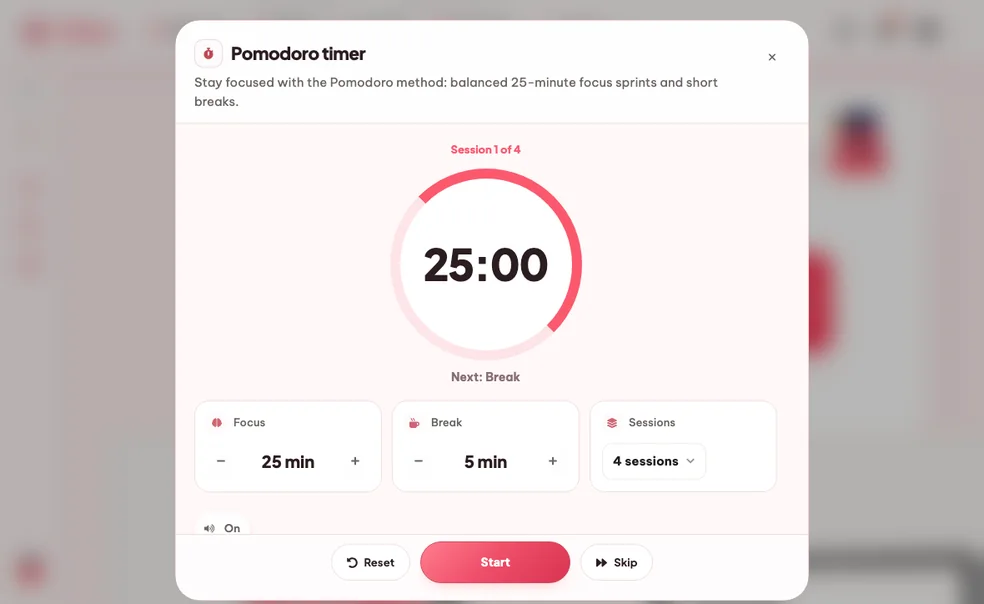
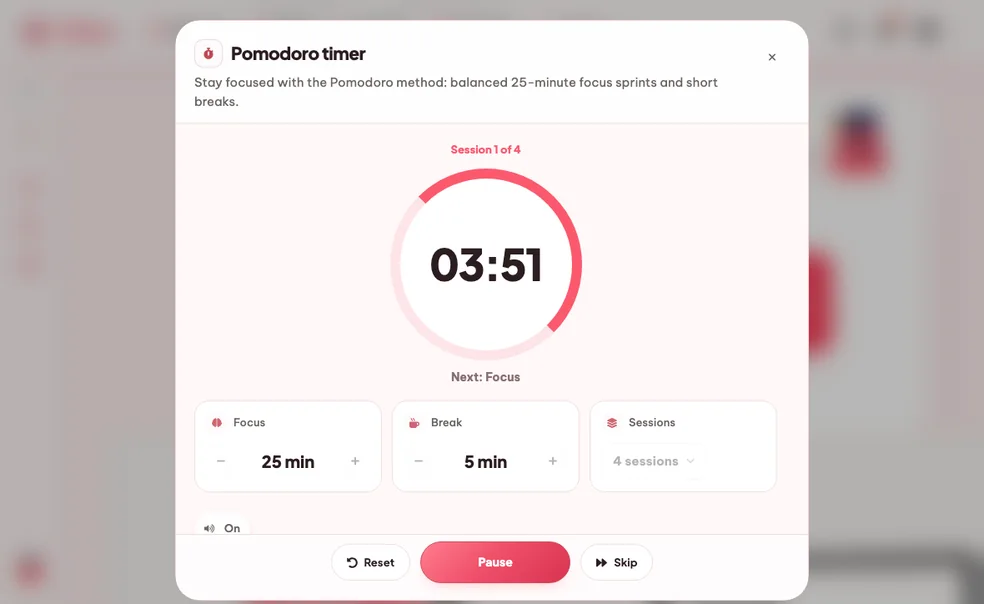
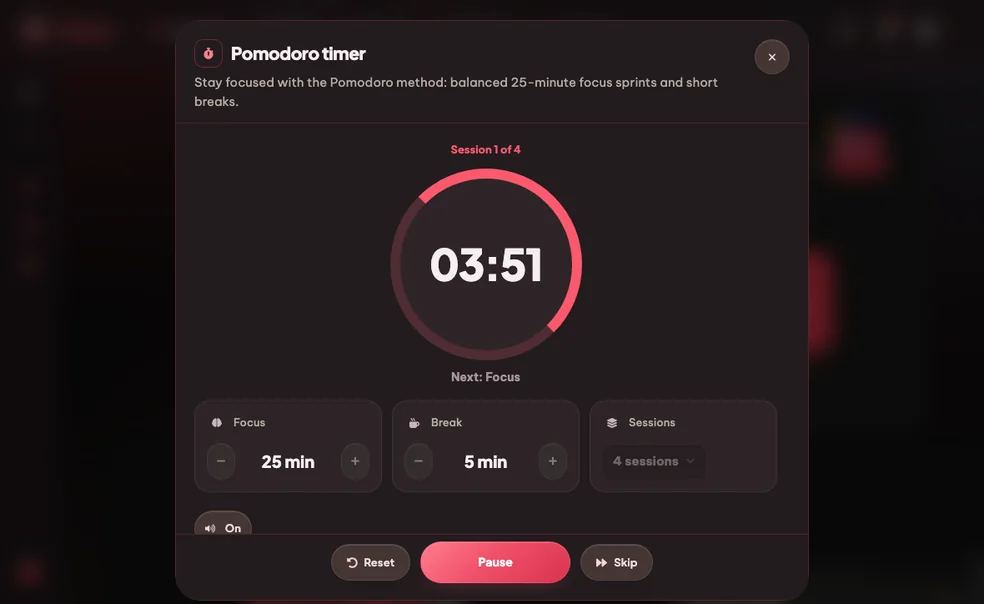
The classic Pomodoro technique (also called the tomato technique), dialled in for studying. Set a timer for 25 minutes of focused work, take a short break, repeat. Eduloo's free Pomodoro app runs as a study timer in the corner so you can keep summarising, drilling flashcards or taking quizzes without losing track of the clock.

लॉग इन / रजिस्टर करें

पोमोडोरो टाइमर

पोमोडोरो तकनीक का उपयोग करके मुफ़्त ऑनलाइन अध्ययन टाइमर। 25 मिनट के ध्यान के लिए एक टाइमर सेट करें, 5 मिनट का ब्रेक लें, दोहराएं। ध्यान टाइमर आपके साथ अध्ययन के दौरान चलता है।

How it works

From बिखरा हुआ घंटा to four clean sprints.

अपने नोट्स को देखने से लेकर एक तैयार अध्ययन ब्लॉक तक चार कदम।

01 Pick length

Pick your focus length

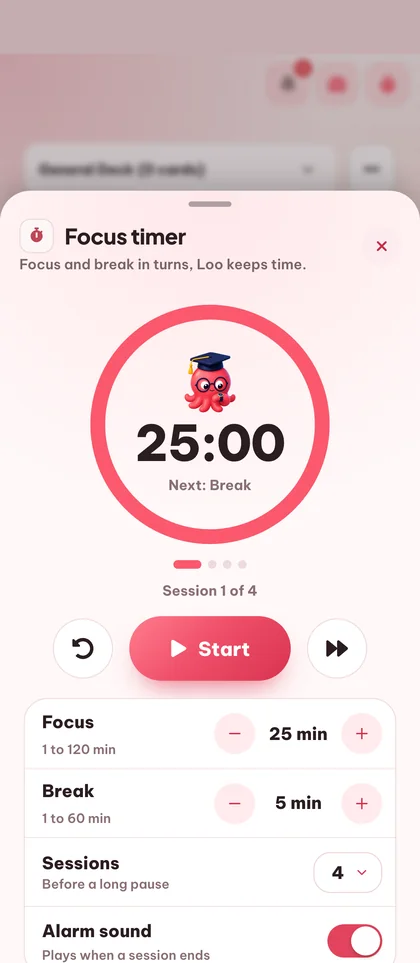
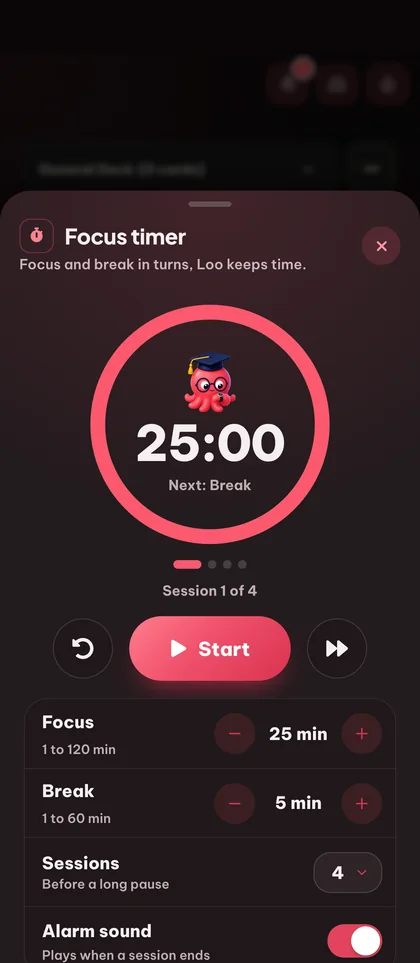
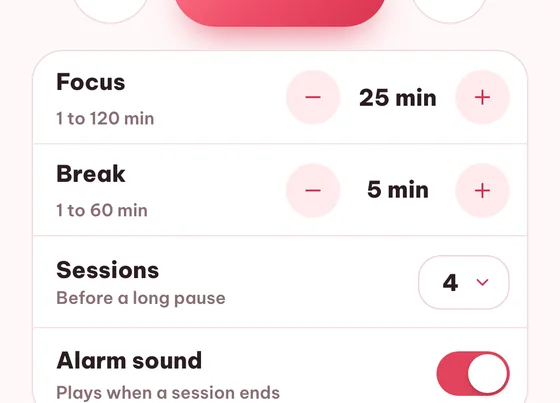
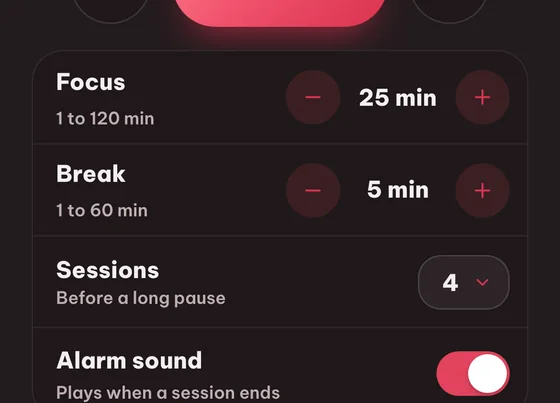
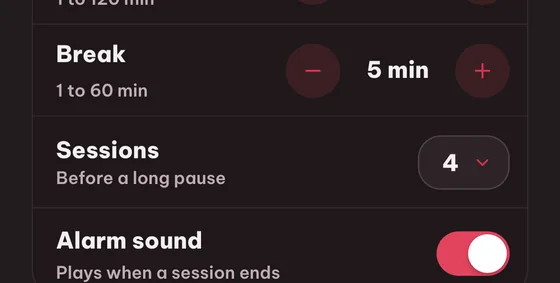
डिफ़ॉल्ट 25 मिनट फोकस / 5 मिनट ब्रेक है। गहरे काम के लिए 50/10 करें या वार्म-अप सेशन के लिए 15/3 पर लाएँ। आपकी आखिरी सेटिंग याद रहती है।

25 / 50 / 15 min presets कस्टम फोकस और ब्रेक
step.01
02 Hit start

Hit start, study

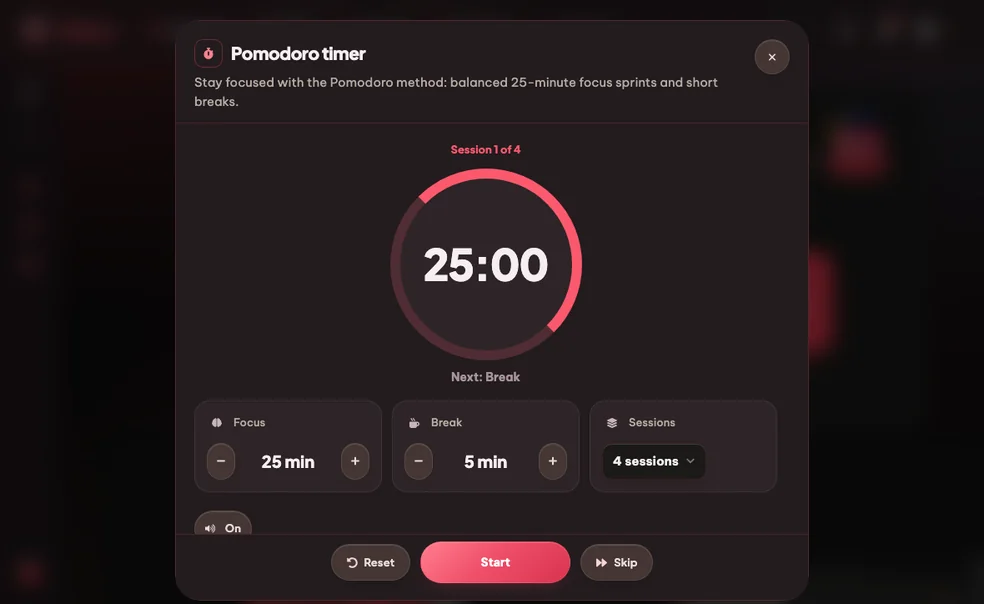
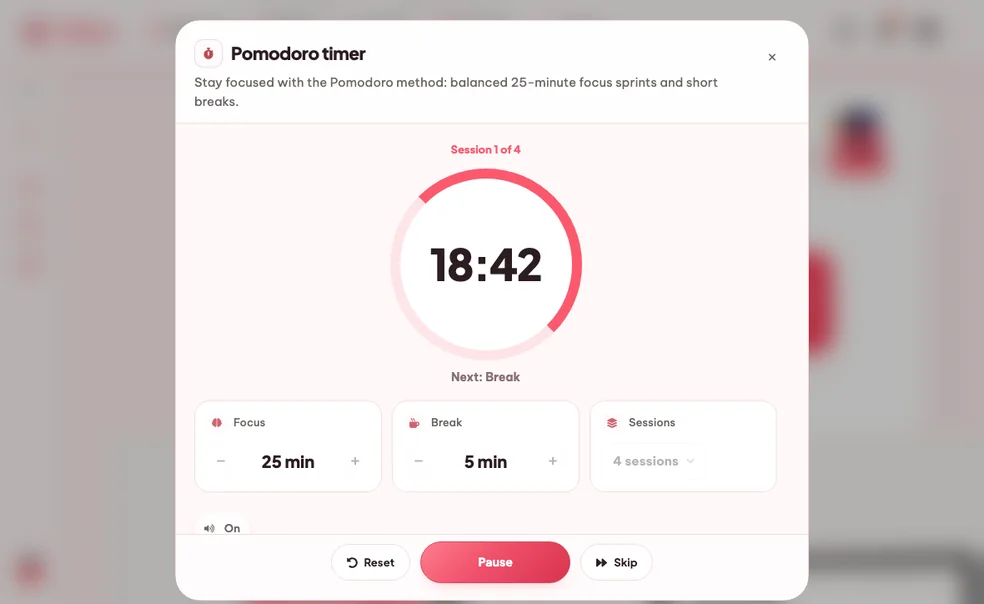
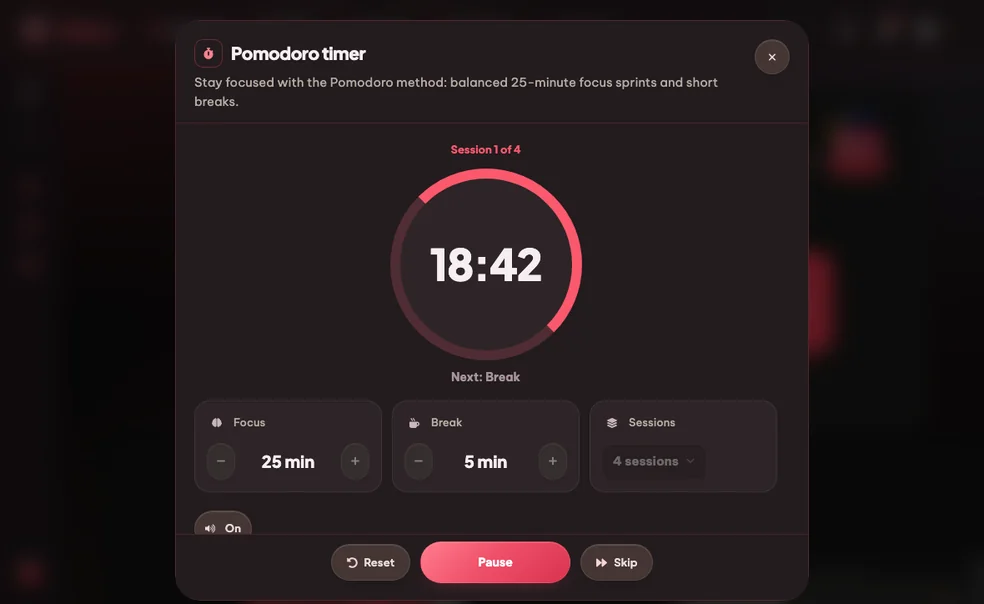
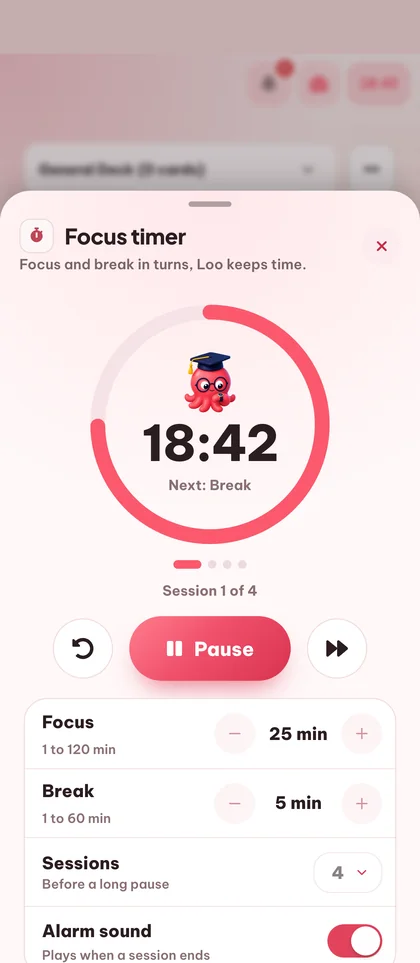
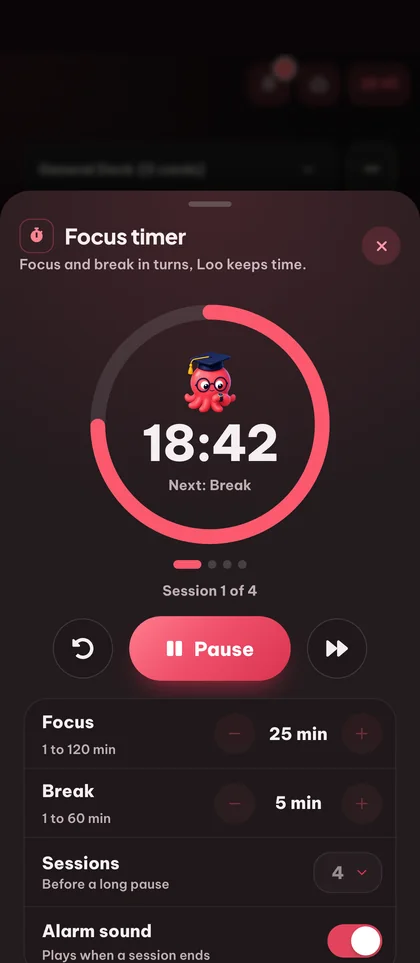
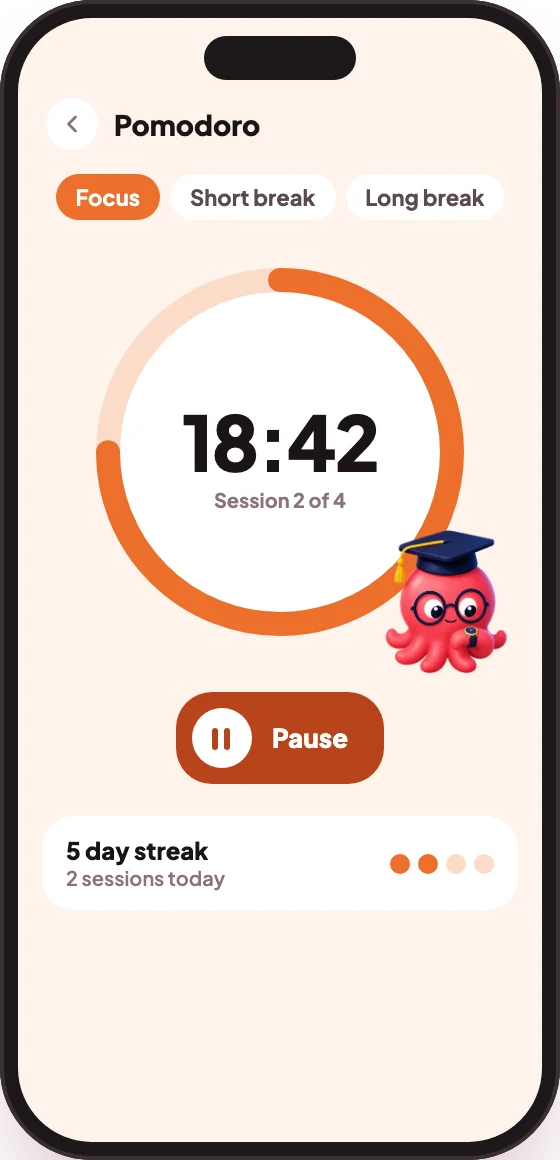
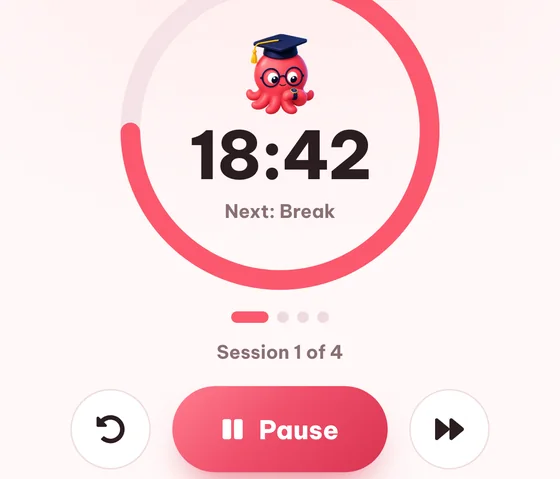
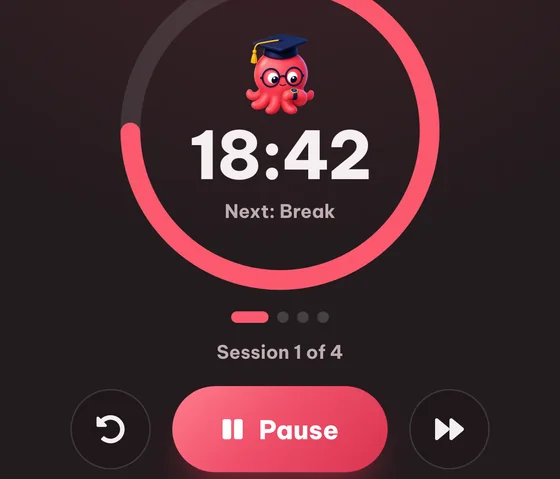
The timer counts down with a clean progress ring. You can let it run in this tab or pop it out as a tiny floating timer that travels with you across the rest of Eduloo.

Progress ring Pop-out floating timer
step.02
03 विराम

Audible cue, automatic break

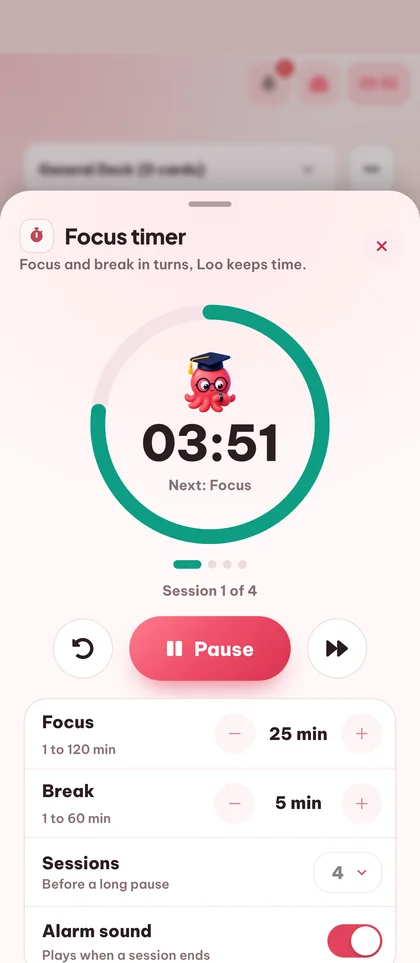
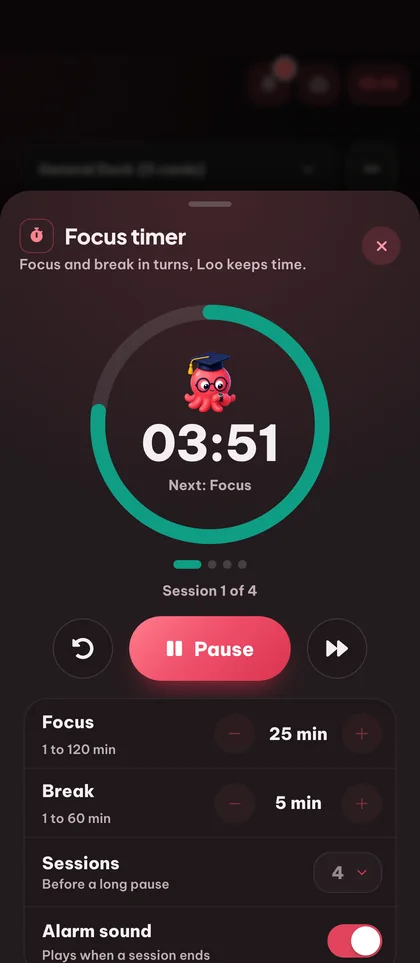
When the focus sprint ends, Eduloo plays a soft chime and auto-starts the break. You walk away, get water, stretch. Another chime brings you back.

हल्की घंटी ऑटो ब्रेक ऑटो रिज्यूम
step.03
04 Streak

स्ट्रीक और सेशन इतिहास

Every completed sprint lights up a dot in your daily streak. Look back at the week and see when you actually studied, not when you meant to.

डेली स्ट्रीक ग्रिड Total minutes Sprint count
step.04
Why it works better

Compared to कच्ची इच्छाशक्ति or a generic countdown.

कच्ची इच्छाशक्ति 60 मिनट के आसपास खत्म हो जाती है। एक साधारण काउंटडाउन में काम और ब्रेक की लय नहीं होती। Eduloo का टाइमर इस बात को ध्यान में रखकर बनाया गया है कि छात्र वास्तव में कैसे पढ़ते हैं।

Compare

What you want from a study timer (not a kitchen timer)

Raw willpower

No timer

जेनेरिक काउंटडाउन

सिंगल टाइमर

Eduloo पोमोडोरो

Built for study
Structured work / break loop
Up to you, every time
One countdown, no breaks
Focus + short + long break loop, fully automatic
Custom durations
जो भी आप कर सकें
Set the length, sure
Focus, short break and long break each configurable, saved per account
Sound cues
None
A single alarm
Soft end-of-sprint chime and end-of-break chime, mutable
Floating pop-out
Not a thing
Lives on its own page
फ्लैशकार्ड, क्विज़, सारांश, पॉडकास्ट से अलग हो जाता है और तैरता है
Daily streak / history
Vibes only
पेज बंद होते ही भूल जाता है
स्ट्रीक ग्रिड और पिछले 7 दिनों के पूर्ण किए गए स्प्रिंट
कीबोर्ड शॉर्टकट
None
Sometimes
Space to start/pause, R to reset, S to skip
आज़माने की लागत
Free, you have a brain
Free, lots of them out there
अतिथि के रूप में मुफ़्त, कोई साइनअप नहीं
आप जो कुछ भी कर सकते हैं

सब कुछ पोमोडोरो टाइमर handles for you.

Custom durations, sound cues, a floating pop-out timer and a daily streak grid - the lot.

01फोकस

4 features · for the actual sprint

क्लासिक पोमोडोरो लूप

25 minutes of focus, 5-minute short break, 15-minute long break every 4 sprints. The technique exactly as Cirillo wrote it.

Custom durations

25/5 पसंद नहीं है? फोकस और ब्रेक की लंबाई को अपनी ध्यान क्षमता के अनुसार सेट करें। खाते के अनुसार सहेजा जाता है।

Sound cues

स्प्रिंट खत्म होने पर एक हल्की घंटी और ब्रेक खत्म होने पर दूसरी। लाइब्रेरी में हों तो म्यूट करें।

Pause, resume, skip

Phone rings? Pause. Need to bail on a break early? Skip. Lost the rhythm? Reset.

02इसे अपने साथ ले जाएं

2 features · for using it while you study

फ्लोटिंग पॉप-आउट टाइमर

Pop the timer out as a tiny floating widget that travels with you across flashcards, quizzes, summaries and podcasts.

Works on every device

Phone, tablet, laptop. The timer keeps ticking even if the tab is in the background.

03ट्रैक करें

6 फ़ीचर - लंबे समय के लिए

Daily streak

हर पूरा स्प्रिंट आज के लिए एक डॉट जलाता है। चेन मत तोड़ो।

Session history

Look back at the last 7 days at a glance: when you focused, how many sprints, total minutes.

04Access

2 विशेषताएं · शुरुआत के लिए

कीबोर्ड शॉर्टकट

Space to start / pause, R to reset, S to skip. Get the rhythm without leaving the keyboard.

No signup needed

Open the page, hit start. Create a free account only if you want streaks and custom durations to persist.

Eduloo Pomodoro Timer in depth

क्यों the Pomodoro technique actually works.

A short read on why the technique works, when to deviate, and how it fits Eduloo.

§ 01Why the Pomodoro technique works

टमाटर तकनीक के रूप में भी जाना जाता है (पोमोडोरो इतालवी में टमाटर है), इस विधि को फ्रांसेस्को सिरिलो द्वारा 1980 के दशक के अंत में लोकप्रिय बनाया गया था। नुस्खा बिल्कुल सरल है: एक कार्य चुनें, 25 मिनट के निर्बाध काम के लिए एक टाइमर सेट करें, 5 मिनट का ब्रेक लें, दोहराएं। हर चौथे स्प्रिंट के बाद, एक लंबा 15 मिनट का ब्रेक लें।

यह काम करता है क्योंकि एक निश्चित 25 मिनट की प्रतिबद्धता शुरू करने के लिए काफी छोटी है (अध्ययन का सबसे कठिन हिस्सा), और नियमित ब्रेक वह बर्नआउट को रोकते हैं जिसे आप अन्यथा 60-90 मिनट के निशान पर हिट करेंगे।

A 25-minute commitment is small enough to start, which is the hardest part of studying.

§ 02When to use custom durations

Stuck on a hard math proof or writing an essay? Bump the Pomodoro method timer to 50 minutes of focus - deep work needs a longer ramp.

हल्का संशोधन, फ्लैशकार्ड ड्रिलिंग, या एक मंदी के बाद वार्मअप? 15-मिनट की स्प्रिंट सक्रियता की लागत को कम करती है और आपको आगे बढ़ाती है।

§ 03The floating timer + study tools

Eduloo's pop-out floating timer keeps ticking in the corner while you bounce between summaries, flashcards, quizzes and podcasts. One unified clock means a sprint actually translates into work across every tool.

§ 04Streaks without the guilt trip

यहां स्ट्रीक एक रिकॉर्ड हैं, सजा नहीं। एक दिन छोड़ा? ग्रिड इसे दिखाता है लेकिन कुछ नाटकीय रीसेट नहीं करता। लक्ष्य ईमानदार ट्रैकिंग है, Duolingo-शैली के अपराधबोध की मशीन नहीं।

FAQ

अक्सर पूछे जाने वाले सवाल सवाल

इसे कार्य में देखें

Ready to give it a try ?

Watch a quick demo, then jump in for free as a guest or pick a plan when you are ready.

Like what you see? Keep your work.

Create a free account to keep everything you build as a guest, lift the guest-mode limits, and sync across devices.