Give me something to read first. I'll turn it into summaries for you.

Upload a document first
Summaries are built from your study material. Add a document to this workspace and Loo will pick out the key points.
Guest Mode Your work is kept for 30 days.
Summaries 0 / 1 Documents 0 / 150k Sign in or create an accountTurn long material into clear takeaways with readable cards and fast access to key topics.
Give me something to read first. I'll turn it into summaries for you.
Summaries are built from your study material. Add a document to this workspace and Loo will pick out the key points.
Select question type
1. What is the purpose of interfaces in Java?
Single Choice2. Java is a statically typed language.
True or False3. Complete the sentence: Java uses ____ and ____ for memory management and thread control.
Fill in the Blank4. Match each Java collection with its characteristic.
MatchingUpload a document and I will read it with you.
Not available with your current subscription.
SubscribeSession 1 of 4
Next: Break
Choose how this content felt and optionally leave a comment for the team.
1Create or auto-generate a topic. 2Click sections in the document to add them.
Click sections in the document to add them to this topic.
No sections selected yet.
No topics yet.
No sections.
Select a topic to view its location in the document.
Loading sources
Source no longer available.
Guest session found
Import your guest work to keep it in your account.
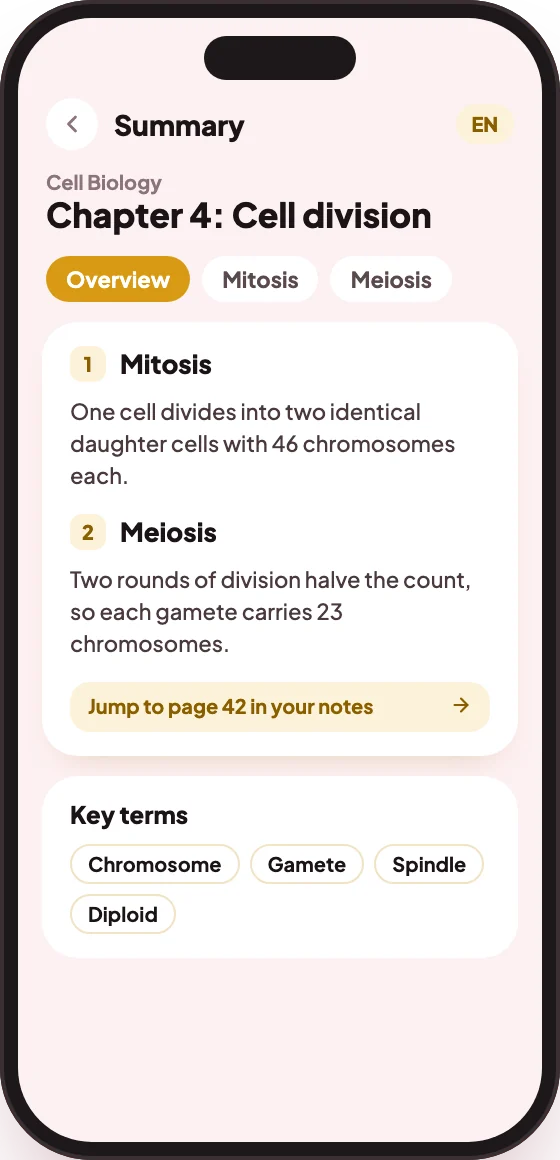
Drop in a long document, pick the topics you care about, and Eduloo's AI PDF summarizer gives you a structured summary with the key points, definitions and conclusions, ready for revision in seconds.
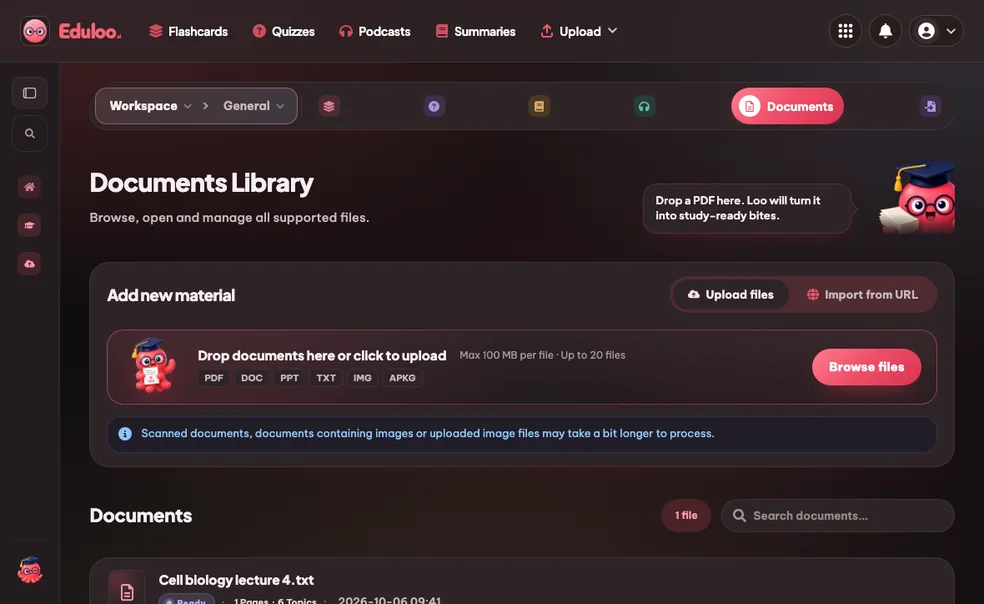
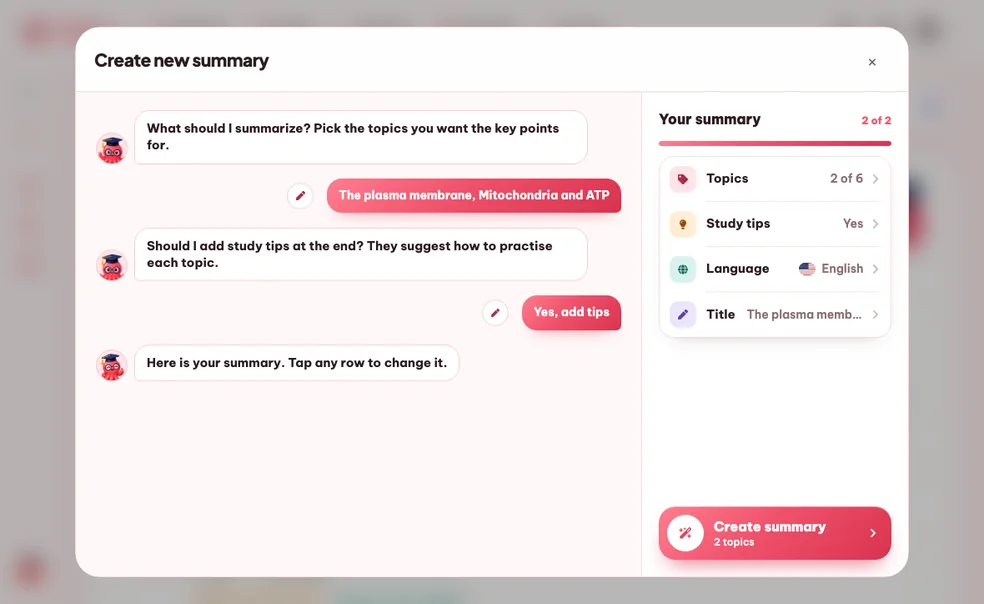
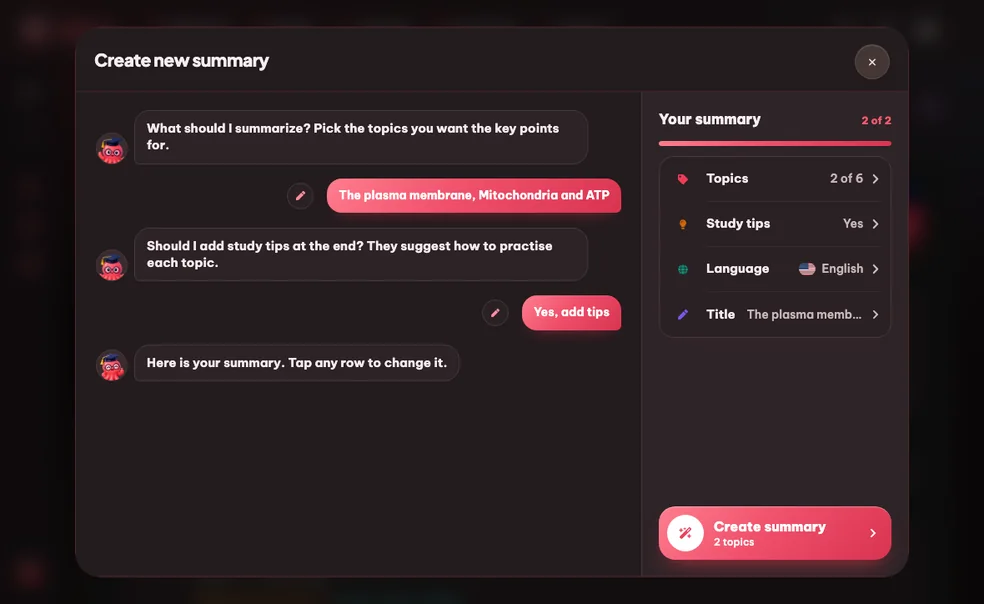
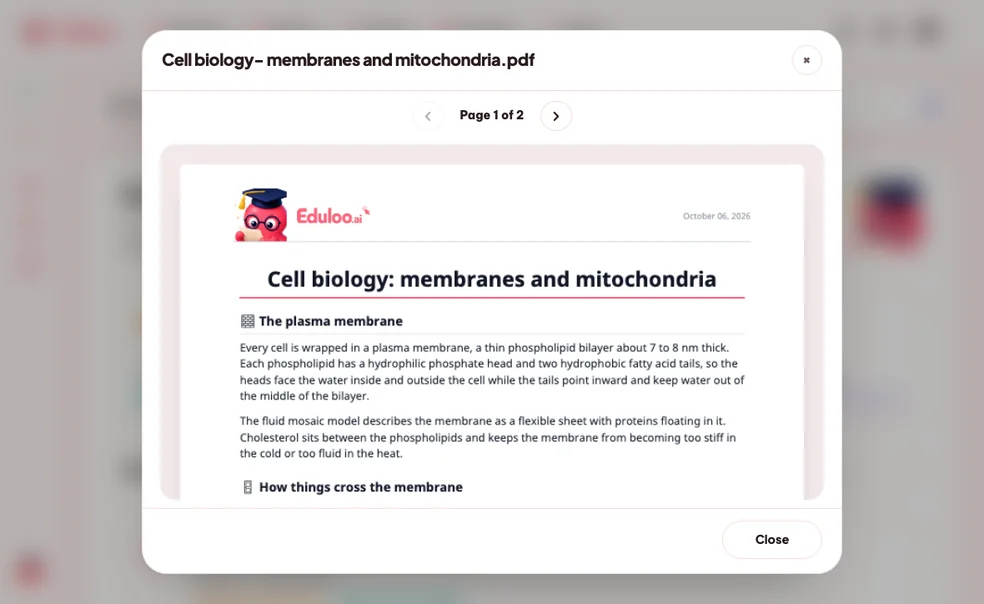
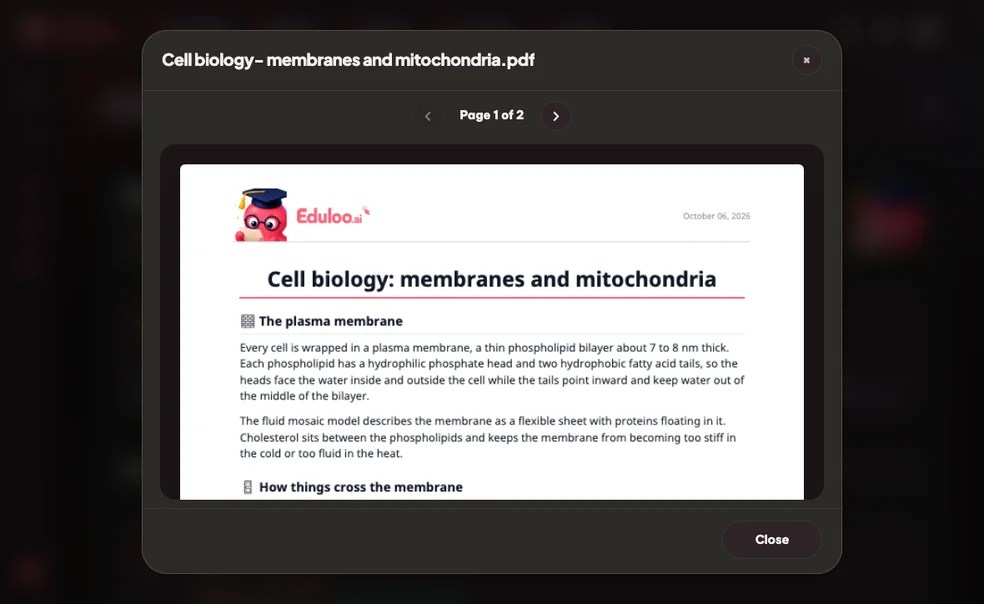
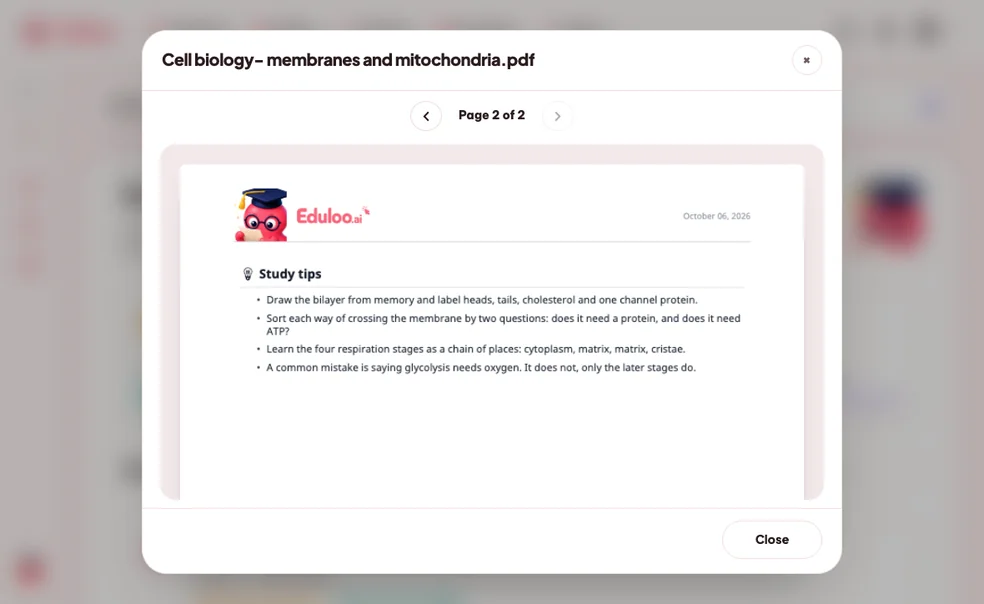
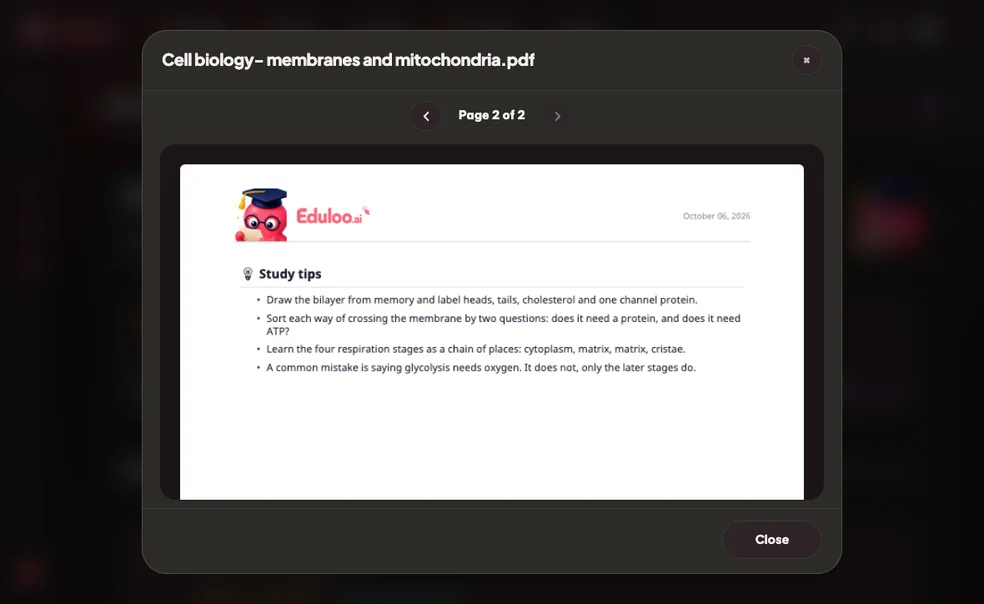
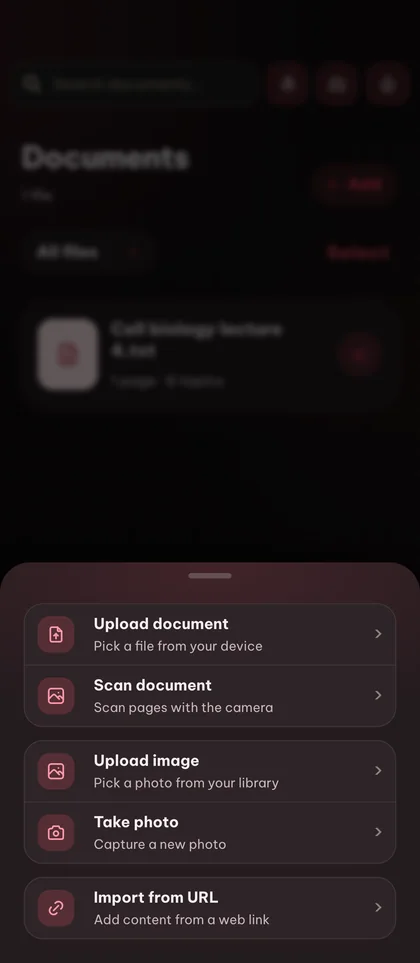
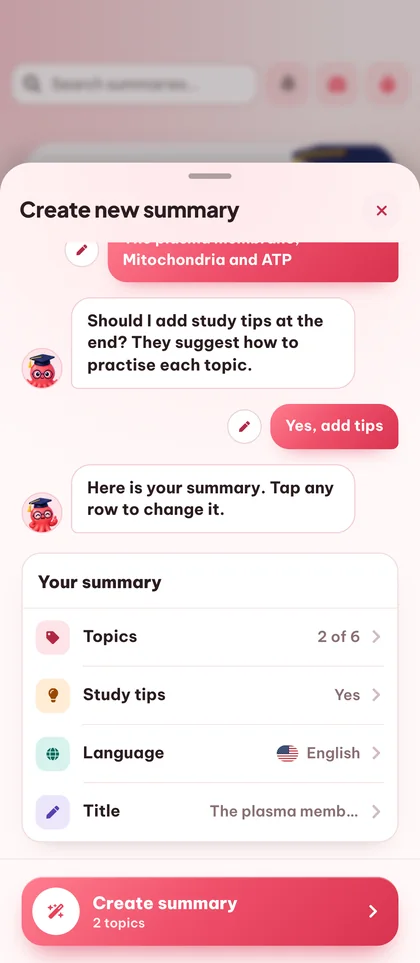
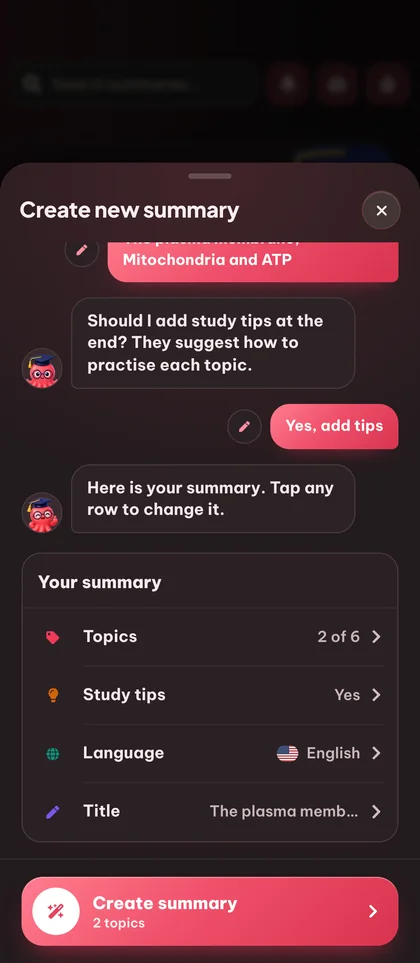
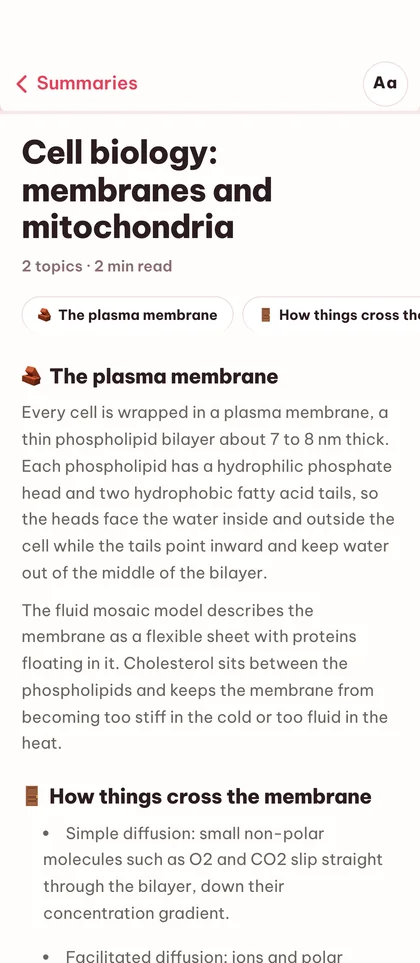
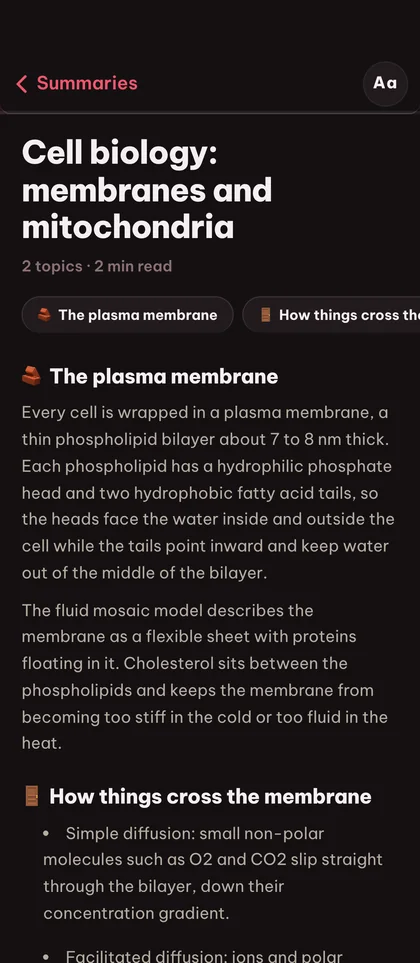
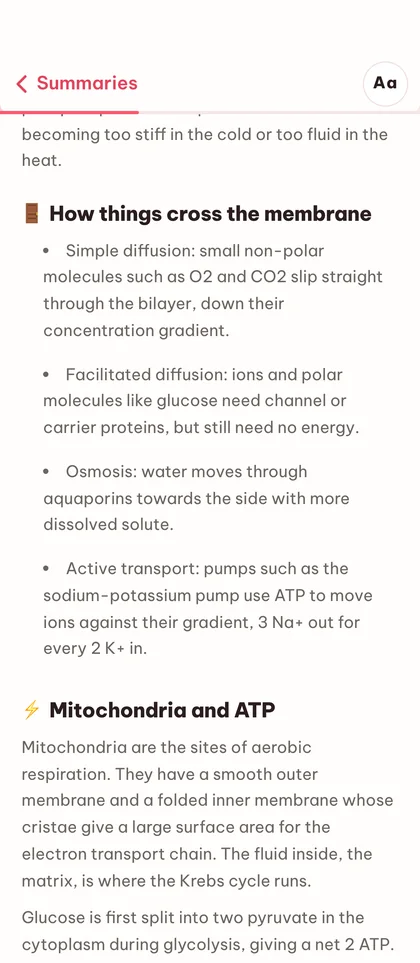
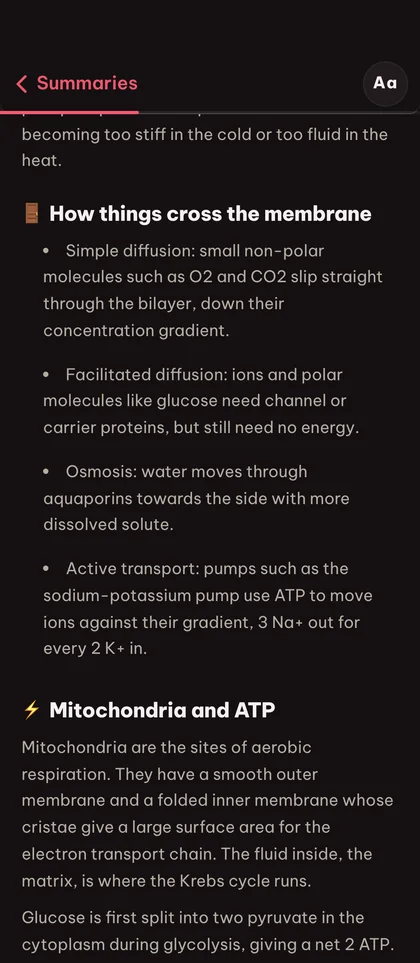

A 200-page textbook chapter compresses into a structured summary you can read in minutes without losing the structure or key terms.
This document summarizer keeps the topic hierarchy of the source, so summaries are organized by section, not just shrunk into a paragraph.
Every topic links back to the original passage so you can always verify a claim or dig deeper without searching the document yourself.
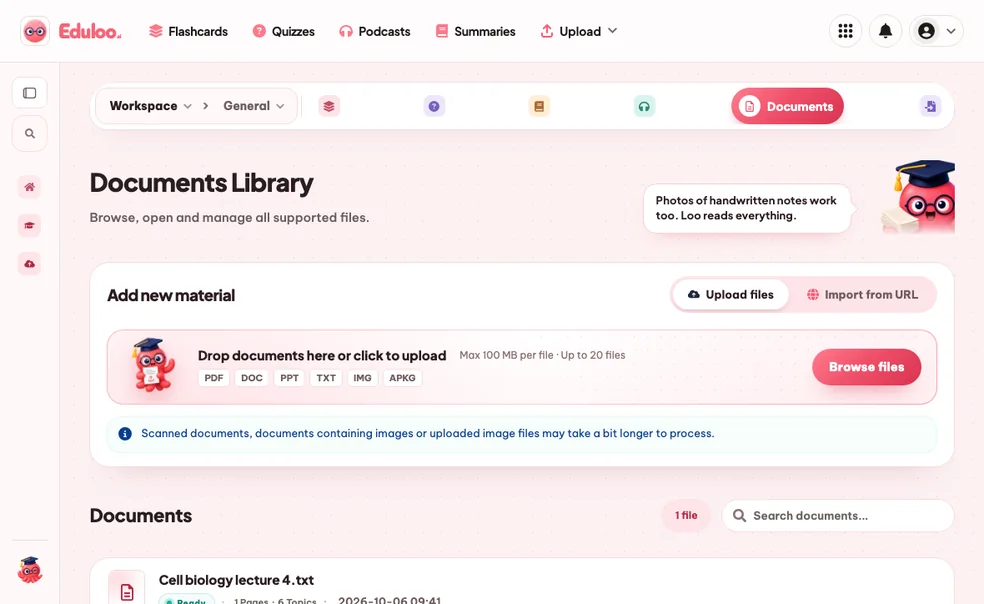
Summarize PDF files, slide decks, DOCX and text files, covering only the topics you select.
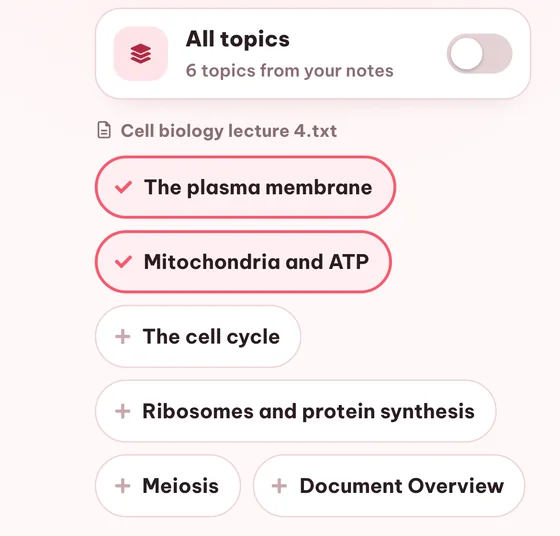
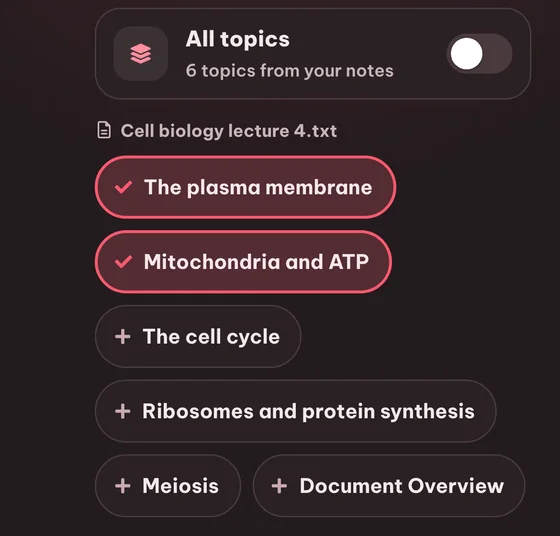
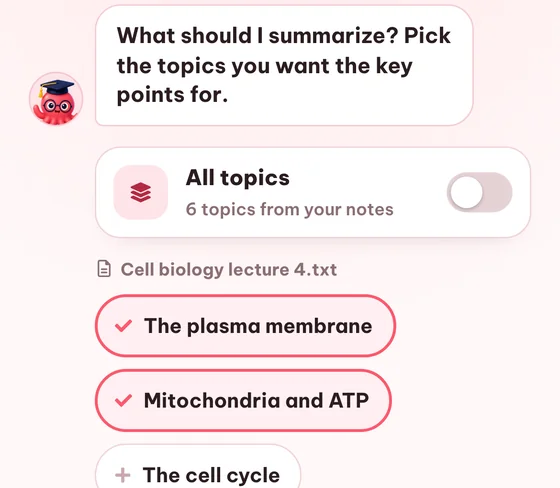
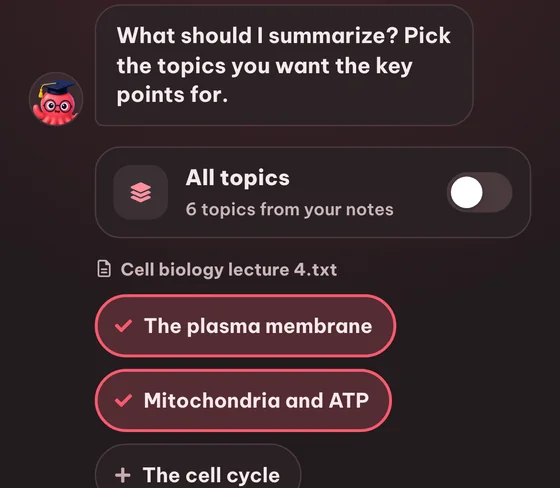
Choose exactly which topics from a document should appear in the summary - or include them all with one toggle.
One click to include every topic in the document, useful for revision summaries that need full coverage.
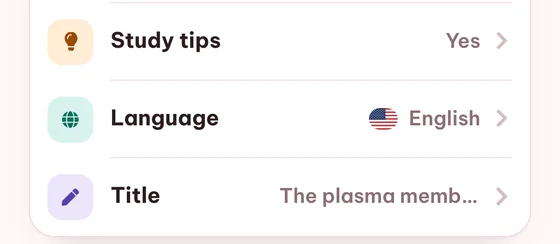
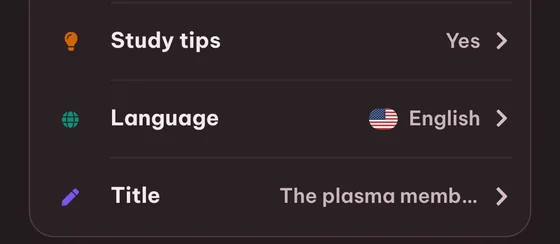
Name every summary so they stay organized across courses, semesters and exams.
You can try it for free as a guest with no signup, within small guest limits and with temporary storage. AI summaries are not part of the Free plan, so ongoing use needs Plus or Pro.
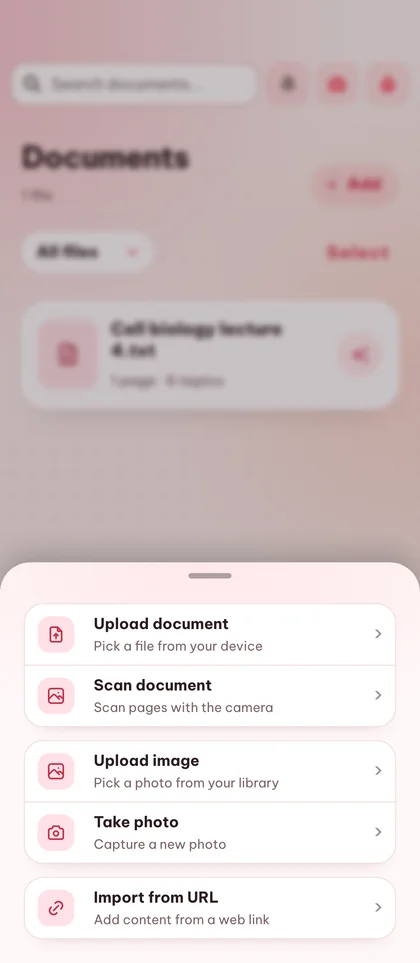
PDFs, DOCX, PowerPoint (PPTX), plain text files and images. You can also import a web article straight from its URL. Image-based PDFs work too thanks to built-in OCR.
Yes. It works as a notes summarizer too: upload typed notes as DOCX or TXT, or a photo of your pages, whose text is read with OCR. Clear writing reads best. You get the same summary by topic as for a PDF.
Yes. Eduloo extracts the topics from your document and lets you tick exactly the ones you want in the summary. Or use the All-topics toggle for full coverage.
Yes. The output language is selected per generation - 25+ languages are supported, so you can read a French textbook and get a German summary.
Typically seconds to a minute depending on document size and the number of topics. The summary library shows a clear status badge while generation is in progress.
Yes. Summaries open in an editor where you can rewrite the text directly, and you can also rename them, regenerate with a different topic selection, or delete them.
Yes. Topics map back to the source document and the summary mirrors that hierarchy - you get a structured recap, not a flattened paragraph.
Yes. Every topic in the summary links back to its section in the document library, so you can verify or dig deeper in one click.
Guest summaries are kept for 30 days and are then deleted automatically. Create a free account to keep them permanently.
Yes. The topic picker lists the topics from every document in your library, so you can tick topics from several documents and get one summary that covers them all.
Still stuck? Ask Loo.
No answer here? Send us your question and we reply within a day.
Ask a questionWatch a quick demo, then jump in for free as a guest or pick a plan when you are ready.
Create a free account to keep everything you build as a guest, lift the guest-mode limits, and sync across devices.