


No decks yet
Import an .apkg file or create a flashcard deck to export it later.
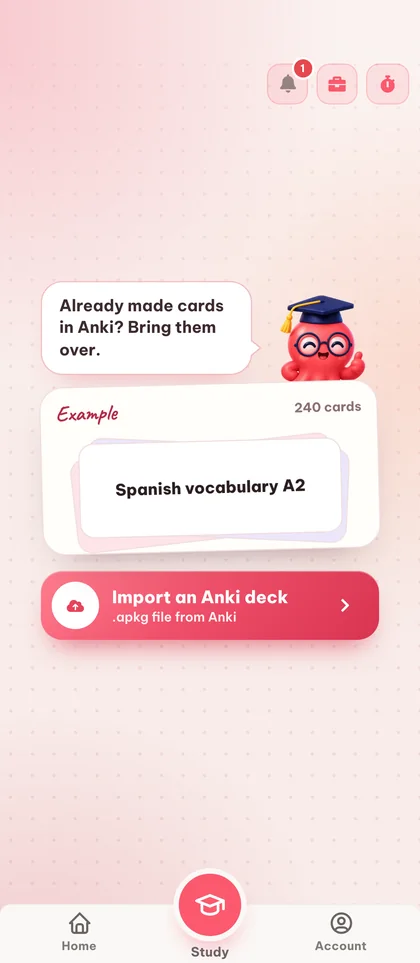
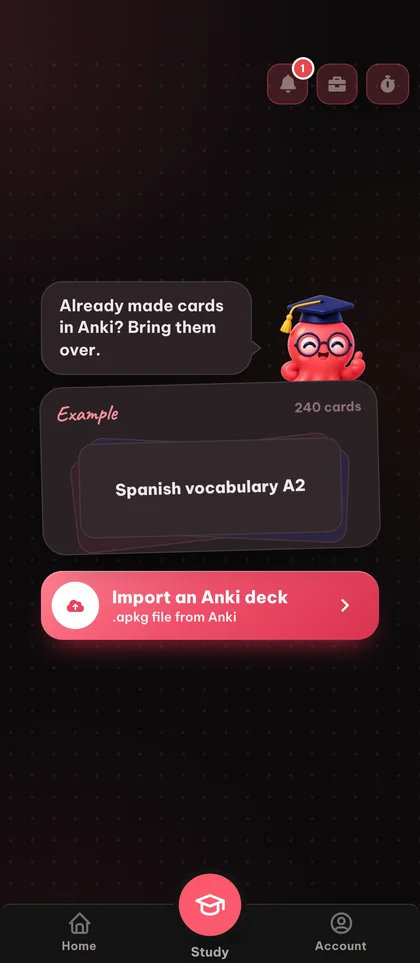
Bring your existing Anki .apkg decks straight into Eduloo. Browse your topics, study with the same spaced-repetition flow you already know, and export any deck back to .apkg whenever you want.
Guest mode
You are using the Eduloo Anki tools as a guest. The demo is fully functional but with limited capacity and temporary storage. Create an account or log in to keep your data and unlock the full version.
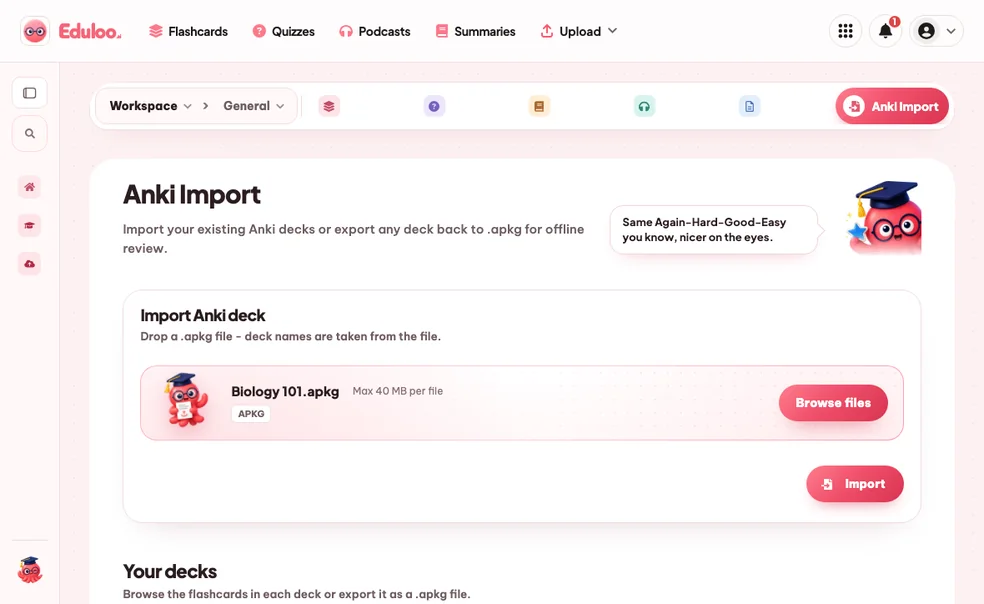
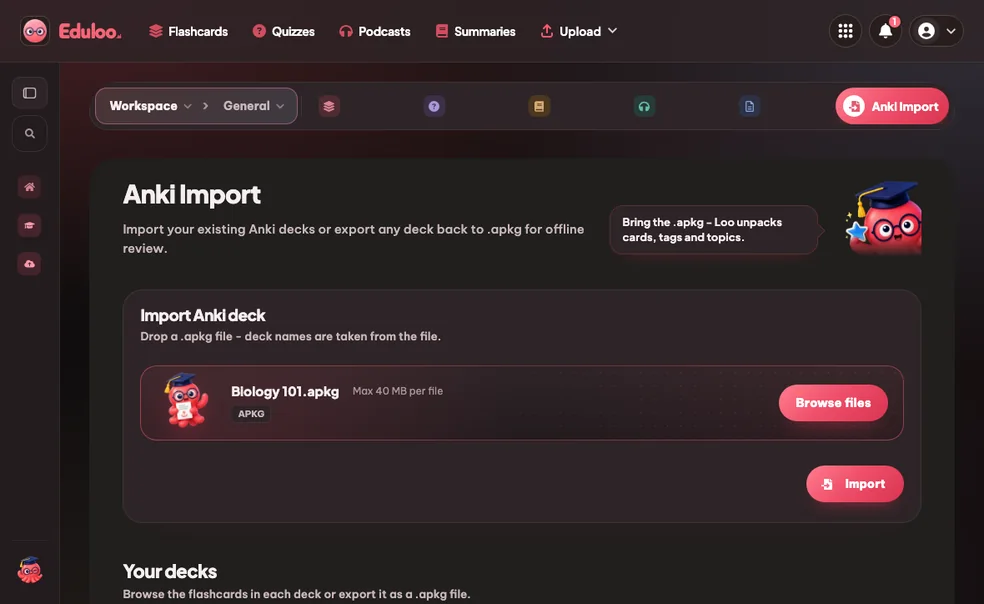
Import your existing Anki decks or export any deck back to .apkg for offline review.
Drop a .apkg file - deck names are taken from the file.
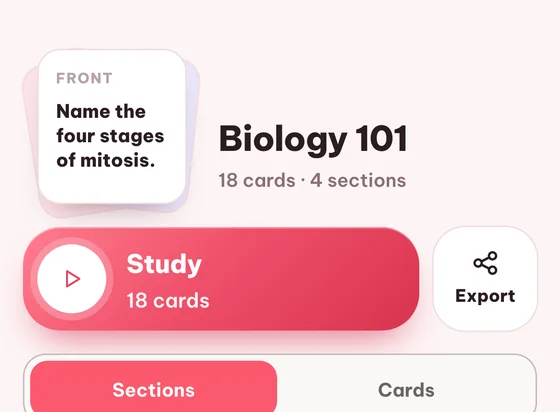
Browse the flashcards in each deck or export it as a .apkg file.
Import an .apkg file or create a flashcard deck to export it later.
Anki is a registered trademark of Ankitects Pty Ltd. Eduloo is not affiliated with or endorsed by Ankitects.
Select question type
1. What is the purpose of interfaces in Java?
Single choice2. Java is a statically typed language.
True/False3. Complete the sentence: Java uses ____ and ____ for memory management and thread control.
Fill the gaps4. Match each Java collection with its characteristic.
CombinationStay focused with the Pomodoro method: balanced 25-minute focus sprints and short breaks.
Session 1 of 4
Next: Break
Choose how this content felt and optionally leave a comment for the team.
1Create or auto-generate a topic. 2Click sections in the PDF to add them.
Click on sections in the PDF to select them for this topic.
No sections selected yet.
No topics yet.
No chunks available.
Select a topic to view its location in the document.
Loading sources...
Source no longer available.
Guest session found
We found study content created in your guest session. Import it now to keep everything organized in your account.
Four steps between the .apkg in your downloads folder and a real study session in your browser.
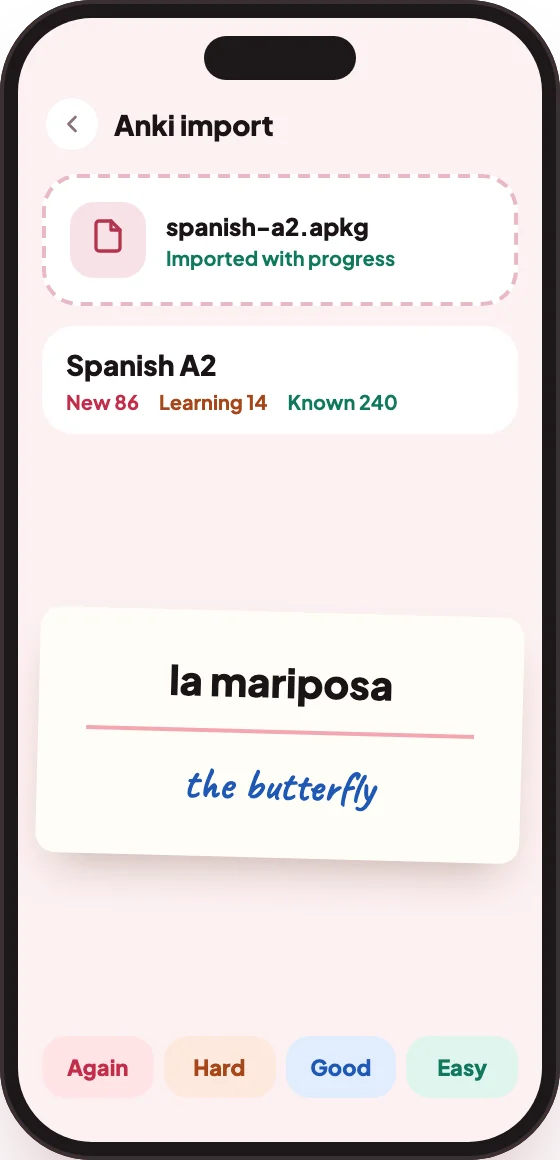
Drop in any Anki .apkg file - cards, deck structure, nested topics and tags come across as-is. Files up to 40 MB are supported.
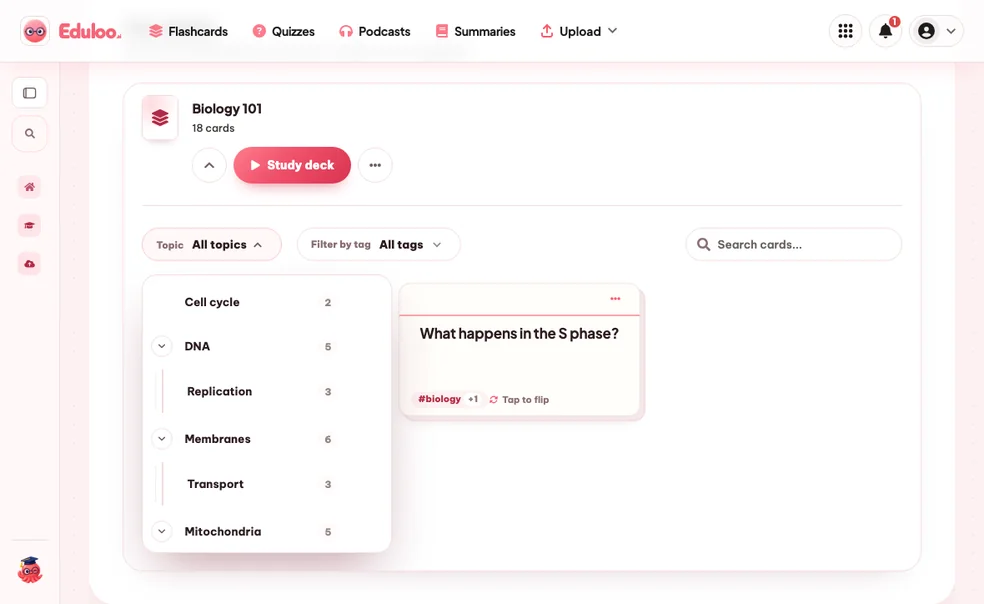
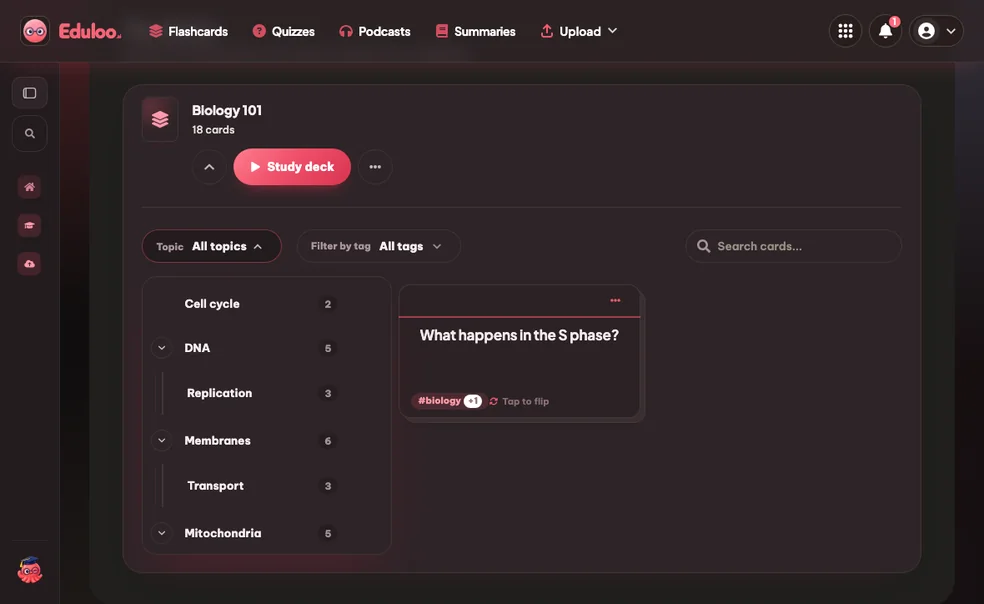
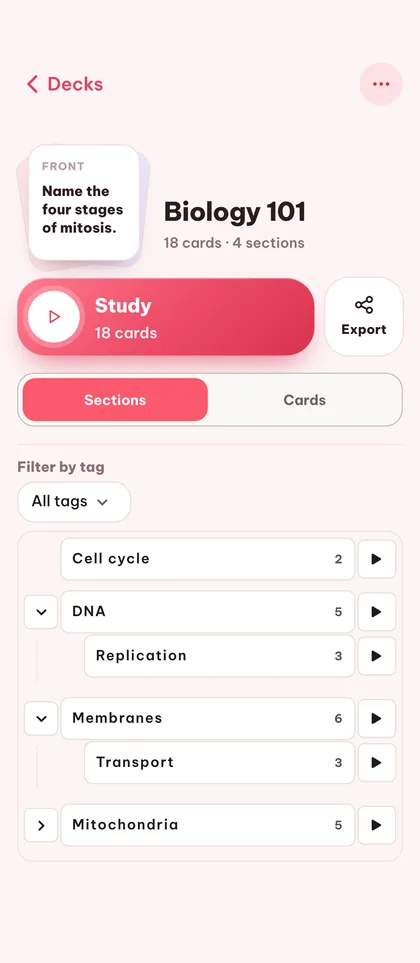
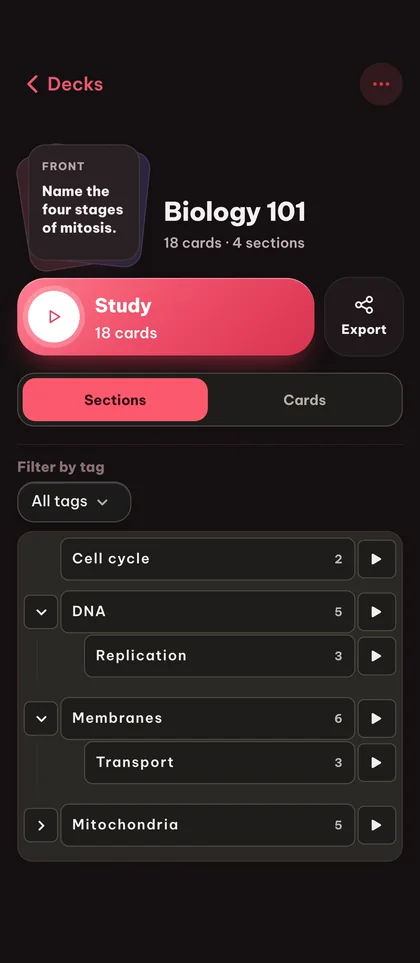
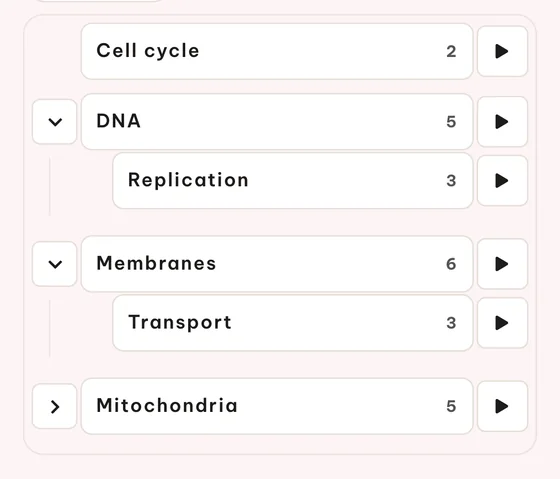
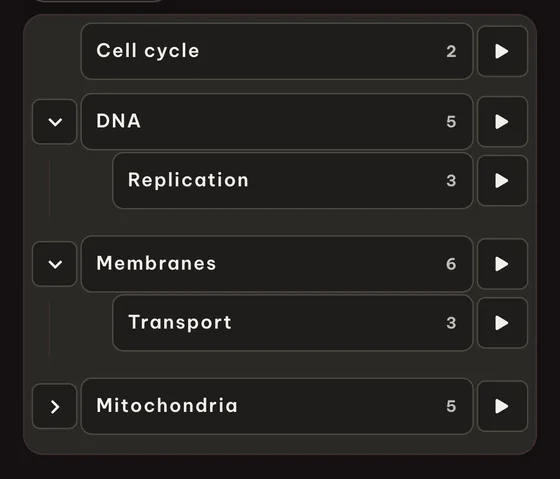
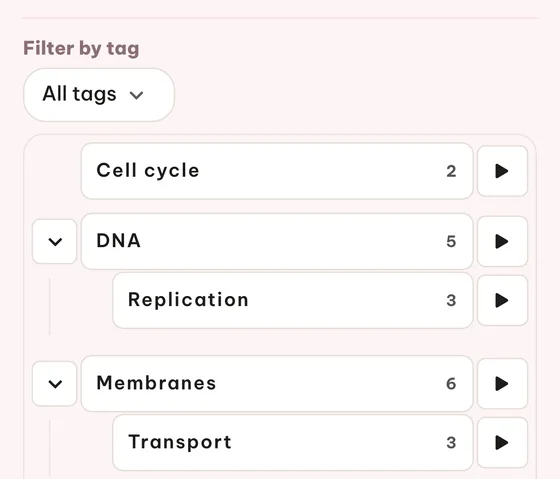
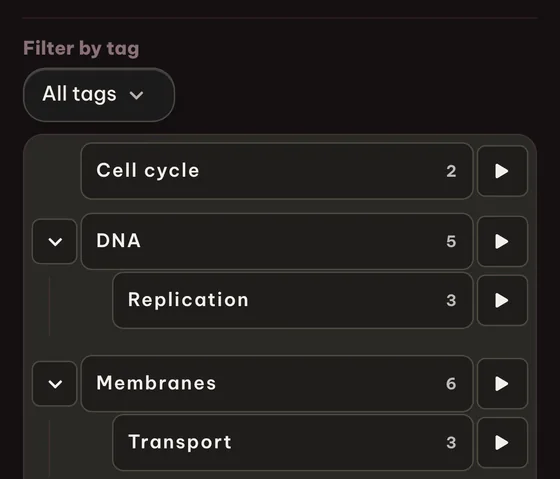
Eduloo lays out your Anki deck as a topic tree with card counts per topic. Expand a topic to see its sub-topics or jump straight to a card preview.
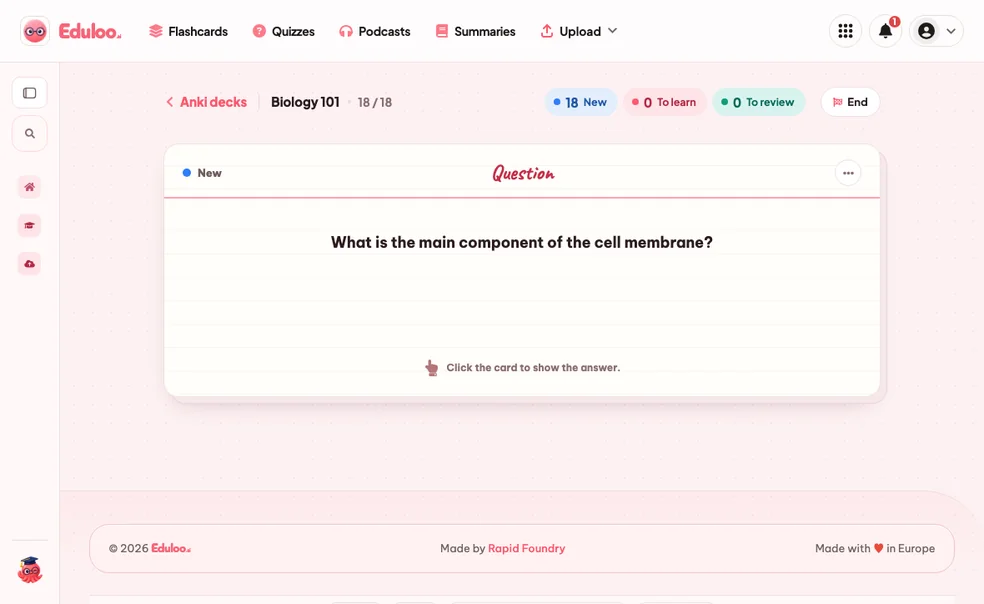
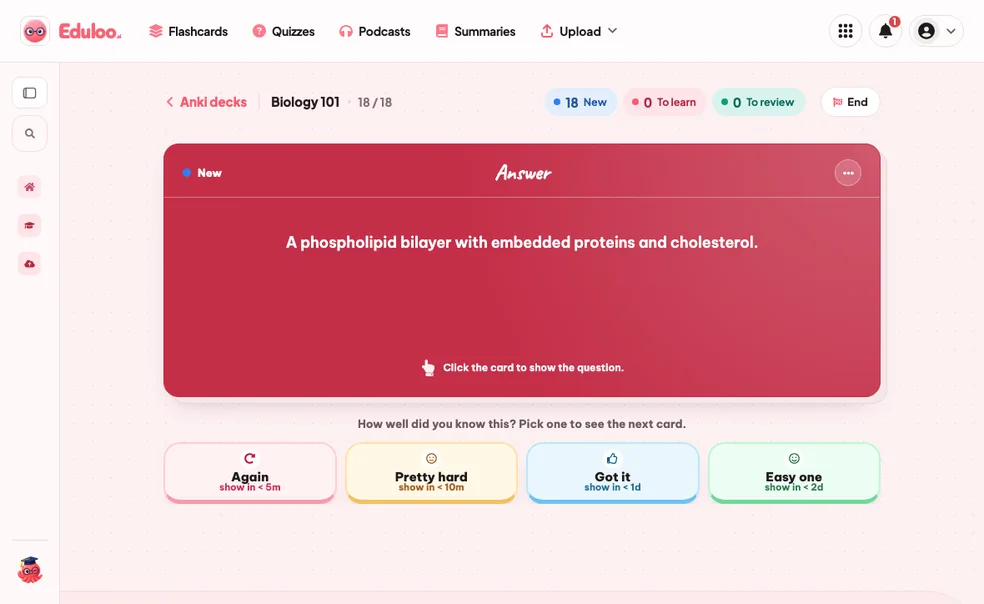
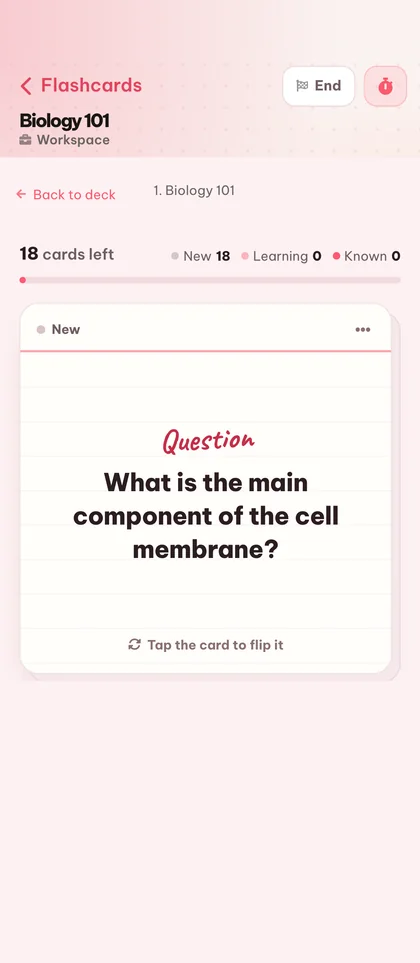
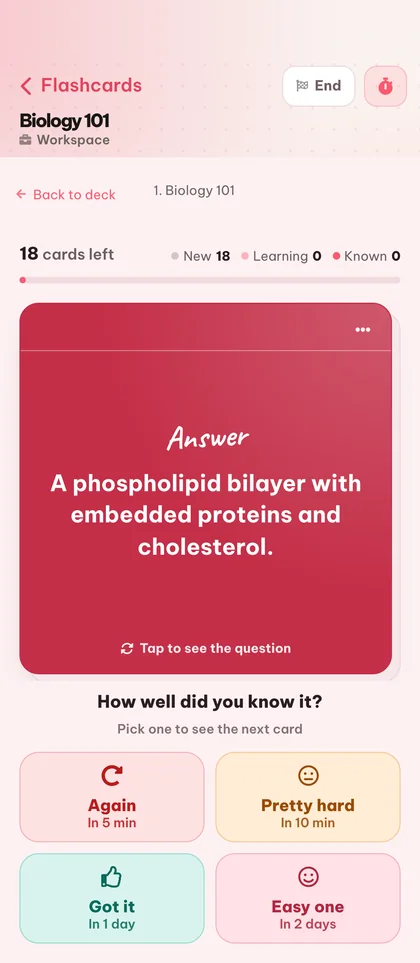
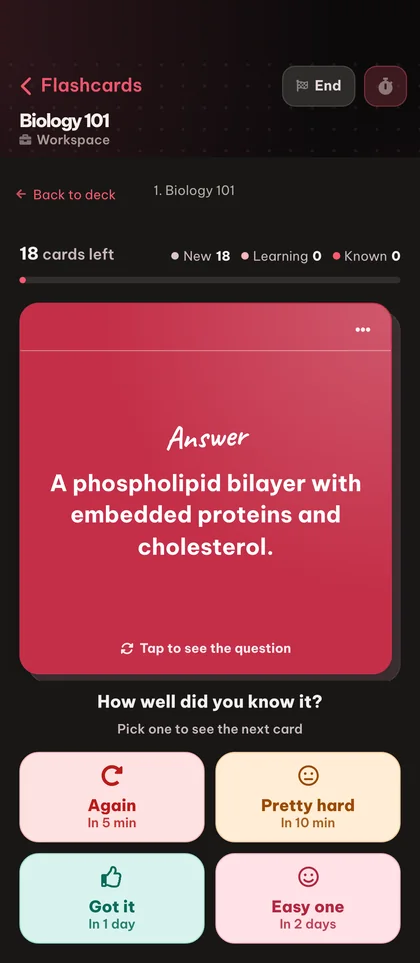
Start a study session on a single topic or the whole deck. Rate each card Again, Hard, Good or Easy and Eduloo adapts the schedule the same way Anki does.
Whenever you want, export your deck back to a standard Anki .apkg file. Your study data is portable - you never get locked in.
Anki is excellent, but its UI is dense and its mobile story is rough. Other web apps lock you in. Eduloo is a place to use your decks, not a place to trap them.
Import, browse, study and export, plus inline editing and cross-tool generation when you want more cards.
Bring any standard Anki package into Eduloo - cards, deck structure, nested topics and tags all come across.
Export any Eduloo deck back to .apkg with one click. Your study data is portable, always.
Topics with the familiar Anki :: separator render as a collapsible tree so you can navigate big decks fast.
Card tags survive the round trip in and out of Eduloo, so your existing organization stays intact.
Launch a study session on just one topic or sub-topic - perfect when only one section of the deck needs attention.
Or run the full deck in one session and let spaced repetition decide what to surface next.
Rate each card Again, Hard, Good or Easy and the schedule adapts - the same logic Anki users know.
Flip cards and rate answers with the keyboard. Faster than clicking once you build the habit.
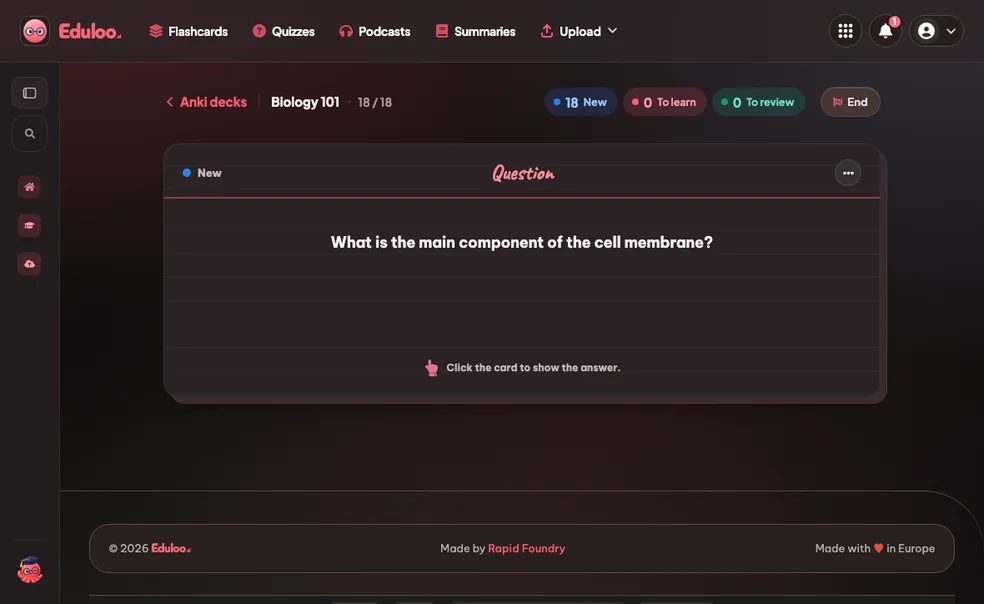
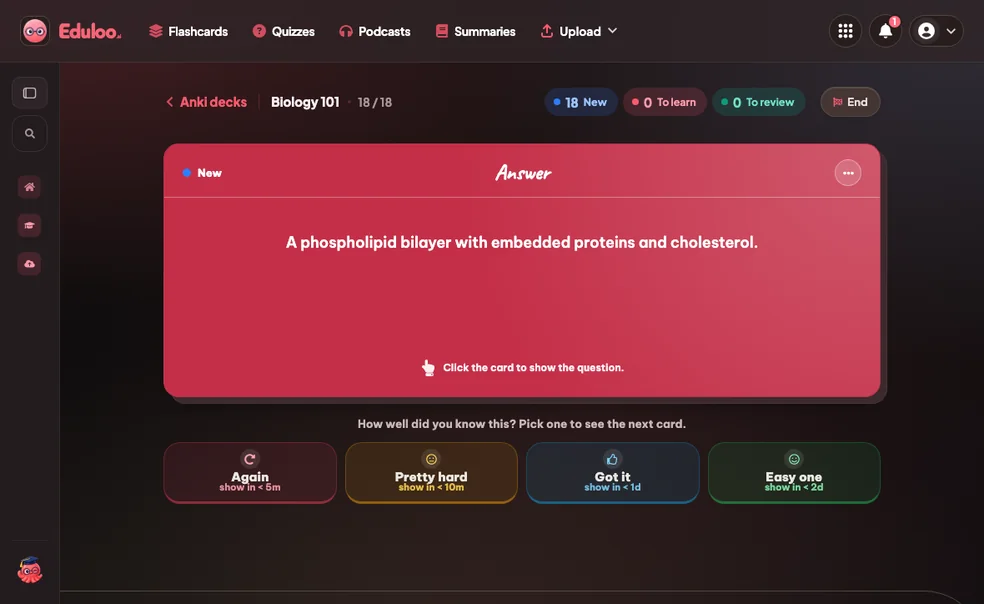
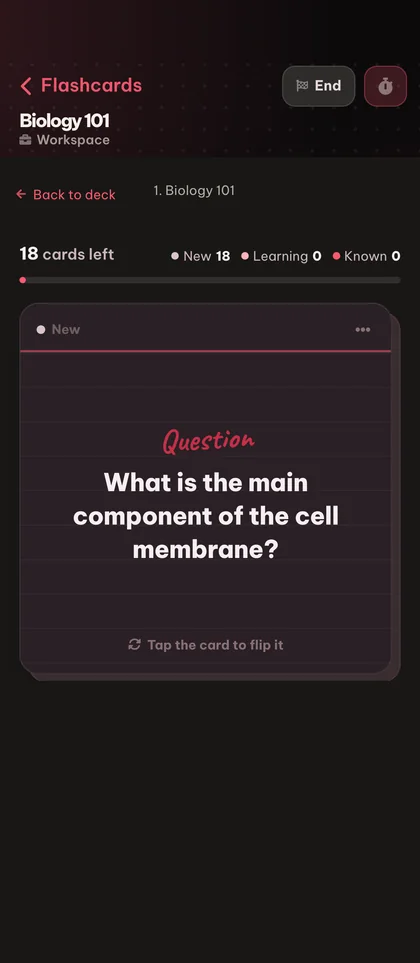
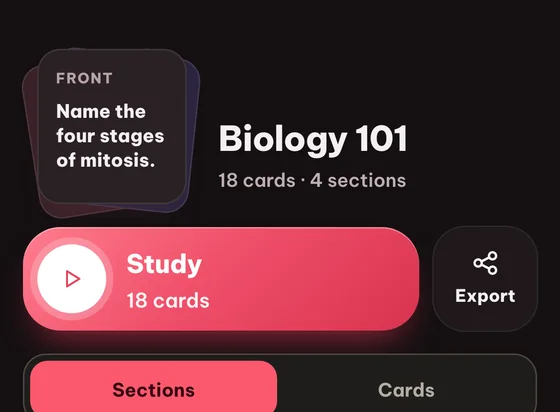
Distraction-free study view with clean flip animation - works on desktop and mobile.
Find any card by typing a fragment of its question. Useful when you remember a card vaguely but cannot find the topic.
Tap any card to preview the question, answer and tags before starting a study session on it.
Select multiple cards at once to study, copy or remove them in bulk.
Replace the original Anki filename with something more useful for studying.
Once a deck is in Eduloo, every card is fully editable - polish a question, fix a typo, refine an answer.
Remove a single card or wipe an entire imported deck. Confirmations protect against accidental loss.
Study your imported Anki decks on your phone with full-screen card view and one-handed controls.
A short read on the round trip, the rating model, and how to combine Anki imports with the rest of Eduloo.
Anki is the gold standard for spaced repetition. If you have built a serious deck collection, you have spent hundreds of hours on cards that work. The last thing you want is a tool that asks you to start over.
Eduloo does not ask you to. Import your .apkg, keep your structure, keep your tags, keep your study history's spirit (via the four-rating system you already know). You just get a cleaner interface, mobile-friendly study, and the option to generate complementary material from your other study sources when you need it.
An Anki package contains a tree of decks (separated by ::), cards with question and answer fields, and tags. Eduloo's importer reads all three. After import, you see a topic tree that mirrors your Anki deck hierarchy, with card counts at every level so the size of each topic is visible at a glance.
Card tags survive import and export so your existing categorization is preserved. If you ever export back to .apkg, the deck you get is shaped like the deck you brought in.
Eduloo's study flow uses the same four-rating system Anki users already have automatic. Click Again when you forgot, Hard when you remembered with effort, Good for a clean recall, Easy for instant. The interval lengthens or shortens accordingly.
You can study a single topic (great for targeted weak-spot review) or the whole deck. New, To-Learn and To-Review counters keep your session focused so you always know what is left.
Anki has a separate browse-and-edit view that pulls you out of the study session. Eduloo lets you edit any card inline - while studying, while browsing the topic tree, anywhere a card appears. Edits save immediately and you stay in your study loop.
Your Anki deck covers what you already studied. For new material, upload it to Eduloo as a document and generate flashcards, quizzes, summaries or a study podcast on those topics. The result lives next to your imported Anki deck, so the whole study session can happen in one place.
Watch a quick demo, then jump in for free as a guest or pick a plan when you are ready.
Create a free account to keep everything you build as a guest, lift the guest-mode limits, and sync across devices.