


1. What is the purpose of interfaces in Java?
Single choiceFlashcard Maker - smart, AI-powered flashcards from any document
Upload a PDF, paste your notes, or import an Anki deck and turn them into ready-to-study flashcards in seconds. Built-in spaced repetition makes every minute of review count.
Guest mode
You are using the Eduloo Flashcard Maker as a guest. The demo is fully functional but with limited capacity and temporary storage. Create an account or log in to keep your data and unlock the full version.
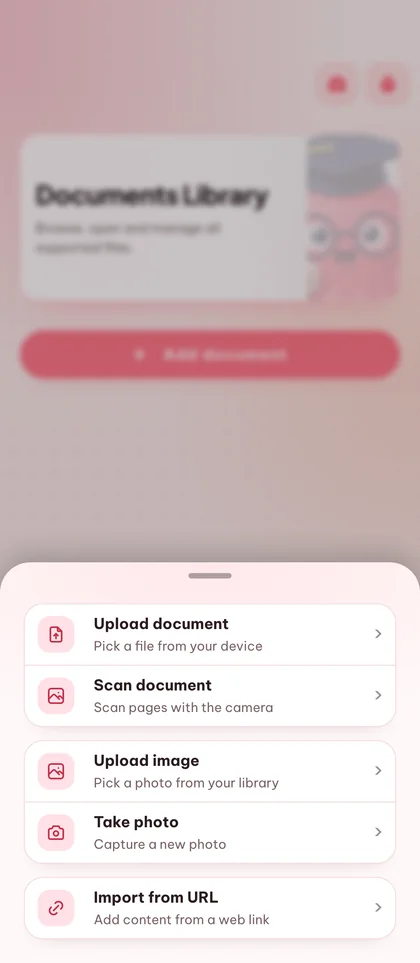
Flashcards Library
Review smarter with spaced repetition, quick deck actions, and focused study sessions.
Generating flashcards
- Analyzing topics
- Generating flashcards
- Removing duplicates
- Finalizing deck
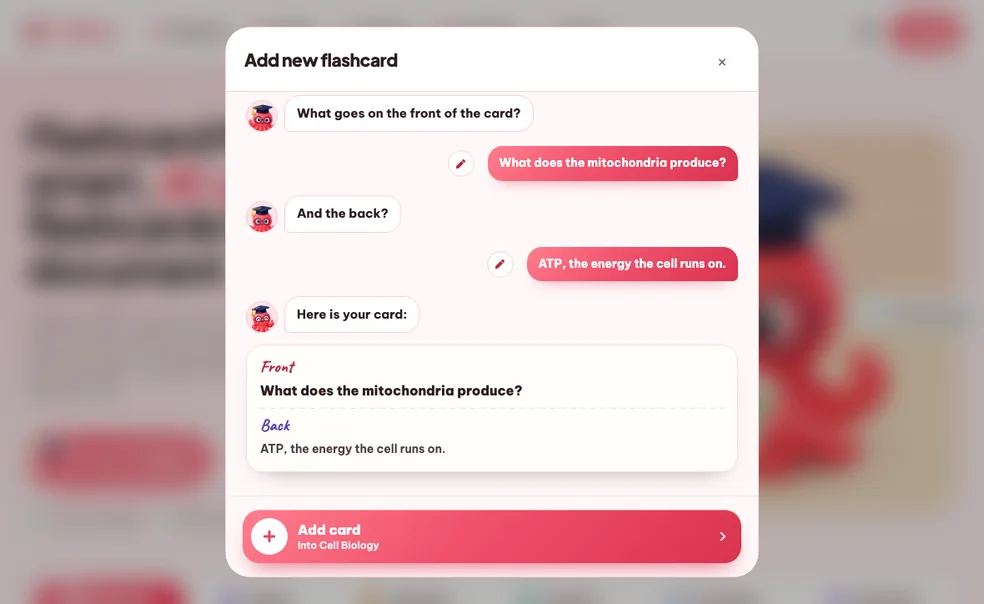
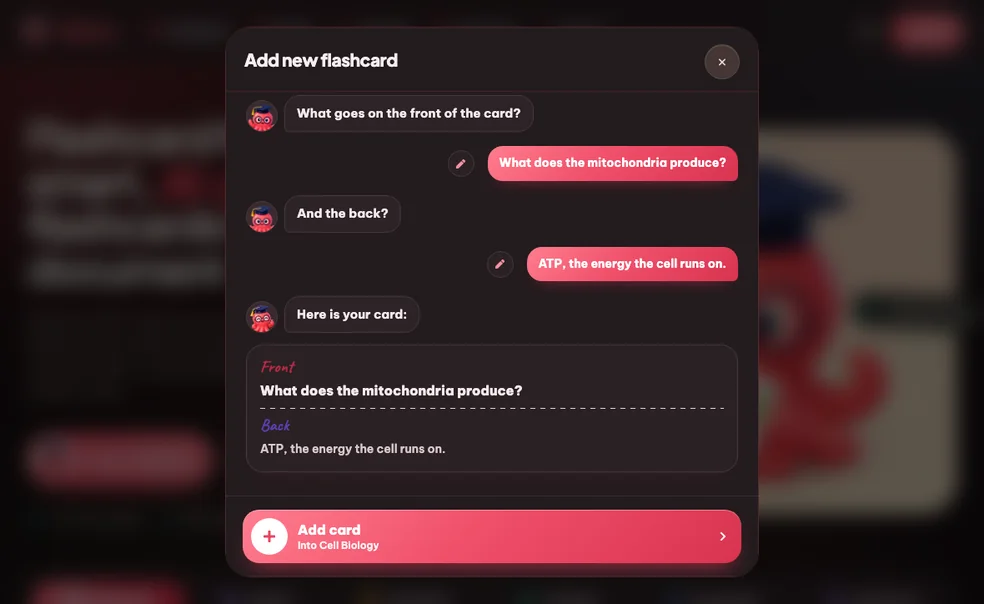
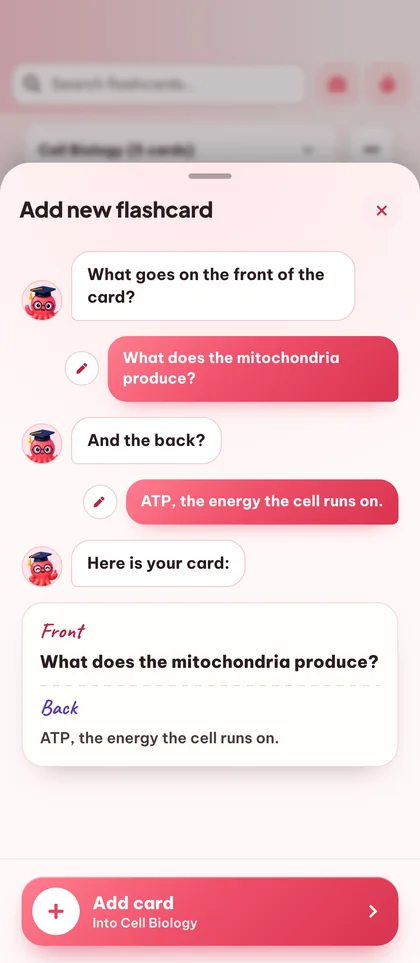
Add new flashcard
Create new quiz
Create new summary
Edit questions
Select question type
2. Java is a statically typed language.
True/False3. Complete the sentence: Java uses ____ and ____ for memory management and thread control.
Fill the gaps4. Match each Java collection with its characteristic.
CombinationCreate new podcast
Workspace & Subjects Management
Merge Decks
Merge Quizzes
Pomodoro timer
Stay focused with the Pomodoro method: balanced 25-minute focus sprints and short breaks.
Session 1 of 4
25:00
Next: Break
Rate this study item
Choose how this content felt and optionally leave a comment for the team.
Document Topics
No topics yet.
No chunks available.
Click on sections in the PDF to select them for this topic.
No sections selected yet.
Select a topic to view its location in the document.
Source of this question
Loading sources...
Source no longer available.
Would you like to import your guest study content?
Guest session found
We found study content created in your guest session. Import it now to keep everything organized in your account.
From document to deck in five steps.
Five small actions stand between the file on your desktop and a deck you can review tonight. None of them ask you to make flashcards by hand.
Add your study material
Upload a PDF, drop in slides or pasted notes, or import an existing Anki .apkg deck. You can also start with an empty deck and type cards by hand.
Generate or hand-build your cards
Pick the topics you want covered and the output language (20+ supported). Eduloo produces clear question / answer pairs scoped to your material. You stay in control - add, edit, or remove any card before studying.
Organize decks the way your brain works
Group cards into decks, nest decks under parent topics, drag cards to reorder, and use the search box to jump straight to a question or answer you have in mind.
Study with spaced repetition
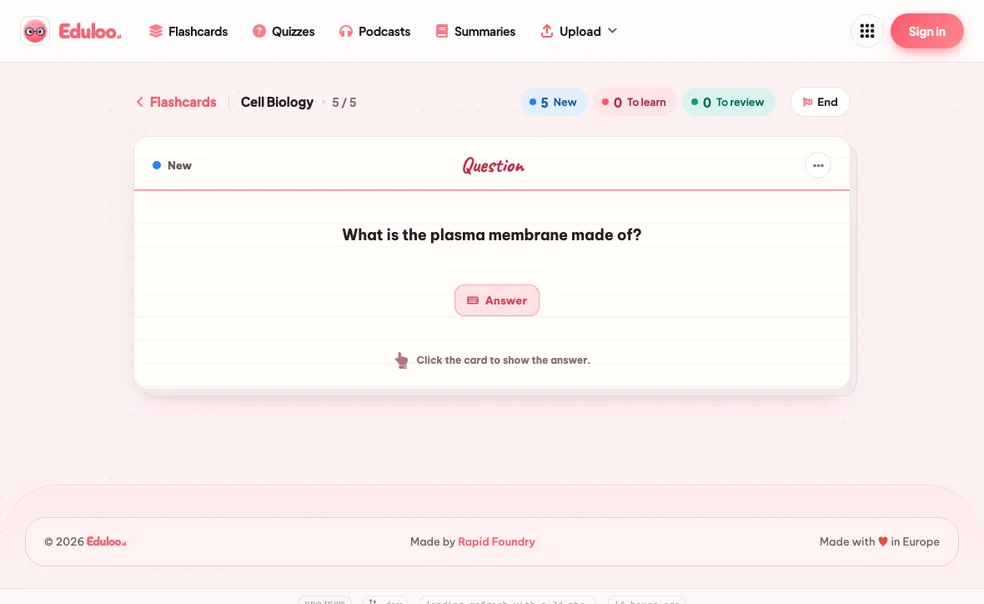
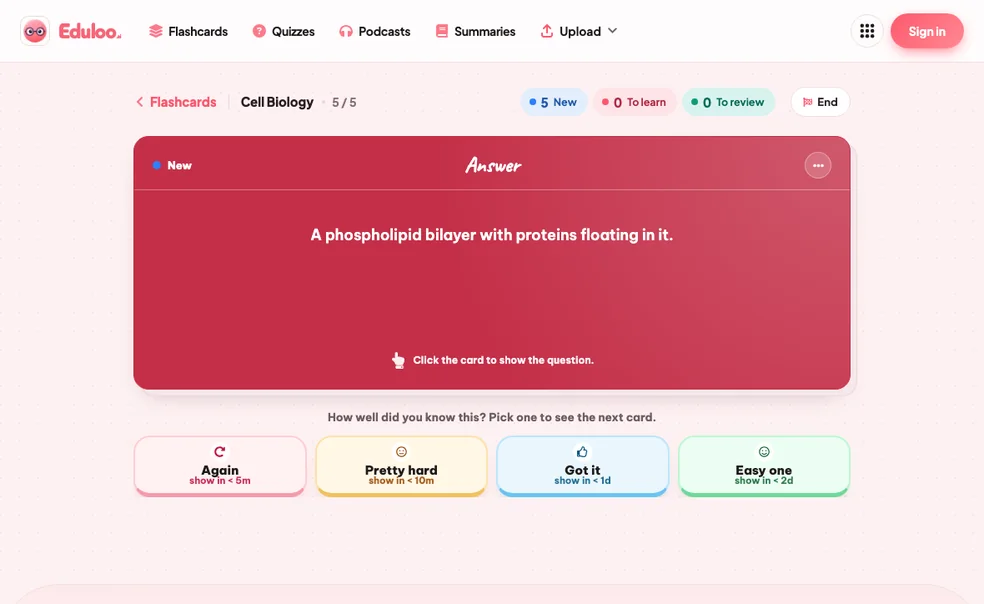
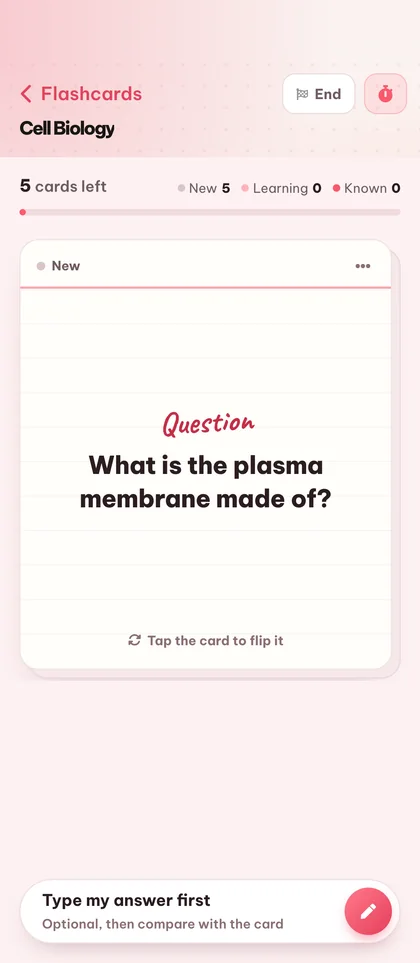
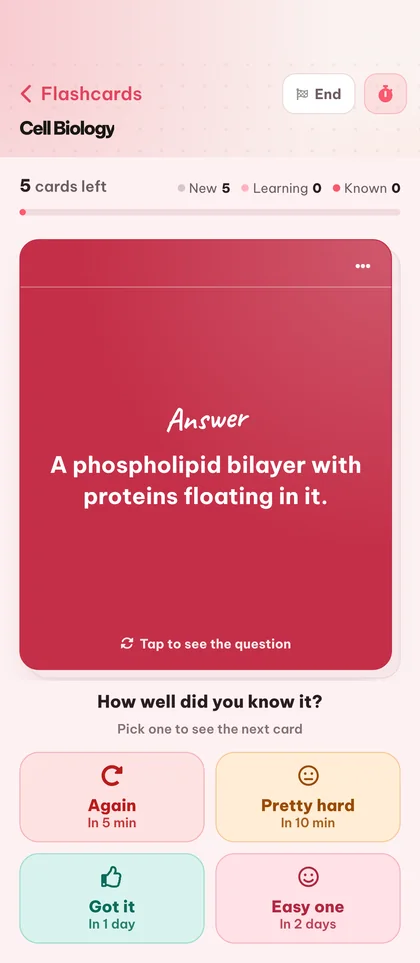
Open a deck in study mode and rate each card Again, Hard, Good, or Easy. Cards you struggle with come back sooner; ones you know fade out. New, To-Learn and To-Review counters keep your session focused.
Export, print, or take your deck anywhere
Export your deck back to Anki, print a clean PDF (light or dark mode) for offline review, or just keep it in Eduloo and pick up on your phone, tablet or laptop.
Compared to hand-writing cards or a generic AI.
Manual flashcards burn the hours you should be spending on review. Generic AI tools give you cards detached from your actual material. Eduloo is built for the middle ground.
What matters when you're studying for an exam in two days
Hand-written cards
Generic AI tools
Eduloo Flashcards
Twenty things the flashcard maker handles for you.
Generation is the headline. The rest of the surface area, editing, organizing, studying, importing, exporting, is what makes it work day to day.
01Create
Generate from documents
Turn any uploaded PDF, slide deck, or pasted notes into question / answer flashcards covering the topics you choose.
Create empty decks
Start from a blank deck and add cards manually when you want full control over what you study.
Anki .apkg import
Bring your existing Anki decks straight into Eduloo - cards, structure, and nested topics are preserved.
02Edit & organize
Edit questions and answers
Tap any card to rewrite the question or refine the answer. Edits save instantly with no separate publish step.
Rename decks
Rename a deck inline at any time. Names accept up to 191 characters so long subject titles fit comfortably.
Drag to reorder
Hold and drag cards to reorder them inside a deck - useful for grouping cards by sub-topic or difficulty.
Duplicate cards
Duplicate a card to keep its formatting and tweak one detail - great for variant questions on the same concept.
Delete cards or whole decks
Remove a single card or wipe a whole deck. Deletes are confirmed so you cannot lose cards by mistake.
Nested deck structure
Group decks under parent topics with the familiar Anki-style :: separator. Switch between sub-decks from a single picker.
03Study
Spaced repetition study
Rate each card Again, Hard, Good or Easy and the schedule adapts - struggle cards return faster, mastered cards space out.
Cram mode
Need a quick review before class? Switch on cram mode to cycle every card without affecting your spaced repetition schedule.
New / Learn / Review counters
See at a glance how many new cards, how many to learn, and how many are due for review in each deck.
Full-screen study
Distraction-free full-screen study mode with a clean flip animation - works equally well on desktop and mobile.
Keyboard shortcuts
Flip cards and rate answers with the keyboard. Faster than clicking once you build the habit.
Search questions and answers
Type any word and Eduloo finds every card whose question or answer matches. Perfect for revisiting a specific concept.
04Share & carry
20+ output languages
Generate cards in English, German, French, Spanish, Portuguese, Italian, Polish, Turkish, Japanese and many more.
Printable PDF export (light & dark mode)
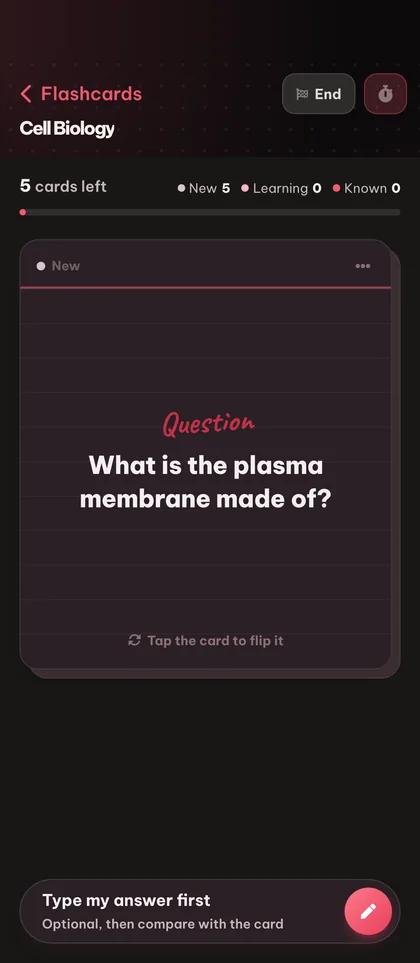
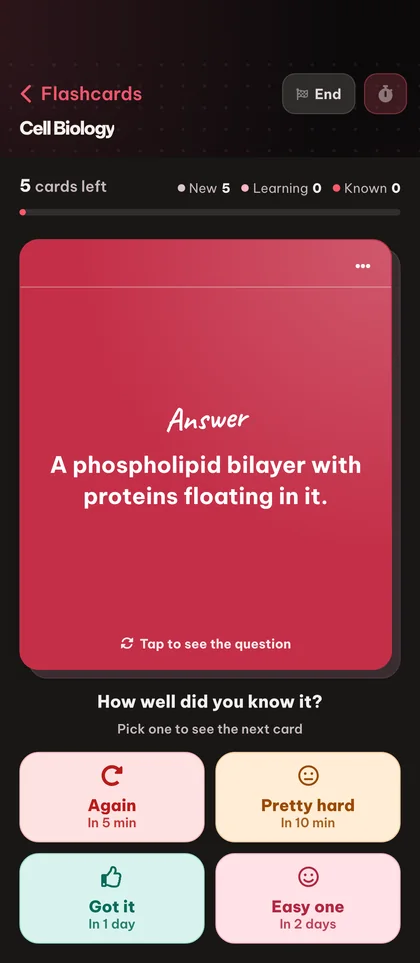
Print a clean, paper-friendly PDF of any deck for offline study. Pick light mode for paper, or dark mode for screen reading and battery-friendly e-ink devices.
Mobile-optimized
Study on your phone with a full-screen card view, tap-to-flip, and a mobile app bar built for one-handed use.
Anki .apkg export
Take any Eduloo deck back to Anki with one click. Your study data is yours, always portable.
Deck feedback
Rate a deck after a session so you can flag the ones worth keeping and skip the ones that are not pulling their weight.
Why active recall works, and why most students still skip it.
A short read on the science, the implementation, and who this is really for.
§ 01Why flashcards work, and why most students still hate making them
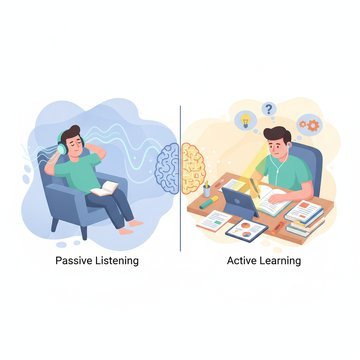
Active recall - retrieving an answer from memory rather than re-reading - is the single most evidence-backed study technique in the cognitive science literature. Flashcards are the cleanest possible vehicle for it. Look at the question, try to answer, flip the card, grade yourself.
The problem is everything that happens before you study: deciding what to put on the cards, writing the questions, writing the answers, formatting them, keeping them organized. For a 30-page lecture, that is two hours of busywork before the first review. Most students give up before they start.
Eduloo's flashcard maker exists to delete that busywork. You drop a document in, you get a deck out, and you spend your time on the part that actually moves your grade - reviewing the cards.
§ 02How spaced repetition is implemented in Eduloo
After each card, you rate your answer Again, Hard, Good or Easy. The schedule lengthens for cards you know and shortens for cards you don't - the exact mechanism Anki users will recognize. Eduloo shows three counters at all times: how many new cards are in this deck, how many you are currently learning, and how many are due for review today.
If you have a real exam in two days and need to cram, switch on cram mode. Every card cycles regardless of due date and your normal spaced repetition schedule is untouched.
§ 03Who Eduloo Flashcards is for
Medical students drowning in anatomy and pharmacology vocabulary. Language learners building real recall instead of passive recognition. Bar exam candidates working through case law. Anyone with a textbook, a stack of slides, or a deadline.
If you are already an Anki user, you can keep your existing decks - import them on day one and export Eduloo decks back to Anki whenever you want.
§ 04What is different about Eduloo's flashcard generation
Eduloo is not a generic question generator. The cards it produces are scoped to the document you uploaded and the topics you selected. That means the card on photosynthesis comes from your biology textbook chapter, not a generic biology question bank.
After generation, every card is fully editable. The AI handles the rough draft so you can focus on polishing the few cards that need a sharper question or a more precise answer.
§ 05Studying with Eduloo on mobile
The mobile experience is built for one hand and short bursts. Full-screen card view, tap to flip, tap to rate. There is no clutter, no menus, no extra friction between you and the next card. If you have ever crammed in a hallway between classes, this is the interface you wanted.
Frequently asked questions
Ready to give it a try ?
Watch a quick demo, then jump in for free as a guest or pick a plan when you are ready.
Like what you see? Keep your work.
Create a free account to keep everything you build as a guest, lift the guest-mode limits, and sync across devices.