




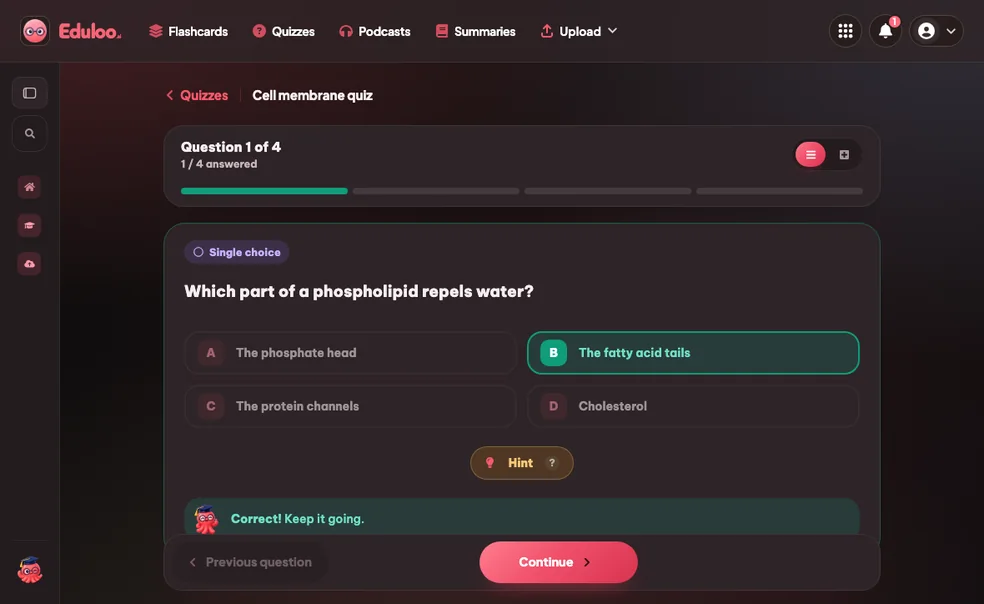
1. What is the purpose of interfaces in Java?
Single ChoiceQuiz Maker: turn
any document into
a practice test.
Turn your PDFs, slides or notes into single-choice, true/false, fill-in-the-blanks, combination and image-labeling quizzes. Test what you actually remember, see instant feedback, and watch your scores improve.
- Free in guest mode
- 5 question types
- 10 / 20 / 50 questions per quiz
Guest Mode Your work is kept for 30 days.
Quizzes 0 / 2 Documents 0 / 150k Sign in or create an accountQuizzes Library
Practice with focused question sets, clean progress signals, and quick improvement loops.
Five quick questions beat rereading - Loo keeps score.Every attempt is saved. Watch your score climb.Get one wrong and Loo shows you where it came from.Quick check or mock exam - 10, 20 or 50 questions.Testing yourself is studying. Loo just makes it painless.Wrong answers teach faster than right ones. Loo takes notes.
New Cards
New Quiz
New Summary
Edit Questions
Select question type
2. Java is a statically typed language.
True or False3. Complete the sentence: Java uses ____ and ____ for memory management and thread control.
Fill in the Blank4. Match each Java collection with its characteristic.
MatchingNew Podcast
Workspaces
Name
Actions
No subjects
Merge Decks
Loading decks
Merge Quizzes
Loading quizzes
Pomodoro Timer
Session 1 of 4
25:00
Next: Break
25 min
5 min
Rate This Study Item
Choose how this content felt and optionally leave a comment for the team.
Document Topics
1Create or auto-generate a topic. 2Click sections in the document to add them.
Click sections in the document to add them to this topic.
No sections selected yet.
No topics yet.
Sections
No sections.
Select a topic to view its location in the document.
Source of This Question
Loading sources
Source no longer available.
Import Guest Work?
Guest session found
Import your guest work to keep it in your account.
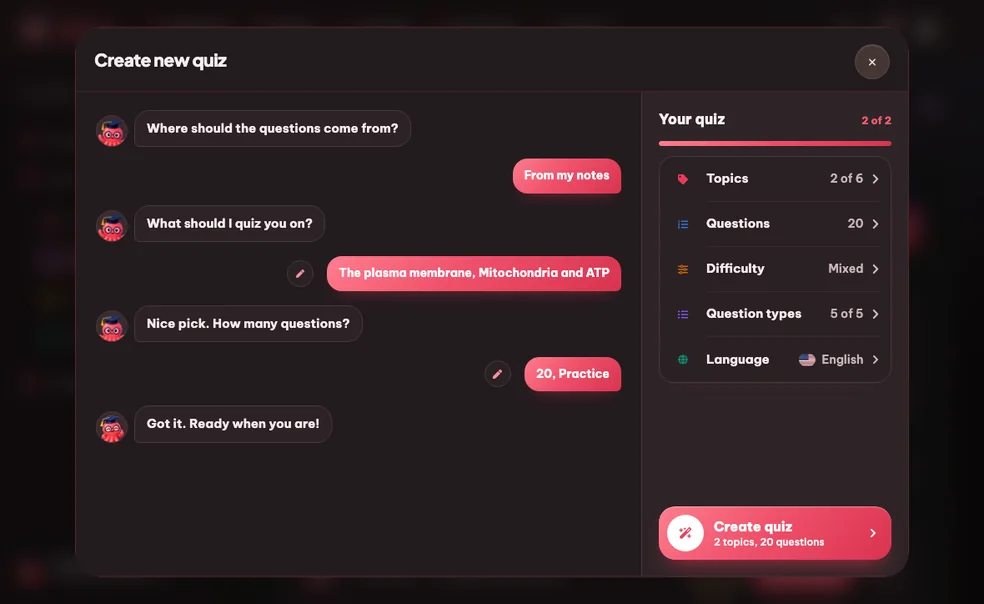
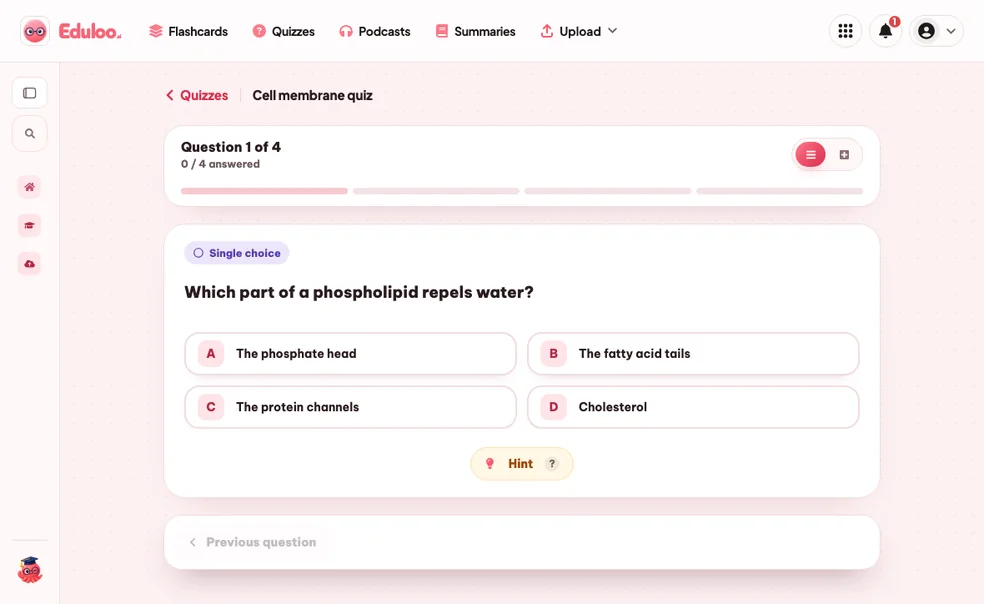
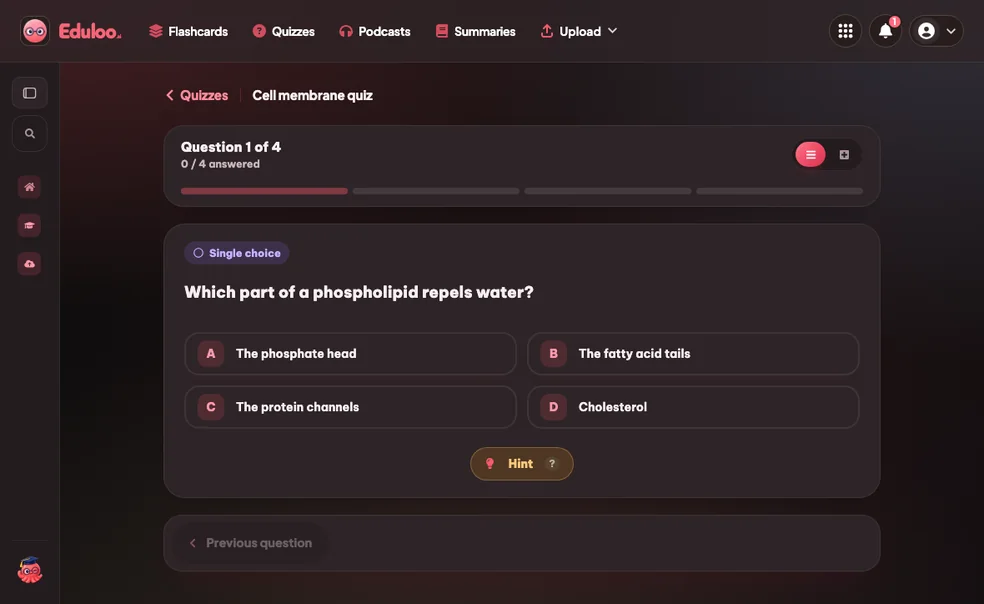
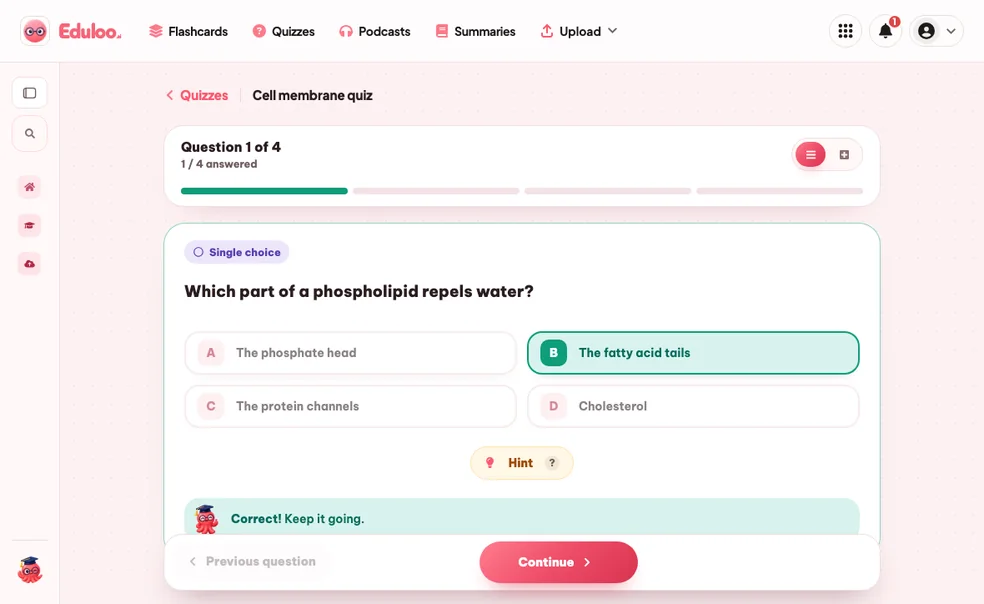
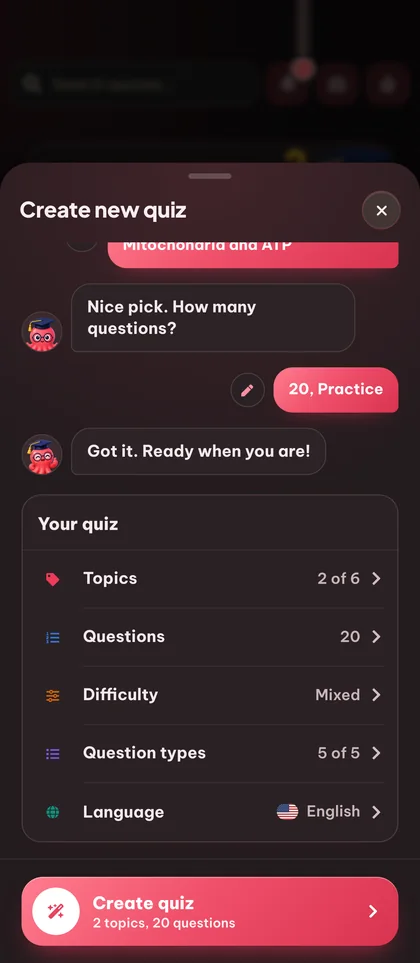
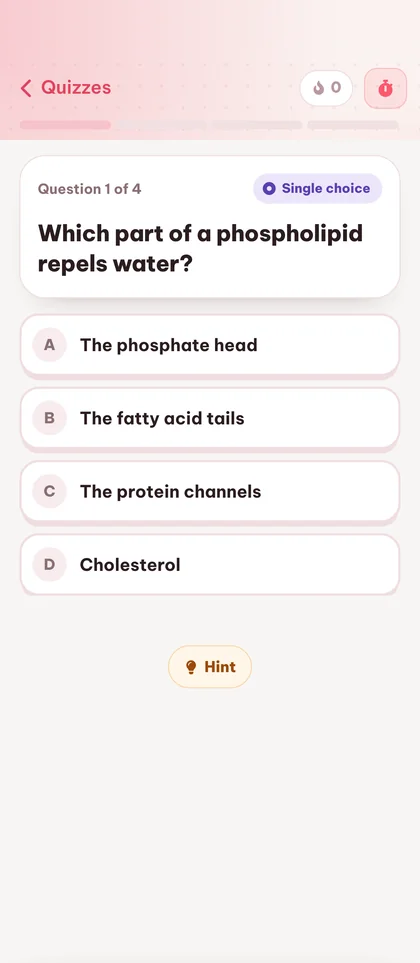
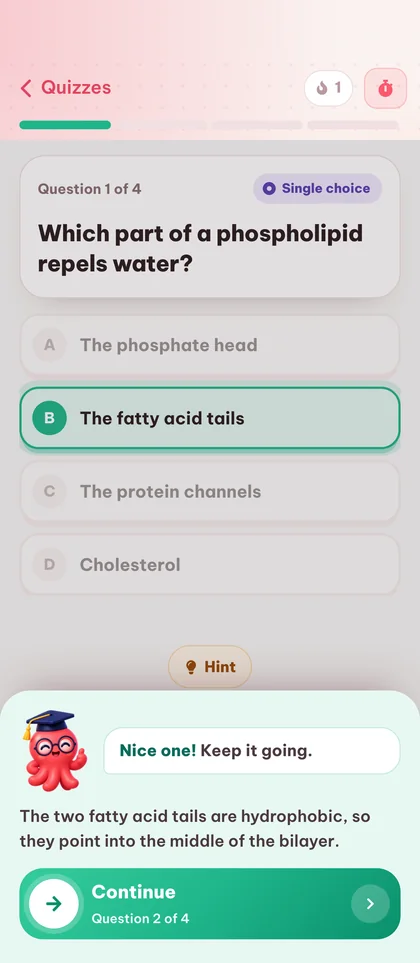
How the quiz maker
works in three steps.

Remember more
with a practice test.
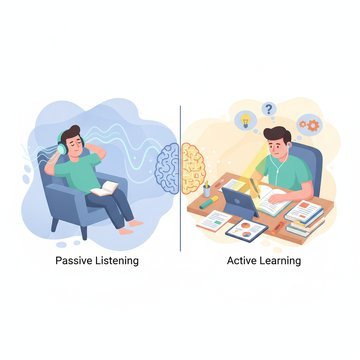
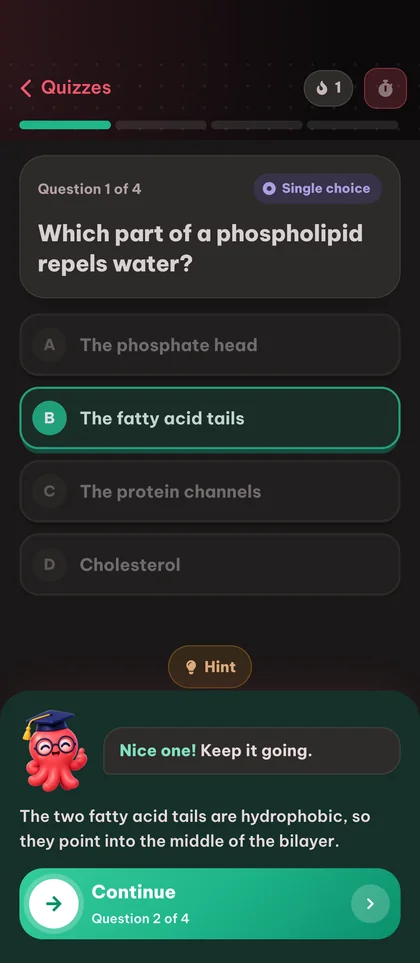
Active recall beats rereading
Testing yourself is the most effective study technique we know of. Eduloo makes self-testing effortless so you actually do it.
Questions written from your material
Not pulled from a generic question bank. Every quiz is scoped to the topics from the document you uploaded.
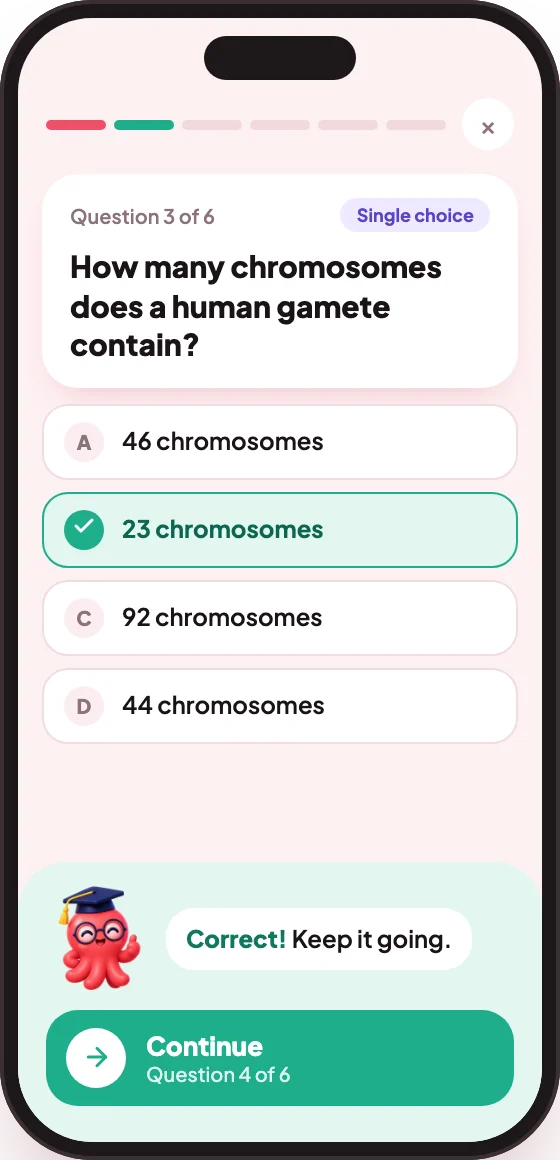
Multiple question types in one quiz
Mix single-choice, true/false, fill-in-the-blanks, combination (matching) and image-labeling in one quiz to drill recall, recognition, matching and visual identification.
The AI quiz generator with
everything in one place.
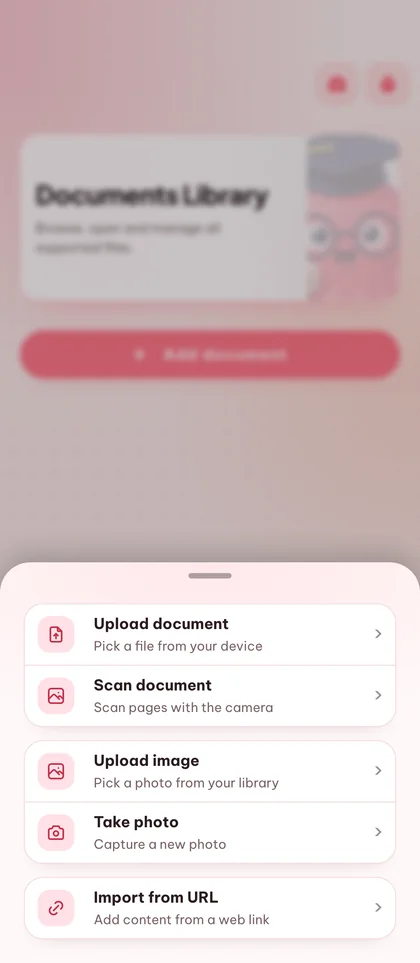
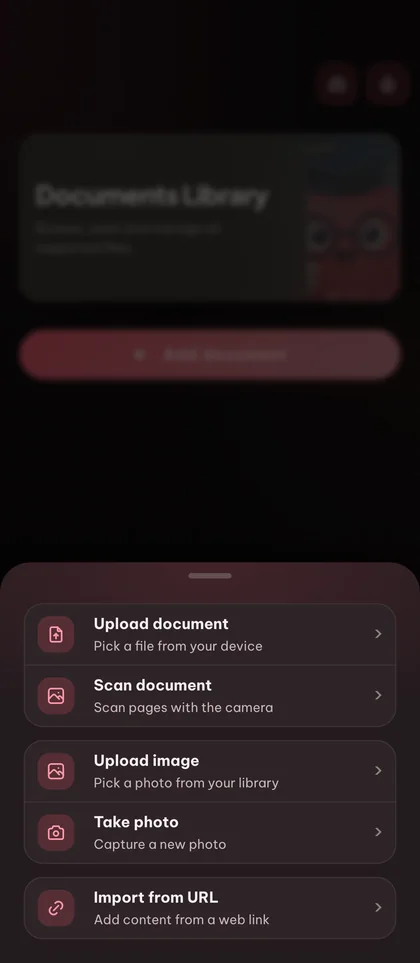
Generate from any document
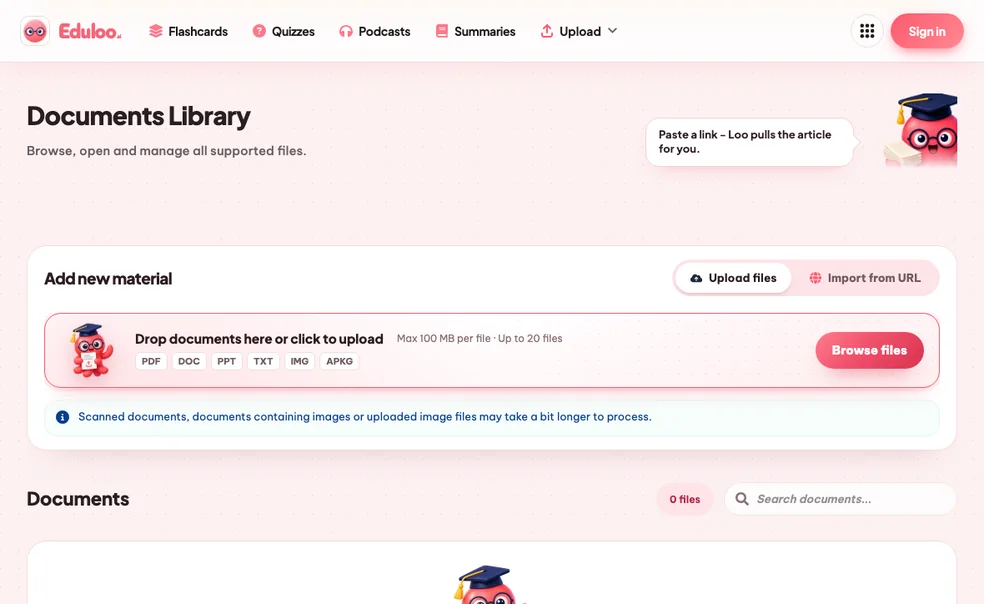
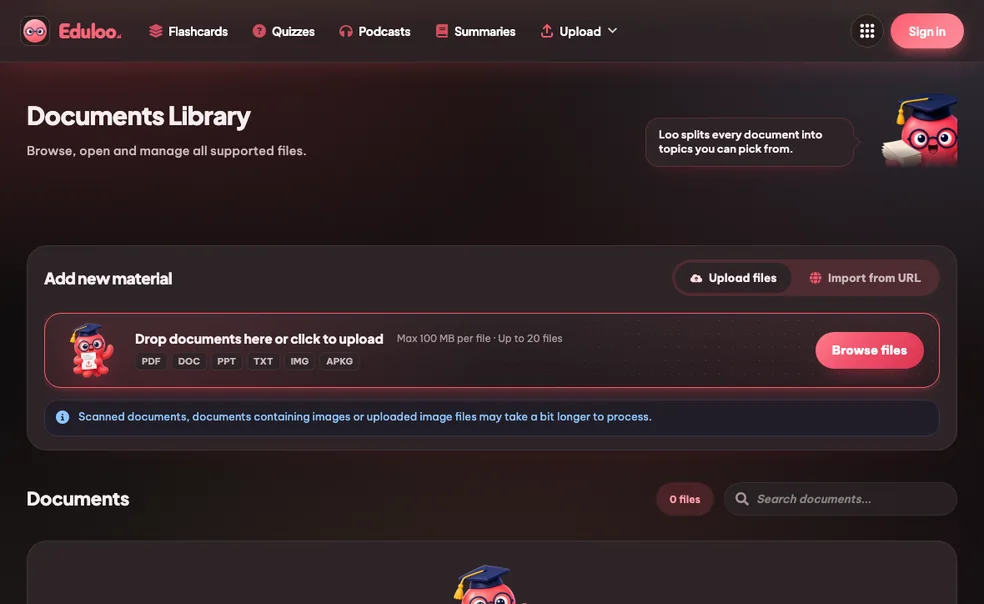
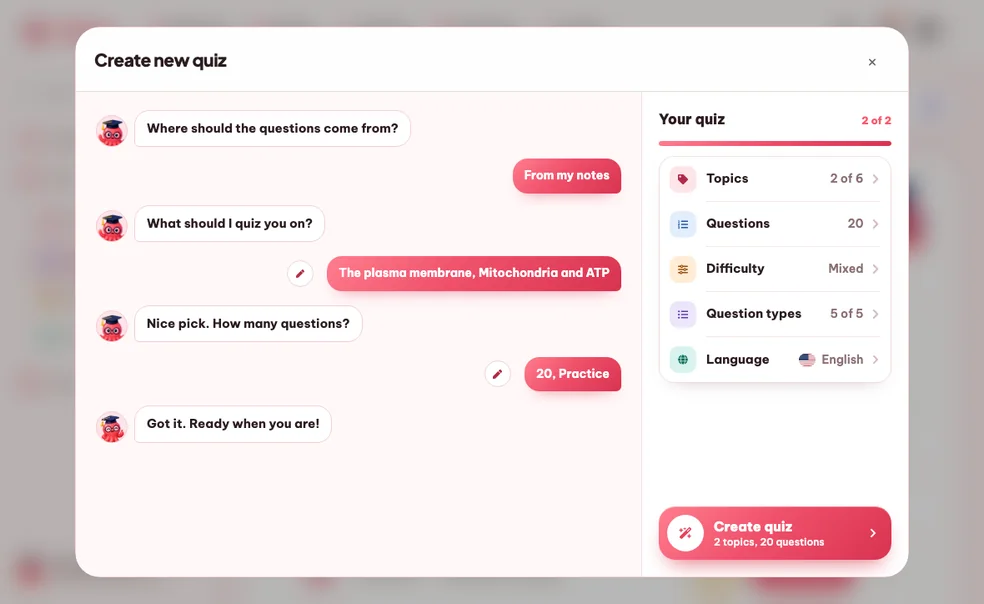
Turn an uploaded PDF, slide deck or notes file into a real quiz scoped to the topics you choose.
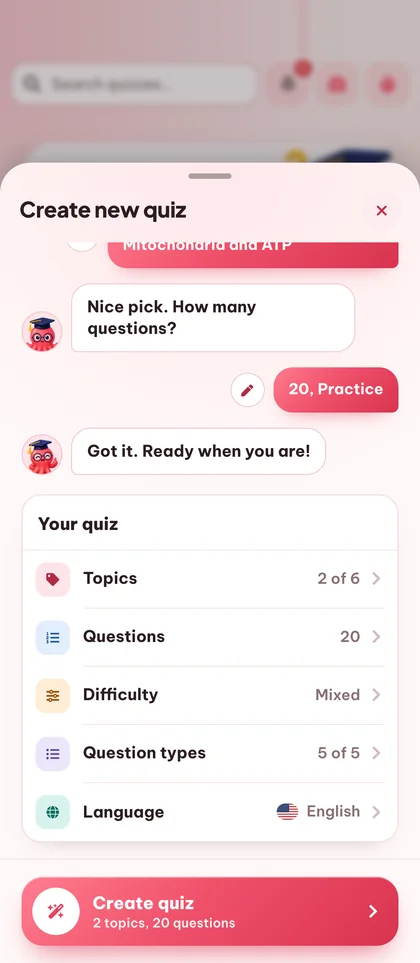
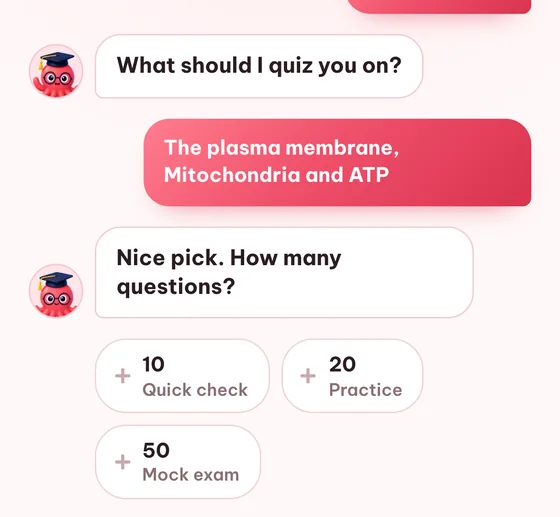
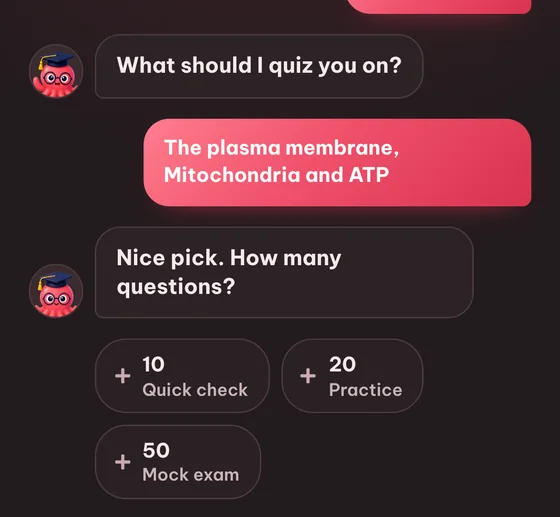
Question count: 10, 20 or 50
Quick refresher, real practice exam, or full mock test - pick the length that matches your session.
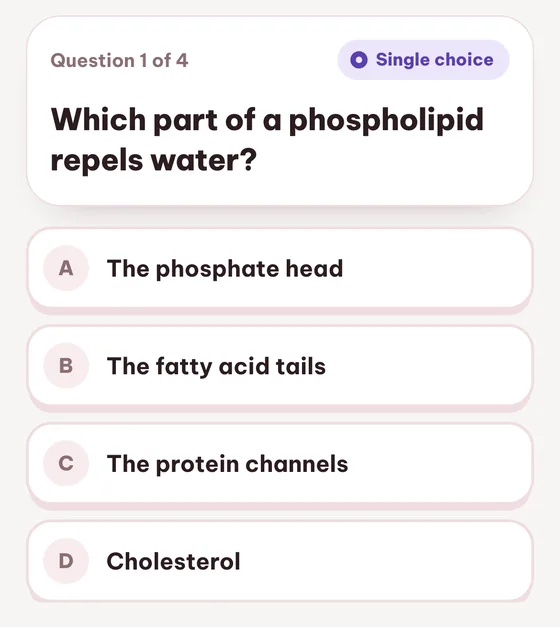
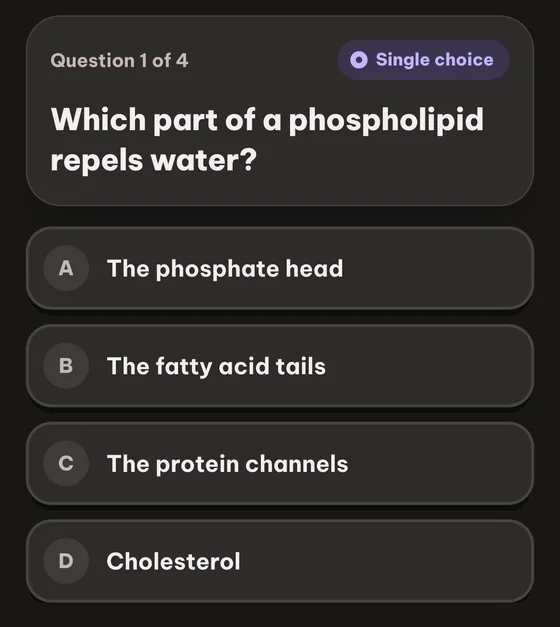
Single-choice questions
Classic multiple choice with one correct answer and three distractors generated from the source material.
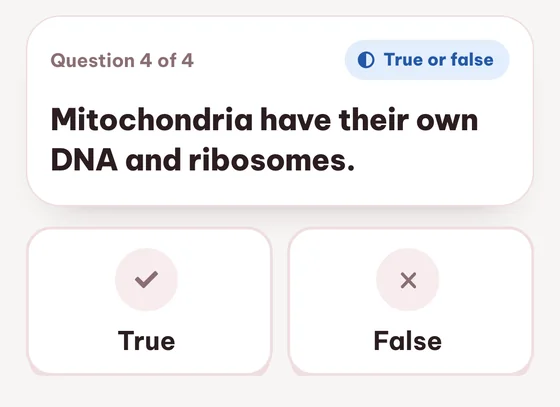
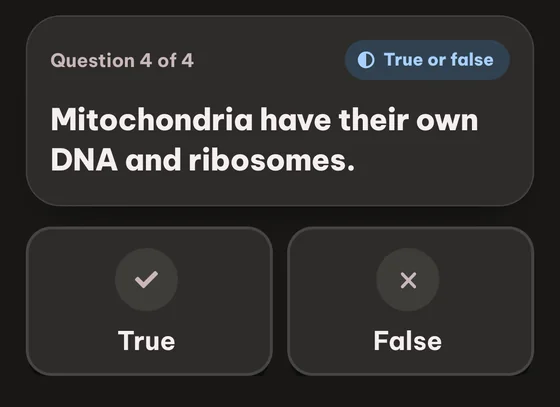
True / False
Sharpens fact recall and is great for warm-ups before harder question types.
Frequently asked questions

Still stuck? Ask Loo.
No answer here? Send us your question and we reply within a day.
Ask a questionIt is free to try. Generate, take and review quizzes as a guest with no signup, within small guest limits and with temporary storage. The Free plan keeps it free with monthly limits, including 10 quiz generations, and Plus and Pro raise those limits.
Single-choice (one correct answer), true/false, fill-in-the-blanks, combination (matching pairs), and image-labeling (click the right spot on a picture). You can mix all five in a single quiz.
You can pick 10, 20 or 50 questions per quiz. Ten is a quick refresher, twenty is a normal practice round, fifty is mock-exam length.
Yes. Every question is fully editable - rewrite the prompt, swap out a distractor, or fix the correct answer. You can also delete the ones that did not land.
Yes. Every attempt is saved with its score, so you can watch your performance on the same quiz improve over time. The quiz list shows your most recent score next to each entry.
18 output languages including English, German, French, Spanish, Italian, Portuguese, Polish, Turkish, Japanese and more. The output language is selected each time you generate.
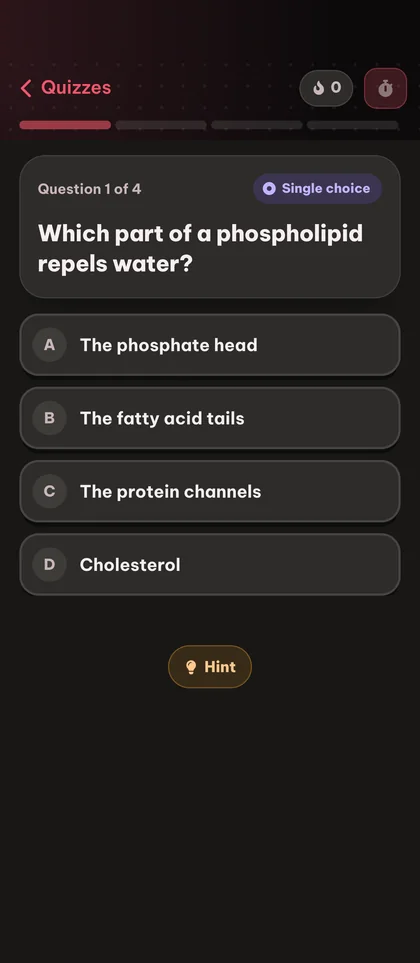
Yes. Every quiz can be shared with a link - anyone who opens it can work through the questions and save the quiz to their own library. You can also print or PDF-export quizzes for offline use, in either light or dark mode.
You see the correct answer immediately and the question is tagged with a link to the source topic in your document library, so you can review the exact section of your material where the answer comes from.
Guest quizzes are kept for 30 days and are then deleted automatically. Create a free account to keep them permanently and to migrate everything you built as a guest in one click.
Yes. One uploaded document powers every Eduloo study tool. Generate flashcards, quizzes, summaries and podcasts from the same notes with no extra uploads.
Further reading:
The illusion of fluencyMetacognition and learning
Ready to try the free quiz maker?
Watch a quick demo, then jump in for free as a guest or pick a plan when you are ready.
Like what you see? Keep your work.
Create a free account to keep everything you build as a guest, lift the guest-mode limits, and sync across devices.