




1. Java में इंटरफेस का उद्देश्य क्या है?
Single Choiceक्विज़ मेकर:
किसी भी दस्तावेज़ को
प्रैक्टिस टेस्ट में बदलें।
अपने PDF, स्लाइड या नोट्स को सिंगल-चॉइस, सही/गलत, रिक्त भरें, कॉम्बिनेशन और इमेज-लेबलिंग क्विज़ में बदलें। जो आपको वाकई याद है उसे परखें, तुरंत फीडबैक देखें और अपने स्कोर को बेहतर होते देखें।
- मुफ़्त गेस्ट मोड में
- 5 सवालों के प्रकार
- 10 / 20 / 50 प्रति क्विज़ सवाल
Guest Mode Your work is kept for 30 days.
क्विज़ 0 / 2 Documents 0 / 150k Sign in or create an accountक्विज़ लाइब्रेरी
केंद्रित प्रश्न सेट, स्पष्ट प्रगति संकेत और तेजी से सुधार के लूप के साथ अभ्यास करें।
दोबारा पढ़ने से बेहतर हैं पाँच छोटे सवाल, और Loo स्कोर रखता है।हर प्रयास सेव होता है। अपना स्कोर बढ़ते हुए देखें।कोई सवाल गलत हो जाए, तो Loo दिखाता है कि वह किस हिस्से से आया था।क्विक चेक या मॉक टेस्ट: 10, 20 या 50 सवाल।खुद को टेस्ट करना भी पढ़ाई है। Loo बस इसे आसान बना देता है।गलत जवाब सही जवाबों से जल्दी सिखाते हैं। Loo सब नोट करता है।
New Cards
New Quiz
New Summary
Edit Questions
प्रश्न का प्रकार चुनें
2. Java एक स्थिर रूप से टाइप की गई भाषा है।
True or False3. वाक्य को पूरा करें: Java मेमोरी प्रबंधन और थ्रेड नियंत्रण के लिए ____ और ____ का उपयोग करता है।
Fill in the Blank4. प्रत्येक Java संग्रह को उसकी विशेषता से मिलाएं।
MatchingNew Podcast
Workspaces
नाम
कार्रवाइयां
कोई विषय नहीं
डेक मर्ज करें
Loading decks
क्विज़ मर्ज करें
Loading quizzes
Pomodoro Timer
4 में से सत्र 1
25:00
अगला: विराम
25 min
5 min
Rate This Study Item
चुनें कि यह सामग्री आपको कैसी लगी और वैकल्पिक रूप से टीम के लिए एक टिप्पणी छोड़ें।
दस्तावेज़ विषय
1एक विषय बनाएं या स्वतः उत्पन्न करें। 2Click sections in the document to add them.
Click sections in the document to add them to this topic.
अभी तक कोई अनुभाग चुना नहीं गया है।
अभी तक कोई विषय नहीं है।
Sections
No sections.
दस्तावेज़ में इसके स्थान को देखने के लिए एक विषय चुनें।
Source of This Question
Loading sources
स्रोत अब उपलब्ध नहीं है।
Import Guest Work?
गेस्ट सेशन मिला
Import your guest work to keep it in your account.
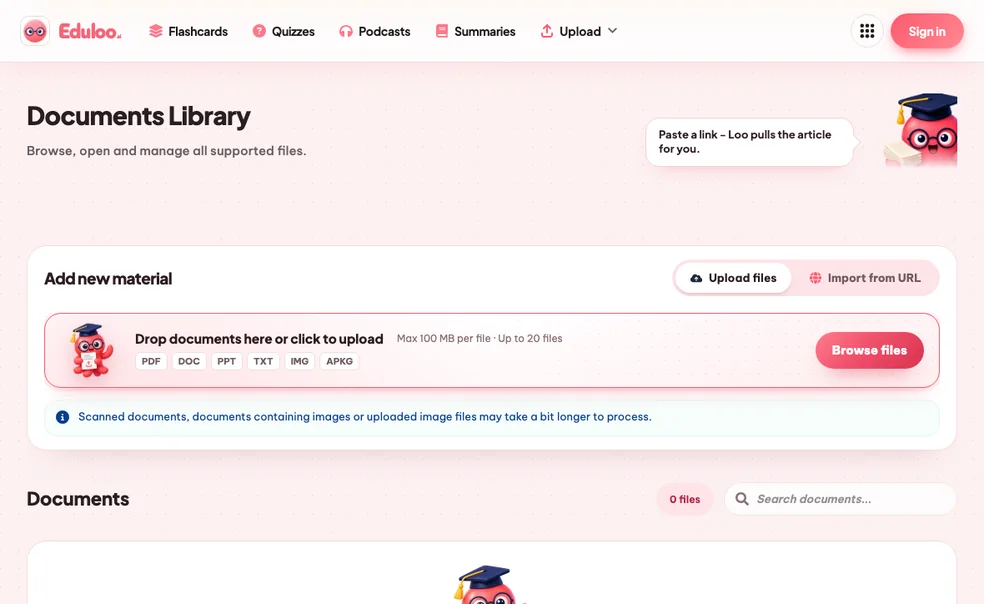
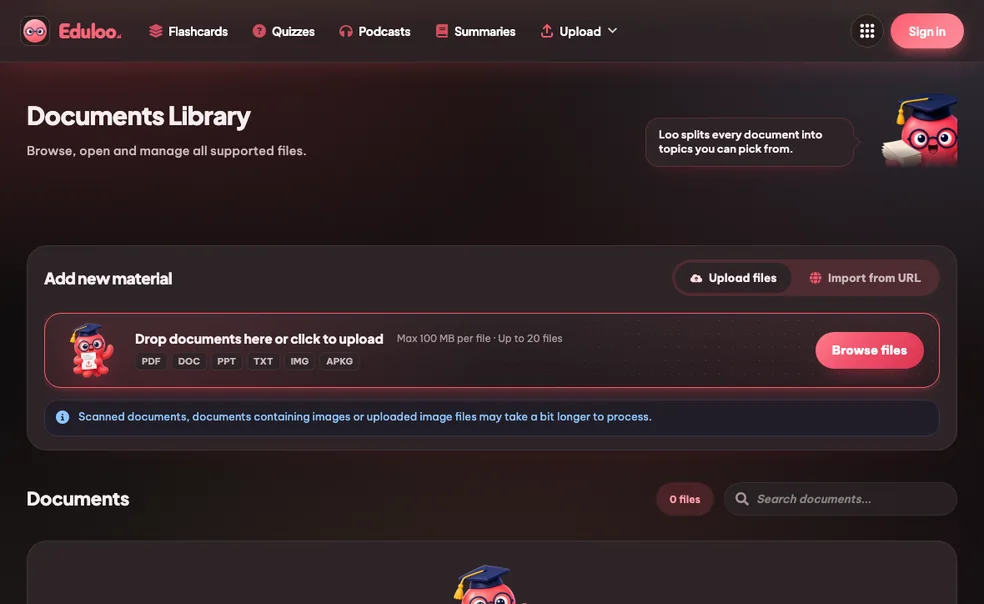
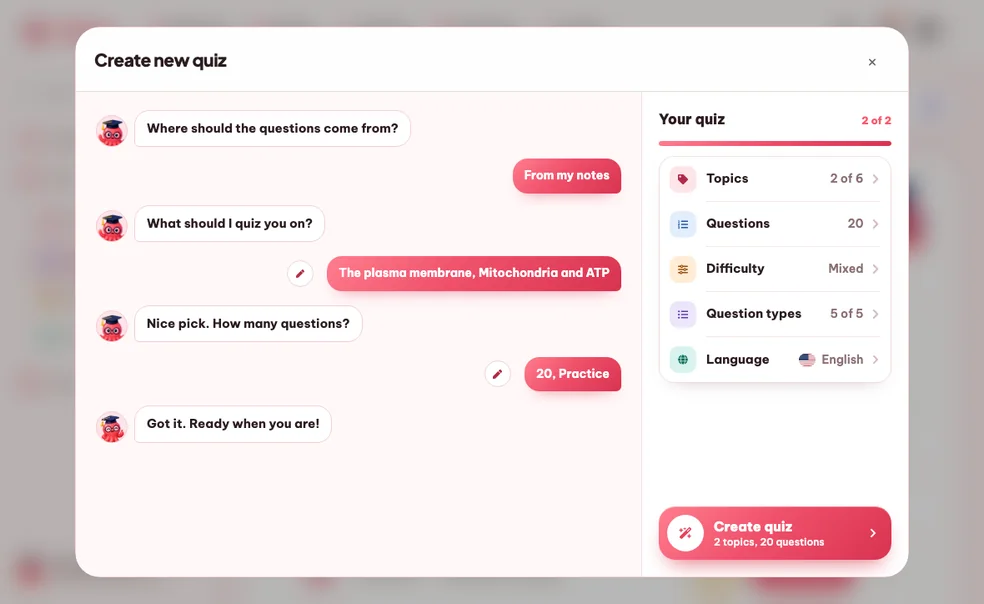
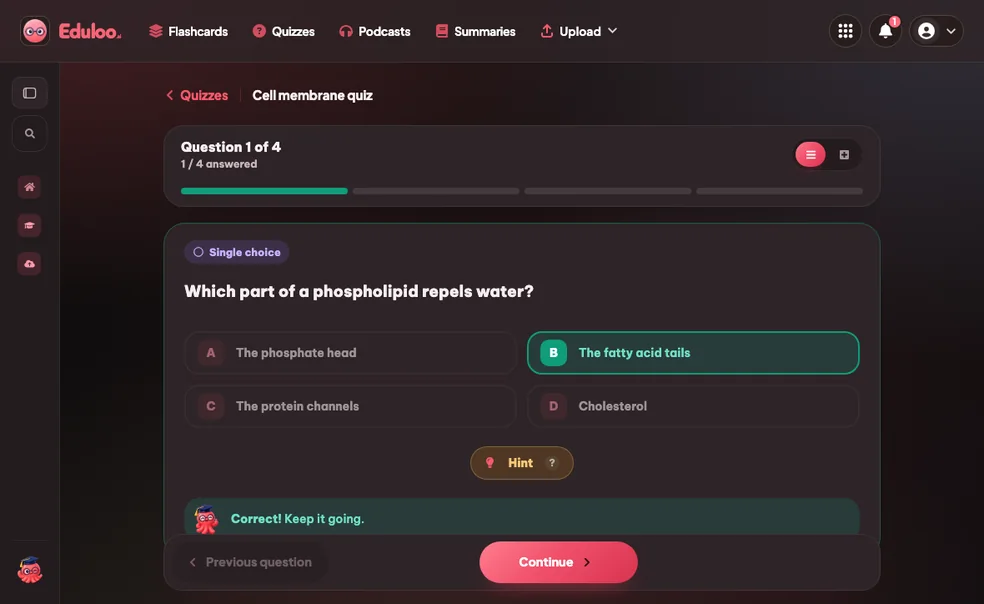
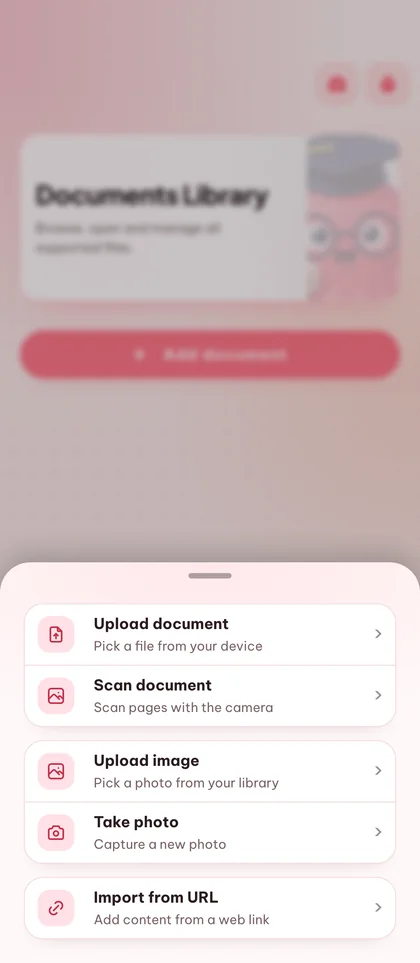
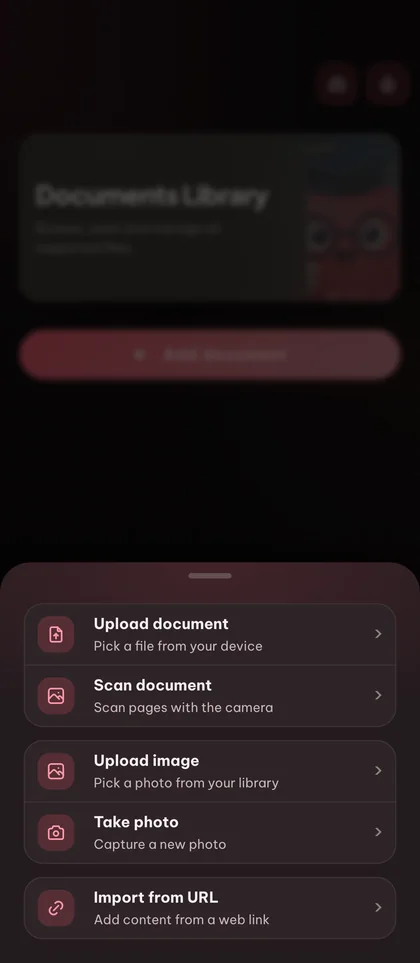
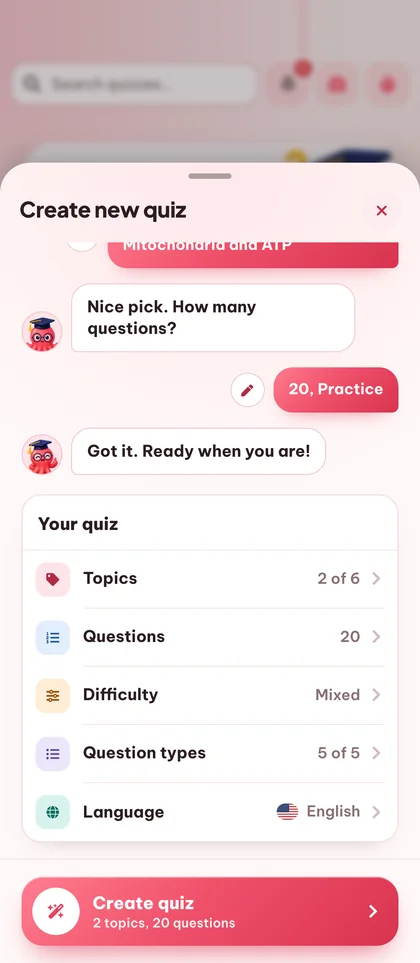
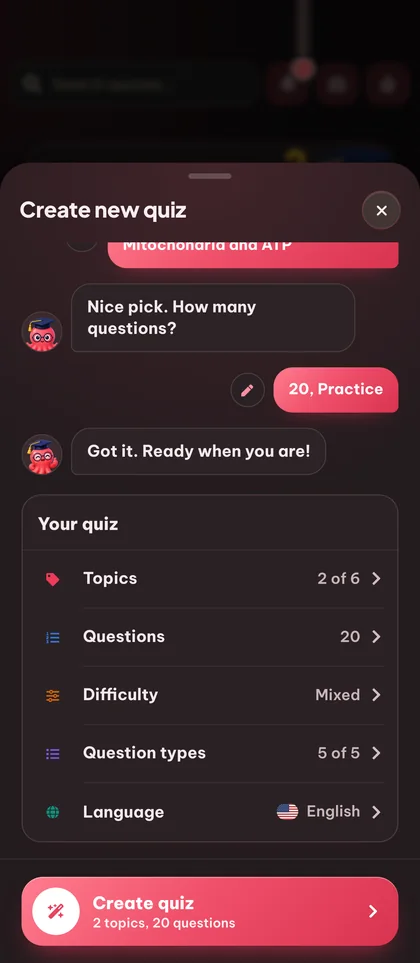
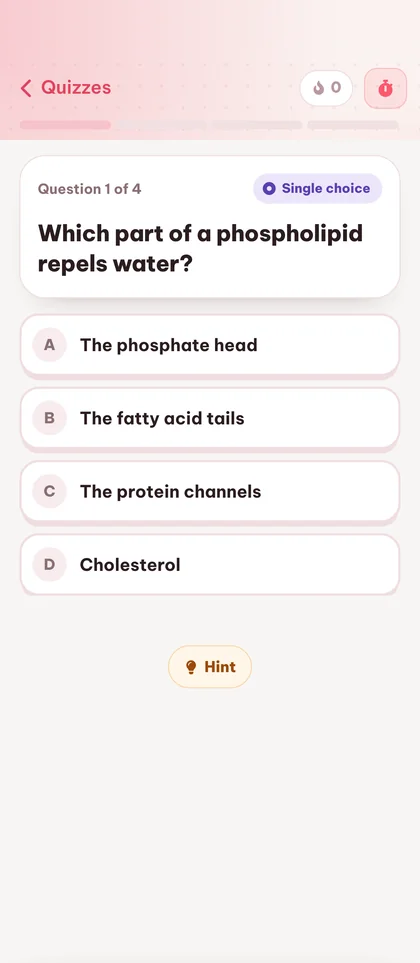
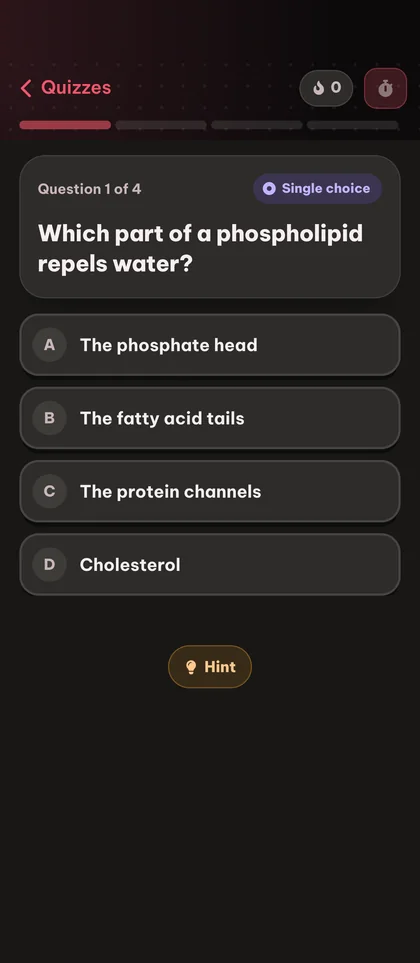
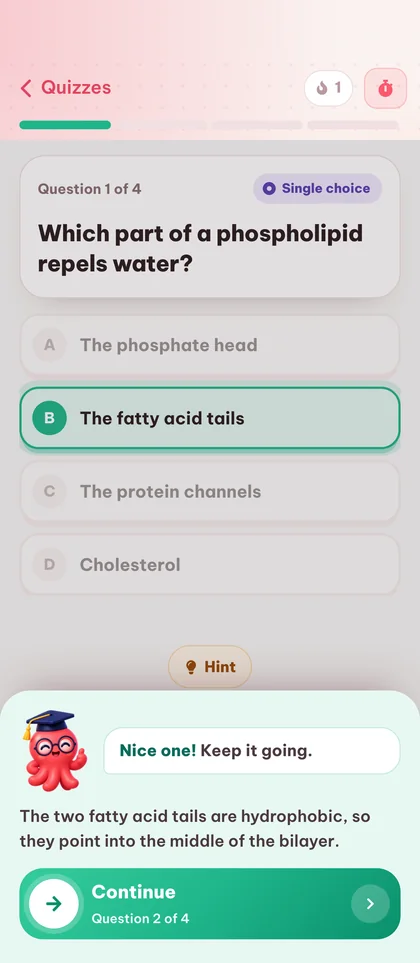
क्विज़ मेकर तीन चरणों में
कैसे काम करता है।
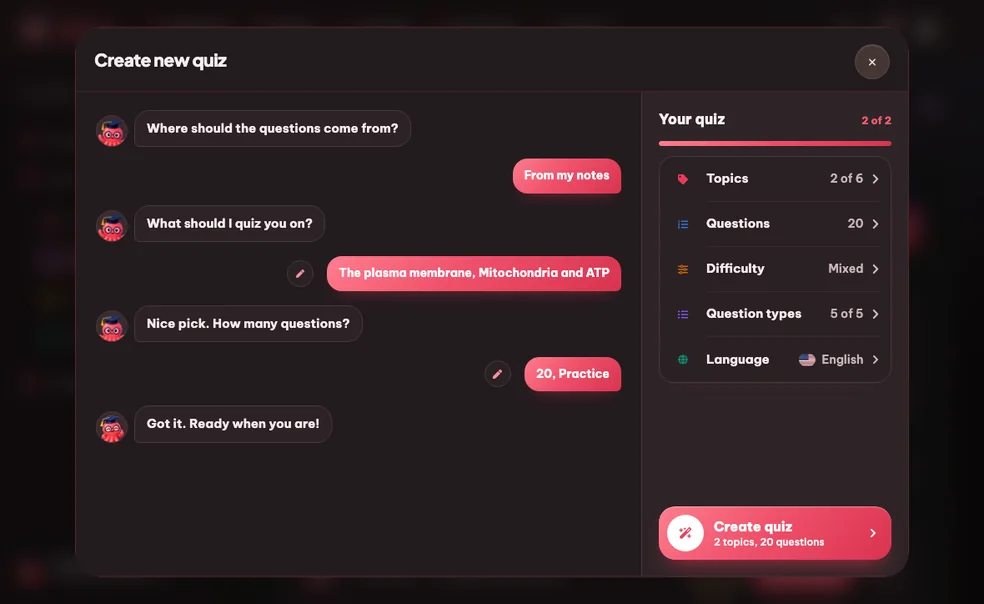
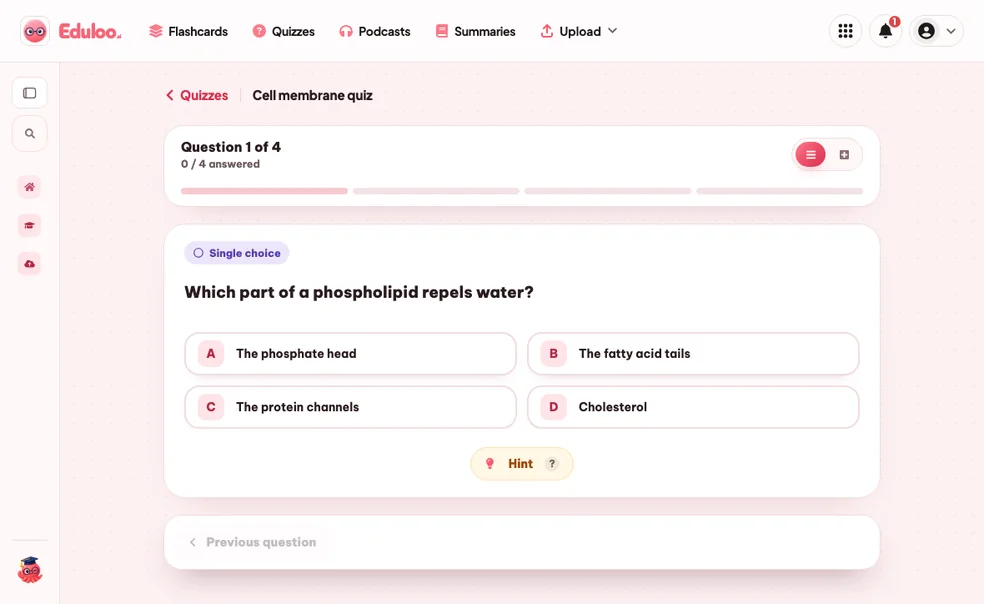
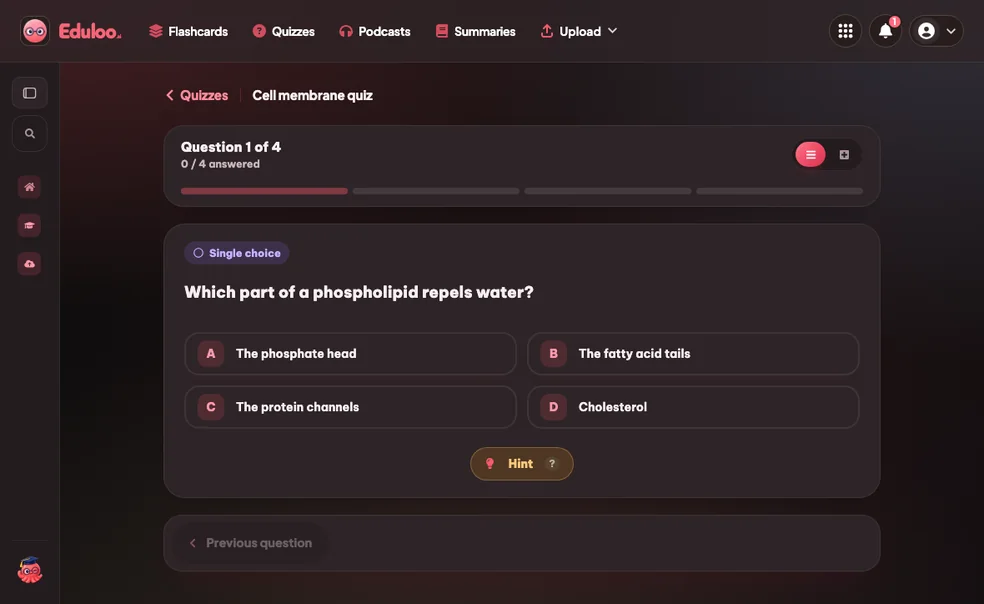
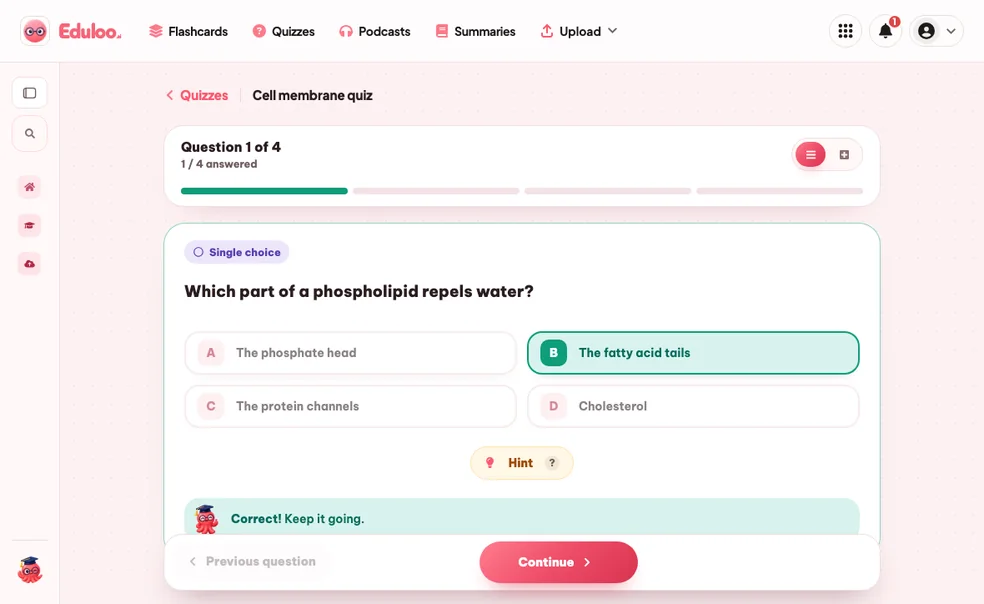
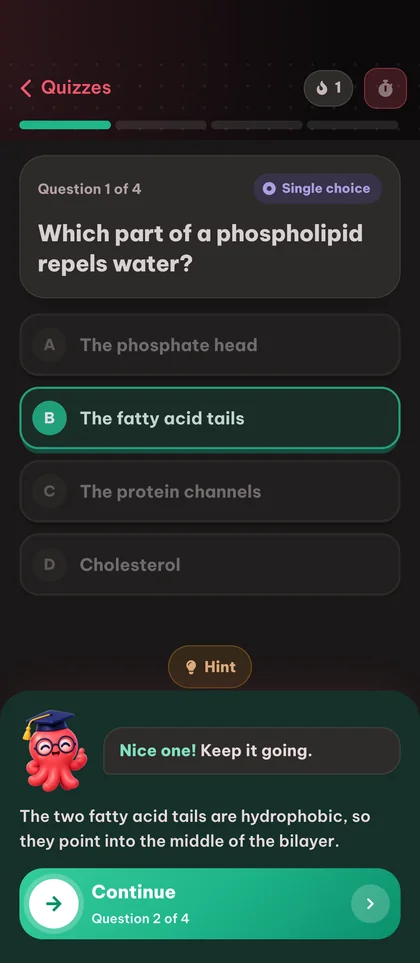

प्रैक्टिस टेस्ट से
ज़्यादा याद रखें।
Active recall beats rereading
हमारी जानकारी में, ख़ुद को टेस्ट करना पढ़ाई का सबसे असरदार तरीका है। Eduloo सेल्फ़-टेस्टिंग को इतना आसान बना देता है कि आप इसे सच में करने लगते हैं।
आपकी सामग्री से लिखे गए सवाल
ये सवाल किसी आम प्रश्न बैंक से नहीं लिए जाते। हर क्विज़ आपके अपलोड किए गए दस्तावेज़ के टॉपिक तक ही सीमित होता है।
एक क्विज़ में कई तरह के सवाल
एक ही क्विज़ में सिंगल-चॉइस, सही/गलत, रिक्त स्थान भरें, कॉम्बिनेशन (मिलान) और इमेज-लेबलिंग मिलाएँ, ताकि याद करने, पहचानने, मिलान करने और विज़ुअल पहचान का अभ्यास हो सके।
एक ही जगह सब कुछ देने वाला
AI क्विज़ जनरेटर।
किसी भी डॉक्यूमेंट से बनाएँ
अपलोड किए गए PDF, स्लाइड डेक या नोट्स फ़ाइल को आपके चुने हुए टॉपिक पर आधारित असली क्विज़ में बदलें।
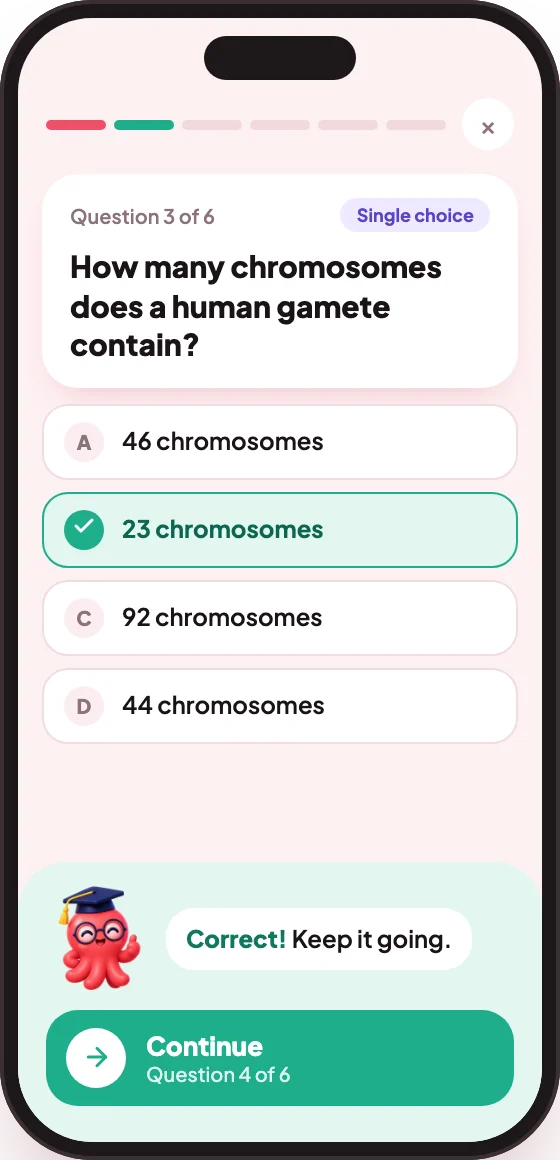
सवालों की संख्या: 10, 20 या 50
झटपट दोहराई, असली प्रैक्टिस एग्ज़ाम या पूरा मॉक टेस्ट: अपने सेशन के हिसाब से लंबाई चुनें।
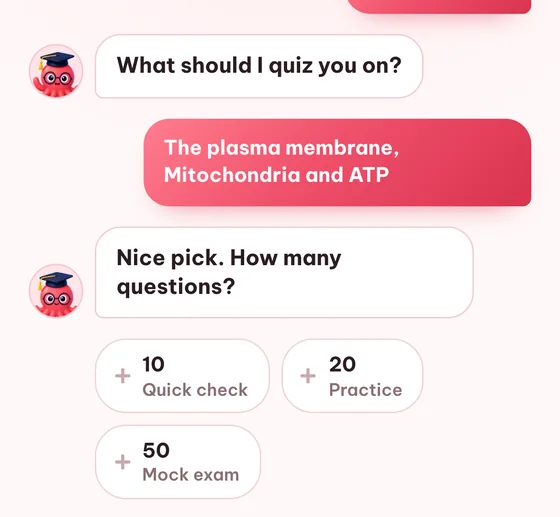
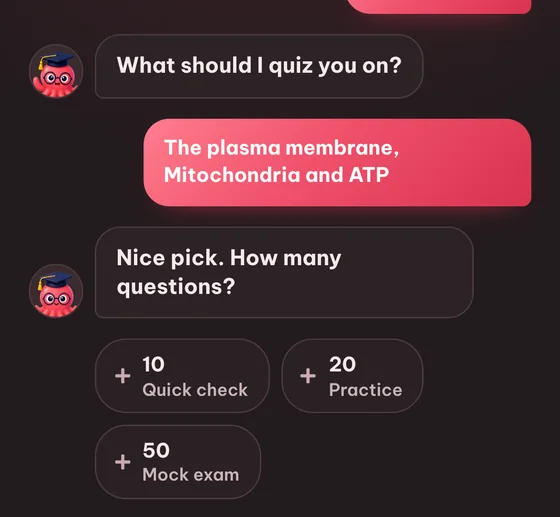
सिंगल-चॉइस सवाल
क्लासिक मल्टीपल चॉइस: एक सही जवाब और तीन भ्रामक विकल्प, जो स्रोत सामग्री से बनाए जाते हैं।
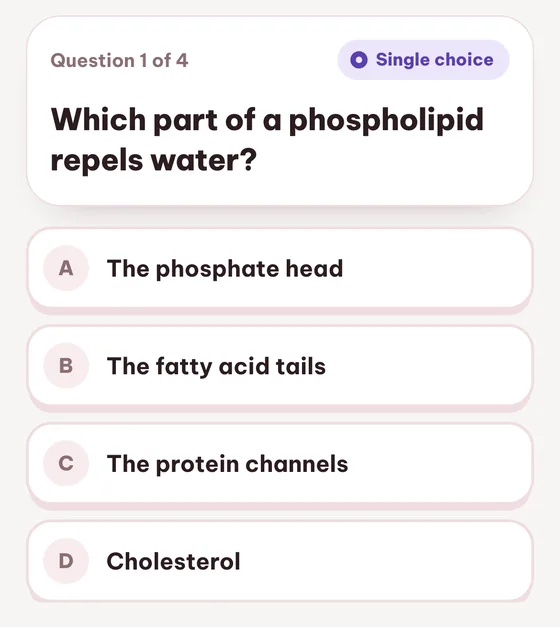
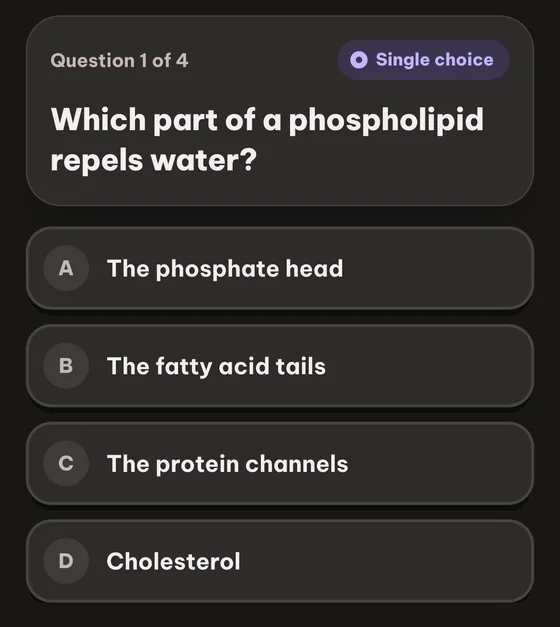
सही / गलत
तथ्यों को याद करने की क्षमता बढ़ाता है और कठिन सवालों से पहले वॉर्म-अप के लिए बढ़िया है।
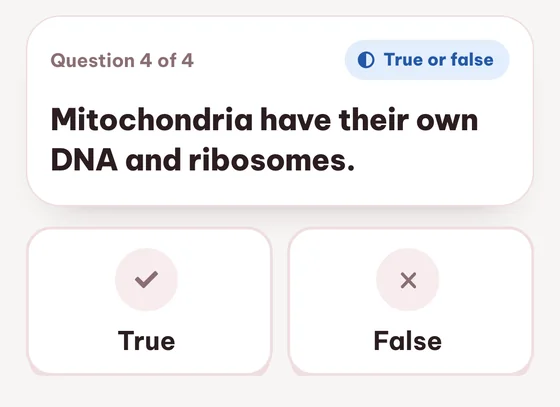
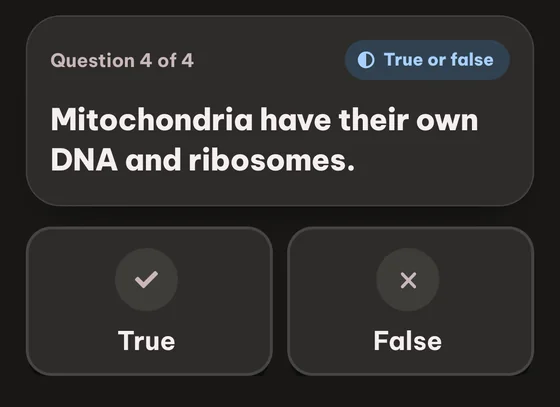
अक्सर पूछे जाने वाले सवाल सवाल

अब भी अटके हैं? Loo से पूछें।
यहाँ जवाब नहीं मिला? हमें अपना सवाल भेजें, हम एक दिन के अंदर जवाब देंगे।
सवाल पूछेंइसे आज़माना मुफ़्त है। बिना साइनअप किए गेस्ट के रूप में क्विज़ बनाएँ, हल करें और उनकी समीक्षा करें। गेस्ट मोड में सीमाएँ कम होती हैं और डेटा अस्थायी रूप से सेव होता है। Free प्लान में यह मासिक सीमाओं के साथ मुफ़्त रहता है, जिनमें 10 क्विज़ जनरेशन शामिल हैं, और Plus व Pro में ये सीमाएँ बढ़ जाती हैं।
सिंगल-चॉइस (एक सही जवाब), सही/गलत, रिक्त भरें, कॉम्बिनेशन (मिलान जोड़े), और इमेज-लेबलिंग (तस्वीर पर सही जगह क्लिक करें)। आप एक ही क्विज़ में पाँचों मिला सकते हैं।
आप प्रति क्विज़ 10, 20 या 50 प्रश्न चुन सकते हैं। दस प्रश्न एक त्वरित रिफ्रेशर हैं, बीस एक सामान्य अभ्यास राउंड है, और पचास मॉक एग्ज़ाम की लंबाई है।
हाँ। हर सवाल को पूरी तरह संपादित किया जा सकता है: प्रश्न को फिर से लिखें, कोई विकल्प बदलें, या सही उत्तर ठीक करें। जो सवाल ठीक न लगें, उन्हें हटा भी सकते हैं।
हाँ। हर प्रयास उसके स्कोर के साथ सेव होता है, इसलिए आप देख सकते हैं कि एक ही क्विज़ पर आपका प्रदर्शन समय के साथ कैसे बेहतर हुआ। क्विज़ सूची में हर एंट्री के पास सबसे हाल का स्कोर दिखता है।
18 आउटपुट भाषाएं, जिनमें अंग्रेज़ी, जर्मन, फ्रेंच, स्पेनिश, इटालियन, पुर्तगाली, पोलिश, तुर्की, जापानी और अन्य शामिल हैं। आउटपुट भाषा हर बार जनरेट करते समय चुनी जाती है।
हाँ। हर क्विज़ को एक लिंक के ज़रिए शेयर किया जा सकता है। जो भी उसे खोलेगा, वह सवालों को हल कर सकता है और क्विज़ को अपनी लाइब्रेरी में सेव कर सकता है। आप ऑफ़लाइन उपयोग के लिए क्विज़ को लाइट या डार्क मोड में प्रिंट या PDF में एक्सपोर्ट भी कर सकते हैं।
सही उत्तर आपको तुरंत दिख जाता है और प्रश्न पर आपकी दस्तावेज़ लाइब्रेरी के स्रोत विषय का लिंक लगा होता है, ताकि आप अपनी सामग्री के उस सटीक भाग की समीक्षा कर सकें जहाँ से उत्तर आया है।
गेस्ट क्विज़ 30 दिनों तक सुरक्षित रहती हैं और फिर अपने-आप हटा दी जाती हैं। उन्हें हमेशा के लिए रखने और गेस्ट के रूप में बनाई गई हर चीज़ को एक क्लिक में माइग्रेट करने के लिए एक मुफ़्त खाता बनाएं।
हाँ। एक अपलोड किया गया दस्तावेज़ Eduloo के हर अध्ययन टूल को शक्ति देता है। उन्हीं नोट्स से फ्लैशकार्ड, क्विज़, सारांश और पॉडकास्ट बनाएं, बिना कोई अतिरिक्त अपलोड किए।
आगे पढ़ें:
फ़्लुएंसी का भ्रममेटाकॉग्निशन और सीखना
मुफ़्त क्विज़ मेकर आज़माने के लिए तैयार हैं?
एक छोटा डेमो देखें, फिर गेस्ट के रूप में मुफ़्त में शुरू करें या जब तैयार हों तो कोई प्लान चुनें।
जो देख रहे हैं वो पसंद आया? अपना काम सेव करें।
अतिथि के रूप में बनाई गई हर चीज़ सुरक्षित रखने, अतिथि मोड की सीमाएँ हटाने और डिवाइसों में सिंक करने के लिए एक मुफ़्त अकाउंट बनाएं।