



1. Javaのインターフェースの目的は何ですか?
Single Choiceサマリーライブラリ
長い資料を読みやすいカードに変換し、重要なトピックへの素早いアクセスを実現します。
大切なアイデアを、ひと口サイズで。サマリーにざっと目を通して、苦手なところを見つけたら集中的に練習しましょう。すべてのトピックが、元のページにリンクしています。サマリーは地図です。掘り下げるべき場所には、Looが印をつけます。Looは要点だけでなく、構成もそのまま残します。ある言語で読んで、別の言語でまとめることもできます。
New Cards
New Quiz
New Summary
Edit Questions
質問タイプを選択
2. Javaは静的型付け言語です。
True or False3. 文を完成させてください。Javaはメモリ管理とスレッド制御に____と____を使用します。
Fill in the Blank4. 各Javaコレクションをその特徴と照合してください。
MatchingNew Podcast
Workspaces
名前
操作
科目はありません
デッキをマージ
Loading decks
クイズを統合
Loading quizzes
Pomodoro Timer
セッション 1 / 4
25:00
次: 休憩
25 min
5 min
Rate This Study Item
このコンテンツの感想を選び、必要に応じてチームへのコメントを残してください。
ドキュメントトピック
1トピックを作成するか、自動生成してください。 2Click sections in the document to add them.
Click sections in the document to add them to this topic.
セクションがまだ選択されていません。
トピックがまだありません。
Sections
No sections.
トピックを選択して、ドキュメント内の位置を確認してください。
Source of This Question
Loading sources
この出典は利用できなくなりました。
Import Guest Work?
ゲストセッションが見つかりました
Import your guest work to keep it in your account.
3ステップで
PDFを要約。
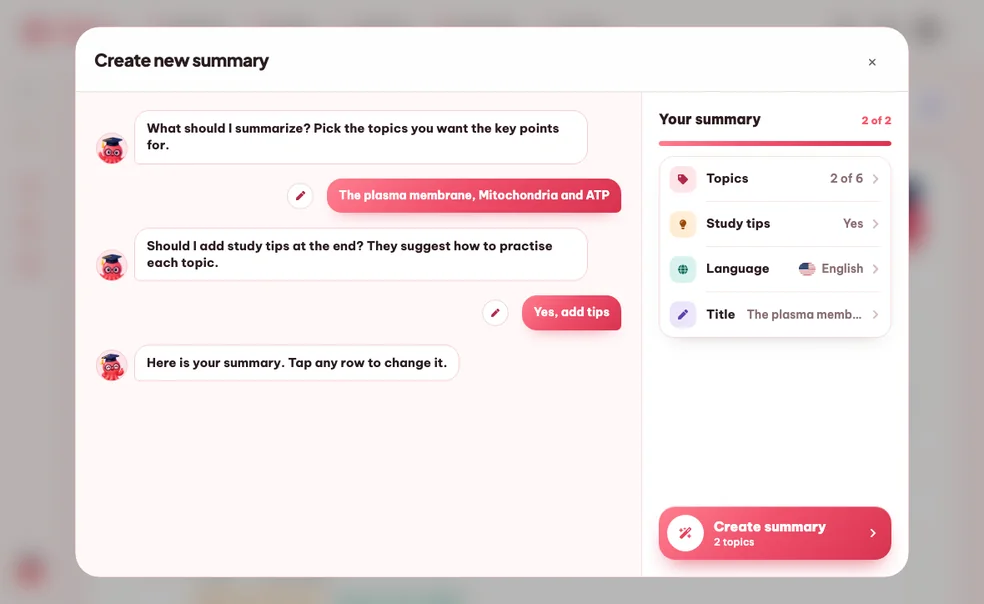
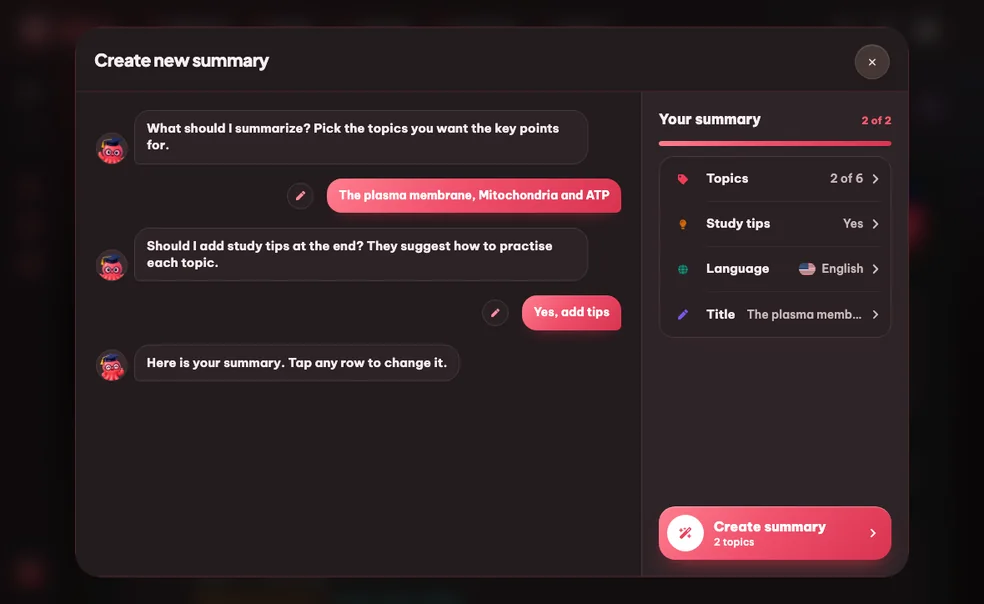
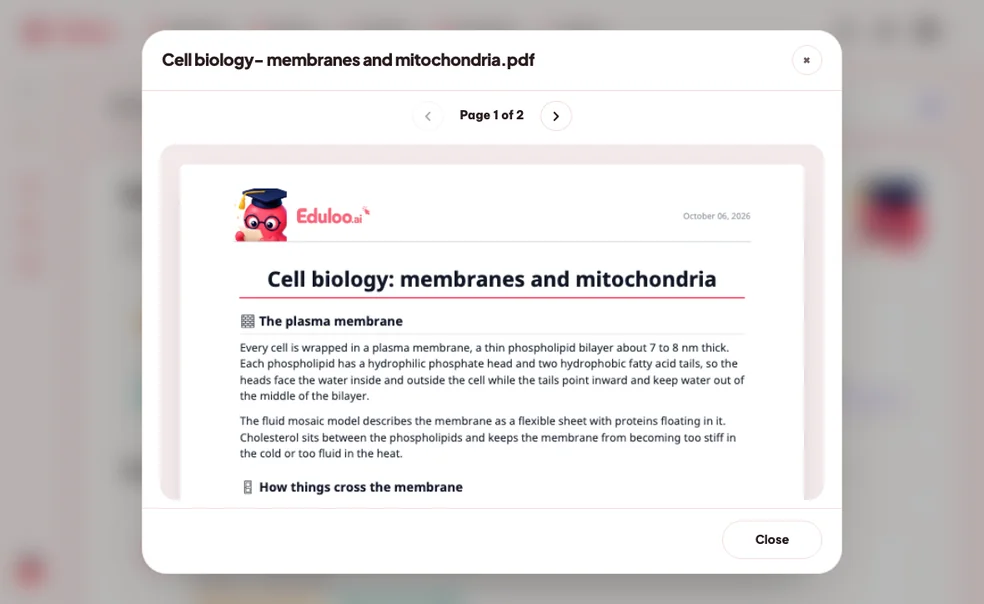
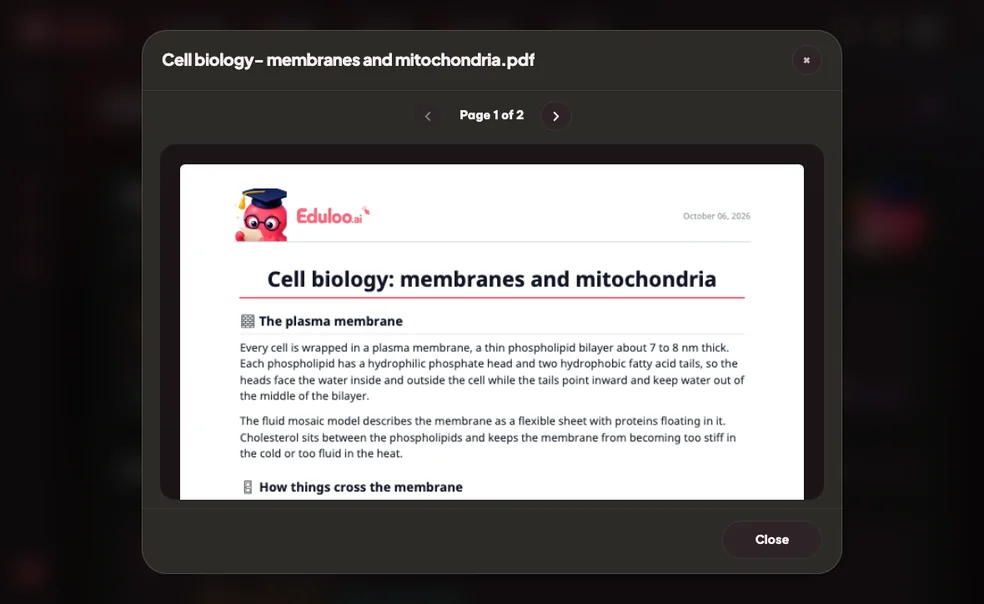
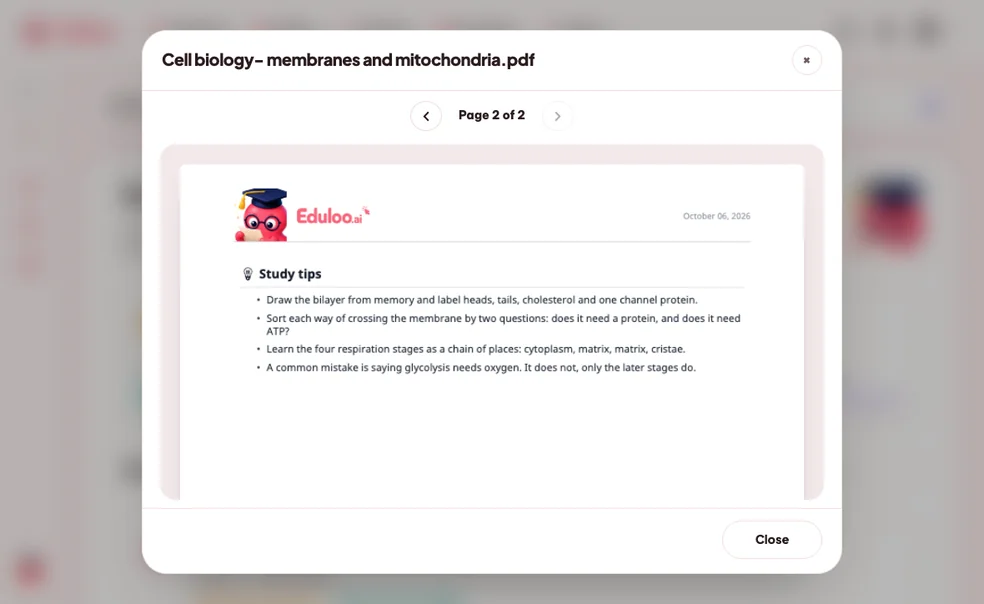
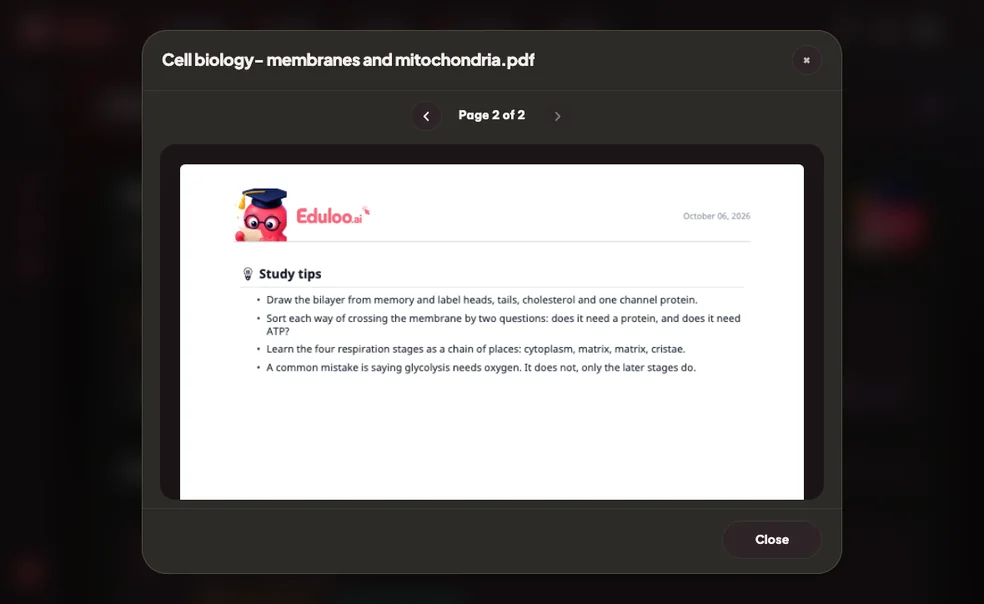
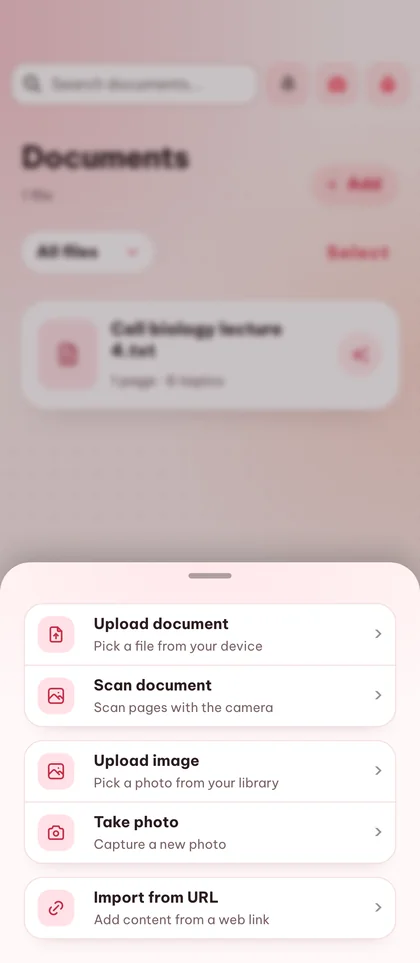
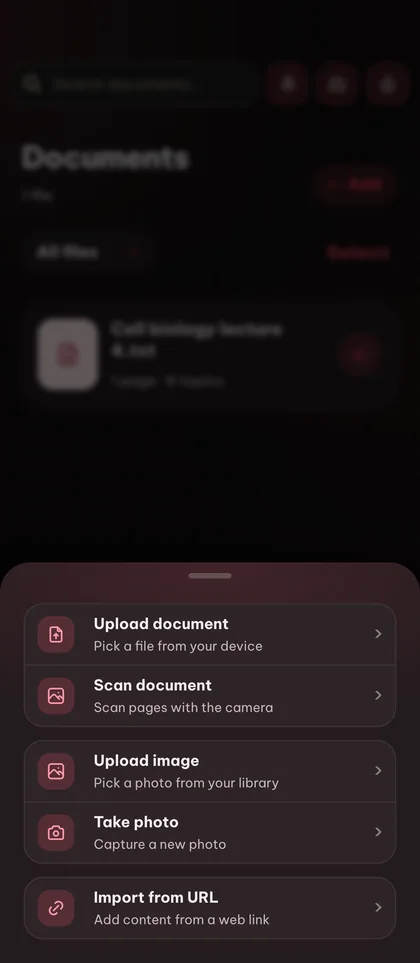
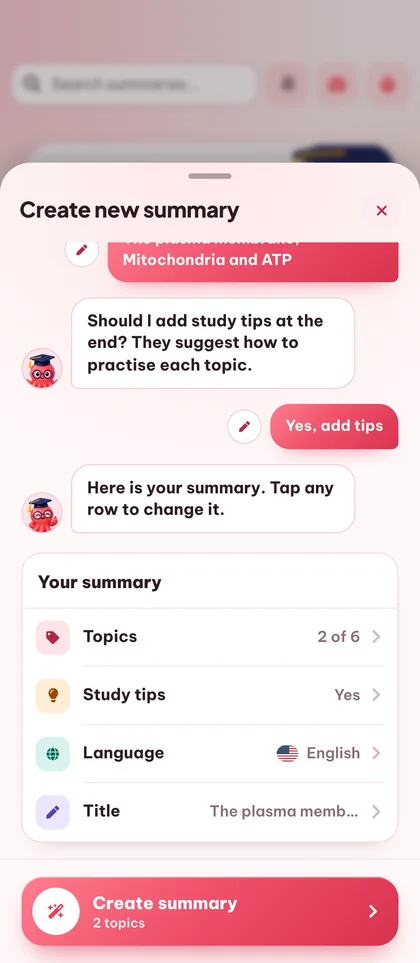
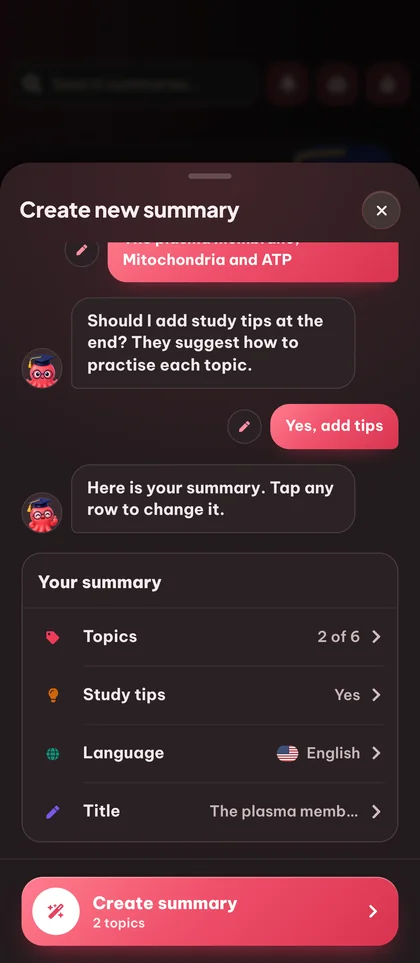
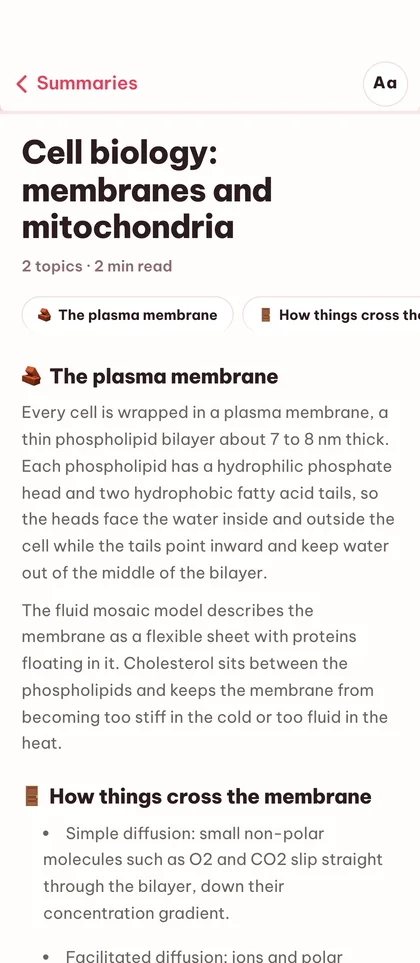
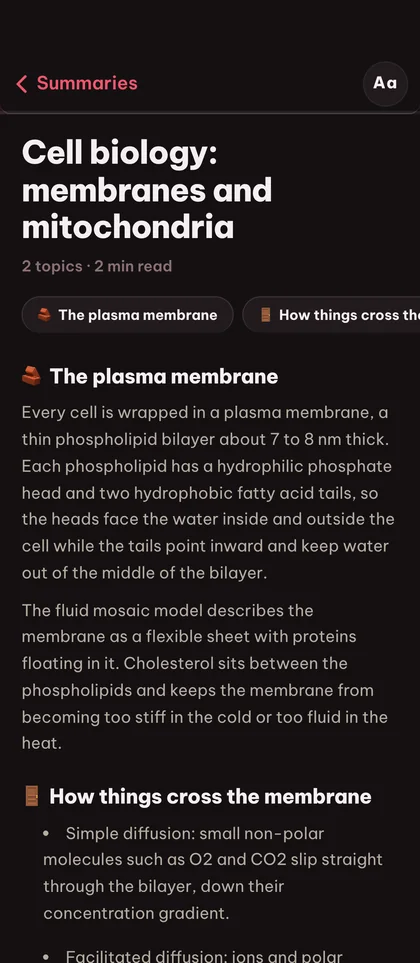
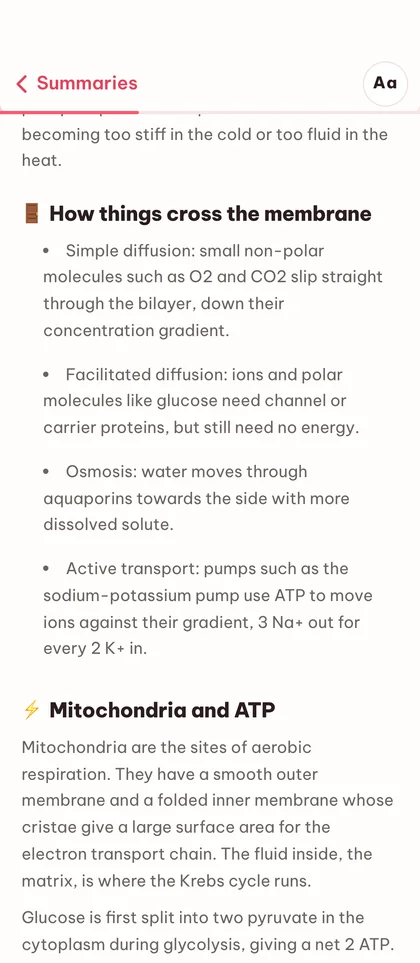
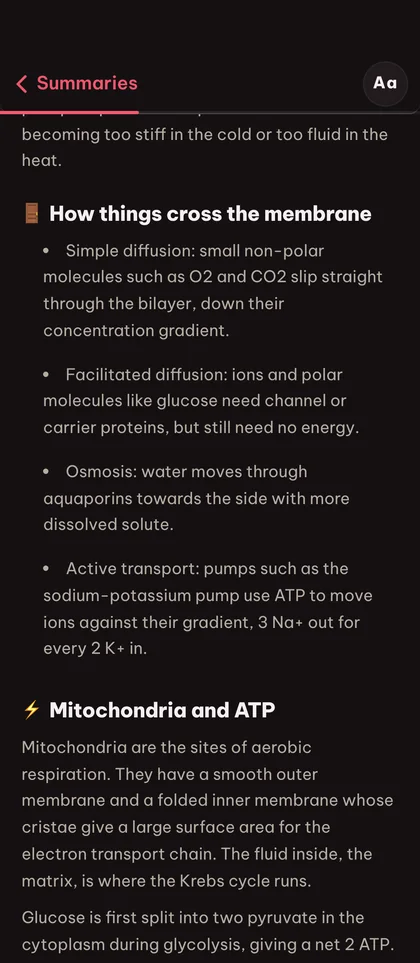

AI要約ツールで
読み返しの手間を省こう。
何時間分もの読書時間を節約
200ページある教科書の章も、構成や重要用語を失うことなく、数分で読める構造化された要約にまとまります。
短いだけでなく、しっかり構造化
Edulooは元のドキュメントのトピック構成を保持するため、要約はただ1段落に縮められるのではなく、セクションごとに整理されます。
元の資料に忠実
すべてのトピックが元の箇所にリンクしているので、自分でドキュメントを探さなくても、いつでも内容を確認したり深掘りしたりできます。
すべてがひとつにまとまった
PDF要約ツール。
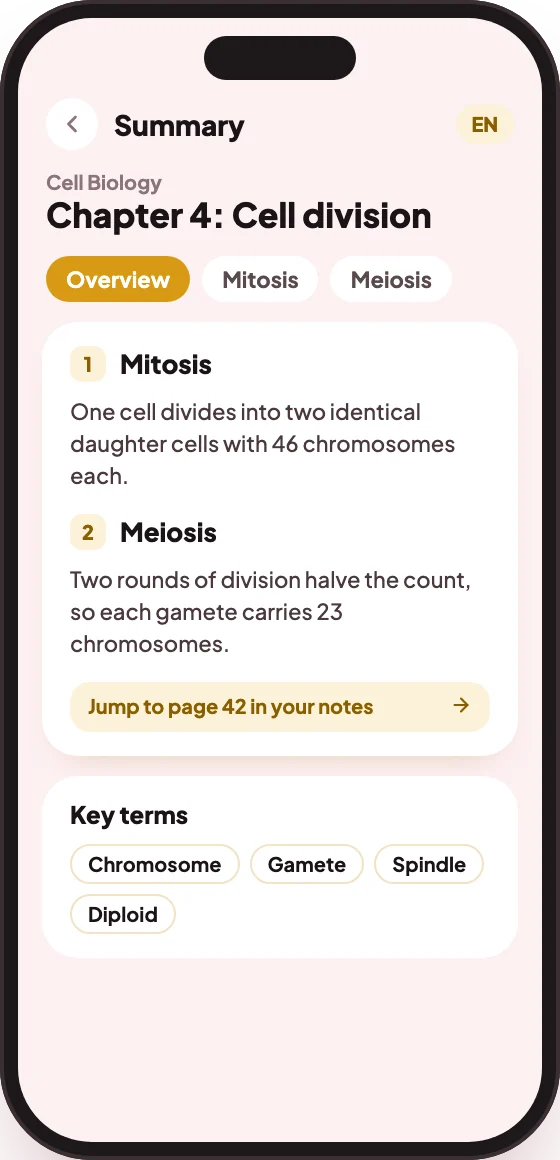
どんなドキュメントからでも生成
アップロードしたPDF、スライド、DOCX、テキストファイルを、選んだトピックを網羅する構造化された要約に変換します。
トピックは1つでも複数でも選択可能
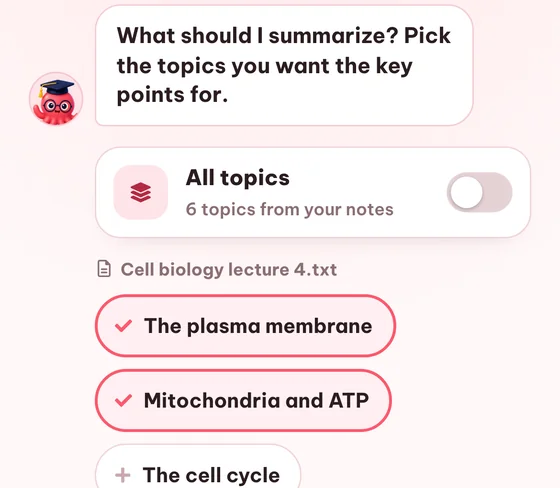
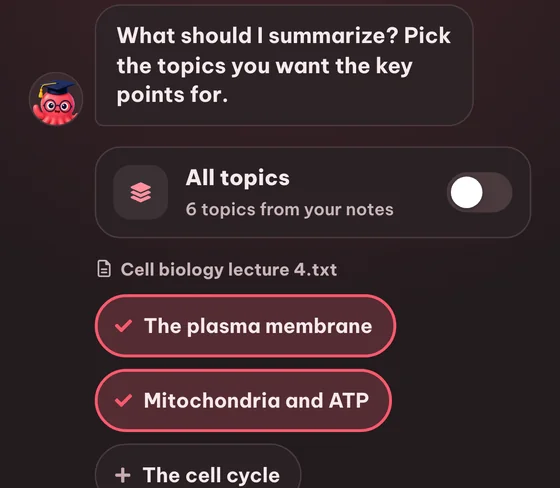
ドキュメントのどのトピックを要約に含めるかを細かく選べます。トグル1つで全トピックを含めることもできます。
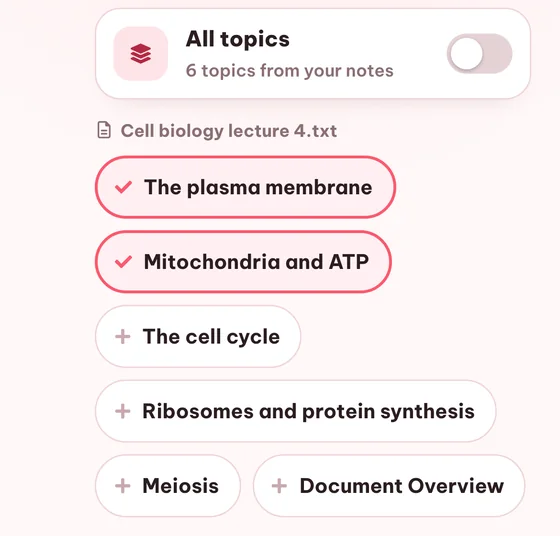
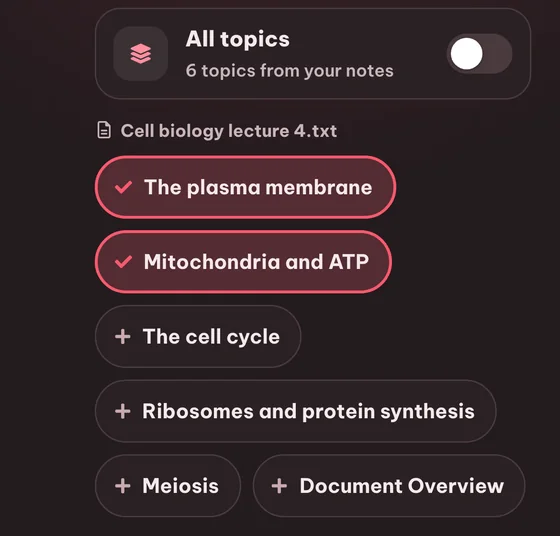
全トピックをワンタップで選択
ワンクリックでドキュメント内のすべてのトピックを含められます。全範囲を網羅する復習用の要約に便利です。
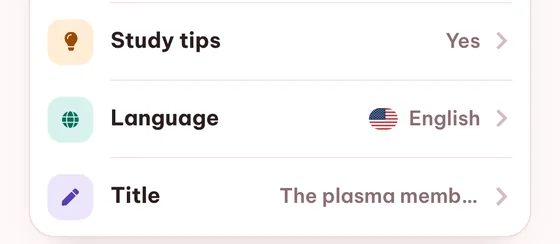
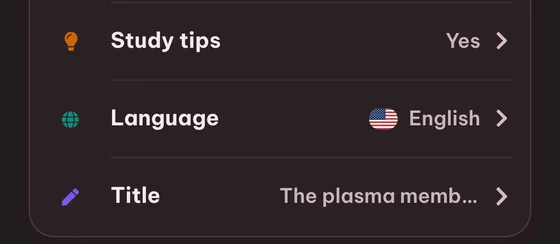
タイトルを自由に設定
要約ごとに名前を付けて、授業、学期、試験をまたいで整理しておけます。
よくある質問 問題

登録不要のゲストとして無料でお試しいただけます(ゲスト用の利用制限と一時保存の範囲内)。AI要約はFreeプランに含まれないため、継続して利用するにはPlusまたはProプランが必要です。
PDF、DOCX、PowerPoint(PPTX)、プレーンテキストファイル、画像(スキャン素材用)に対応しています。URLからウェブ記事を直接インポートすることもできます。内蔵OCR機能により、画像ベースのPDFも処理できます。
はい。Edulooがドキュメントからトピックを抽出するので、サマリーに含めたいトピックだけをチェックできます。または、全トピックの切り替えで全体をまとめてカバーできます。
はい。出力言語は生成ごとに選択できます。18言語に対応しているため、フランス語の教科書からドイツ語の要約を作成することも可能です。
通常はドキュメントのサイズとトピック数に応じて数秒から1分ほどです。要約ライブラリには、生成中であることを示すステータスバッジがはっきり表示されます。
はい。要約はエディターで開いて、テキストを直接書き換えられます。また、名前の変更、トピックを選び直しての再生成、削除もできます。
はい。トピックはソースドキュメントにマップされ、サマリーはその階層を反映しています。フラットな段落ではなく、構造化された要約が得られます。
はい。サマリー内の各トピックはドキュメントライブラリの該当セクションにリンクされているため、1クリックで確認したり詳しく調べたりできます。
ゲストとして作成した要約は30日間保存され、その後自動的に削除されます。無料アカウントを作成すると、要約を永久に保存できます。
はい。トピック選択画面にはライブラリ内のすべてのドキュメントのトピックが一覧表示されるため、複数のドキュメントからトピックを選んで、それらをすべてカバーする1つの要約を作成できます。
関連記事:
読解力を高める方法
AI要約ジェネレーターを試してみませんか?
クイックデモを見てから、ゲストとして無料で始めるか、準備ができたらプランを選びましょう。
気に入りましたか?作業を保存してください。
無料アカウントを作成すれば、ゲストとして作成したものをすべて保存でき、ゲストモードの制限が解除され、デバイス間で同期できます。
無料アカウントを作成
またはログイン