




Your Quizlet sets, in one paste
Copy the export text, paste it, and the deck is ready. No file to download, no add-on to install.
Guest Mode Your work is kept for 30 days.
Flashcards 0 / 5 Documents 0 / 150k Sign in or create an accountTurn a set you made on Quizlet into an Eduloo flashcard deck.
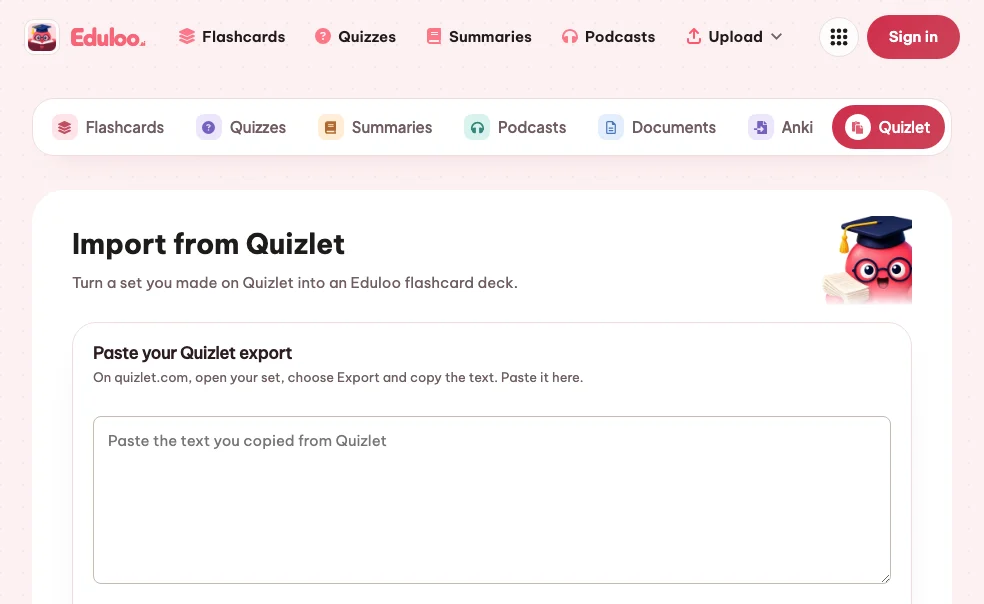
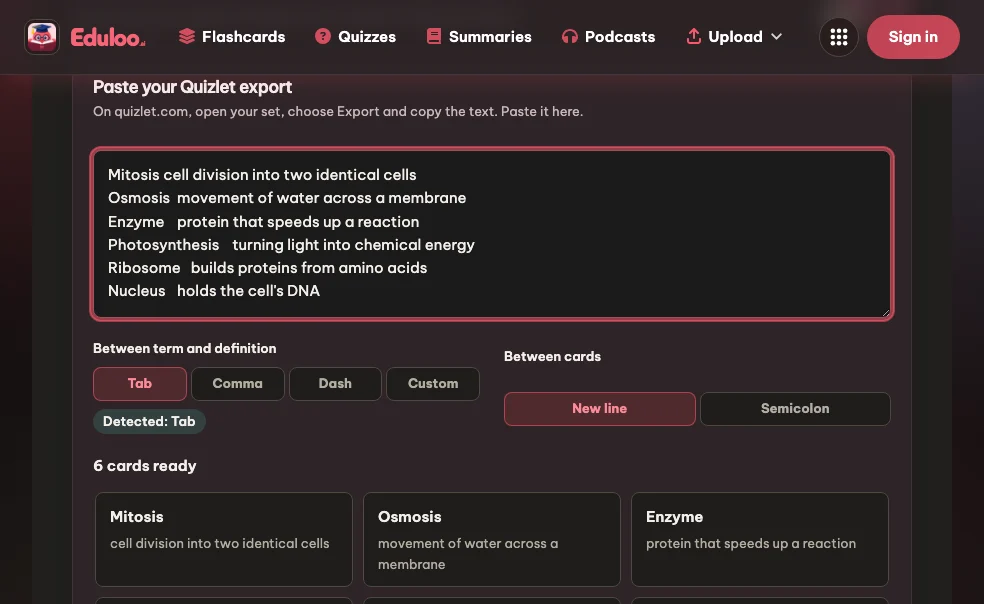
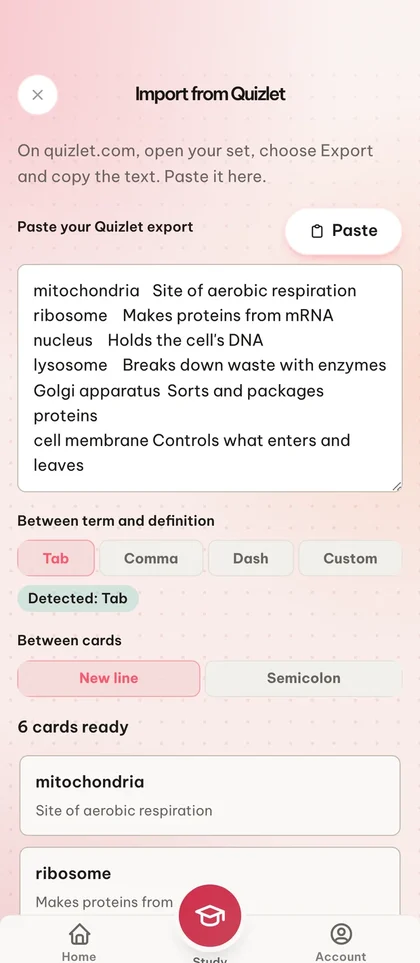
On quizlet.com, open your set, choose Export and copy the text. Paste it here.
Images and Quizlet study progress are not part of the export.
Quizlet is a trademark of Quizlet, Inc. Eduloo is not affiliated with or endorsed by Quizlet.
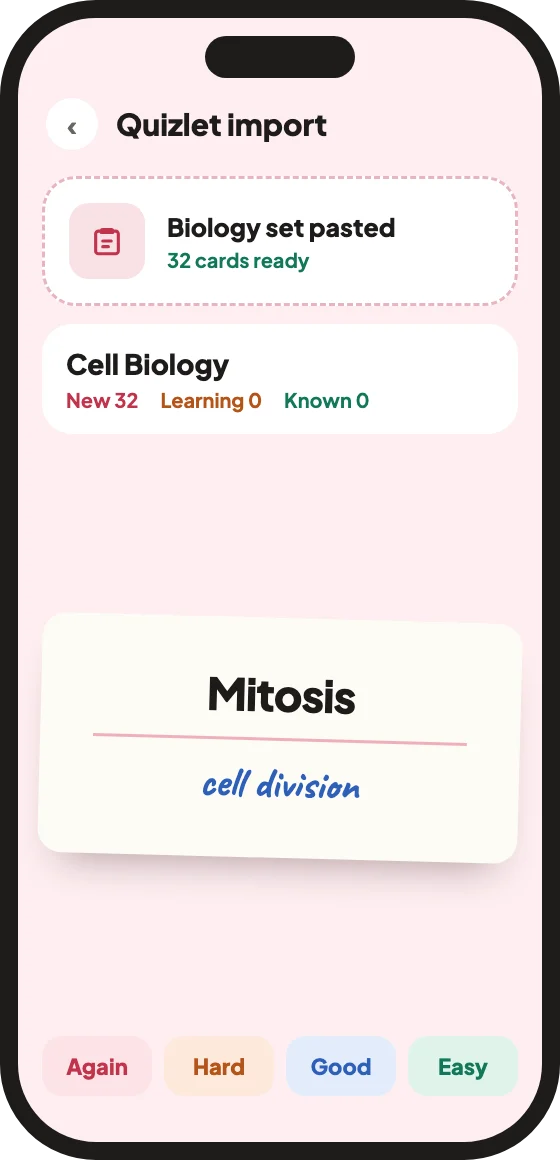
Paste a set you exported from Quizlet and Eduloo turns it into a flashcard deck in seconds. Review it with FSRS spaced repetition, edit any card, and take the deck from Quizlet to Anki as an .apkg file whenever you want.
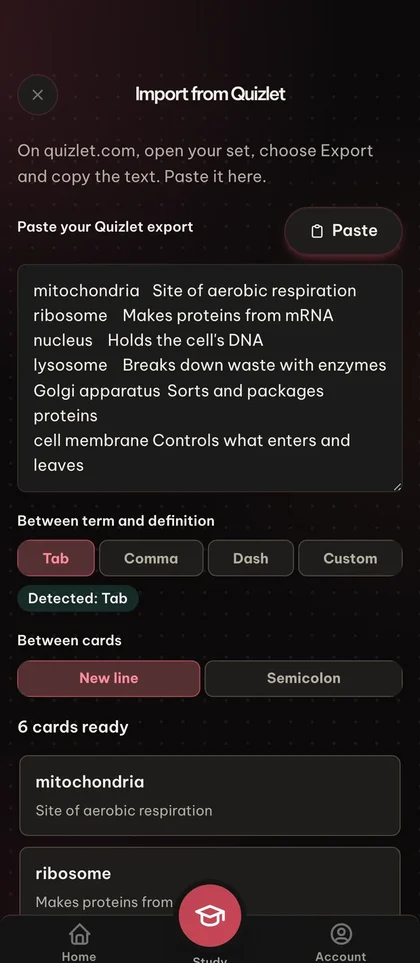
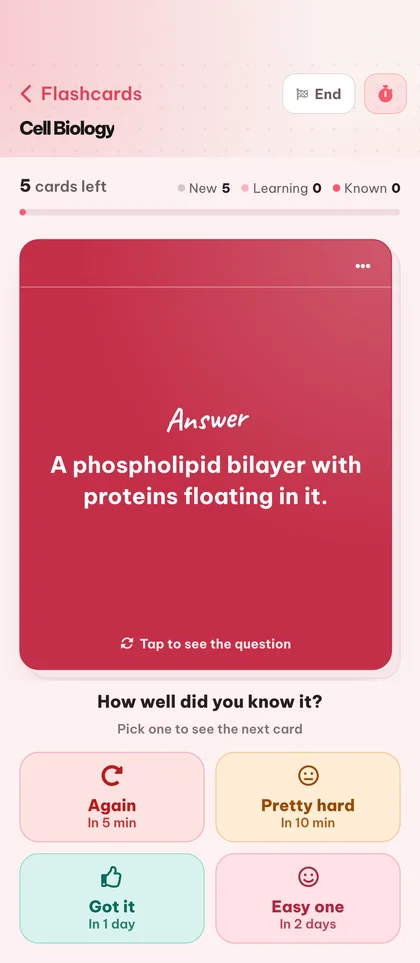

Copy the export text, paste it, and the deck is ready. No file to download, no add-on to install.
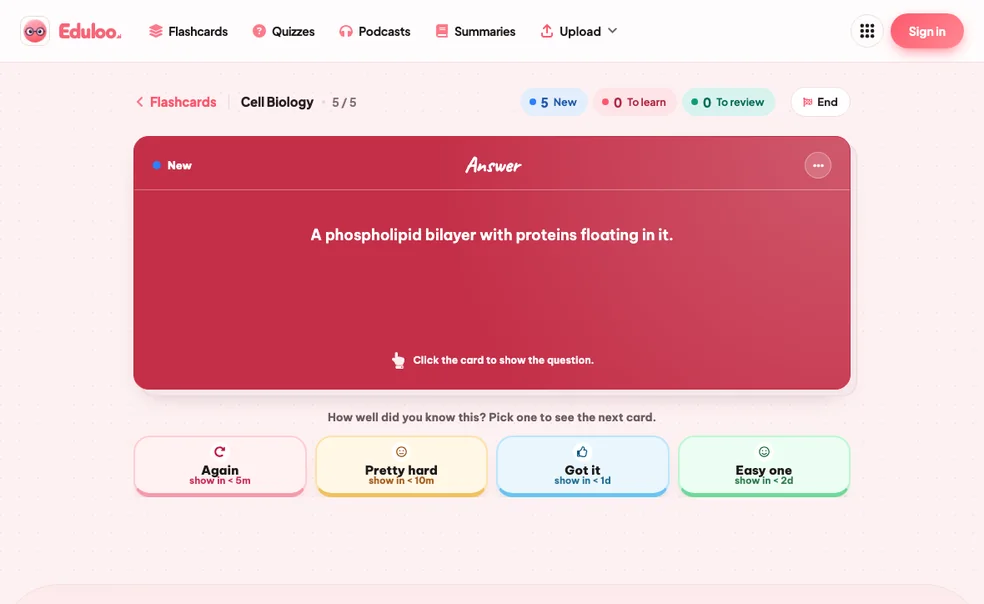
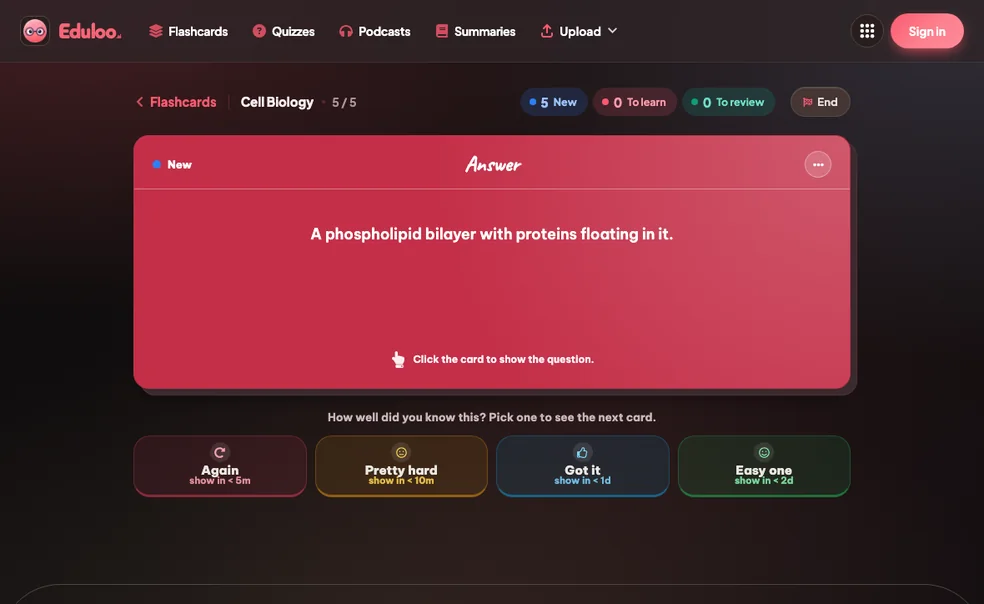
Imported cards are scheduled with FSRS, so the hard ones come back sooner and the easy ones wait.
Want to export Quizlet to Anki? Any imported deck downloads as an Anki .apkg file, so your cards are never stuck in one app.
Paste the text Quizlet exports. No file upload and no account needed to try it.
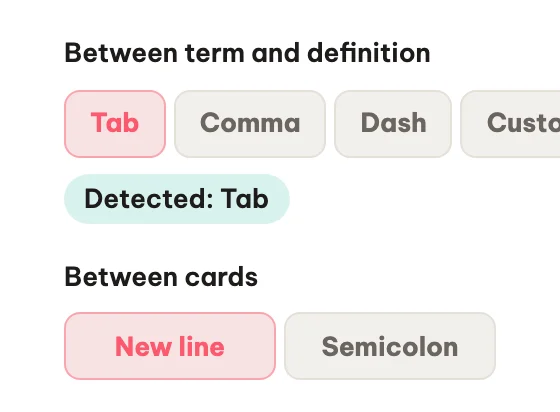
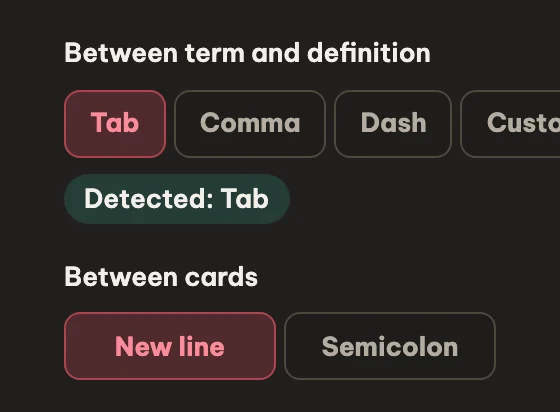
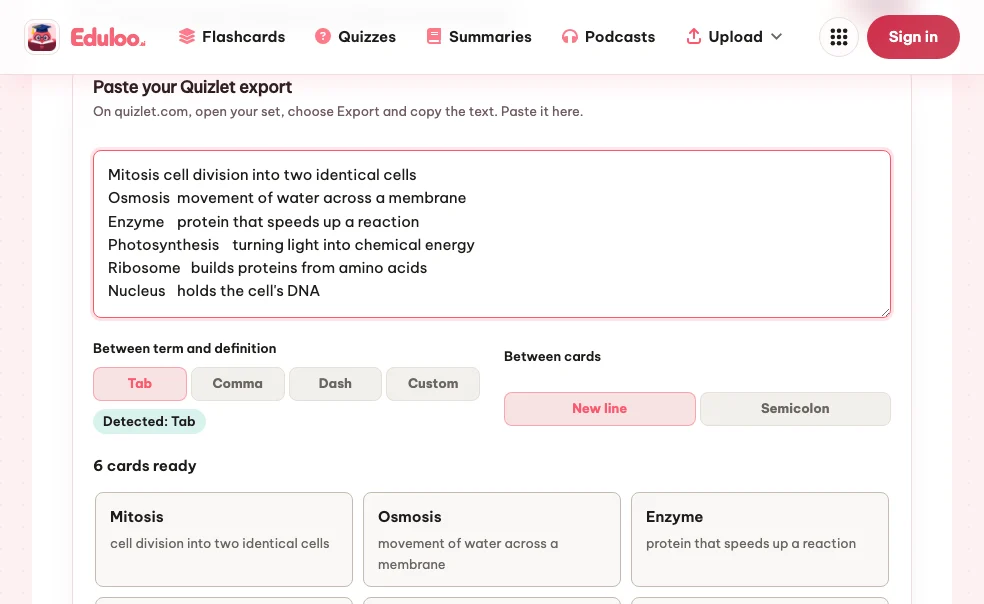
Tab, comma, dash or your own between term and definition; new line or semicolon between cards.
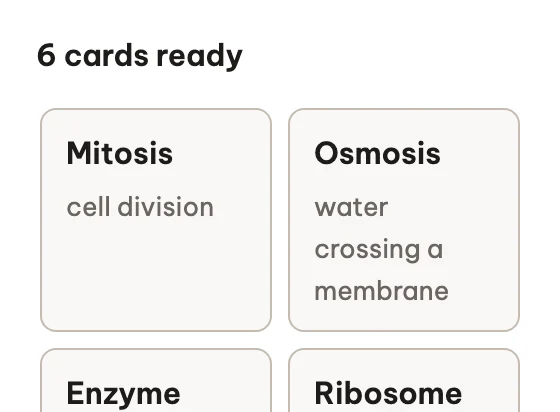
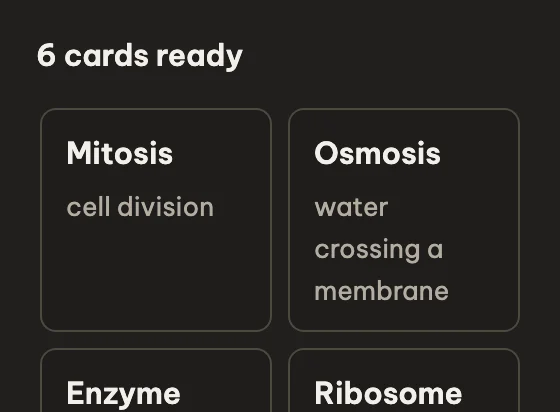
See every card before you import, with a count of the cards ready to go.
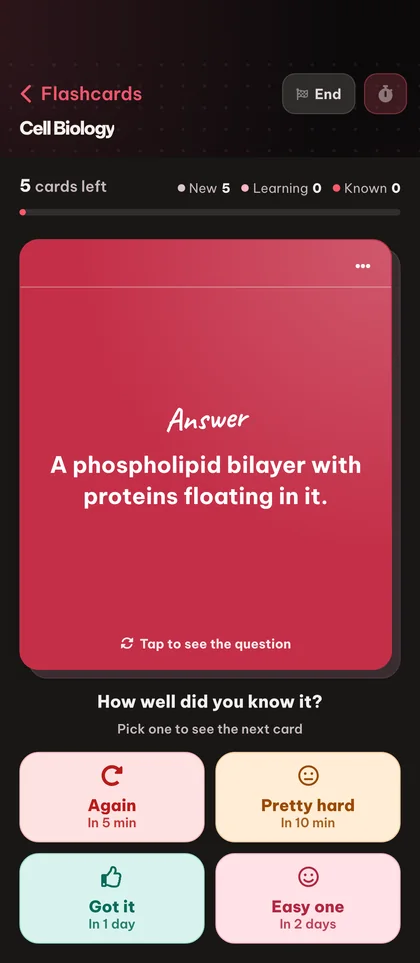
Rate each card Again, Hard, Good or Easy and FSRS picks the right day to show it again.
Yes. Import Quizlet sets as a guest with no signup. The import itself has no plan limit; guest work is kept for 30 days, and a free account keeps it for good.
On quizlet.com, open your set, choose Export and copy the text. Then paste it into Import from Quizlet in Eduloo.
Between term and definition: tab, comma, dash or your own separator of up to five characters. Between cards: a new line or a semicolon. Eduloo detects both for you.
No. Copy the export text from Quizlet and paste it. Eduloo does not open Quizlet links.
No. The Quizlet export holds only terms and definitions, so images and your Quizlet progress stay behind.
Up to 2,000 cards per import. Split a larger set into parts and import them one after another.
Each import creates a new deck. With an account, you can merge it into another deck afterwards.
Eduloo does not export to Quizlet. You can export any deck as an Anki .apkg file or print it as a PDF.
Yes. Import the set, open the new deck in Flashcards and choose Download PDF. You get every term and its definition in one file, so you can print Quizlet flashcards or read them offline.
Still stuck? Ask Loo.
No answer here? Send us your question and we reply within a day.
Ask a questionCreate a free account to keep everything you build as a guest, lift the guest-mode limits, and sync across devices.