



1. Java에서 인터페이스의 목적은 무엇인가요?
Single ChoiceAI 요약기:
어떤 문서든
명확한 요약으로
긴 문서를 넣고 원하는 주제를 선택하면, 핵심 포인트, 정의, 결론을 담은 구조화된 요약을 몇 초 안에 받아볼 수 있습니다. 바로 복습에 활용하세요.
- 바로 써 보세요 게스트로도 이용 가능
- 주제별 요약 조절
- 클릭 한 번으로 원문 바로가기
요약 라이브러리
긴 자료를 읽기 쉬운 카드로 정리하고 주요 주제에 빠르게 접근하세요.
핵심 아이디어를 한 입 크기로.요약을 훑어보고, 약한 부분을 찾아 집중 연습해요.모든 주제는 원래 페이지로 연결돼요.요약은 지도예요. 더 파고들 곳은 Loo가 표시해 줘요.Loo는 핵심만이 아니라 구조까지 그대로 살려요.한 언어로 읽고, 다른 언어로 요약해요.
New Cards
New Quiz
New Summary
Edit Questions
질문 유형 선택
2. Java는 정적 타입 언어입니다.
True or False3. 다음 문장을 완성하세요. Java는 메모리 관리와 스레드 제어를 위해 ____과(와) ____을(를) 사용합니다.
Fill in the Blank4. 각 Java 컬렉션을 그 특징과 일치시키세요.
MatchingNew Podcast
Workspaces
이름
작업
주제 없음
덱 병합
Loading decks
퀴즈 병합
Loading quizzes
Pomodoro Timer
세션 1/4
25:00
다음: 휴식
25 min
5 min
Rate This Study Item
이 콘텐츠가 어땠는지 선택하고, 원하면 팀에게 의견을 남겨주세요.
문서 주제
1주제를 직접 만들거나 자동 생성하세요. 2Click sections in the document to add them.
Click sections in the document to add them to this topic.
아직 선택된 섹션이 없어요.
아직 주제가 없어요.
Sections
No sections.
주제를 선택하면 문서에서 해당 위치를 확인할 수 있어요.
Source of This Question
Loading sources
더 이상 사용할 수 없는 소스입니다.
Import Guest Work?
게스트 세션 감지됨
Import your guest work to keep it in your account.
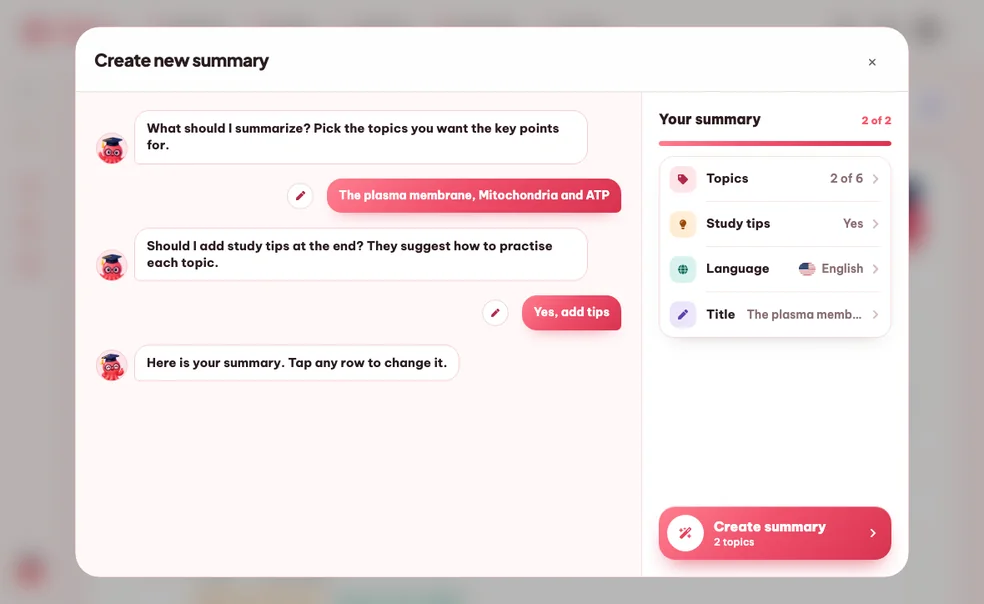
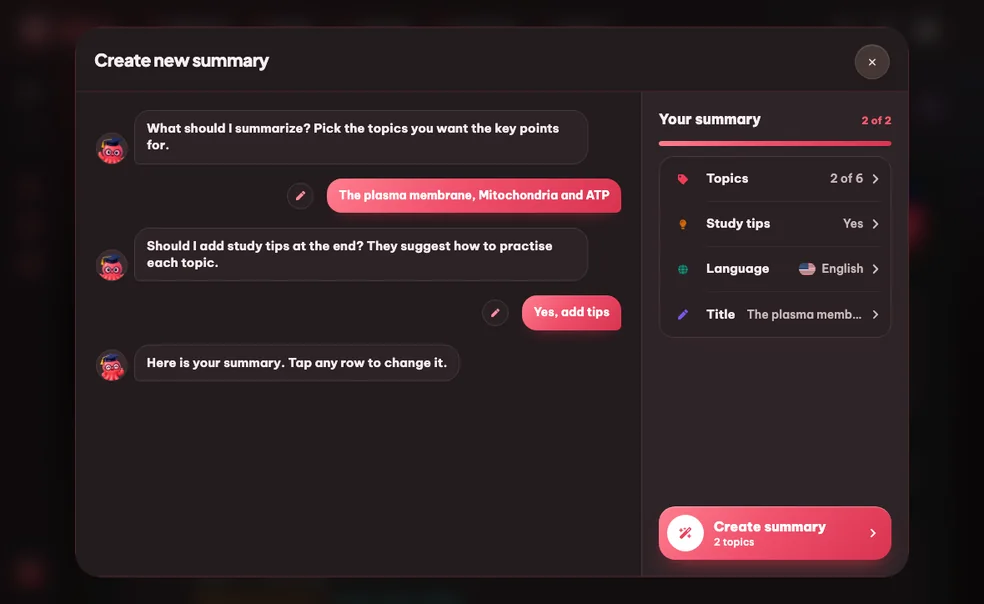
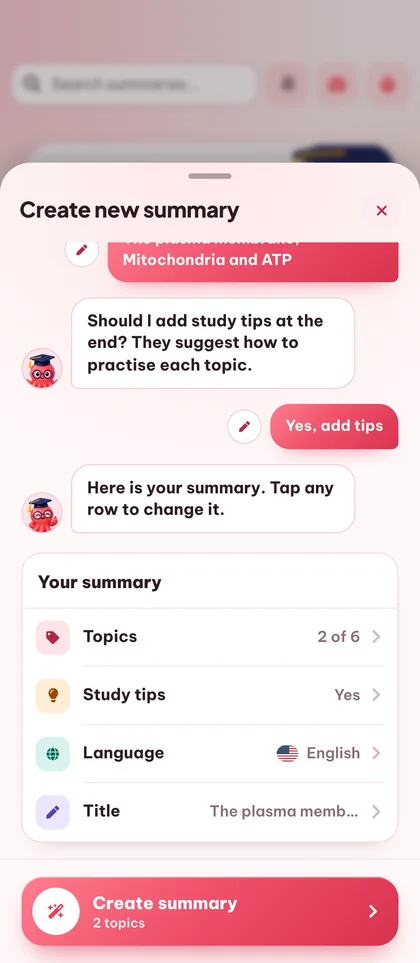
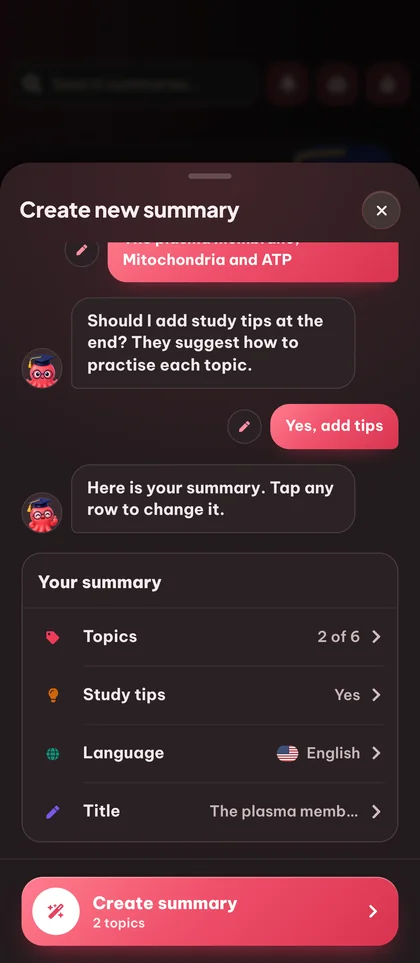
PDF 요약,
세 단계면 끝.
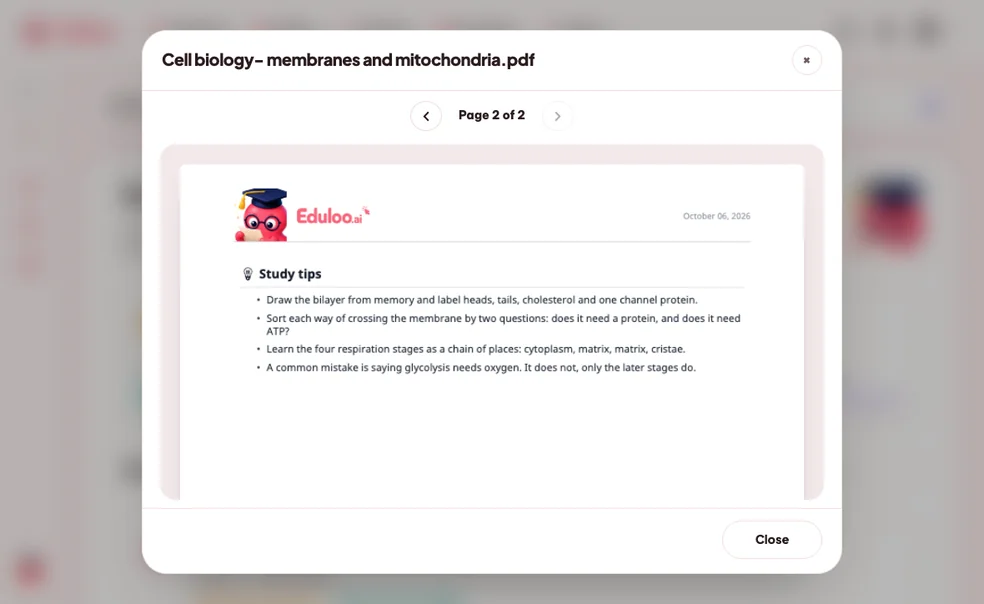
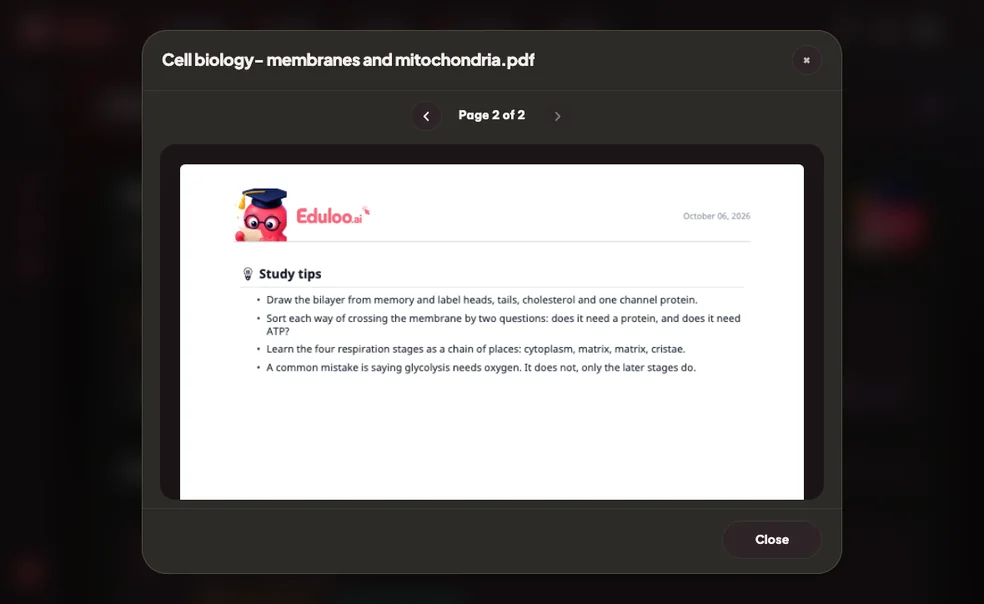
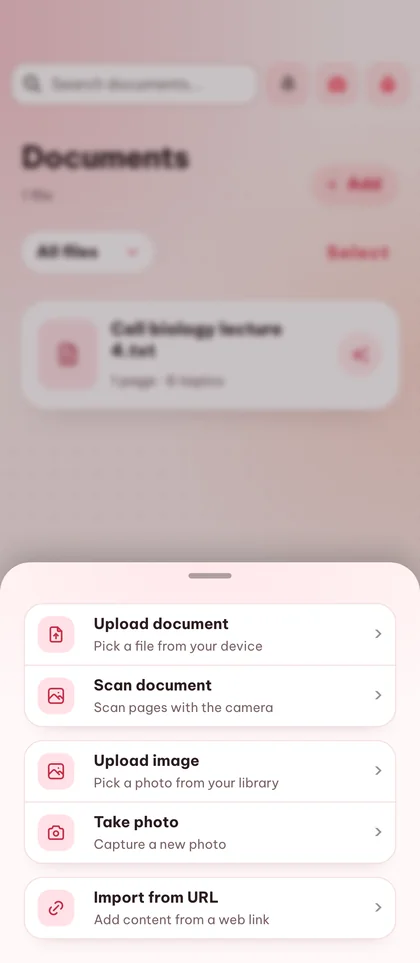
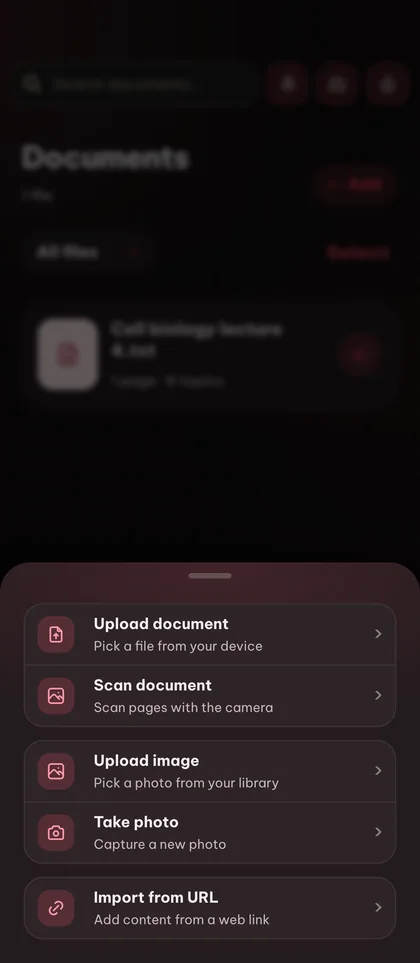
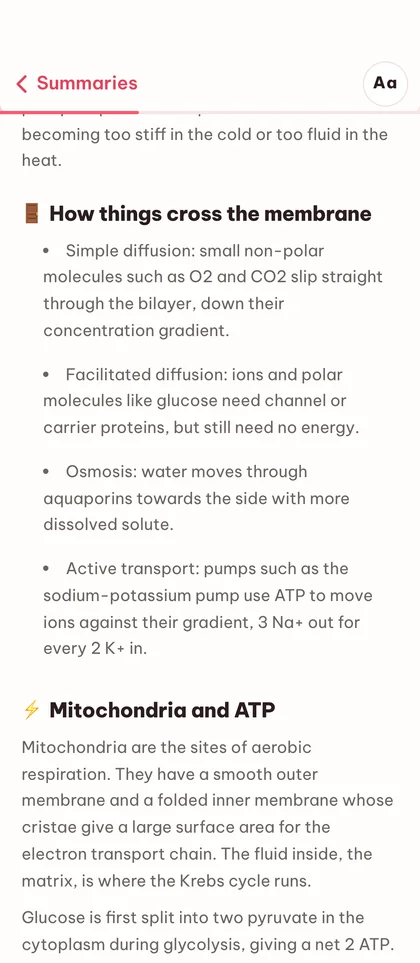
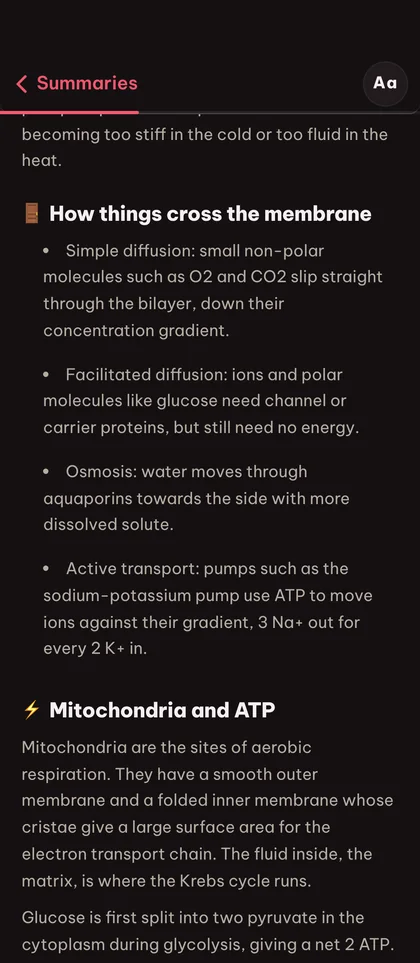

다시 읽기는 그만,
AI 요약기로 해결하세요.
읽는 시간을 몇 시간씩 아껴요
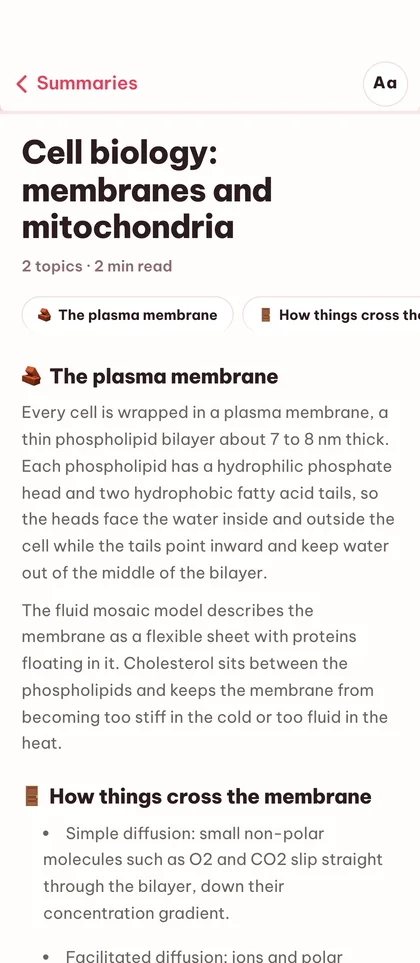
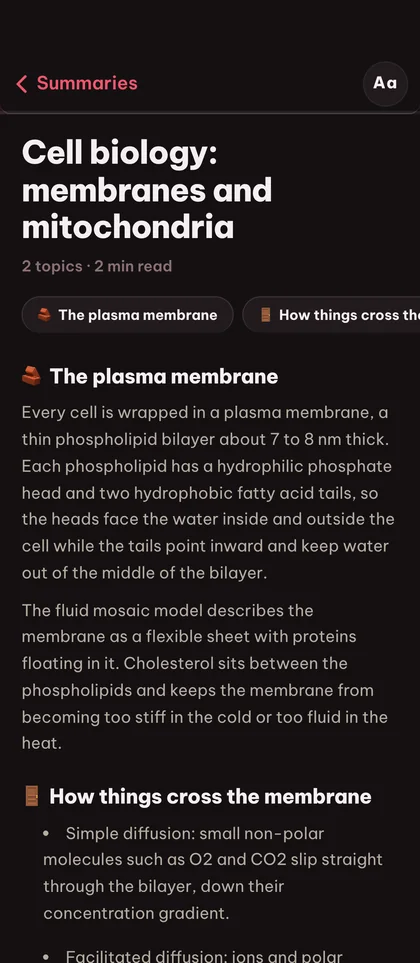
200쪽 분량의 교재 챕터도 구조와 핵심 용어를 그대로 살린 채 몇 분 만에 읽을 수 있는 요약으로 정리돼요.
짧기만 한 게 아니라 체계적인 구성
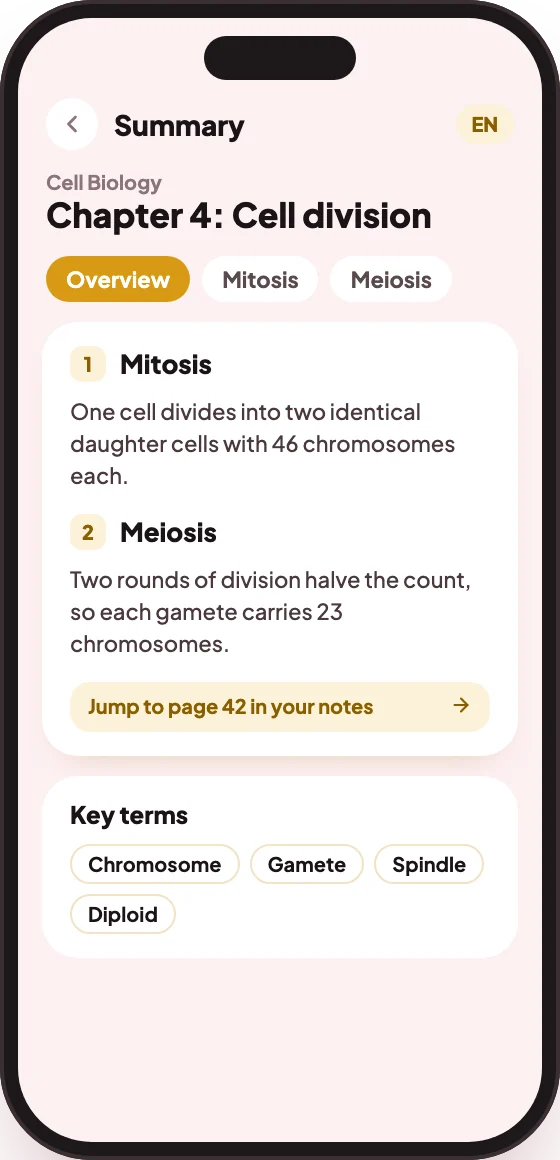
Eduloo는 원본 문서의 주제 구조를 그대로 유지해서, 요약을 한 문단으로 줄이는 대신 섹션별로 정리해요.
원본에 충실하게
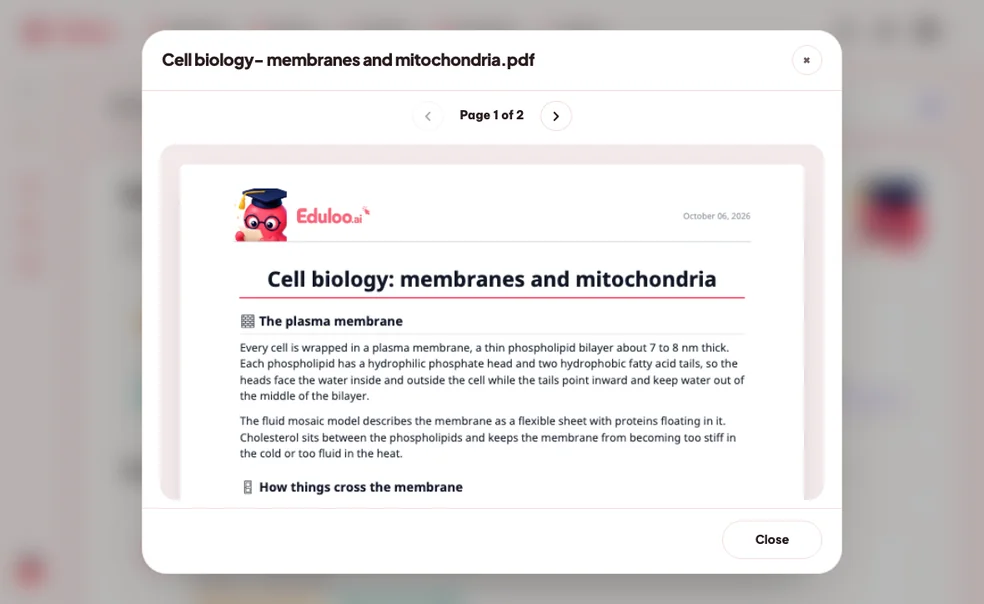
모든 주제가 원문 구절로 연결돼서, 문서를 직접 뒤지지 않아도 언제든 내용을 확인하거나 더 깊이 파고들 수 있어요.
모든 기능을 한곳에 담은
PDF 요약기.
어떤 문서로든 생성
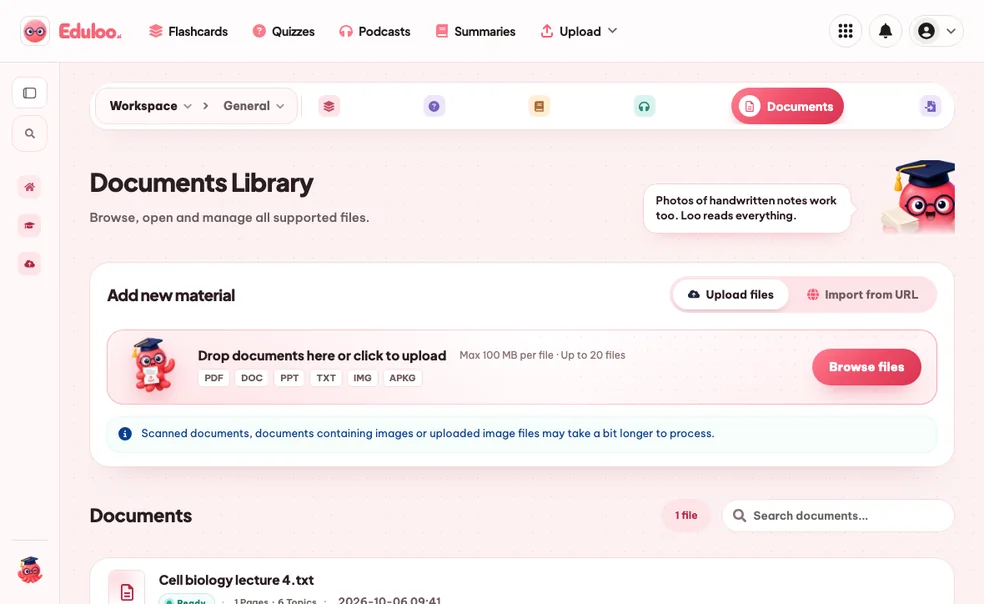
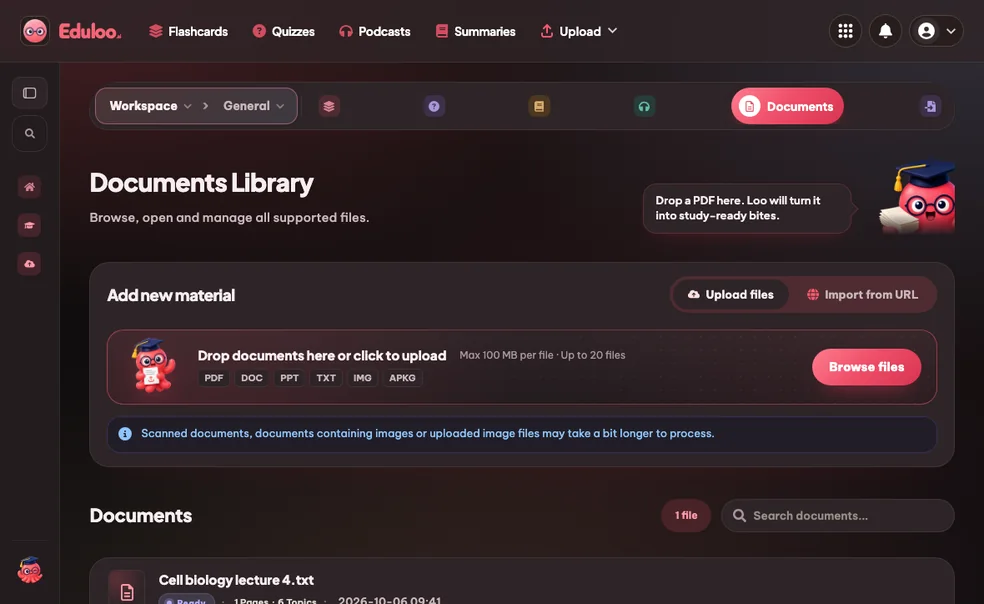
업로드한 PDF, 슬라이드, DOCX, 텍스트 파일을 선택한 주제를 다루는 체계적인 요약으로 바꿔줘요.
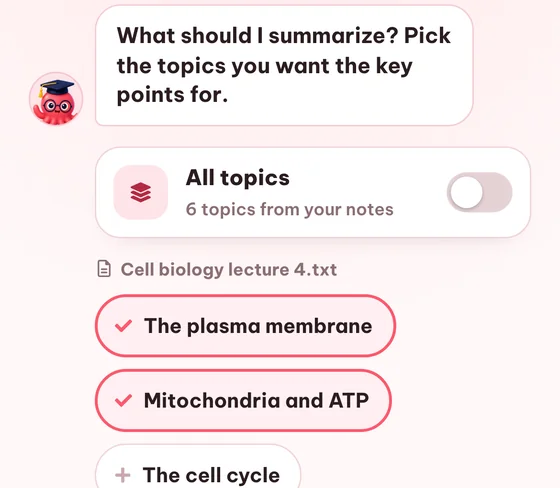
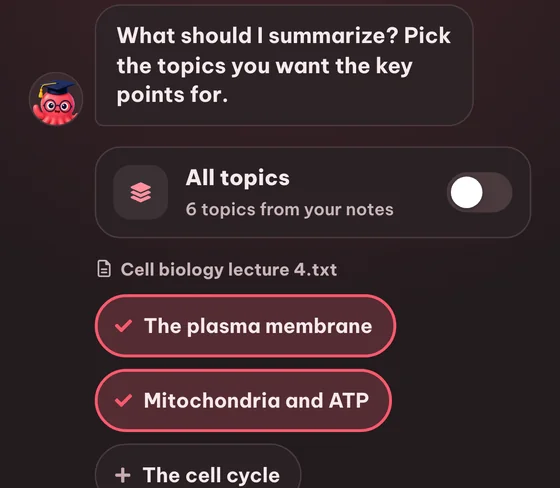
주제 하나 또는 여러 개 선택
문서에서 요약에 넣을 주제를 직접 고르거나, 토글 하나로 전부 포함할 수 있어요.
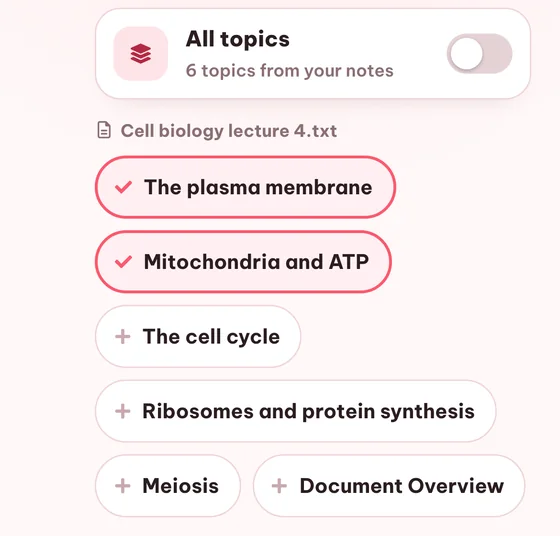
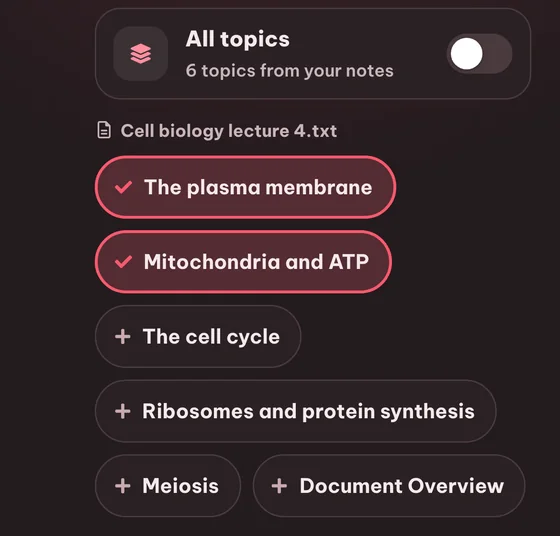
전체 주제 빠른 선택
클릭 한 번으로 문서의 모든 주제를 포함할 수 있어요. 빠짐없이 다뤄야 하는 복습용 요약에 유용해요.
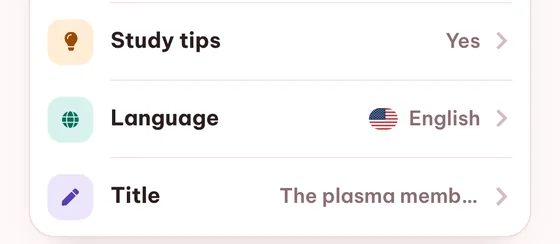
사용자 지정 이름
요약마다 이름을 붙여 과목, 학기, 시험별로 깔끔하게 정리하세요.
자주 묻는 질문 질문

가입 없이 게스트로 무료 체험할 수 있어요. 단, 게스트는 사용량 제한이 있고 데이터는 임시로만 저장돼요. AI 요약은 Free 플랜에 포함되지 않으니 계속 사용하려면 Plus나 Pro가 필요해요.
PDF, DOCX, PowerPoint(PPTX), 일반 텍스트 파일, 이미지를 지원합니다. URL로 웹 기사를 바로 가져올 수도 있습니다. 내장된 OCR 덕분에 이미지 기반 PDF도 처리됩니다.
네. Eduloo가 문서에서 주제를 추출하면, 요약에 포함할 주제를 직접 선택할 수 있습니다. 전체 주제 토글을 사용하면 모든 내용을 포함할 수도 있습니다.
네. 출력 언어는 생성할 때마다 선택할 수 있으며, 18개 언어를 지원합니다. 예를 들어 프랑스어 교재를 읽고 독일어 요약을 받을 수 있습니다.
일반적으로 문서 크기와 주제 수에 따라 몇 초에서 1분입니다. 요약본 라이브러리는 생성이 진행 중인 동안 명확한 상태 배지를 표시합니다.
네. 요약본은 편집기에서 열리므로 텍스트를 직접 수정할 수 있습니다. 이름 변경, 다른 주제를 선택해 다시 생성하기, 삭제도 가능합니다.
네. 주제는 원본 문서의 구조와 연결되고, 요약본도 그 계층 구조를 그대로 따릅니다. 한 덩어리로 뭉친 문단이 아니라 체계적으로 정리된 요약을 받을 수 있습니다.
네. 요약본의 모든 주제는 문서 라이브러리의 해당 섹션으로 연결되므로, 한 번의 클릭으로 내용을 확인하거나 더 깊이 파고들 수 있습니다.
게스트 요약본은 30일 동안 보관된 후 자동으로 삭제됩니다. 무료 계정을 만들면 영구적으로 보관할 수 있습니다.
네. 주제 선택 목록에는 라이브러리에 있는 모든 문서의 주제가 표시되므로, 여러 문서에서 주제를 선택해 하나의 요약본으로 만들 수 있습니다.
더 읽어보기:
독해력을 높이는 방법
AI 요약 생성기를 사용해 볼까요?
짧은 데모를 보고, 게스트로 무료 체험하거나 준비가 되면 플랜을 선택하세요.