



1. จุดประสงค์ของ interface ใน Java คืออะไร
Single Choiceเครื่องมือสรุปด้วย AI:
สรุปที่ชัดเจน
จากทุกเอกสาร
วางเอกสารยาวลงไป เลือกหัวข้อที่สนใจ แล้วรับสรุปที่มีโครงสร้างพร้อมประเด็นสำคัญ คำนิยาม และบทสรุป พร้อมสำหรับการทบทวนในไม่กี่วินาที
- ลองใช้เลย แบบผู้เยี่ยมชม
- รายหัวข้อ ควบคุมได้
- คลิกเดียว ไปยังต้นฉบับ
Guest Mode Your work is kept for 30 days.
สรุปเนื้อหา 0 / 3 Documents 0 / 150k Sign in or create an accountห้องสมุดบทสรุป
เปลี่ยนเนื้อหายาวๆ ให้กลายเป็นประเด็นสำคัญที่ชัดเจน ด้วยการ์ดที่อ่านง่ายและเข้าถึงหัวข้อสำคัญได้อย่างรวดเร็ว
แนวคิดสำคัญ ย่อยมาให้เข้าใจง่ายอ่านบทสรุปคร่าวๆ หาจุดที่ยังอ่อน แล้วฝึกซ้ำให้แม่นทุกหัวข้อลิงก์กลับไปยังหน้าต้นฉบับบทสรุปก็เหมือนแผนที่ Loo จะปักหมุดจุดที่ควรเจาะลึกLoo เก็บโครงสร้างไว้ครบ ไม่ใช่แค่ไฮไลต์อ่านภาษาหนึ่ง สรุปเป็นอีกภาษาหนึ่ง
New Cards
New Quiz
New Summary
Edit Questions
เลือกประเภทคำถาม
2. Java เป็นภาษาที่มีการกำหนดประเภทแบบคงที่
True or False3. เติมประโยคให้สมบูรณ์: Java ใช้ ____ และ ____ สำหรับการจัดการหน่วยความจำและการควบคุมเธรด
Fill in the Blank4. จับคู่ Java collection แต่ละรายการกับลักษณะเฉพาะของมัน
MatchingNew Podcast
Workspaces
ชื่อ
การดำเนินการ
ไม่มีวิชา
รวมสำรับ
Loading decks
รวมแบบทดสอบ
Loading quizzes
Pomodoro Timer
เซสชันที่ 1 จาก 4
25:00
ถัดไป: ช่วงพัก
25 min
5 min
Rate This Study Item
เลือกว่าคุณรู้สึกอย่างไรกับเนื้อหานี้ และจะเขียนความคิดเห็นถึงทีมด้วยก็ได้
หัวข้อเอกสาร
1สร้างหัวข้อเอง หรือให้ระบบสร้างให้อัตโนมัติ 2Click sections in the document to add them.
Click sections in the document to add them to this topic.
ยังไม่ได้เลือกส่วนใดเลย
ยังไม่มีหัวข้อ
Sections
No sections.
เลือกหัวข้อเพื่อดูตำแหน่งในเอกสาร
Source of This Question
Loading sources
ไม่พบแหล่งที่มานี้แล้ว
Import Guest Work?
พบเซสชันผู้เยี่ยมชม
Import your guest work to keep it in your account.
สรุป PDF
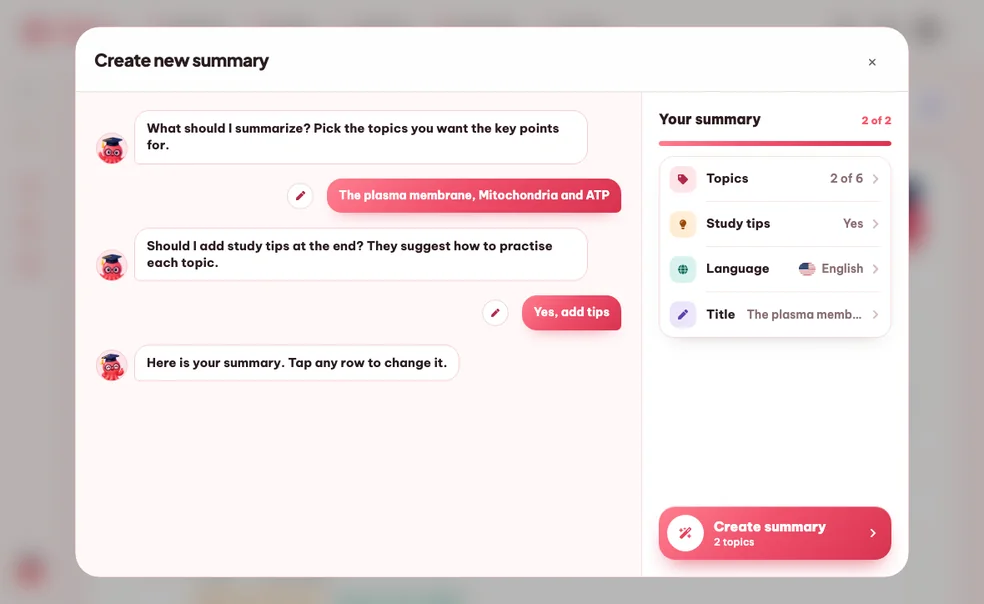
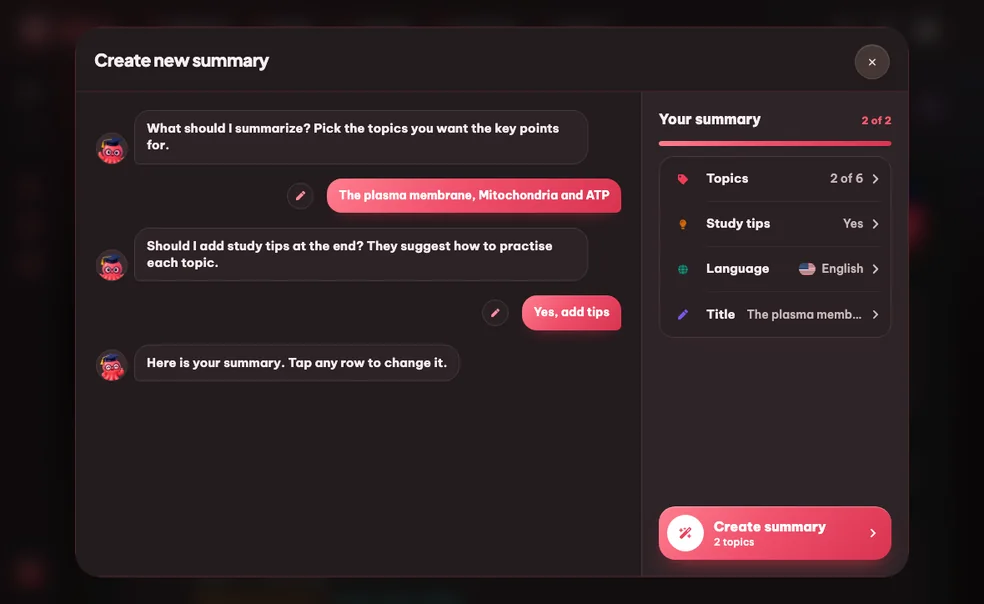
ในสามขั้นตอน
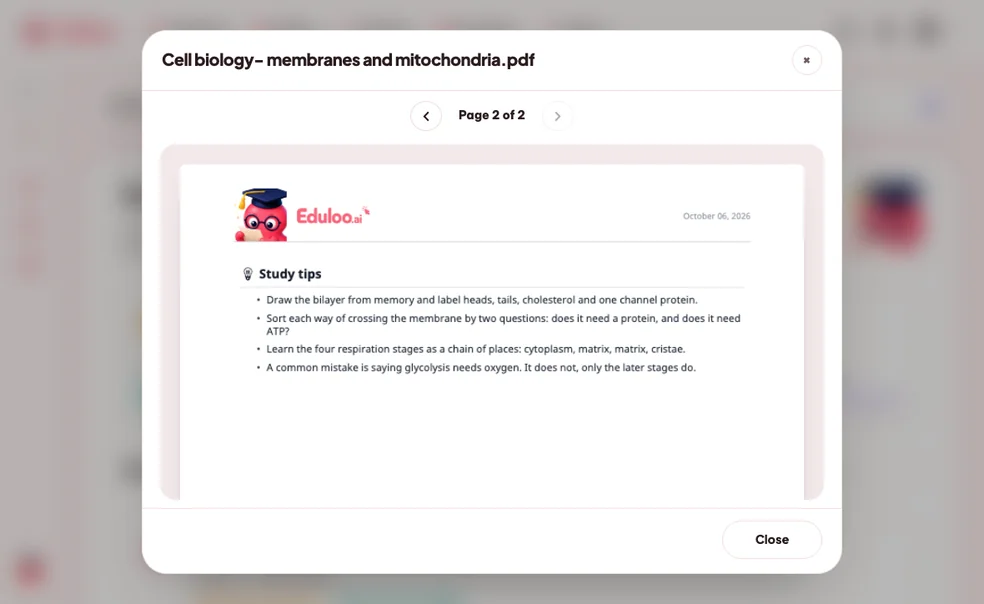
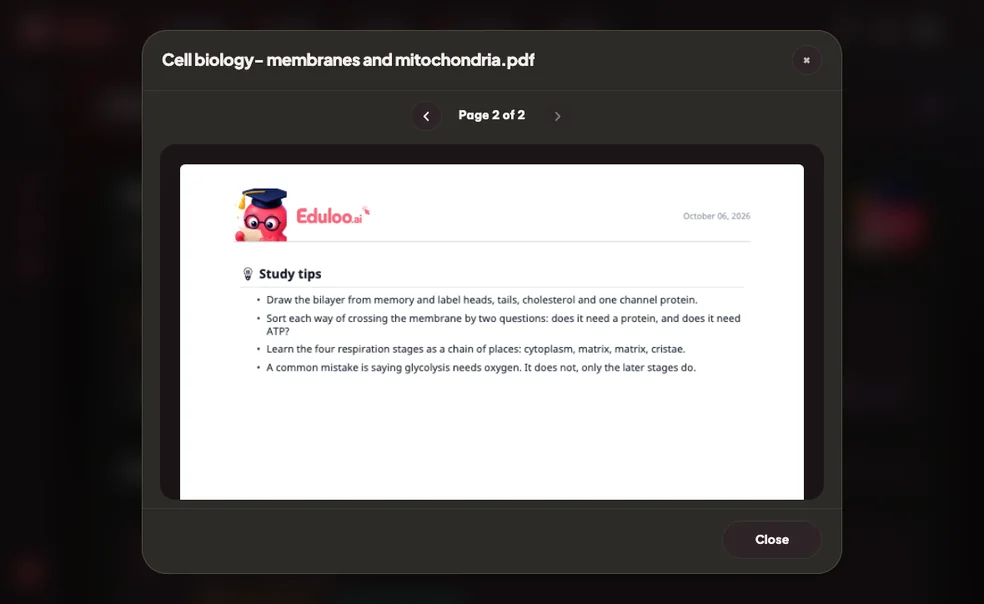
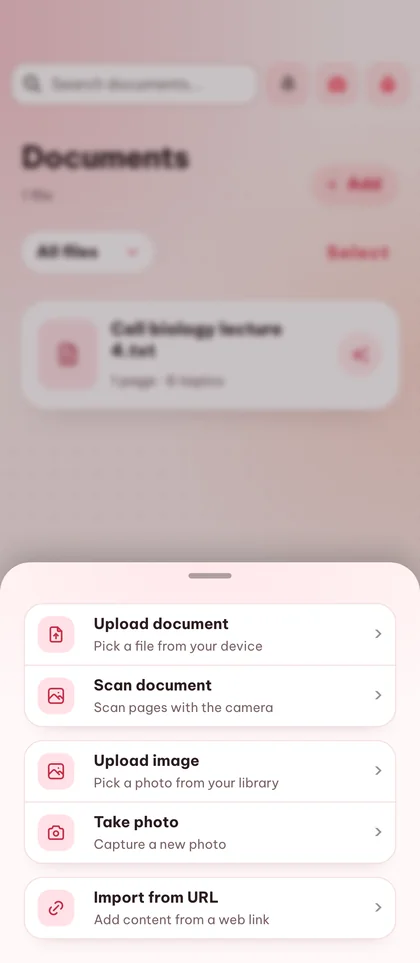
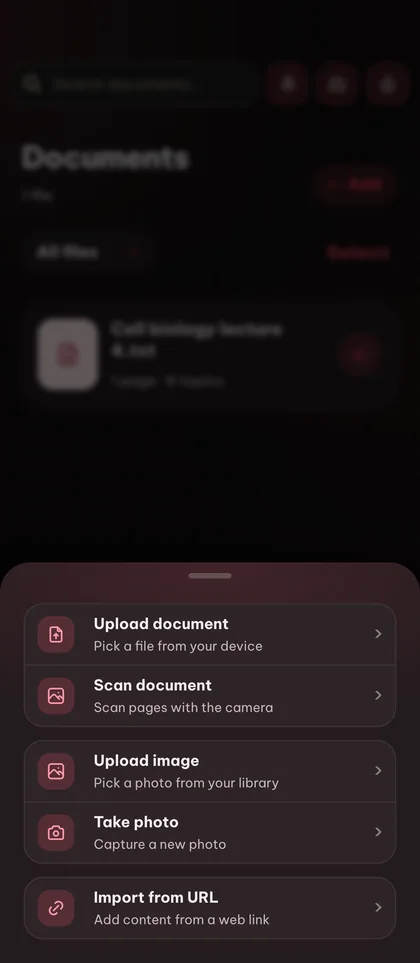
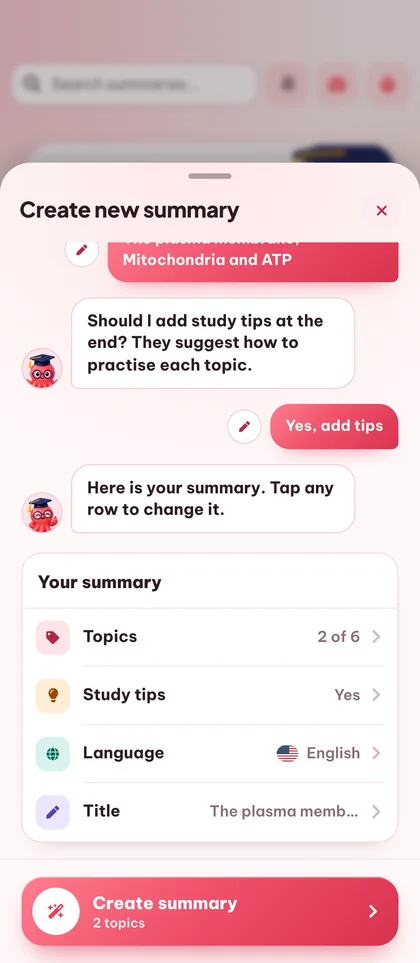
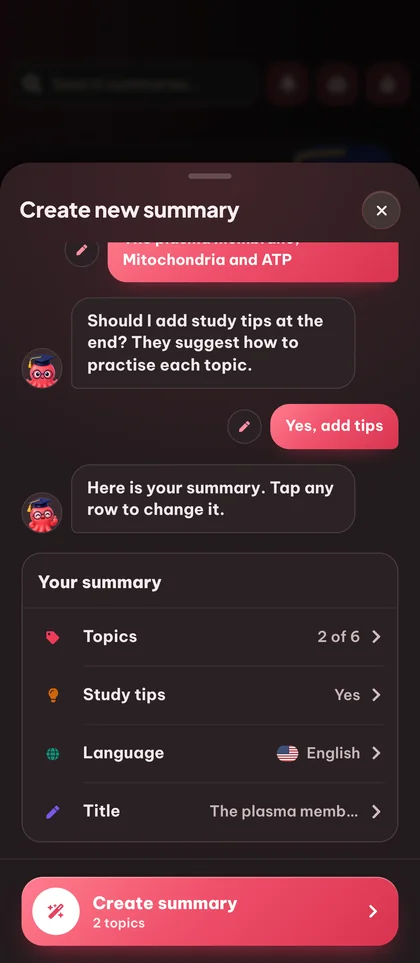
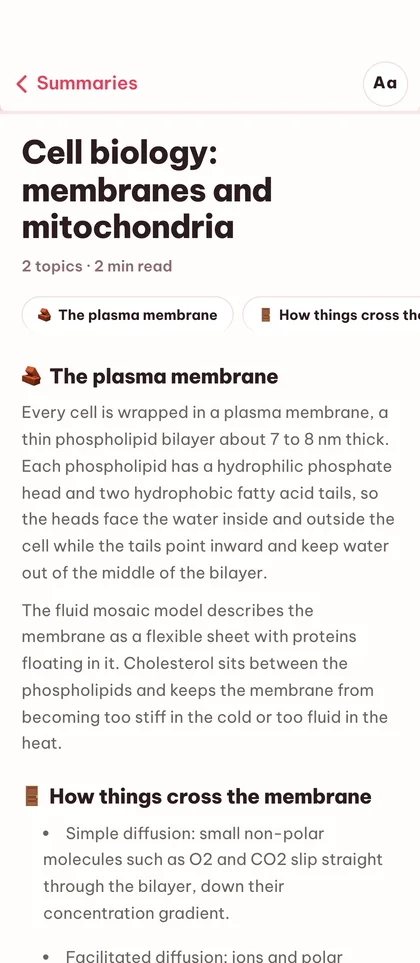
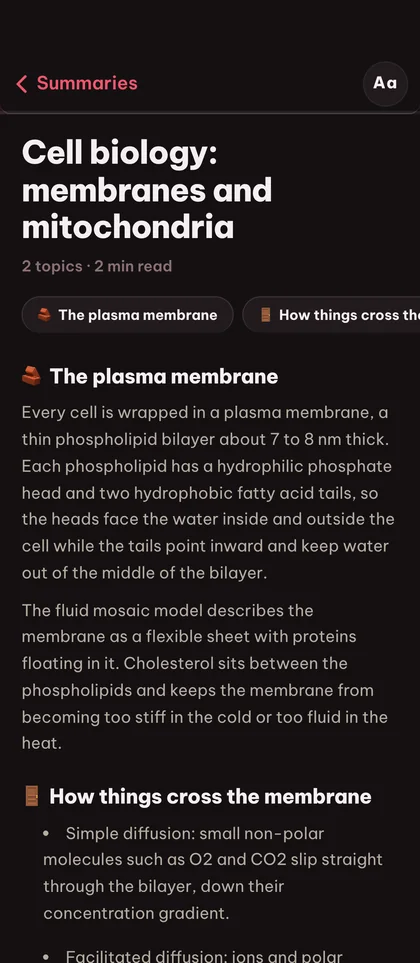
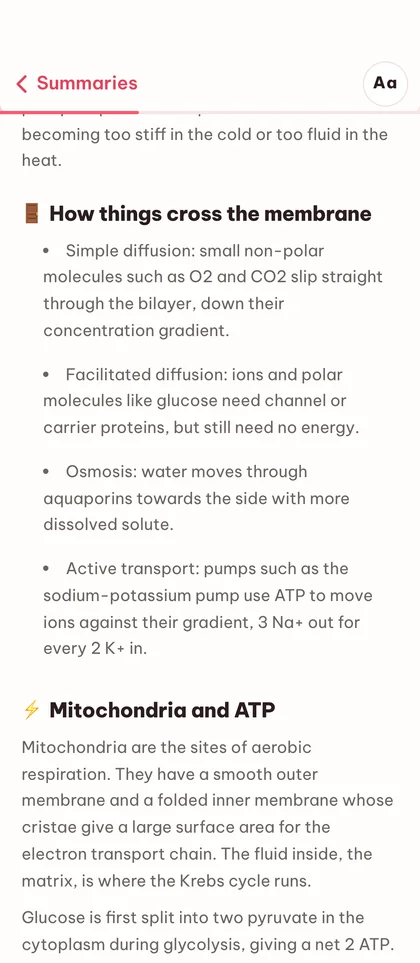
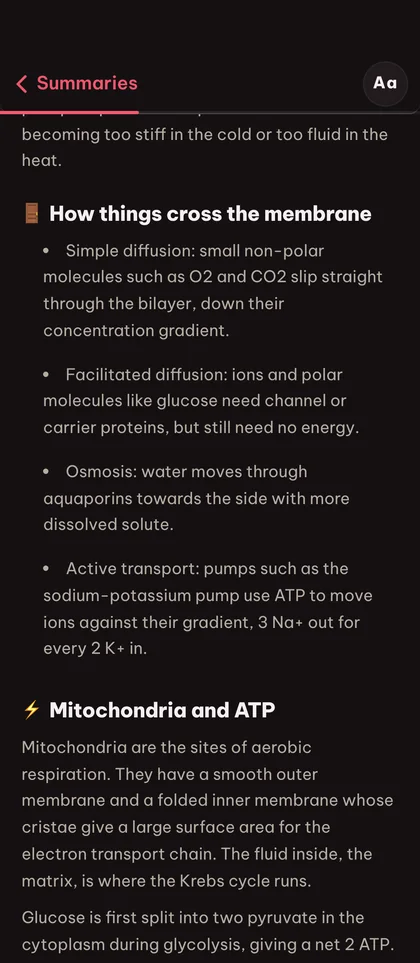

เลิกอ่านซ้ำไปซ้ำมา
ด้วยเครื่องมือสรุปด้วย AI
ประหยัดเวลาอ่านได้หลายชั่วโมง
เนื้อหาตำรา 200 หน้าถูกย่อเป็นสรุปที่มีโครงสร้าง อ่านจบได้ในไม่กี่นาทีโดยไม่สูญเสียโครงสร้างหรือคำศัพท์สำคัญ
มีโครงสร้าง ไม่ใช่แค่สั้นลง
Eduloo คงลำดับชั้นของหัวข้อจากเอกสารต้นฉบับไว้ สรุปจึงจัดเรียงตามแต่ละส่วน ไม่ใช่แค่ย่อให้เหลือย่อหน้าเดียว
ยึดตามต้นฉบับของคุณ
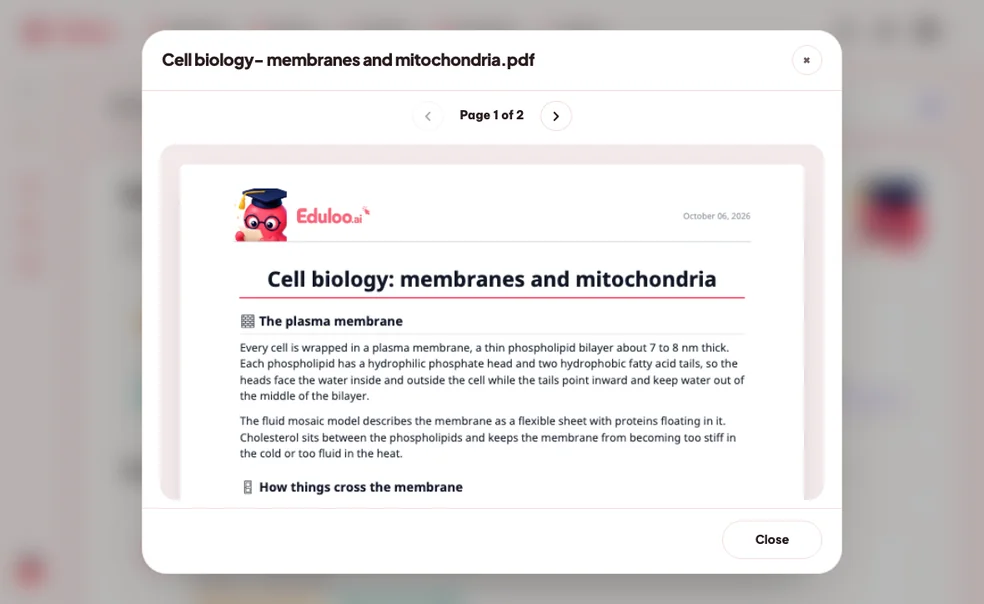
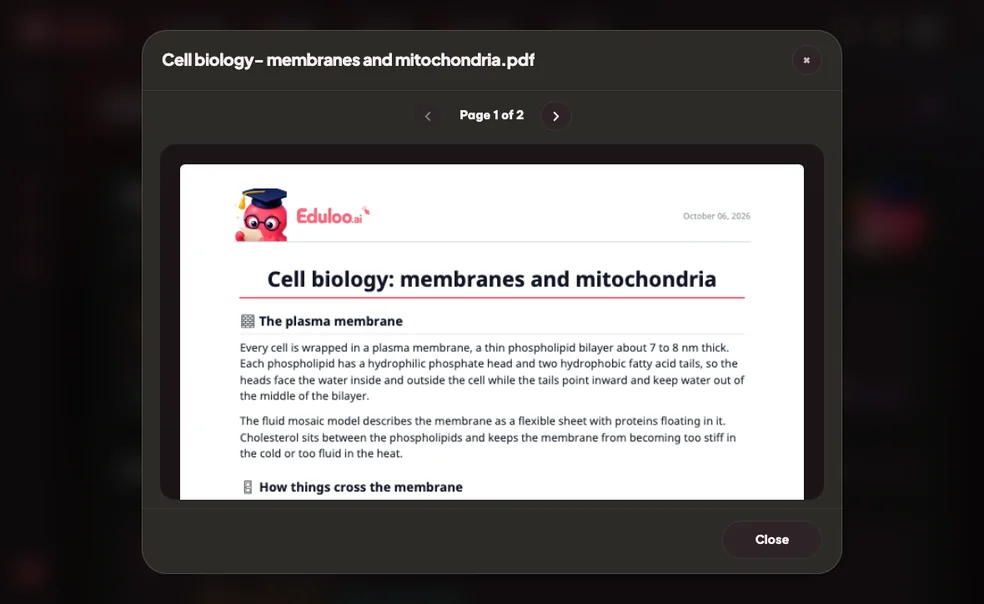
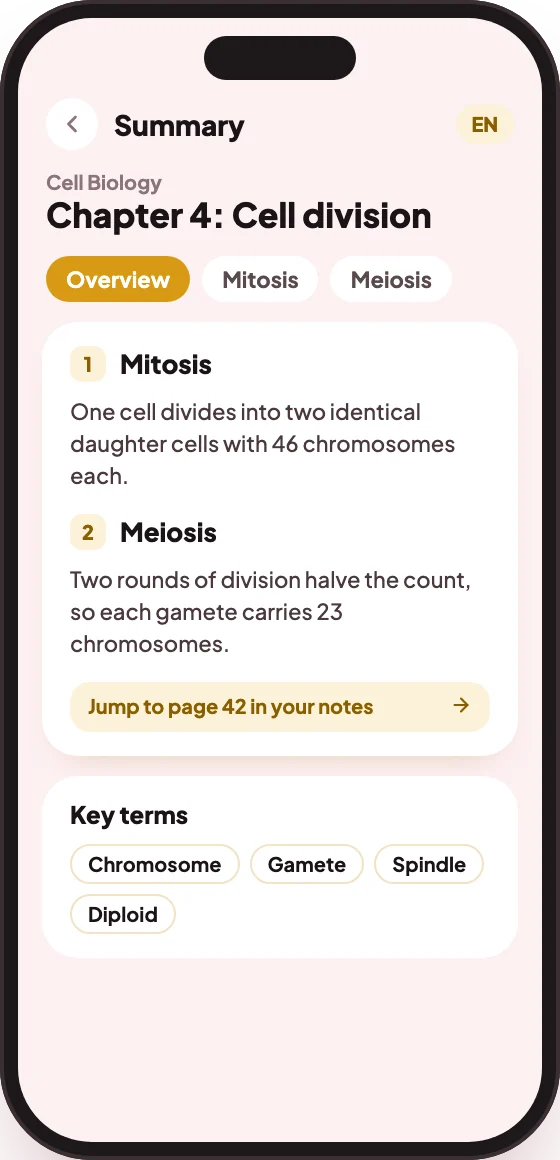
ทุกหัวข้อลิงก์กลับไปยังข้อความต้นฉบับ คุณจึงตรวจสอบข้อมูลหรือศึกษาเพิ่มเติมได้เสมอโดยไม่ต้องค้นหาในเอกสารเอง
เครื่องมือสรุป PDF ที่มี
ทุกอย่างครบในที่เดียว
สร้างจากเอกสารใดก็ได้
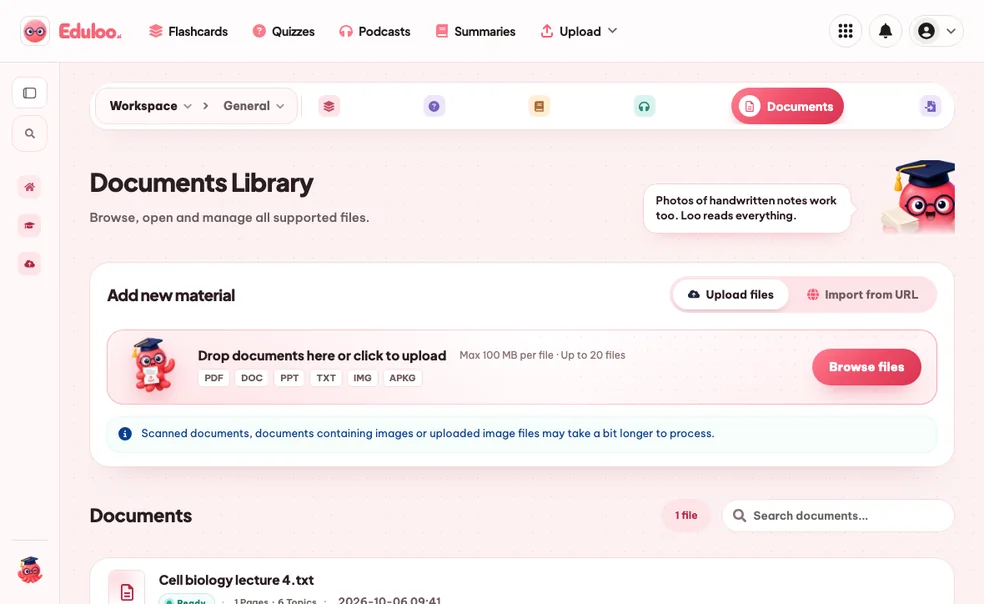
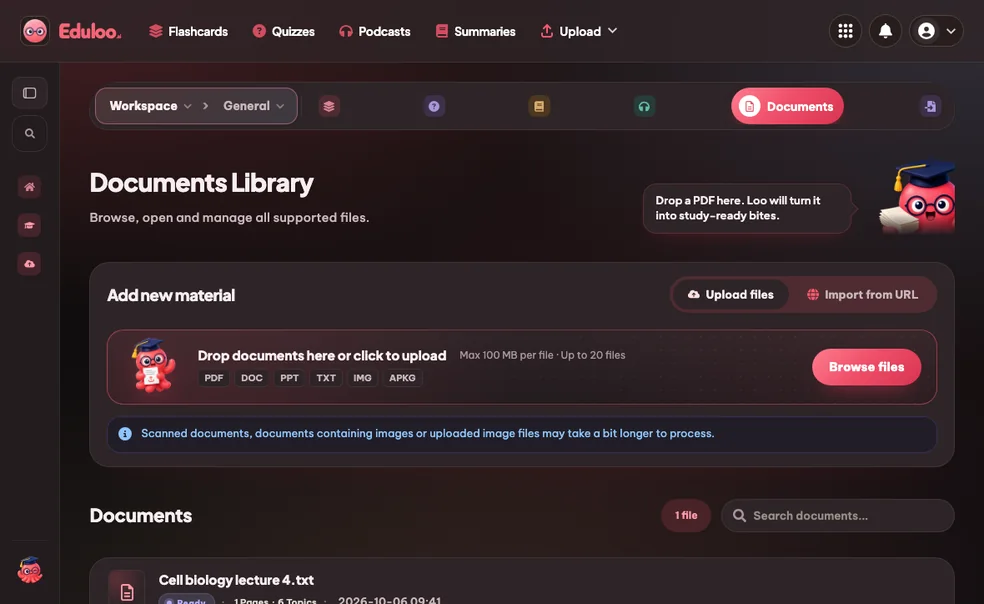
เปลี่ยนไฟล์ PDF สไลด์ DOCX หรือไฟล์ข้อความที่อัปโหลดให้เป็นสรุปที่มีโครงสร้าง ครอบคลุมหัวข้อที่คุณเลือก
เลือกหัวข้อ เลือกได้หนึ่งหรือหลายหัวข้อ
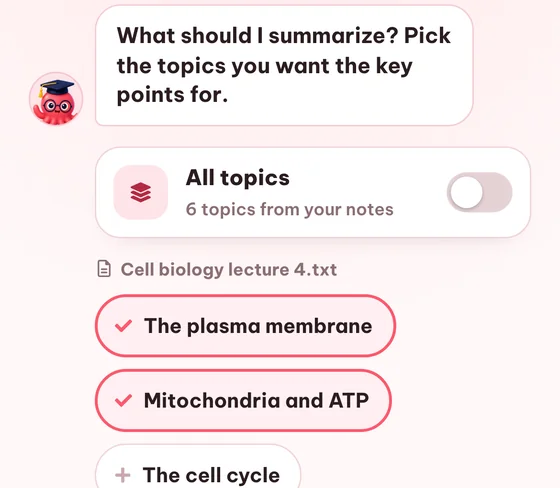
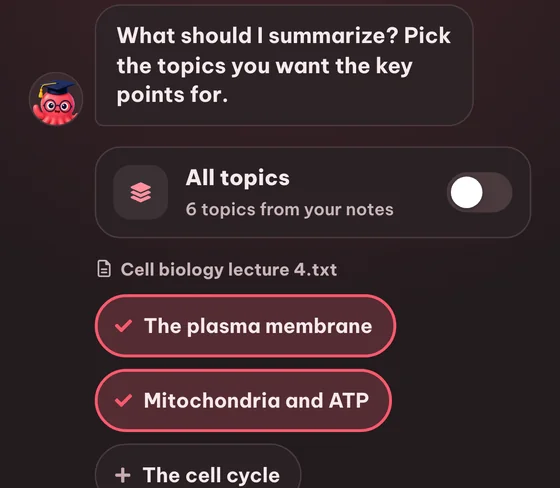
เลือกได้ว่าจะให้หัวข้อไหนจากเอกสารอยู่ในสรุปบ้าง หรือรวมทุกหัวข้อด้วยการกดสวิตช์ครั้งเดียว
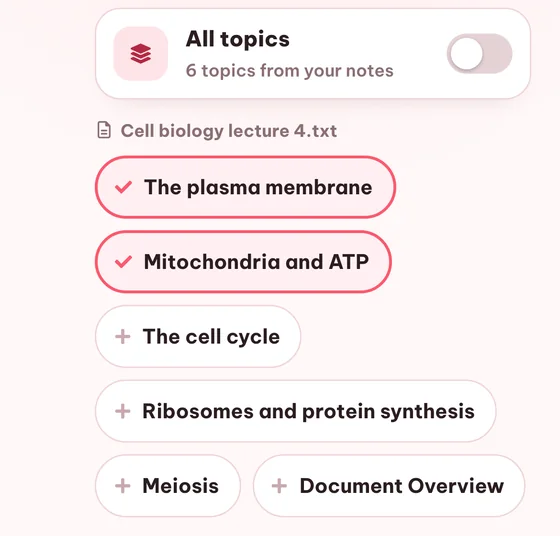
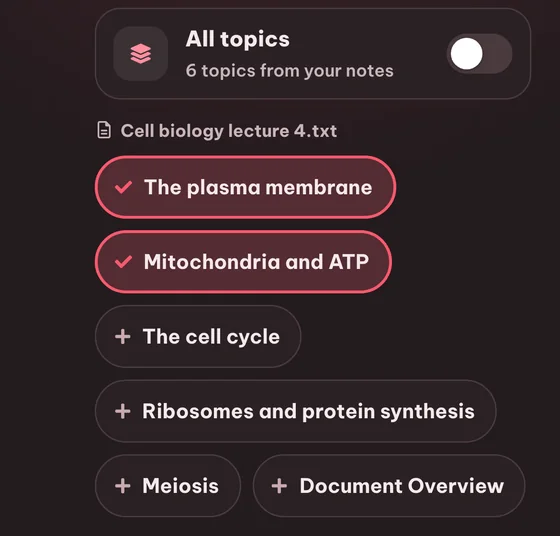
เลือก/ยกเลิกทุกหัวข้อได้ในคลิกเดียว
คลิกเดียวเพื่อรวมทุกหัวข้อในเอกสาร เหมาะสำหรับสรุปทบทวนที่ต้องครอบคลุมเนื้อหาทั้งหมด
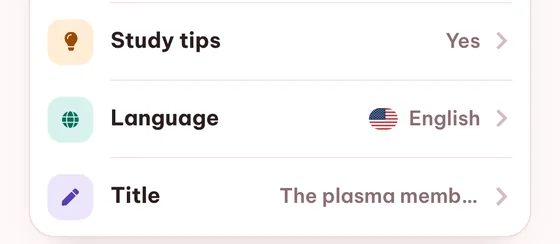
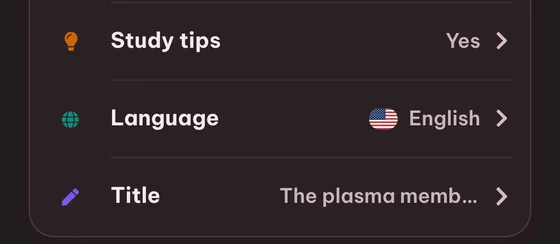
ตั้งชื่อเองได้
ตั้งชื่อสรุปทุกชุดเพื่อให้เป็นระเบียบในทุกวิชา ทุกภาคเรียน และทุกการสอบ
คำถามที่พบบ่อย คำถาม

ยังติดอยู่ใช่ไหม? ถาม Loo ได้เลย
ไม่เจอคำตอบที่นี่ใช่ไหม? ส่งคำถามมาหาเรา แล้วเราจะตอบกลับภายใน 1 วัน
ส่งคำถามคุณลองใช้ฟรีแบบผู้เยี่ยมชมได้โดยไม่ต้องสมัคร แต่จะใช้งานได้ในโควตาที่จำกัดสำหรับผู้เยี่ยมชม และข้อมูลจะเก็บไว้เพียงชั่วคราว การสรุปด้วย AI ไม่รวมอยู่ในแพ็กเกจ Free จึงต้องใช้แพ็กเกจ Plus หรือ Pro หากต้องการใช้งานต่อเนื่อง
ไฟล์ PDF, DOCX, PowerPoint (PPTX), ไฟล์ข้อความธรรมดา และรูปภาพ นอกจากนี้คุณยังนำเข้าบทความจากเว็บได้โดยตรงผ่าน URL และด้วยระบบ OCR ในตัว จึงรองรับไฟล์ PDF ที่เป็นรูปภาพได้ด้วย
ใช่ Eduloo จะดึงหัวข้อจากเอกสารของคุณและให้คุณเลือกได้ว่าต้องการรวมหัวข้อใดบ้างในสรุป หรือใช้ปุ่มเปิด/ปิดทุกหัวข้อเพื่อครอบคลุมทั้งหมด
ได้เลย ภาษาผลลัพธ์สามารถเลือกได้ในแต่ละครั้งที่สร้าง โดยรองรับ 18 ภาษา คุณจึงสามารถอ่านตำราภาษาฝรั่งเศสและรับบทสรุปเป็นภาษาเยอรมันได้
โดยทั่วไปใช้เวลาตั้งแต่ไม่กี่วินาทีจนถึงราวหนึ่งนาที ขึ้นอยู่กับขนาดเอกสารและจำนวนหัวข้อ ไลบรารีสรุปเนื้อหาจะแสดงป้ายสถานะที่ชัดเจนระหว่างที่กำลังสร้าง
ได้เลย บทสรุปจะเปิดในตัวแก้ไขที่ให้คุณเขียนข้อความใหม่ได้โดยตรง นอกจากนี้คุณยังสามารถเปลี่ยนชื่อ สร้างใหม่ด้วยการเลือกหัวข้อที่ต่างออกไป หรือลบทิ้งได้ด้วย
ใช่ หัวข้อต่าง ๆ เชื่อมโยงกลับไปยังเอกสารต้นฉบับ และสรุปเนื้อหาก็สะท้อนลำดับชั้นนั้น - คุณจะได้บทสรุปที่มีโครงสร้าง ไม่ใช่ย่อหน้าที่ถูกบีบให้แบนราบ
ได้ ทุกหัวข้อในสรุปเชื่อมโยงกลับไปยังส่วนนั้นในคลังเอกสาร ดังนั้นคุณสามารถตรวจสอบหรือเจาะลึกได้ในคลิกเดียว
บทสรุปของผู้เยี่ยมชมจะถูกเก็บไว้ 30 วัน จากนั้นจะถูกลบโดยอัตโนมัติ สร้างบัญชีฟรีเพื่อเก็บรักษาไว้อย่างถาวร
ได้เลย ตัวเลือกหัวข้อจะแสดงรายการหัวข้อจากทุกเอกสารในคลังของคุณ คุณจึงสามารถเลือกหัวข้อจากหลายเอกสารและรับบทสรุปเดียวที่ครอบคลุมทั้งหมดได้
อ่านเพิ่มเติม:
วิธีพัฒนาทักษะการอ่านจับใจความ
พร้อมลองเครื่องมือสรุปด้วย AI แล้วหรือยัง?
ดูตัวอย่างสั้น ๆ แล้วเริ่มใช้งานฟรีในฐานะผู้เยี่ยมชม หรือเลือกแพลนเมื่อคุณพร้อม
ชอบสิ่งที่เห็นอยู่ไหม? เก็บงานของคุณไว้เลย
สร้างบัญชีฟรีเพื่อเก็บทุกอย่างที่คุณสร้างในฐานะผู้เยี่ยมชม ยกเลิกข้อจำกัดของโหมดผู้เยี่ยมชม และซิงค์ข้อมูลข้ามอุปกรณ์
สร้างบัญชีฟรี
หรือ เข้าสู่ระบบ