


1. Mục đích của interface trong Java là gì?
Lựa chọn đơnCông cụ tạo Flashcard - thông minh, được hỗ trợ bởi AI flashcards from any document
Upload a PDF, paste your notes, or import an Anki deck and turn them into ready-to-study flashcards in seconds. Built-in spaced repetition makes every minute of review count.
Chế độ khách
Bạn đang sử dụng Eduloo Flashcard Maker ở chế độ khách. Bản demo hoàn toàn chức năng nhưng có dung lượng hạn chế và lưu trữ tạm thời. Tạo tài khoản hoặc Đăng nhập để giữ dữ liệu của bạn và mở khóa phiên bản đầy đủ.
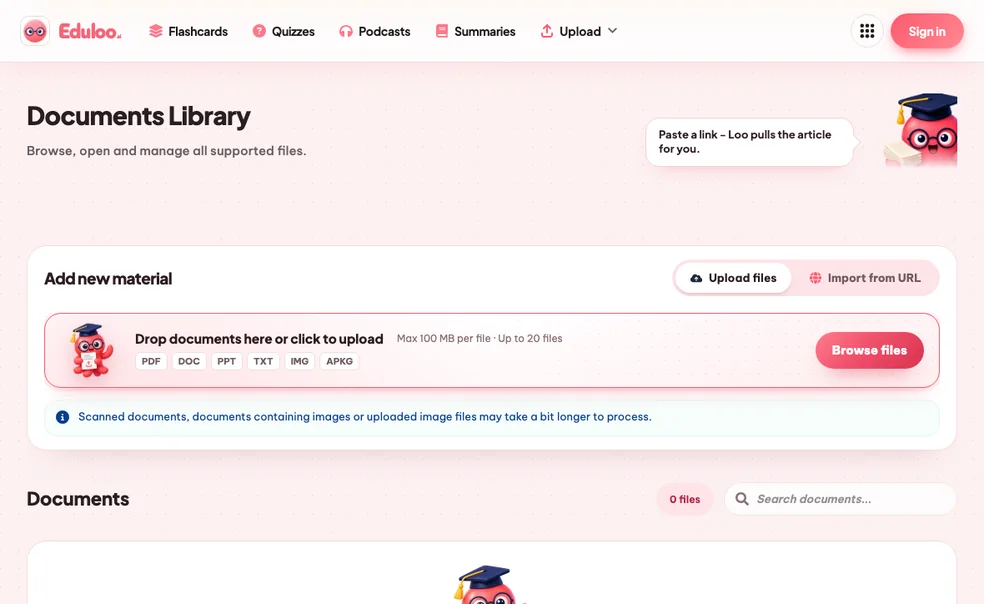
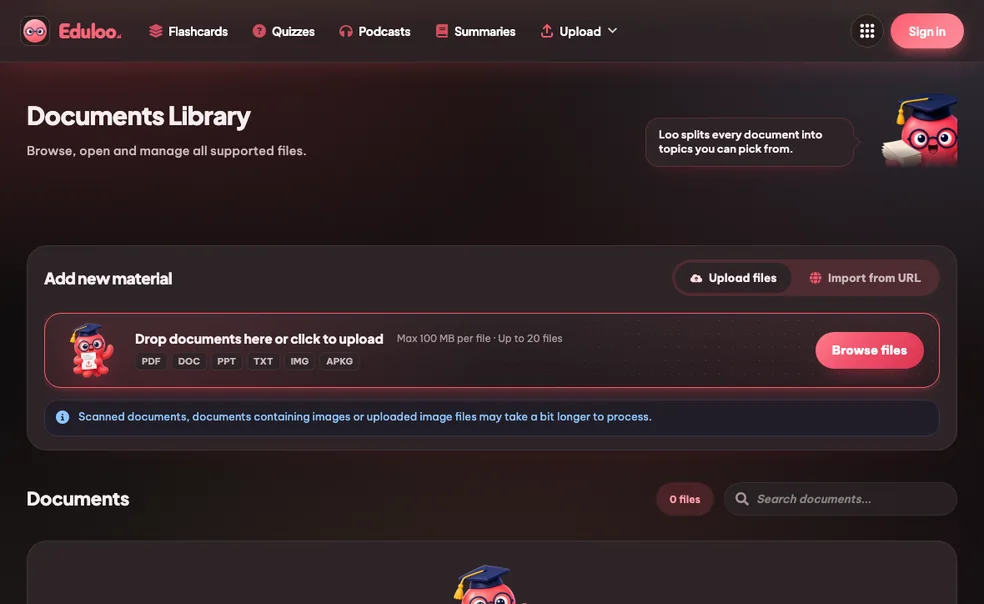
Thư viện Flashcard
Học hiệu quả hơn với lặp lại cách xa, các thao tác nhanh với bộ thẻ và các phiên học tập tập trung.
Đang tạo flashcard
- Đang phân tích chủ đề
- Đang tạo flashcard
- Đang xóa các mục trùng lặp
- Đang hoàn thiện bộ thẻ
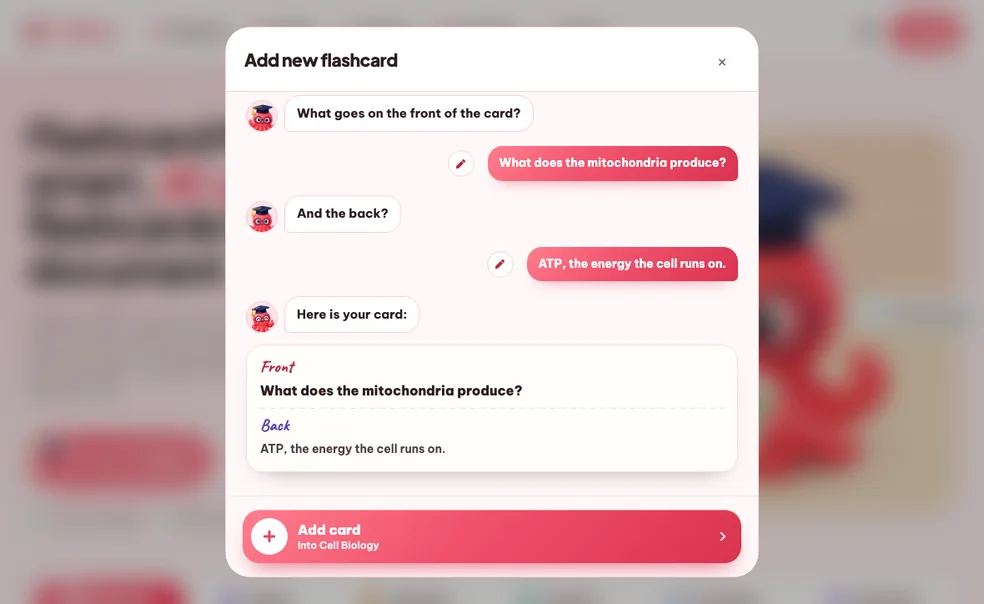
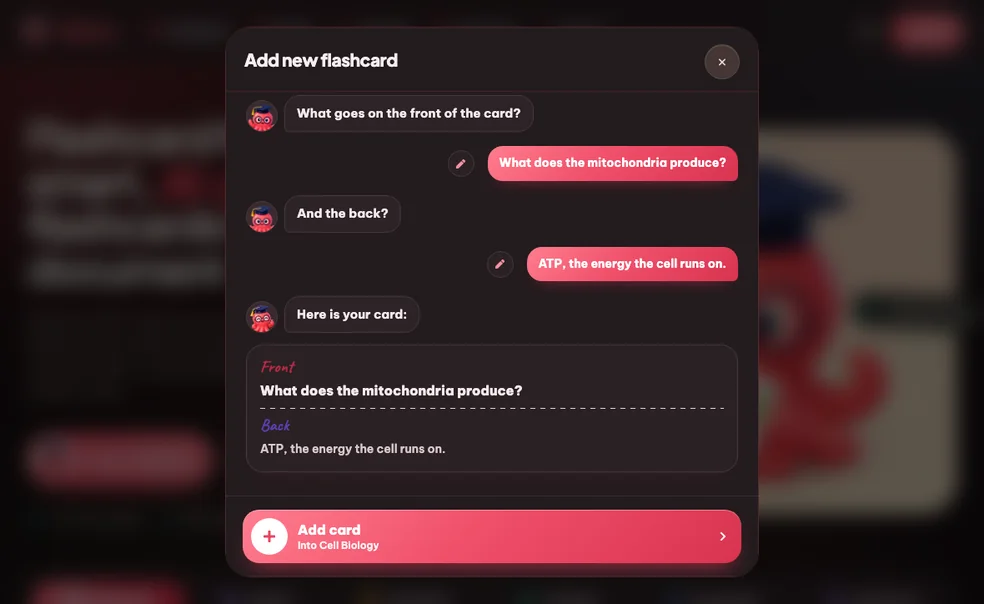
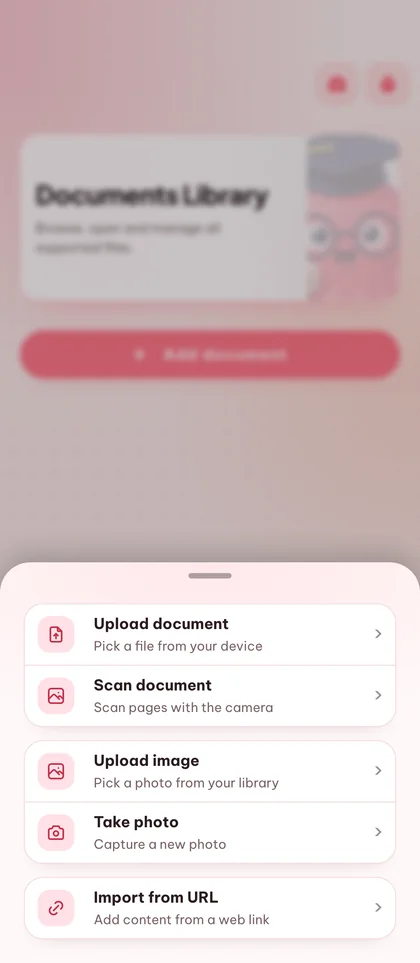
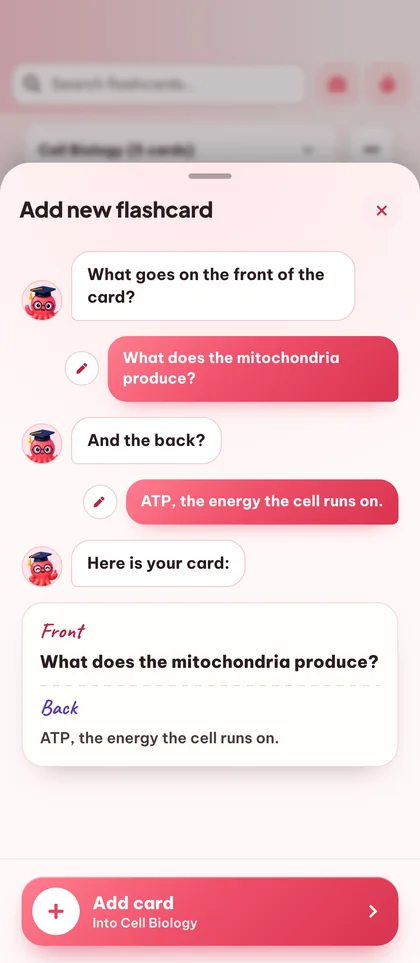
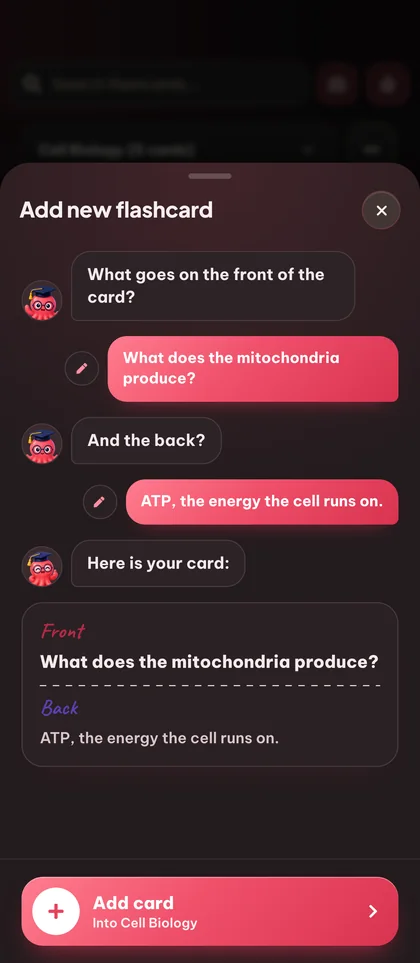
Thêm flashcard mới
Tạo bài trắc nghiệm mới
Tạo bản tóm tắt mới
Chỉnh sửa câu hỏi
Chọn loại câu hỏi
2. Java là một ngôn ngữ có kiểu dữ liệu tĩnh.
Đúng/Sai3. Hoàn thành câu: Java sử dụng ____ và ____ để quản lý bộ nhớ và điều khiển luồng.
Điền vào chỗ trống4. Ghép nối mỗi collection Java với đặc điểm của nó.
Kết hợpTạo podcast mới
Quản Lý Không Gian Làm Việc & Chủ Đề
Hợp Nhất Bộ Bài
Hợp nhất bộ câu hỏi
Bộ đếm thời gian Pomodoro
Giữ sự tập trung với phương pháp Pomodoro: những phiên tập trung 25 phút cân bằng và những khoảng nghỉ ngơi ngắn.
Phiên 1 của 4
25:00
Tiếp theo: Nghỉ ngơi
Đánh giá mục học tập này
Cho chúng tôi biết nội dung này cảm thấy như thế nào và tùy chọn để lại nhận xét cho nhóm.
Chủ đề Tài liệu
Chưa có chủ đề nào.
Không có đoạn nào.
Nhấp vào các phần trong PDF để chọn chúng cho chủ đề này.
Chưa chọn phần nào.
Chọn một chủ đề để xem vị trí của nó trong tài liệu.
Nguồn của câu hỏi này
Đang tải nguồn...
Nguồn không còn sẵn có.
Would you like to import your guest study content?
Phiên khách được tìm thấy
Chúng tôi đã tìm thấy nội dung học tập được tạo trong phiên khách của bạn. Nhập nó ngay bây giờ để giữ mọi thứ được tổ chức trong tài khoản của bạn.
From document to deck in five steps.
Five small actions stand between the file on your desktop and a deck you can review tonight. None of them ask you to make flashcards by hand.
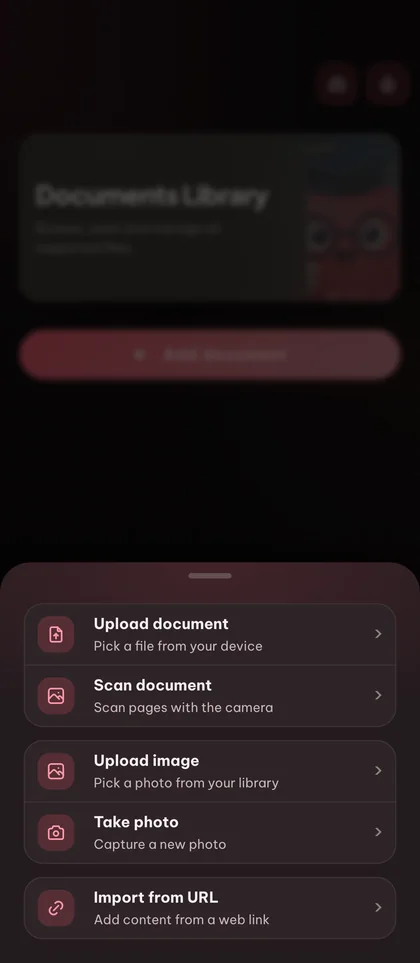
Thêm tài liệu học
Upload a PDF, drop in slides or pasted notes, or import an existing Anki .apkg deck. You can also start with an empty deck and type cards by hand.
Tạo hoặc tự xây dựng thẻ của bạn
Chọn các chủ đề bạn muốn bao gồm và ngôn ngữ đầu ra (20+ được hỗ trợ). Eduloo tạo ra các cặp câu hỏi/câu trả lời rõ ràng được xác định cho tài liệu của bạn. Bạn vẫn kiểm soát - thêm, chỉnh sửa hoặc xóa bất kỳ thẻ nào trước khi học.
Tổ chức bộ bài theo cách não bạn hoạt động
Group cards into decks, nest decks under parent topics, drag cards to reorder, and use the search box to jump straight to a question or answer you have in mind.
Học với lặp lại cách quãng
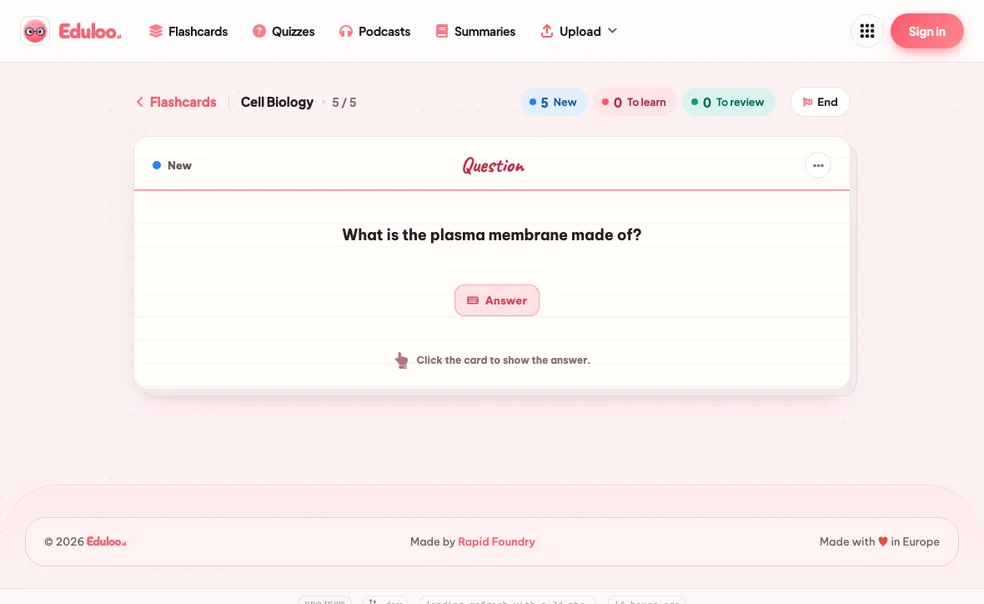
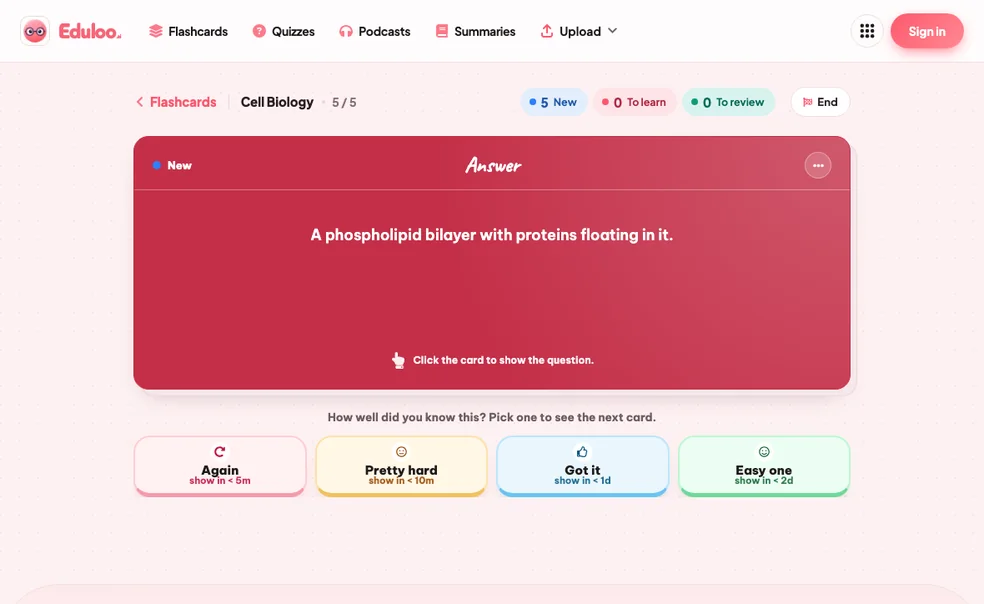
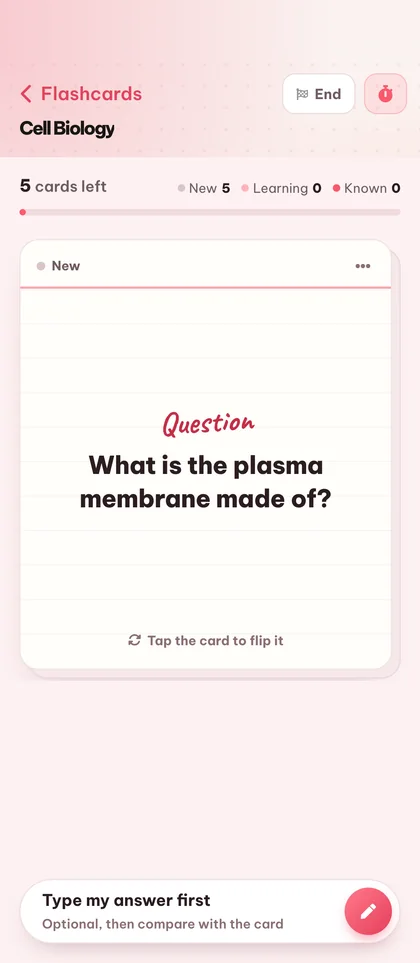
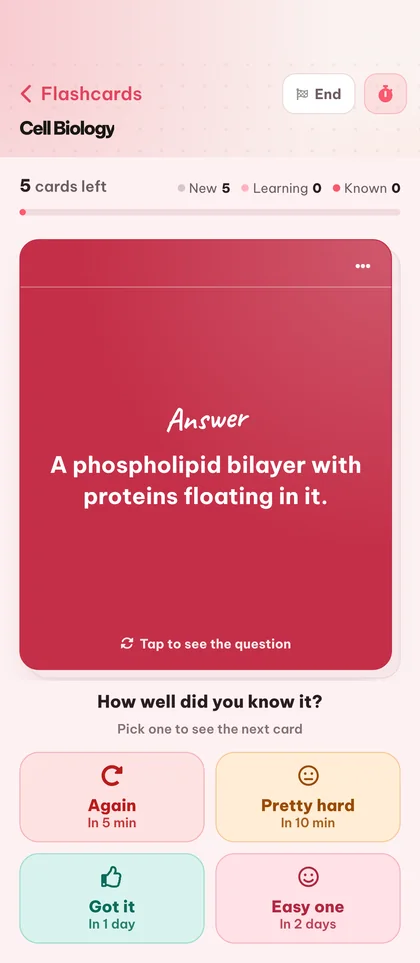
Open a deck in study mode and rate each card Again, Hard, Good, or Easy. Cards you struggle with come back sooner; ones you know fade out. New, To-Learn and To-Review counters keep your session focused.
Export, print, or take your deck anywhere
Xuất bộ bài trở lại Anki, in PDF sạch (chế độ sáng hoặc tối) để ôn tập offline, hoặc giữ nguyên trong Eduloo và tiếp tục trên điện thoại, máy tính bảng hay laptop.
Compared to hand-writing cards or a generic AI.
Manual flashcards burn the hours you should be spending on review. Generic AI tools give you cards detached from your actual material. Eduloo is built for the middle ground.
What matters when you're studying for an exam in two days
Thẻ viết tay
Generic AI tools
Eduloo Flashcards
Twenty things the flashcard maker handles for you.
Generation is the headline. The rest of the surface area, editing, organizing, studying, importing, exporting, is what makes it work day to day.
01Tạo
Generate from documents
Turn any uploaded PDF, slide deck, or pasted notes into question / answer flashcards covering the topics you choose.
Create empty decks
Start from a blank deck and add cards manually when you want full control over what you study.
Anki .apkg import
Bring your existing Anki decks straight into Eduloo - cards, structure, and nested topics are preserved.
02Edit & organize
Edit questions and answers
Tap any card to rewrite the question or refine the answer. Edits save instantly with no separate publish step.
Rename decks
Rename a deck inline at any time. Names accept up to 191 characters so long subject titles fit comfortably.
Kéo để sắp xếp lại
Giữ và kéo thẻ để sắp xếp lại chúng trong bộ bài - hữu ích để nhóm thẻ theo chủ đề phụ hoặc mức độ khó.
Duplicate cards
Duplicate a card to keep its formatting and tweak one detail - great for variant questions on the same concept.
Delete cards or whole decks
Remove a single card or wipe a whole deck. Deletes are confirmed so you cannot lose cards by mistake.
Nested deck structure
Group decks under parent topics with the familiar Anki-style :: separator. Switch between sub-decks from a single picker.
03Study
Spaced repetition study
Rate each card Again, Hard, Good or Easy and the schedule adapts - struggle cards return faster, mastered cards space out.
Cram mode
Need a quick review before class? Switch on cram mode to cycle every card without affecting your spaced repetition schedule.
New / Learn / Review counters
Xem nhanh số thẻ mới, số thẻ cần học và số thẻ đến hạn ôn tập trong mỗi bộ bài.
Học toàn màn hình
Distraction-free full-screen study mode with a clean flip animation - works equally well on desktop and mobile.
Phím tắt
Lật thẻ và đánh giá câu trả lời bằng bàn phím. Nhanh hơn nhấp sau khi bạn xây dựng thói quen.
Tìm kiếm câu hỏi và câu trả lời
Type any word and Eduloo finds every card whose question or answer matches. Perfect for revisiting a specific concept.
04Chia sẻ & mang theo
20+ output languages
Tạo thẻ bằng tiếng Anh, tiếng Đức, tiếng Pháp, tiếng Tây Ban Nha, tiếng Bồ Đào Nha, tiếng Ý, tiếng Ba Lan, tiếng Thổ Nhĩ Kỳ, tiếng Nhật và nhiều ngôn ngữ khác.
Printable PDF export (light & dark mode)
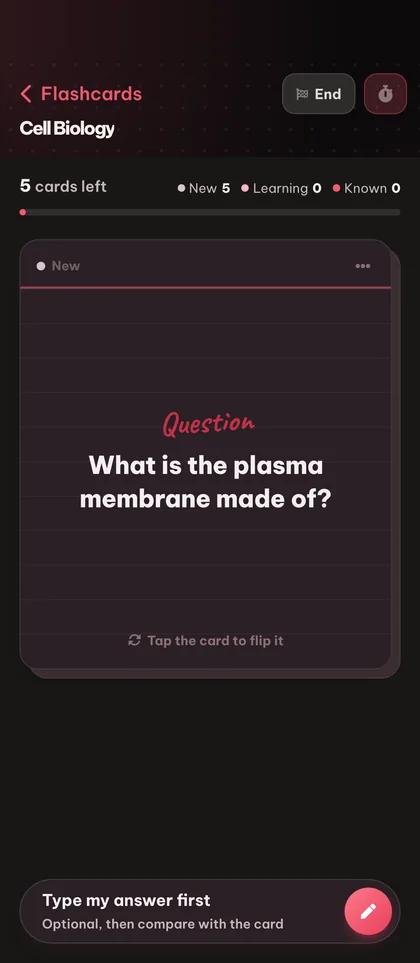
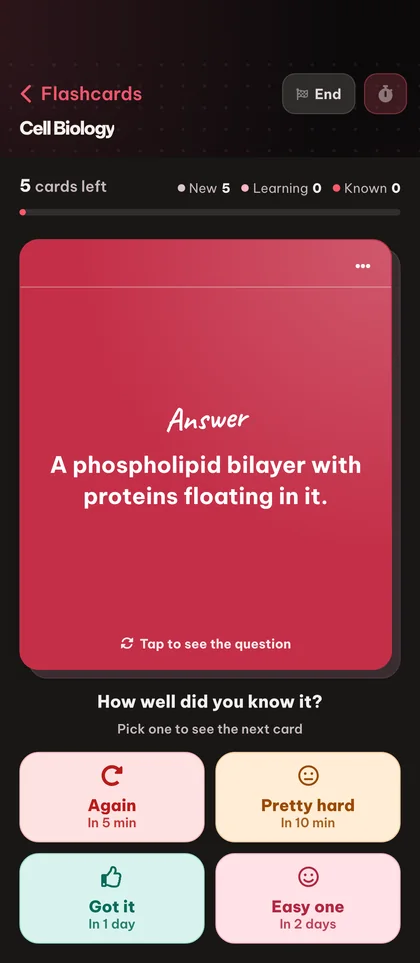
In PDF sạch sẽ, thân thiện với giấy của bất kỳ bộ bài nào để học offline. Chọn chế độ sáng cho giấy, hoặc chế độ tối cho đọc trên màn hình và thiết bị e-ink tiết kiệm pin.
Mobile-optimized
Study on your phone with a full-screen card view, tap-to-flip, and a mobile app bar built for one-handed use.
Xuất file Anki .apkg
Take any Eduloo deck back to Anki with one click. Your study data is yours, always portable.
Deck feedback
Rate a deck after a session so you can flag the ones worth keeping and skip the ones that are not pulling their weight.
Tại sao ghi nhớ chủ động works, and why most students still skip it.
A short read on the science, the implementation, and who this is really for.
§ 01Why flashcards work, and why most students still hate making them
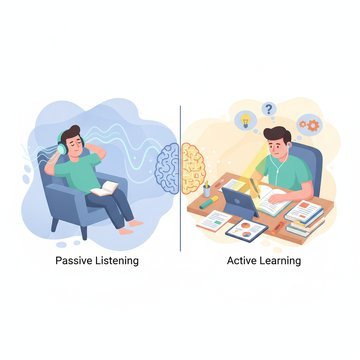
Active recall - retrieving an answer from memory rather than re-reading - is the single most evidence-backed study technique in the cognitive science literature. Flashcards are the cleanest possible vehicle for it. Look at the question, try to answer, flip the card, grade yourself.
The problem is everything that happens before you study: deciding what to put on the cards, writing the questions, writing the answers, formatting them, keeping them organized. For a 30-page lecture, that is two hours of busywork before the first review. Most students give up before they start.
Eduloo's flashcard maker exists to delete that busywork. You drop a document in, you get a deck out, and you spend your time on the part that actually moves your grade - reviewing the cards.
§ 02Cách lặp lại cách quãng được thực hiện trong Eduloo
Sau mỗi thẻ, bạn đánh giá câu trả lời của mình là Lại, Khó, Tốt hoặc Dễ. Lịch trình kéo dài đối với các thẻ bạn biết và rút ngắn đối với các thẻ bạn không biết - chính xác là cơ chế mà người dùng Anki sẽ nhận ra. Eduloo hiển thị ba bộ đếm mọi lúc: bao nhiêu thẻ mới có trong bộ bài này, bao nhiêu thẻ bạn đang học hiện tại, và bao nhiêu thẻ cần ôn tập hôm nay.
Nếu bạn có kỳ thi thực sự trong hai ngày và cần học dồn, hãy bật chế độ cram. Mọi thẻ đều xoay vòng bất kể ngày đến hạn và lịch lặp lại có khoảng cách thông thường của bạn không bị ảnh hưởng.
§ 03Eduloo Flashcards dành cho ai
Medical students drowning in anatomy and pharmacology vocabulary. Language learners building real recall instead of passive recognition. Bar exam candidates working through case law. Anyone with a textbook, a stack of slides, or a deadline.
If you are already an Anki user, you can keep your existing decks - import them on day one and export Eduloo decks back to Anki whenever you want.
§ 04Điều gì khác nhau về việc tạo thẻ ghi nhớ của Eduloo
Eduloo is not a generic question generator. The cards it produces are scoped to the document you uploaded and the topics you selected. That means the card on photosynthesis comes from your biology textbook chapter, not a generic biology question bank.
After generation, every card is fully editable. The AI handles the rough draft so you can focus on polishing the few cards that need a sharper question or a more precise answer.
§ 05Studying with Eduloo on mobile
Trải nghiệm di động được xây dựng cho một tay và những cuộc bùng nổ ngắn. Chế độ xem thẻ toàn màn hình, nhấp để lật, nhấp để đánh giá. Không có lộn xộn, không có menu, không có ma sát thêm giữa bạn và thẻ tiếp theo. Nếu bạn từng ôn tập trong một hành lang giữa các lớp, đây là giao diện bạn muốn.
Câu hỏi thường gặp câu hỏi
Ready to give it a try ?
Watch a quick demo, then jump in for free as a guest or pick a plan when you are ready.
Like what you see? Keep your work.
Create a free account to keep everything you build as a guest, lift the guest-mode limits, and sync across devices.