



Aún no hay tarjetas. Elige una forma de empezar
Primero sube un documento y Loo lo convertirá en tarjetas para ti.
Los temas que has subido ya están listos. Genera un mazo de tarjetas con ellos en segundos.
Sube un PDF, añade las diapositivas de tus clases o importa un mazo de Anki y conviértelos en tarjetas listas para estudiar en segundos. La repetición espaciada integrada hace que cada minuto de repaso cuente.
Guest Mode Your work is kept for 30 days.
Tarjetas 0 / 5 Documents 0 / 150k Sign in or create an accountEstudia de forma más inteligente con repetición espaciada, acciones rápidas del mazo y sesiones de estudio bien centradas.
Paso 1 de 4
Primero sube un documento y Loo lo convertirá en tarjetas para ti.
Los temas que has subido ya están listos. Genera un mazo de tarjetas con ellos en segundos.
Selecciona el tipo de pregunta
1. ¿Cuál es el propósito de las interfaces en Java?
Single Choice2. Java es un lenguaje con tipado estático.
True or False3. Completa la frase: Java utiliza ____ y ____ para la gestión de memoria y el control de hilos.
Fill in the Blank4. Empareja cada colección de Java con su característica.
MatchingSesión 1 de 4
Siguiente: Descanso
Elige cómo te ha parecido este contenido y, opcionalmente, deja un comentario para el equipo.
1Crea o genera automáticamente un tema. 2Click sections in the document to add them.
Click sections in the document to add them to this topic.
Aún no hay secciones seleccionadas.
Aún no hay temas.
No sections.
Selecciona un tema para ver su ubicación en el documento.
Loading sources
Esta fuente ya no está disponible.
Se ha detectado una sesión de invitado
Import your guest work to keep it in your account.
El mismo mazo en la web y en la app, para seguir justo donde lo dejaste.
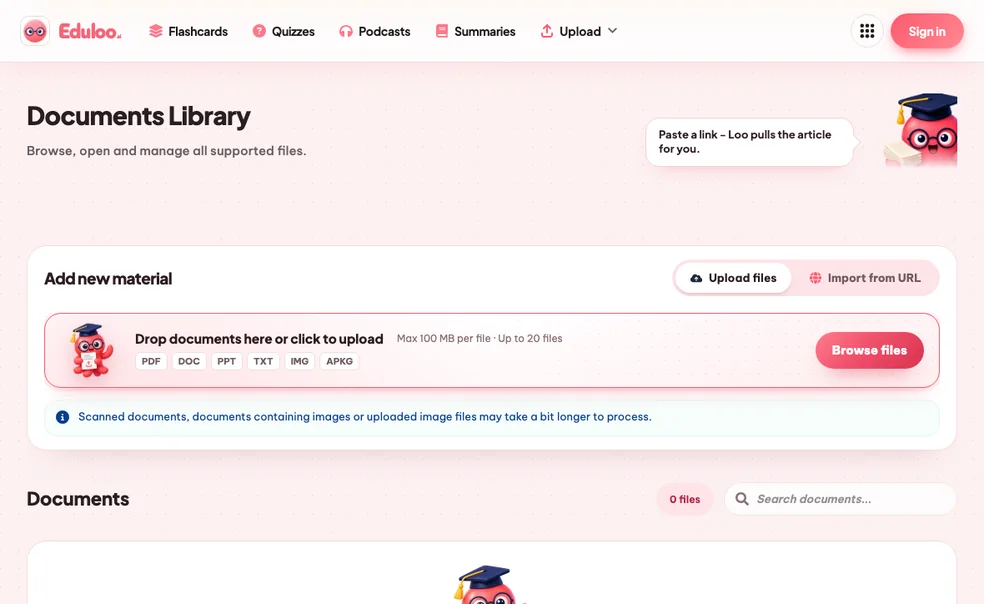
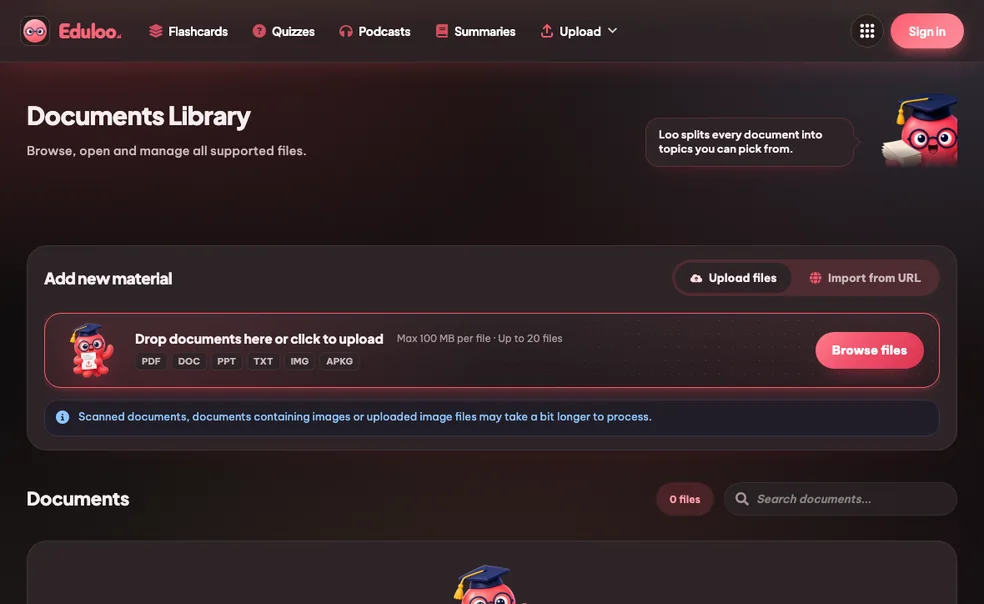
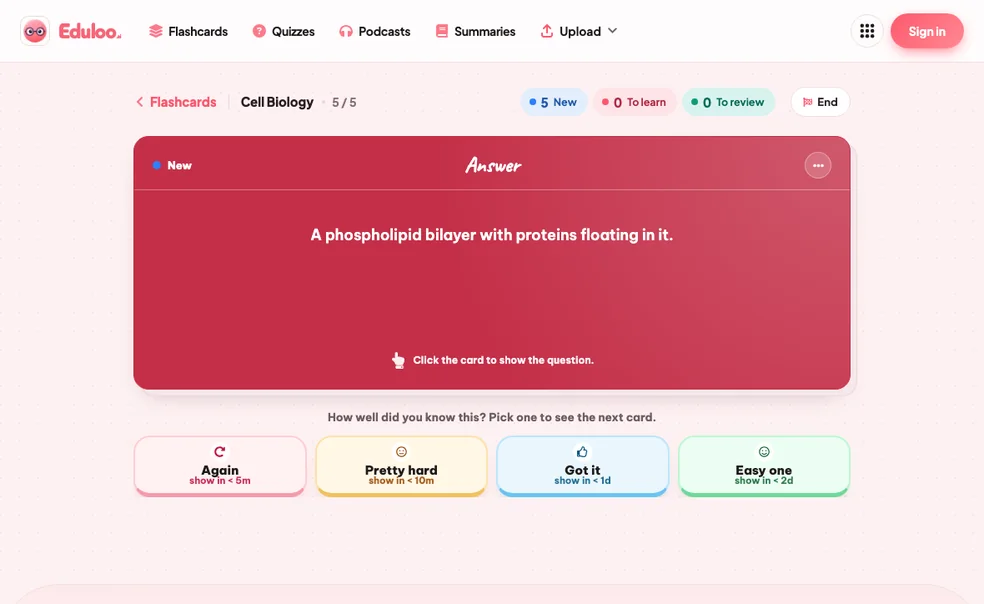
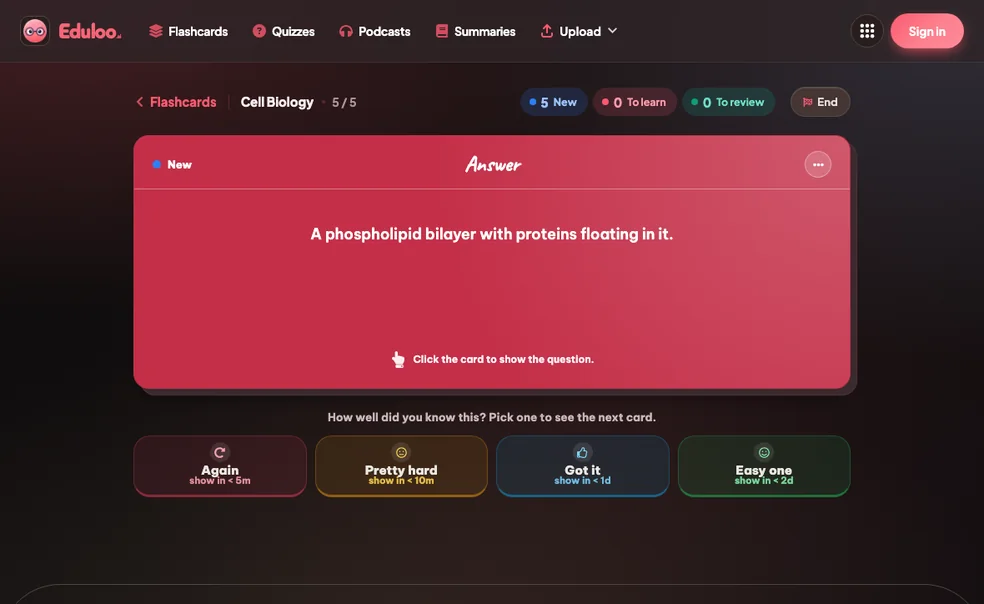
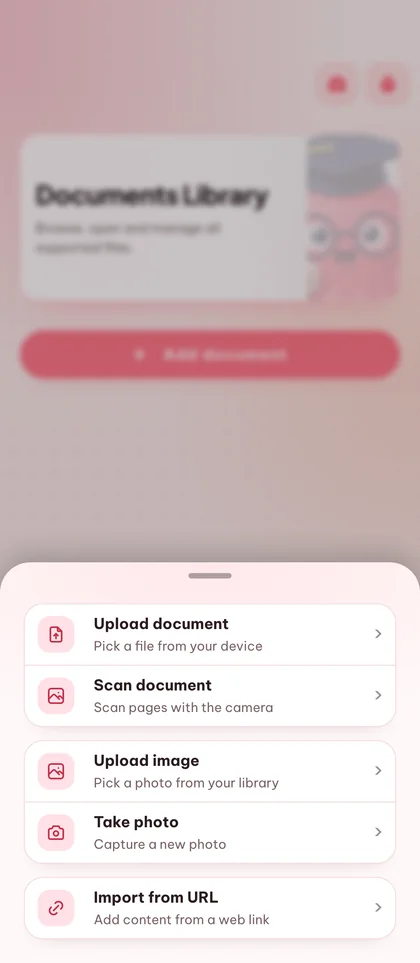
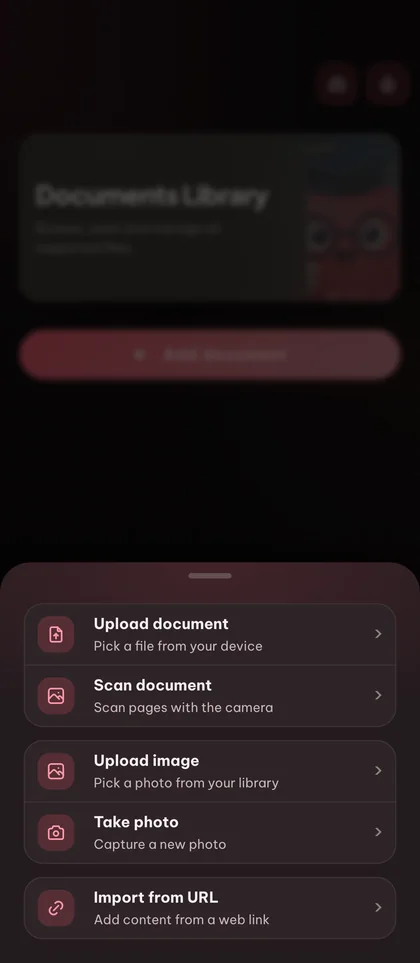
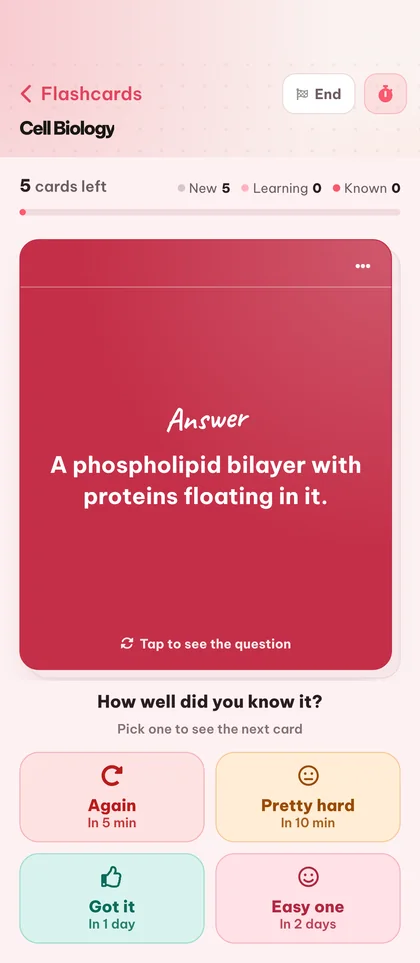
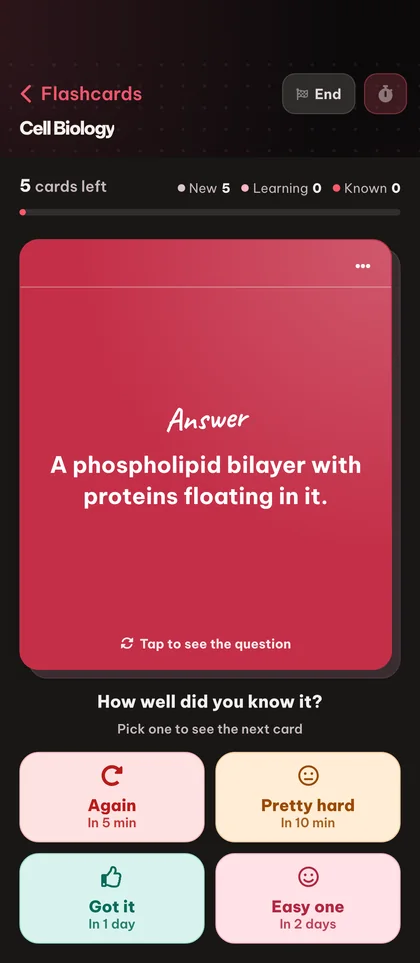

Unos minutos al día valen más que una noche en vela a la desesperada.
Escribir tarjetas a mano se come horas que deberías dedicar a estudiar. Eduloo te crea un mazo limpio a partir de cualquier documento en segundos, para que dediques tu tiempo a repasar y recordar.
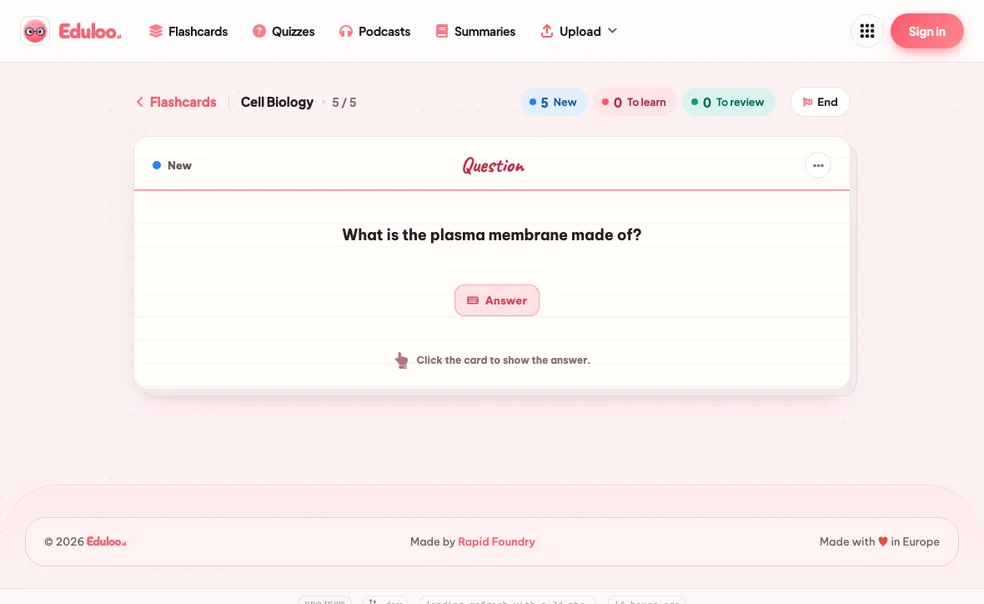
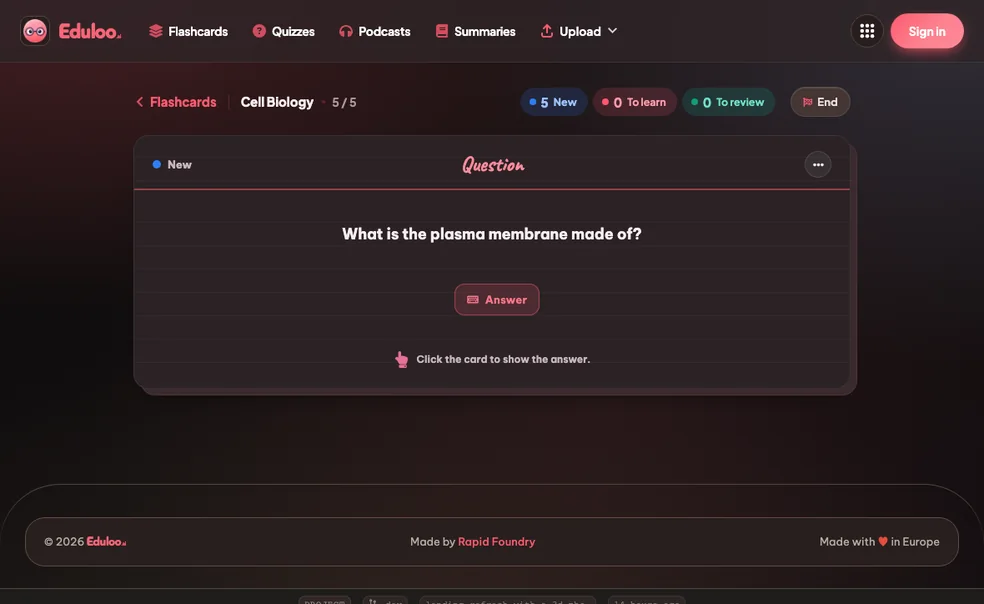
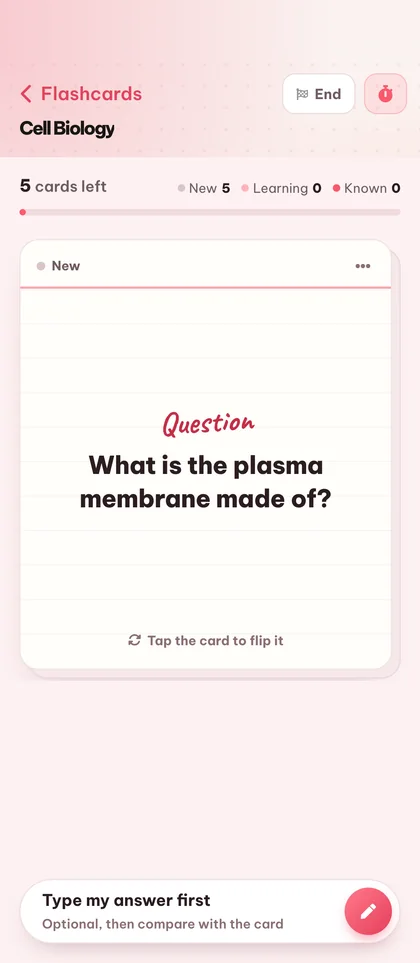
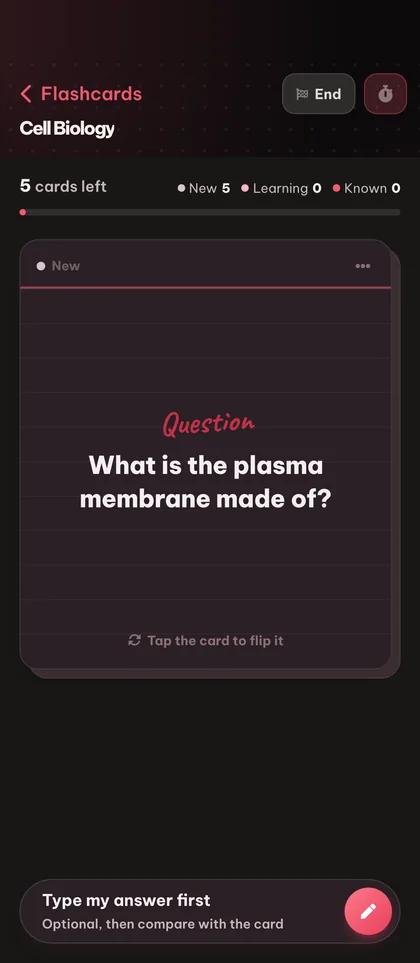
Segundos, no tardes enterasLas valoraciones Otra vez / Difícil / Bien / Fácil adaptan el calendario a tu memoria. Las tarjetas que te cuestan vuelven antes; las que ya te sabes van desapareciendo. Se acabó releer para nada.
Otra vez, Difícil, Bien, FácilDiapositivas de clase, capítulos del libro de texto, tus propios apuntes: la IA genera tarjetas a partir de lo que de verdad necesitas aprender, no de un banco de preguntas genérico.
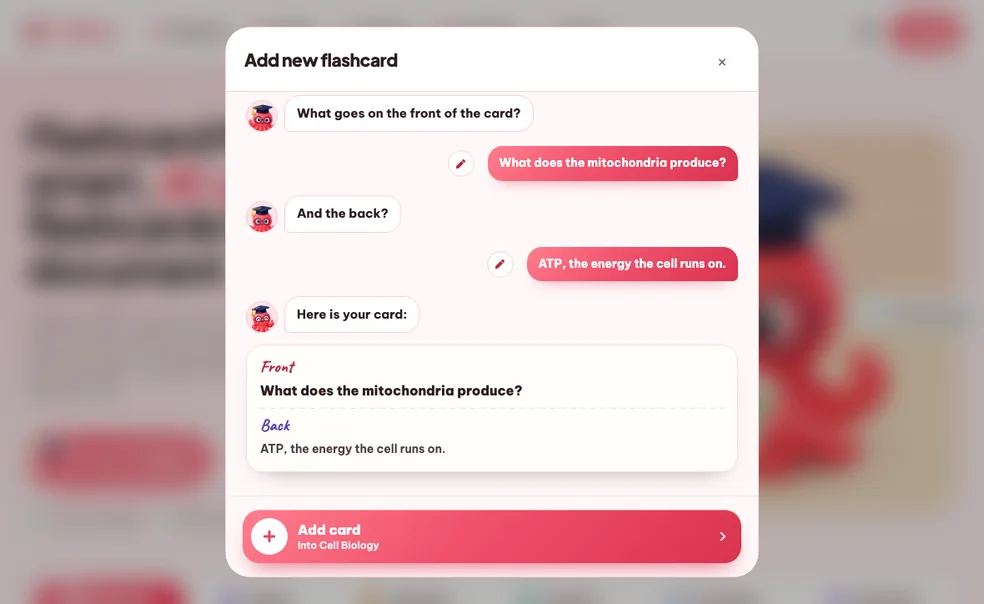
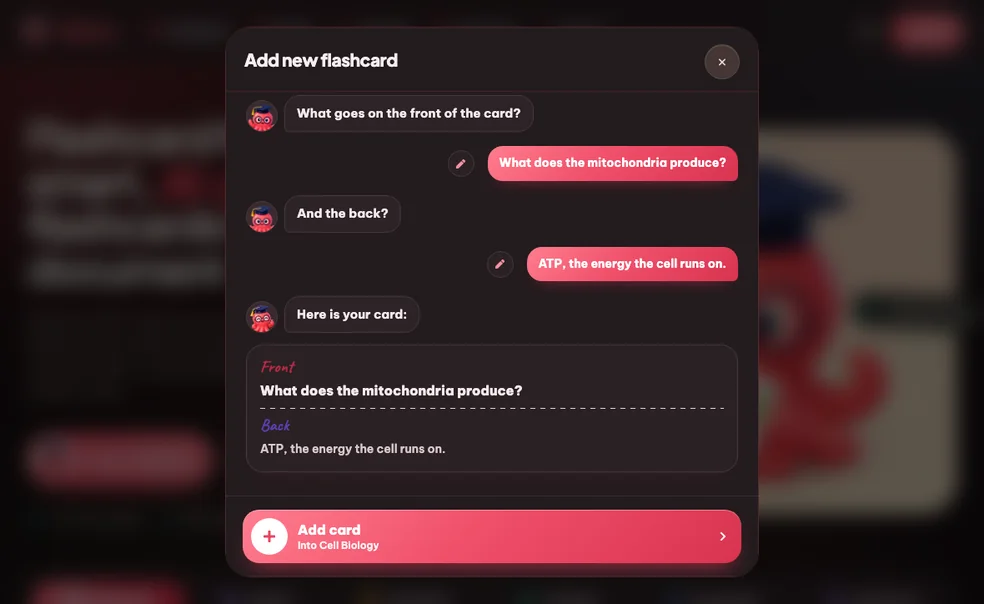
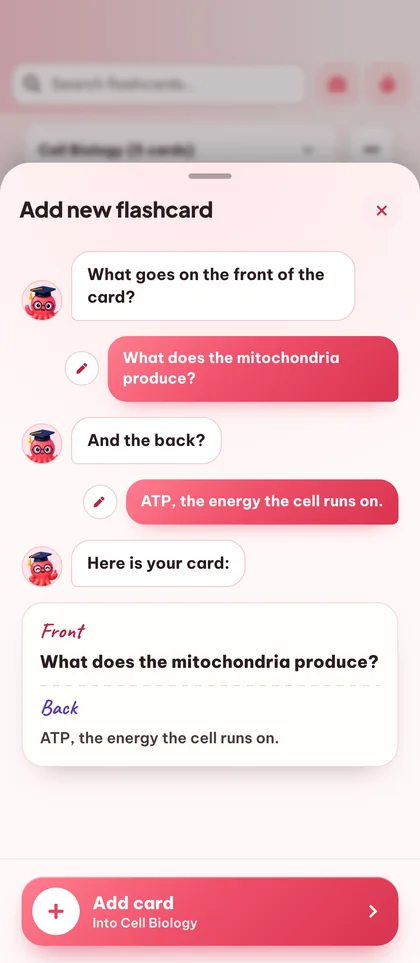
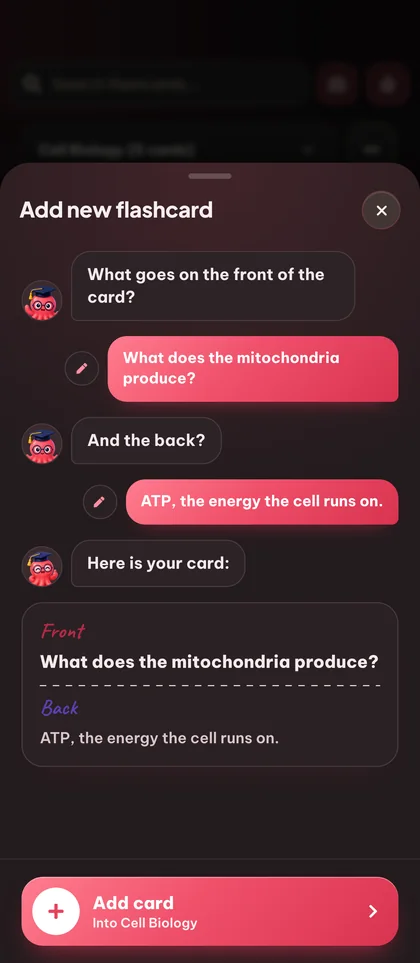
Tus diapositivas, tu temarioCrea un mazo a partir de tus apuntes o desde cero, tráete tus mazos de Anki y corrige cualquier tarjeta con un toque.
Convierte cualquier PDF, presentación o fichero de texto que hayas subido en tarjetas de pregunta y respuesta sobre los temas que elijas.
Importa tus mazos de Anki con las tarjetas, la estructura y los subtemas intactos, y exporta cualquier mazo con un solo clic. Tus datos de estudio siguen siendo tuyos.
Los cambios se guardan al instante, sin tener que publicar nada.
Escribe tarjetas a mano y cambia el nombre directamente, hasta 191 caracteres.
Respuestas breves sobre precios, archivos, Anki y estudio. Abre cualquier pregunta para ver los detalles.
¿Sigues con dudas? Pregúntale a Loo.
¿No encuentras la respuesta? Envíanos tu pregunta y te contestamos en menos de un día.
Haz una preguntaMira una demo rápida y empieza gratis como invitado.