


플래시카드 메이커 - 스마트, AI 기반 flashcards from any document

Upload a PDF, paste your notes, or import an Anki deck and turn them into ready-to-study flashcards in seconds. Built-in spaced repetition makes every minute of review count.

로그인 / 회원가입

게스트 모드

Eduloo 플래시카드 메이커를 게스트로 이용 중입니다. 데모는 완전히 작동하지만 용량과 저장 공간이 제한되어 있습니다. 계정 만들기 또는 로그인 데이터를 보관하고 전체 버전을 이용하기 위해

플래시카드 라이브러리

간격 반복, 빠른 덱 작업, 집중 학습 세션으로 더 똑똑하게 복습하세요.

작은 퀴즈도 중요합니다. 5분짜리 세션을 해볼까요?
How it works

From document to deck in five steps.

Five small actions stand between the file on your desktop and a deck you can review tonight. None of them ask you to make flashcards by hand.

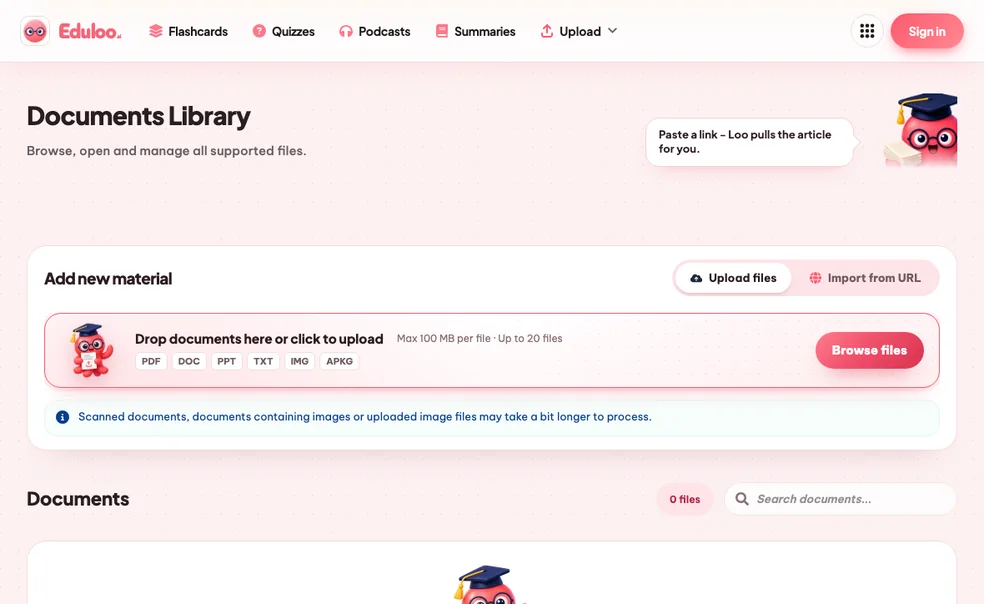
01 Add material

학습 자료 추가하기

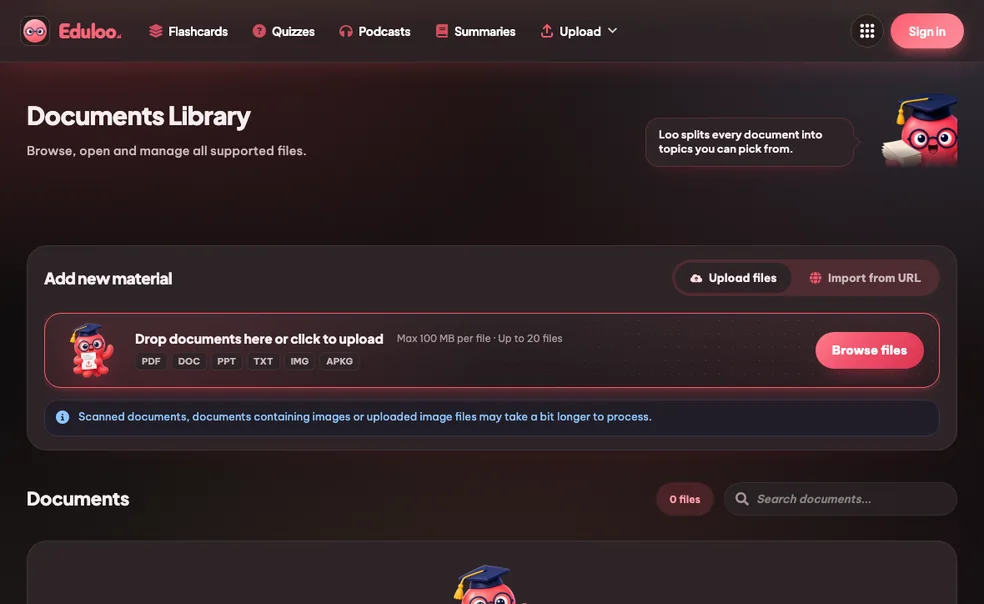
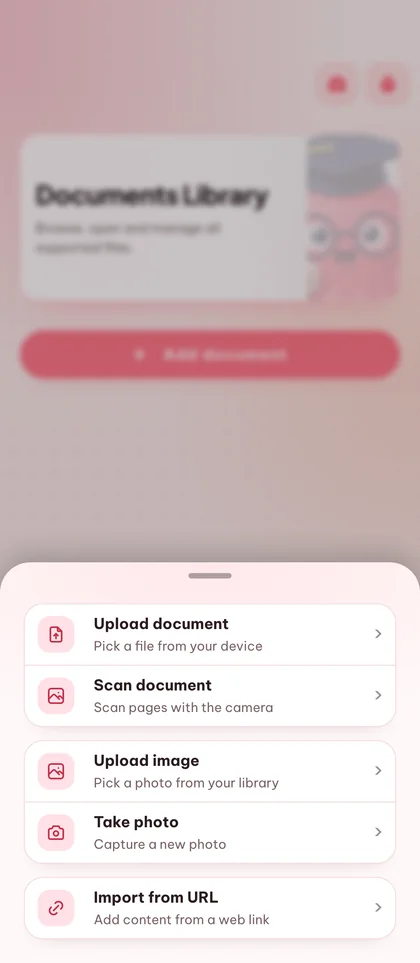
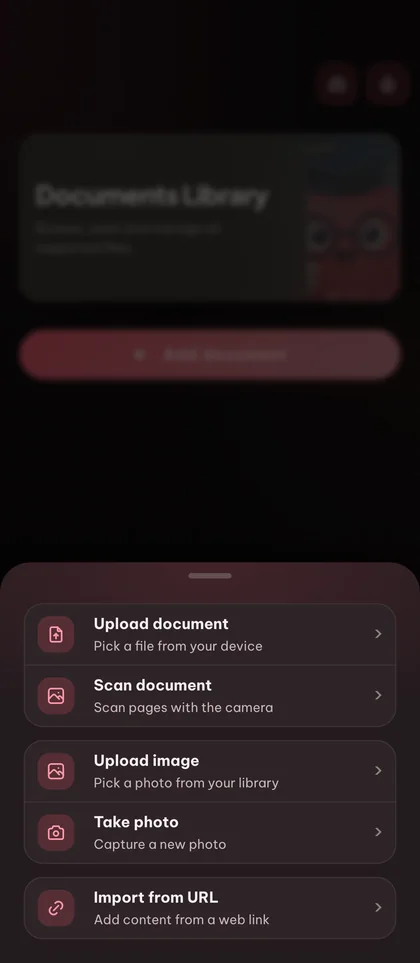
Upload a PDF, drop in slides or pasted notes, or import an existing Anki .apkg deck. You can also start with an empty deck and type cards by hand.

PDF · DOCX · PPTX Images (PNG, JPG, WEBP) .apkg import Paste notes
step.01
02 Generate cards

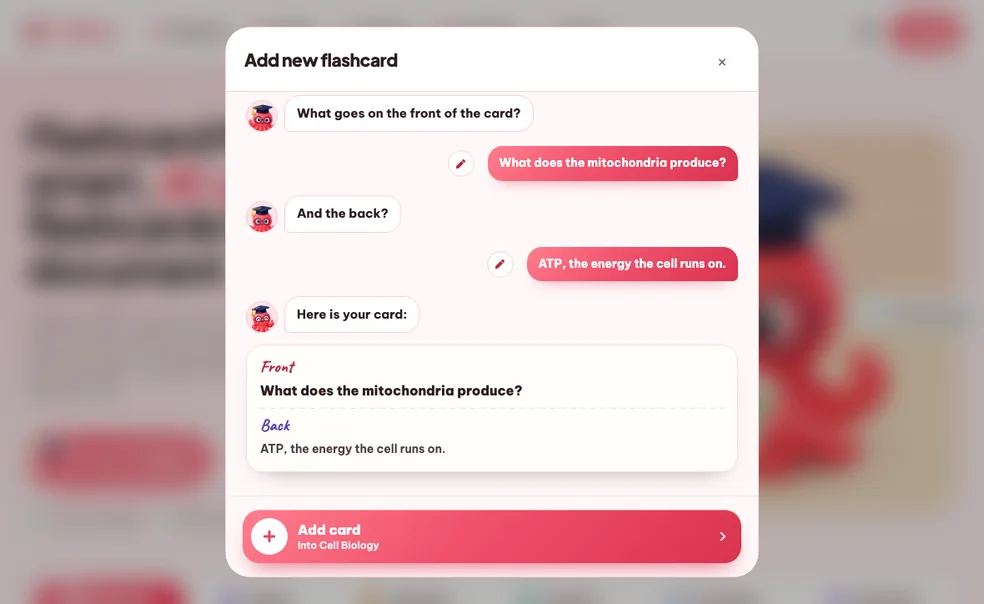
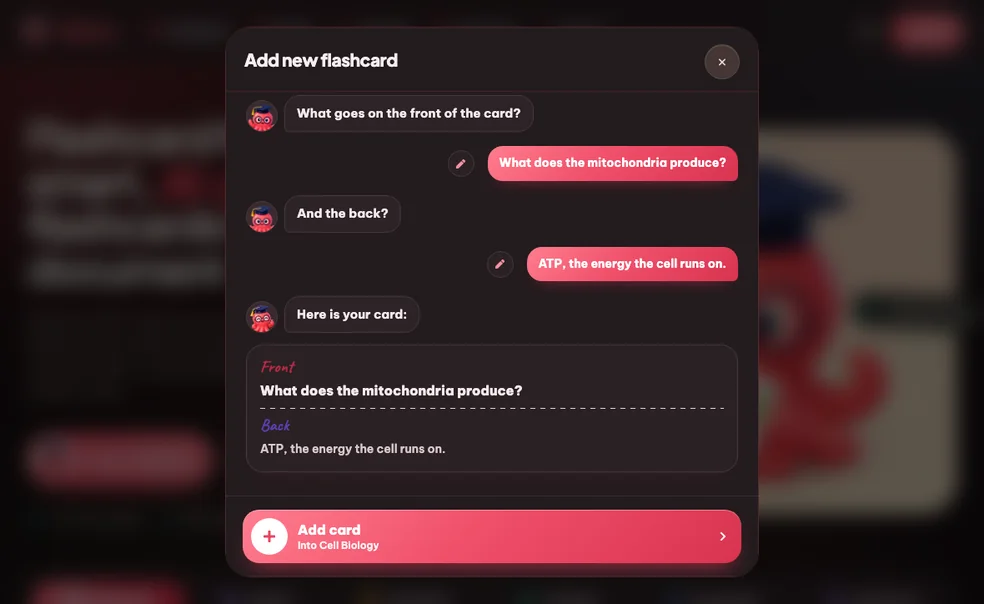
카드 생성 또는 직접 만들기

포함할 주제와 출력 언어(20개 이상 지원)를 선택하세요. Eduloo는 자료에 맞는 명확한 질문/답변 쌍을 생성합니다. 완전히 제어할 수 있습니다. 공부하기 전에 카드를 추가, 편집 또는 제거하세요.

Topic picker 20개 이상의 언어 Editable cards
step.02
03 Organize

내 방식대로 덱 정리하기

Group cards into decks, nest decks under parent topics, drag cards to reorder, and use the search box to jump straight to a question or answer you have in mind.

중첩 덱 드래그하여 순서 변경 Q&A search
step.03
04 Study

간격 반복으로 공부하기

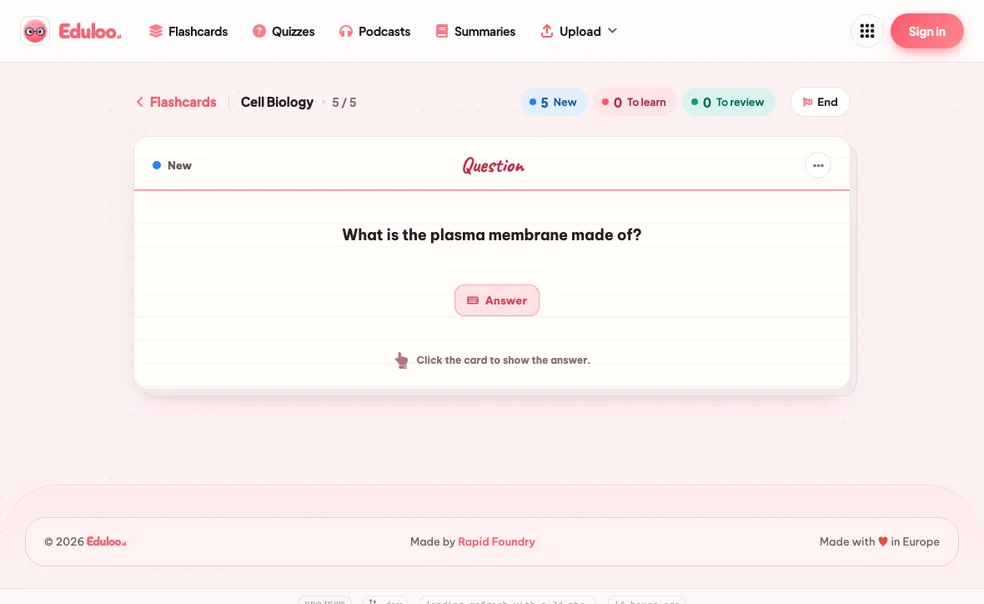
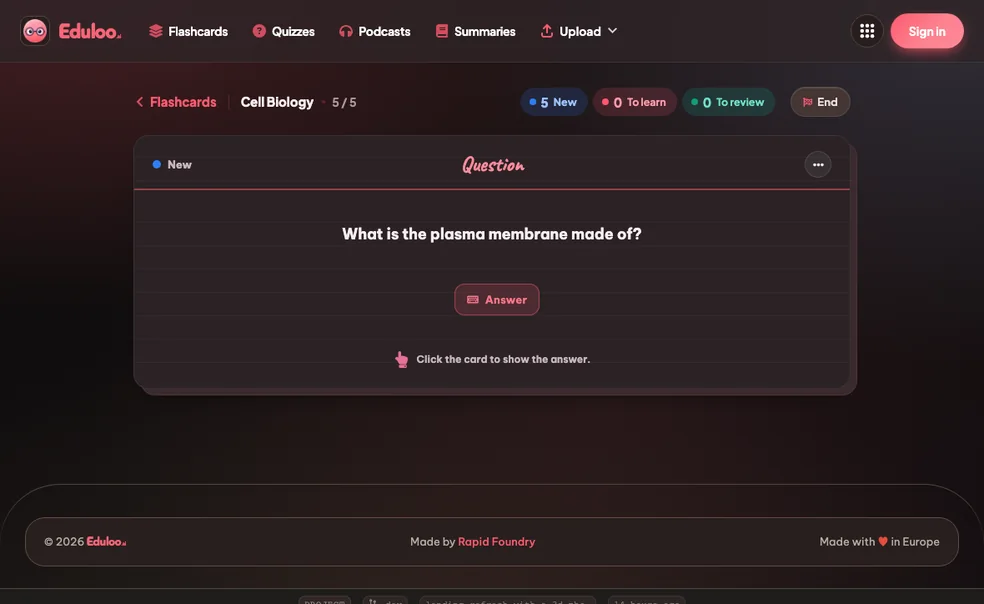
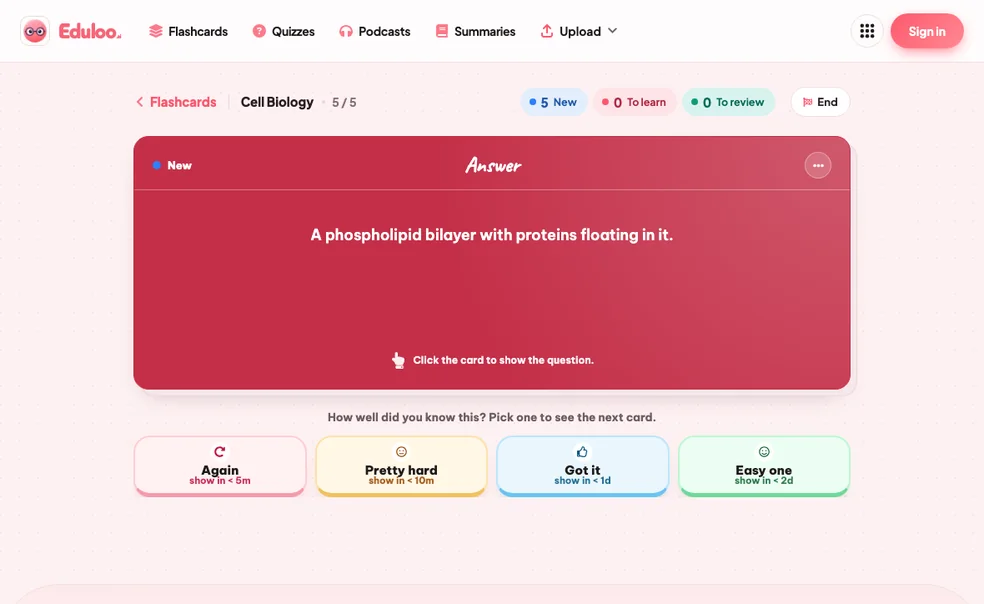
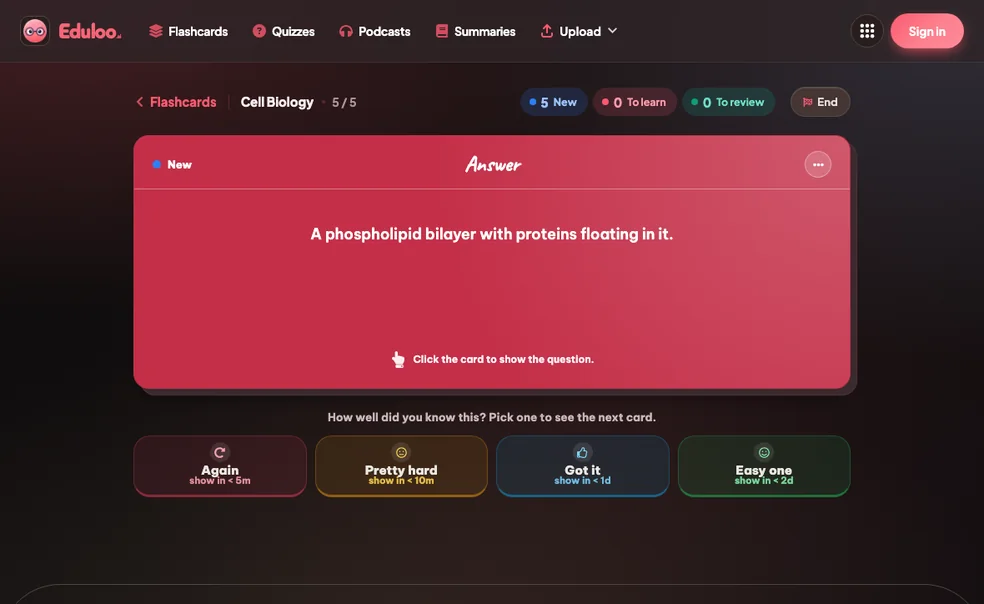
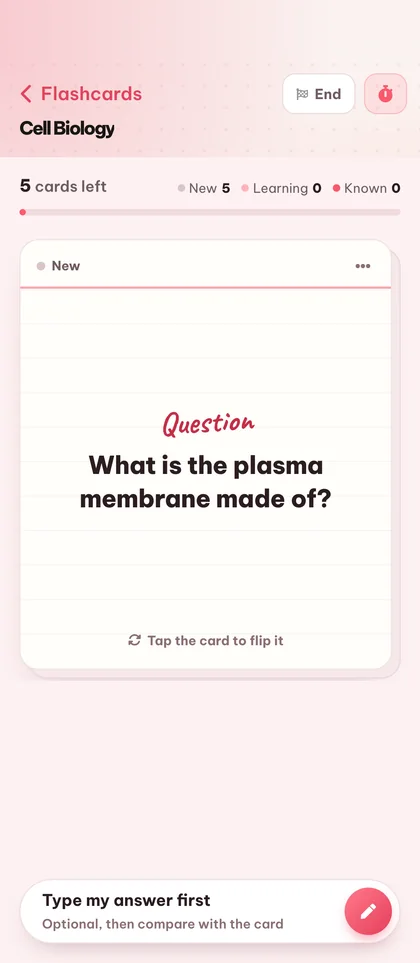
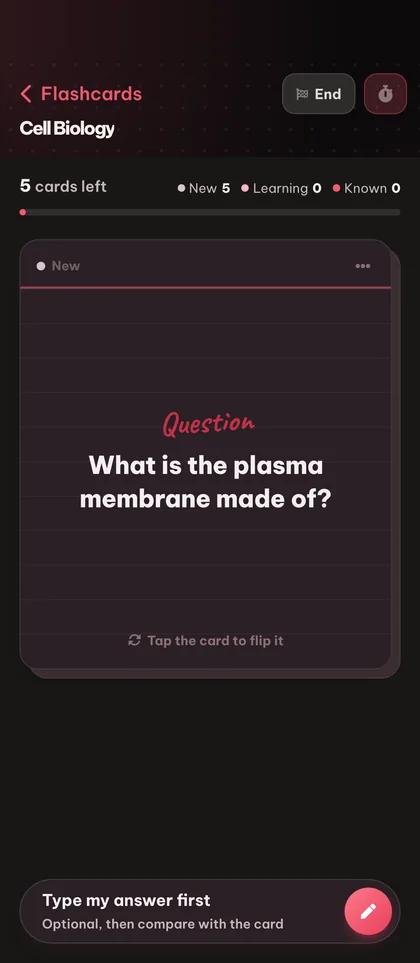
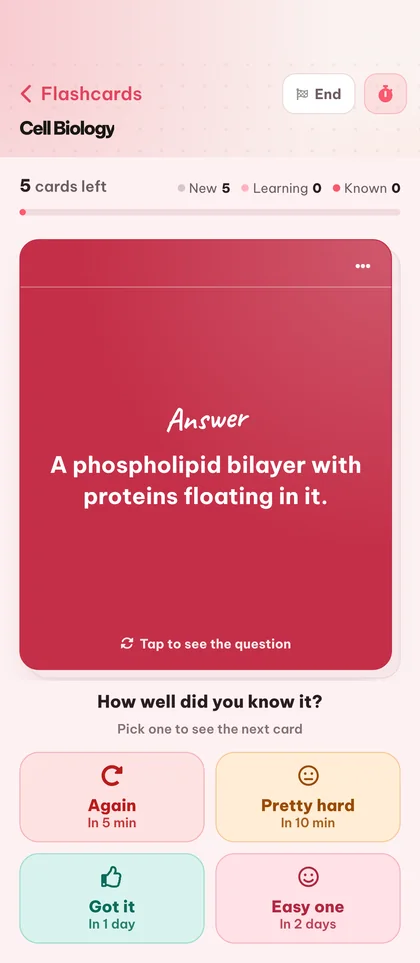
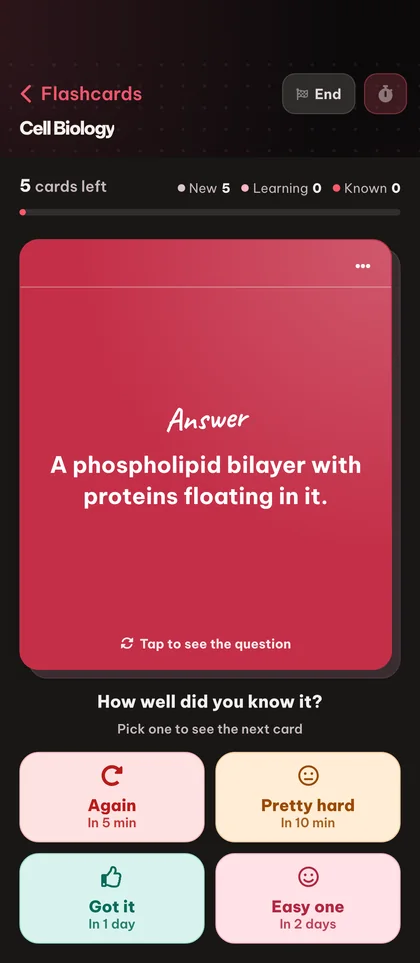
Open a deck in study mode and rate each card Again, Hard, Good, or Easy. Cards you struggle with come back sooner; ones you know fade out. New, To-Learn and To-Review counters keep your session focused.

다시 / 어려움 / 좋음 / 쉬움 Cram mode 키보드 단축키
step.04
05 Export

Export, print, or take your deck anywhere

덱을 Anki로 다시 내보내거나, 오프라인 복습을 위해 깔끔한 PDF(라이트 또는 다크 모드)로 인쇄하거나, Eduloo에 그대로 두고 스마트폰, 태블릿, 노트북에서 이어서 학습하세요.

Anki .apkg 내보내기 Printable PDF · light + dark mode 기기 간 동기화
step.05
Why it works better

Compared to hand-writing cards or a generic AI.

Manual flashcards burn the hours you should be spending on review. Generic AI tools give you cards detached from your actual material. Eduloo is built for the middle ground.

Compare

What matters when you're studying for an exam in two days

직접 만든 카드

The old way

Generic AI tools

Question banks

Eduloo Flashcards

Made for your material
Time to first deck
1–2 hours of busywork before the first review
Fast, but cards rarely match your material
A clean deck out of your document in seconds, start reviewing immediately
Scoped to your material
Yes, you wrote them
교과서가 아닌 일반 문제은행
Cards come from your uploaded document and the topics you picked
간격 반복
Anki 같은 별도 도구를 사용하는 경우에만 가능합니다
Rarely built in, or shallow
Again / Hard / Good / Easy schedule, the exact model Anki users know
Anki 상호운용성
카드당 수동 재생성
보통 폐쇄된 사일로
Import .apkg, export .apkg, your data is yours, always portable
Editing & control
Total control, you wrote every word
카드별 제한된 편집
Every card fully editable, add, edit, duplicate, reorder, delete
Across devices
종이. 그게 전부입니다.
Web only, mobile is an afterthought
노트북, 태블릿, 휴대폰에서 같은 덱, 한 손 벼락치기를 위해 만들어짐
체험 비용
Free, but expensive in hours
Often paywalled before useful
게스트로 무료, 가입 불필요, 계정을 만들어 덱 유지하기
할 수 있는 모든 것

Twenty things the flashcard maker handles for you.

Generation is the headline. The rest of the surface area, editing, organizing, studying, importing, exporting, is what makes it work day to day.

01만들기

3 features · for getting the first deck on screen

Generate from documents

Turn any uploaded PDF, slide deck, or pasted notes into question / answer flashcards covering the topics you choose.

Create empty decks

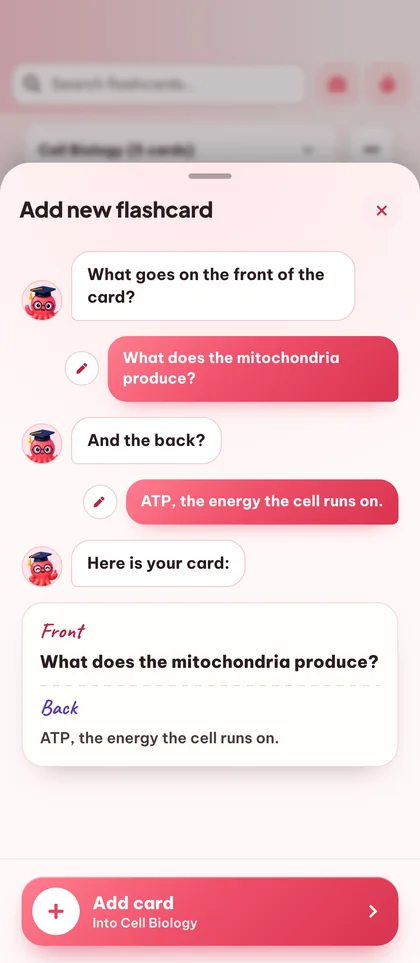
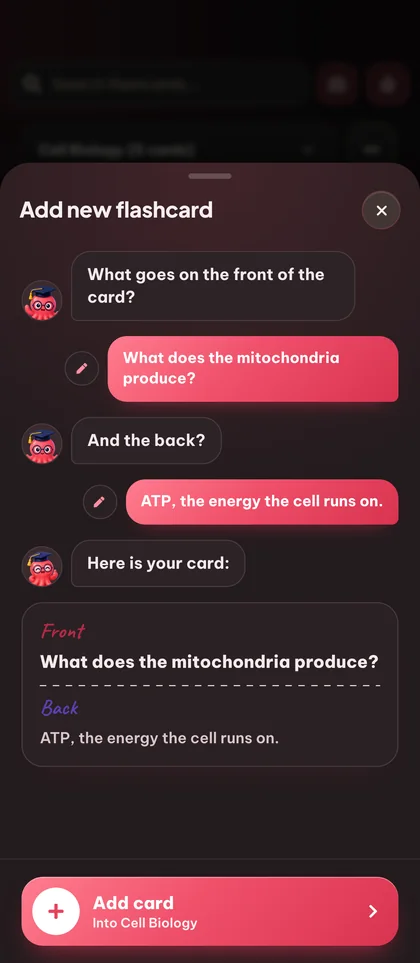
Start from a blank deck and add cards manually when you want full control over what you study.

Anki .apkg import

Bring your existing Anki decks straight into Eduloo - cards, structure, and nested topics are preserved.

02Edit & organize

6 features · for shaping the deck after it lands

Edit questions and answers

Tap any card to rewrite the question or refine the answer. Edits save instantly with no separate publish step.

Rename decks

Rename a deck inline at any time. Names accept up to 191 characters so long subject titles fit comfortably.

드래그하여 순서 변경

카드를 누르고 드래그하여 덱 내에서 순서를 재정렬하세요. 카드를 주제별 또는 난이도별로 그룹화할 때 유용합니다.

Duplicate cards

Duplicate a card to keep its formatting and tweak one detail - great for variant questions on the same concept.

Delete cards or whole decks

Remove a single card or wipe a whole deck. Deletes are confirmed so you cannot lose cards by mistake.

Nested deck structure

Group decks under parent topics with the familiar Anki-style :: separator. Switch between sub-decks from a single picker.

03Study

6 features · for the actual study time

Spaced repetition study

Rate each card Again, Hard, Good or Easy and the schedule adapts - struggle cards return faster, mastered cards space out.

Cram mode

Need a quick review before class? Switch on cram mode to cycle every card without affecting your spaced repetition schedule.

New / Learn / Review counters

각 덱의 새 카드, 학습 중인 카드, 복습 예정 카드 수를 한눈에 확인하세요.

전체 화면 학습

Distraction-free full-screen study mode with a clean flip animation - works equally well on desktop and mobile.

키보드 단축키

키보드로 카드를 뒤집고 답변을 평가하세요. 습관을 들이면 클릭하는 것보다 빠릅니다.

질문과 답변 검색

Type any word and Eduloo finds every card whose question or answer matches. Perfect for revisiting a specific concept.

04공유 및 가지고 다니기

5 features · for export, mobile and beyond

20+ output languages

영어, 독일어, 프랑스어, 스페인어, 포르투갈어, 이탈리아어, 폴란드어, 터키어, 일본어 등 많은 언어로 카드를 생성하세요.

Printable PDF export (light & dark mode)

오프라인 학습을 위해 모든 덱의 깔끔하고 인쇄 친화적인 PDF를 인쇄하세요. 종이는 라이트 모드, 화면 읽기와 배터리 절약 전자 잉크 기기는 다크 모드를 선택하세요.

Mobile-optimized

Study on your phone with a full-screen card view, tap-to-flip, and a mobile app bar built for one-handed use.

Anki .apkg 내보내기

Take any Eduloo deck back to Anki with one click. Your study data is yours, always portable.

Deck feedback

Rate a deck after a session so you can flag the ones worth keeping and skip the ones that are not pulling their weight.

Eduloo Flashcards in depth

이유 능동적 회상 works, and why most students still skip it.

A short read on the science, the implementation, and who this is really for.

§ 01Why flashcards work, and why most students still hate making them

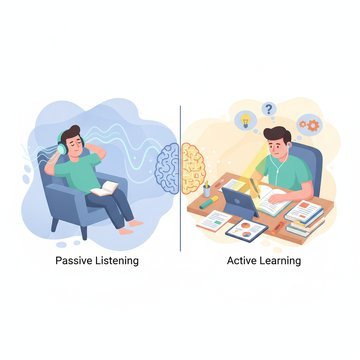
Active recall - retrieving an answer from memory rather than re-reading - is the single most evidence-backed study technique in the cognitive science literature. Flashcards are the cleanest possible vehicle for it. Look at the question, try to answer, flip the card, grade yourself.

The problem is everything that happens before you study: deciding what to put on the cards, writing the questions, writing the answers, formatting them, keeping them organized. For a 30-page lecture, that is two hours of busywork before the first review. Most students give up before they start.

Eduloo's flashcard maker exists to delete that busywork. You drop a document in, you get a deck out, and you spend your time on the part that actually moves your grade - reviewing the cards.

Eduloo's flashcard maker exists to delete that busywork.

§ 02Eduloo에서 간격 반복이 구현되는 방식

각 카드 이후에 당신의 답을 다시(잊음), 어려움(노력으로 회상), 좋음(올바르게 회상), 또는 쉬움(즉시)으로 평가합니다. 아는 카드는 일정을 늘리고 모르는 카드는 단축합니다. Anki 사용자가 인식할 정확한 메커니즘입니다. Eduloo는 항상 세 개의 카운터를 표시합니다: 이 덱에 있는 새 카드의 수, 현재 학습 중인 카드의 수, 오늘 검토할 예정인 카드의 수입니다.

이틀 후에 실제 시험이 있어 집중적으로 공부해야 한다면 벼락치기 모드를 켜세요. 예정일에 관계없이 모든 카드가 순환되며, 일반 간격 반복 일정은 그대로 유지됩니다.

§ 03Eduloo 플래시카드는 누구를 위한 것인가요?

Medical students drowning in anatomy and pharmacology vocabulary. Language learners building real recall instead of passive recognition. Bar exam candidates working through case law. Anyone with a textbook, a stack of slides, or a deadline.

If you are already an Anki user, you can keep your existing decks - import them on day one and export Eduloo decks back to Anki whenever you want.

§ 04Eduloo의 플래시카드 생성의 차이점은 무엇인가요?

Eduloo is not a generic question generator. The cards it produces are scoped to the document you uploaded and the topics you selected. That means the card on photosynthesis comes from your biology textbook chapter, not a generic biology question bank.

After generation, every card is fully editable. The AI handles the rough draft so you can focus on polishing the few cards that need a sharper question or a more precise answer.

§ 05Studying with Eduloo on mobile

모바일 경험은 한 손과 짧은 시간을 위해 만들어졌습니다. 전체 화면 카드 보기, 탭하여 뒤집기, 탭하여 평가. 혼란, 메뉴, 당신과 다음 카드 사이의 추가 마찰이 없습니다. 수업 사이 복도에서 벼락치기를 한 적이 있다면, 이것이 원했던 인터페이스입니다.

FAQ

자주 묻는 질문 질문

실제 작동 보기

Ready to give it a try ?

Watch a quick demo, then jump in for free as a guest or pick a plan when you are ready.

Like what you see? Keep your work.

Create a free account to keep everything you build as a guest, lift the guest-mode limits, and sync across devices.