


Flashcard Maker - ฉลาด ขับเคลื่อนด้วย AI flashcards from any document

Upload a PDF, paste your notes, or import an Anki deck and turn them into ready-to-study flashcards in seconds. Built-in spaced repetition makes every minute of review count.

โหมดแขก

คุณกำลังใช้ Eduloo Flashcard Maker ในโหมดแขก การสาธิตใช้งานได้ครบถ้วน แต่มีความจุและพื้นที่จัดเก็บข้อมูลชั่วคราวที่จำกัด สร้างบัญชี หรือ เข้าสู่ระบบ เพื่อเก็บรักษาข้อมูลของคุณและปลดล็อกเวอร์ชันเต็ม

ไลบรารีการ์ดแฟลช

เรียนรู้อย่างชาญฉลาดด้วยการทำซ้ำแบบเว้นระยะ การดำเนินการชุดการ์ดด่วน และเซสชั่นการศึกษาที่เน้นเฉพาะเจาะจง

แม้แต่แบบทดสอบเล็กน้อยก็นับ คุณต้องการรอบ 5 นาทีหรือไม่
How it works

From document to deck in five steps.

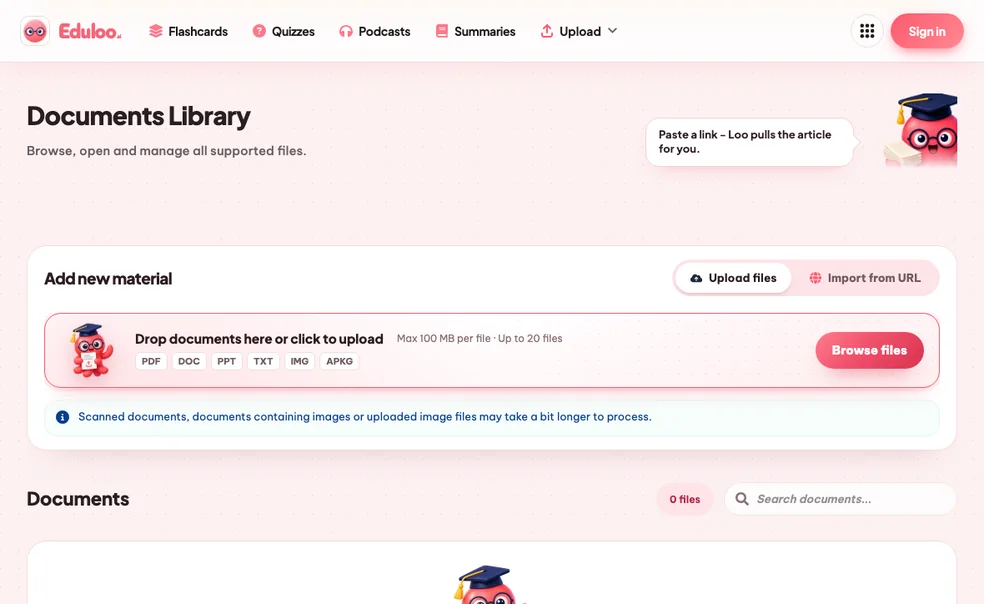
Five small actions stand between the file on your desktop and a deck you can review tonight. None of them ask you to make flashcards by hand.

01 Add material

เพิ่มเนื้อหาการเรียนของคุณ

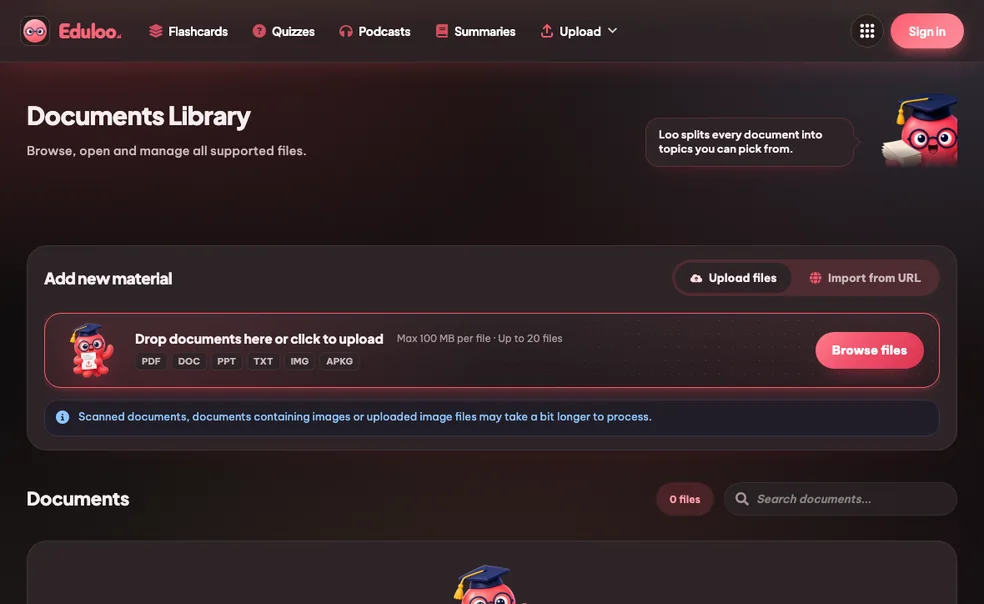
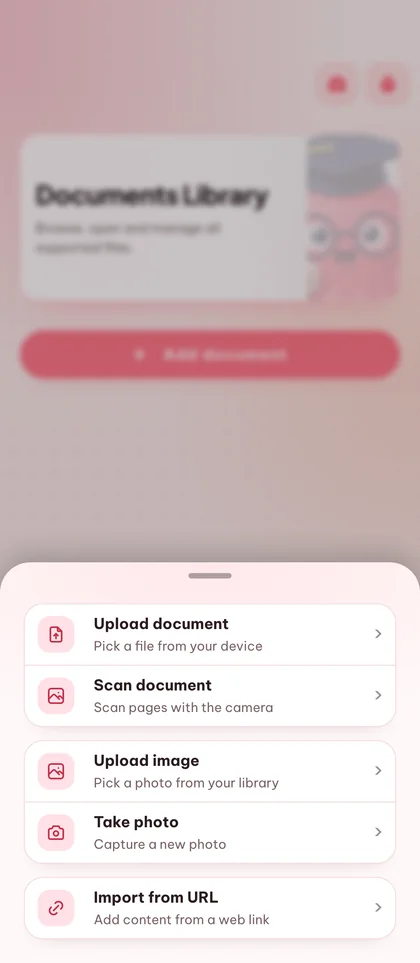
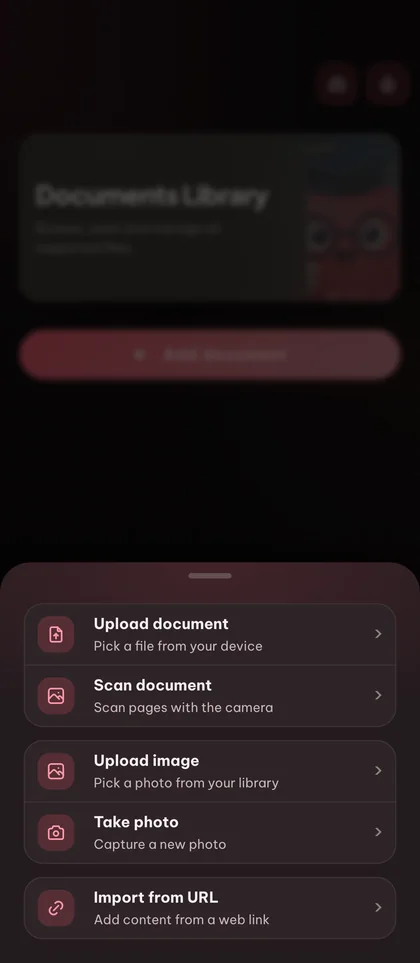
Upload a PDF, drop in slides or pasted notes, or import an existing Anki .apkg deck. You can also start with an empty deck and type cards by hand.

PDF · DOCX · PPTX Images (PNG, JPG, WEBP) .apkg import Paste notes
step.01
02 Generate cards

สร้างหรือสร้างการ์ดด้วยตัวเอง

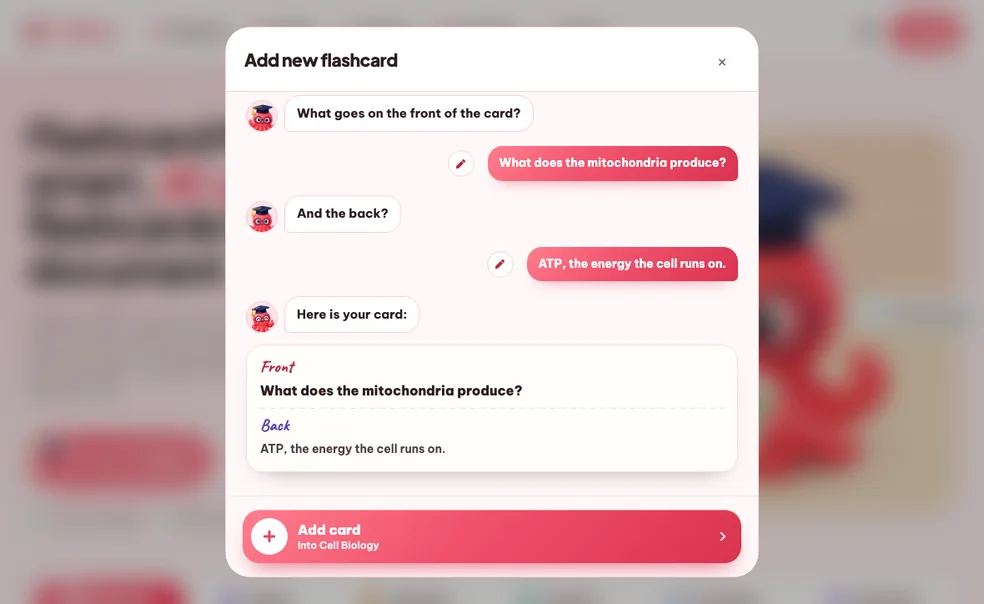
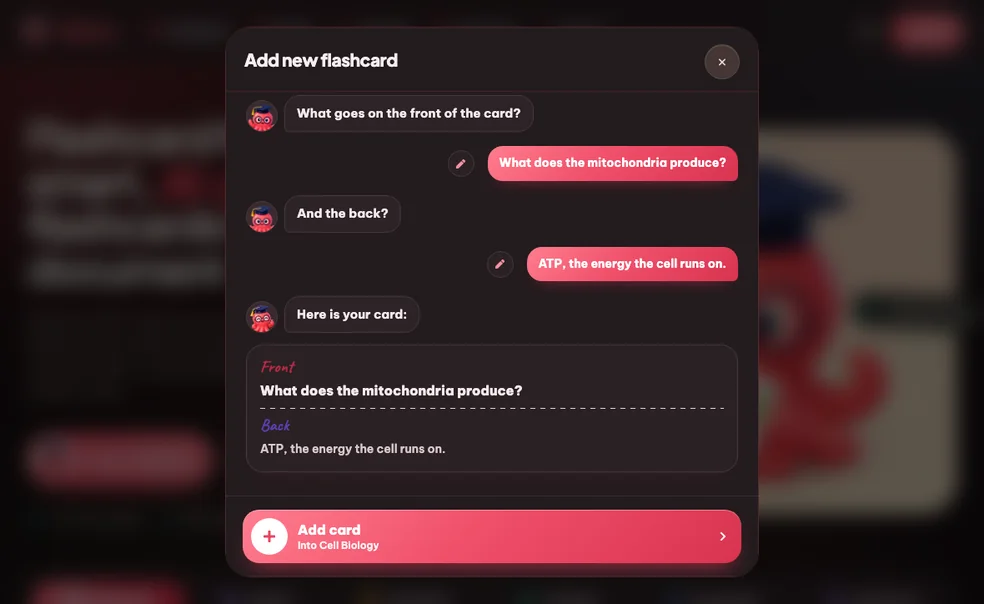
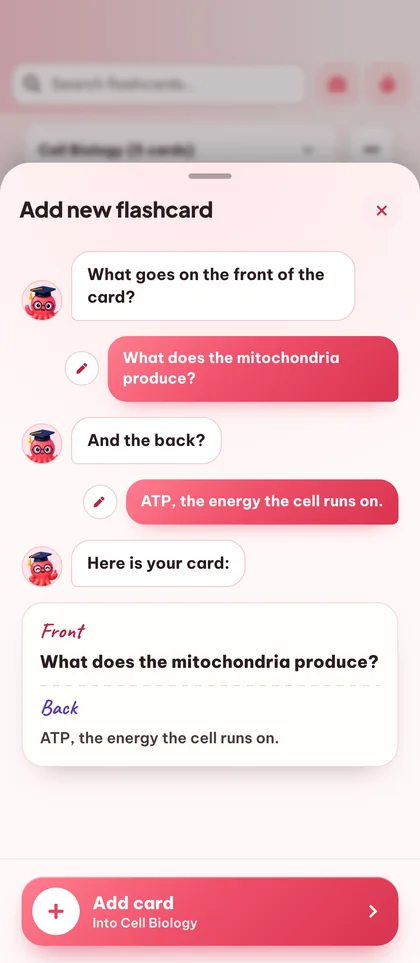
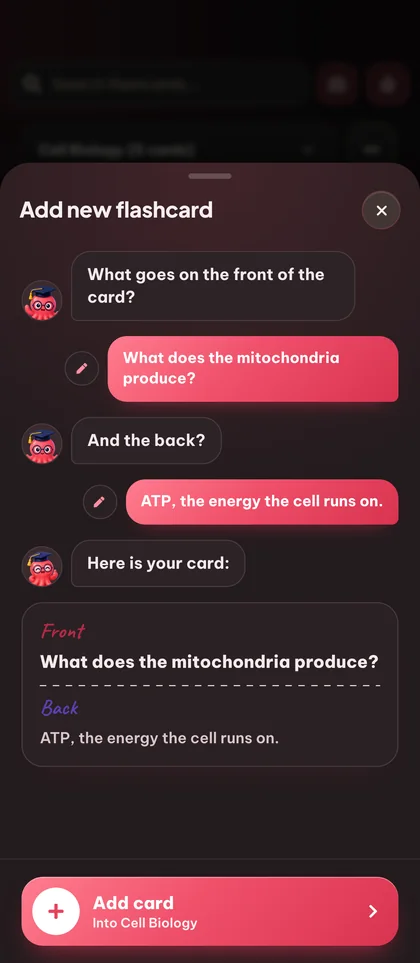
เลือกหัวข้อที่คุณต้องการครอบคลุมและภาษาผลลัพธ์ (20+ รองรับ) Eduloo สร้างคู่คำถาม/คำตอบที่ชัดเจนขอบเขตให้กับเนื้อหาของคุณ คุณอยู่ในการควบคุม - เพิ่ม แก้ไข หรือลบการ์ดใด ๆ ก่อนศึกษา

Topic picker มากกว่า 20 ภาษา Editable cards
step.02
03 Organize

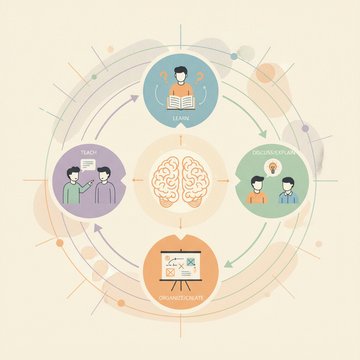
จัดระเบียบ Deck ตามวิธีที่สมองของคุณทำงาน

Group cards into decks, nest decks under parent topics, drag cards to reorder, and use the search box to jump straight to a question or answer you have in mind.

Deck ที่ซ้อนกัน ลากเพื่อจัดเรียงใหม่ Q&A search
step.03
04 Study

ศึกษาด้วยการทำซ้ำแบบเว้นระยะ

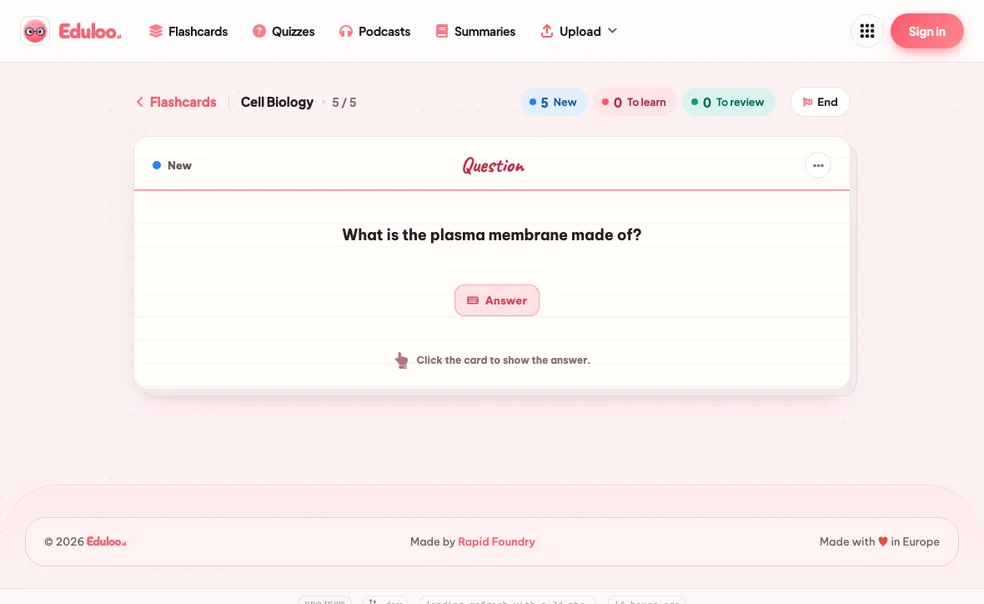
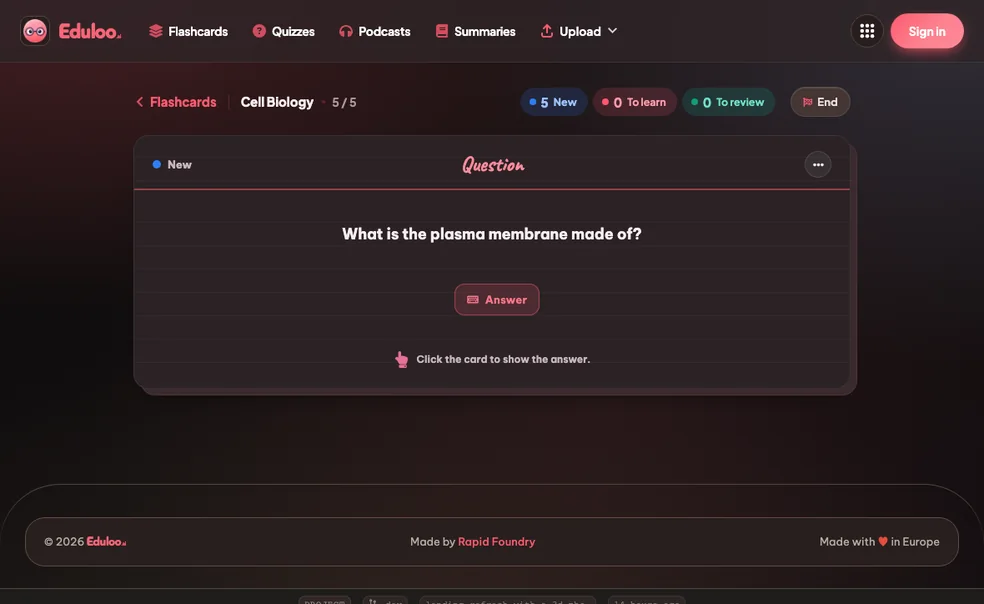
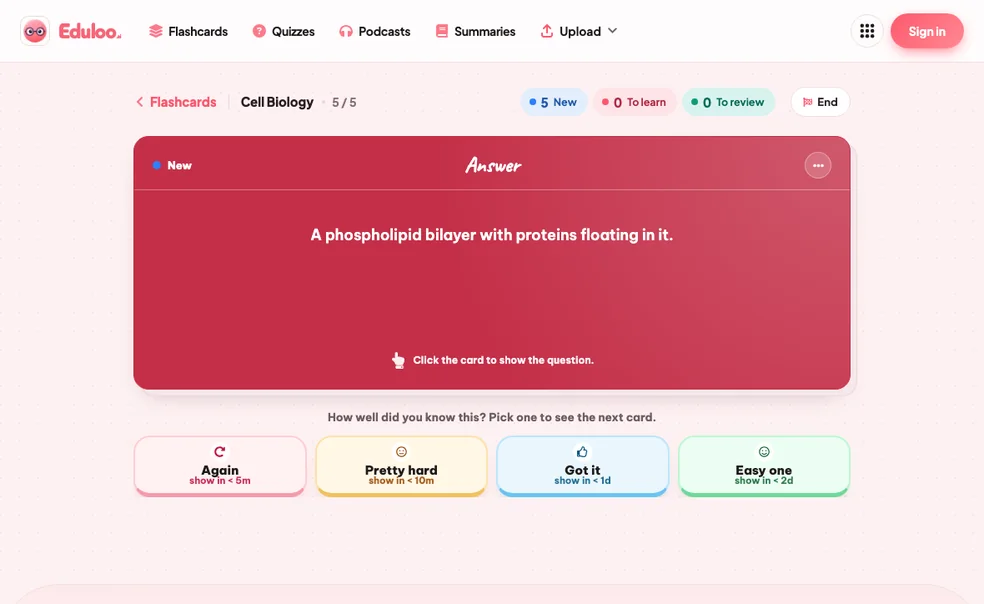
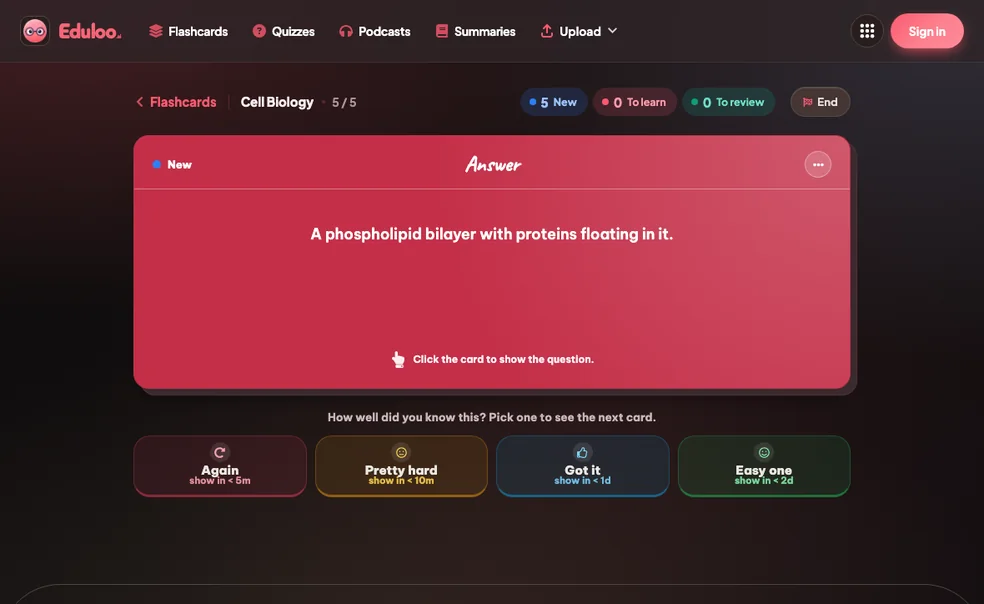
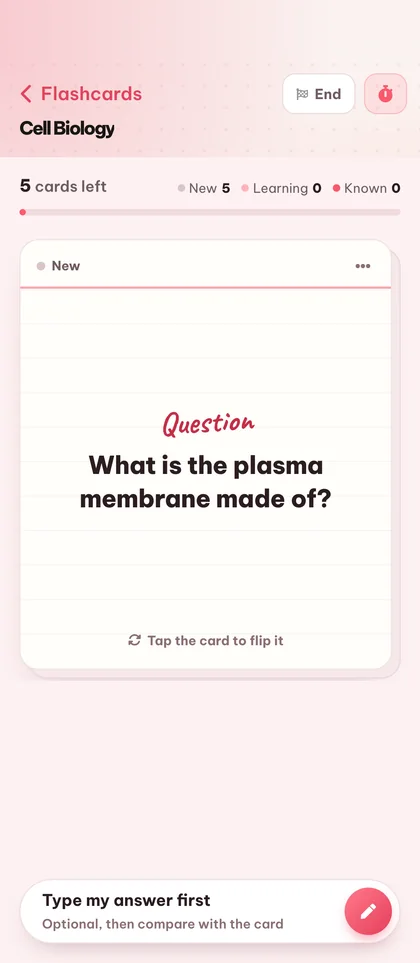
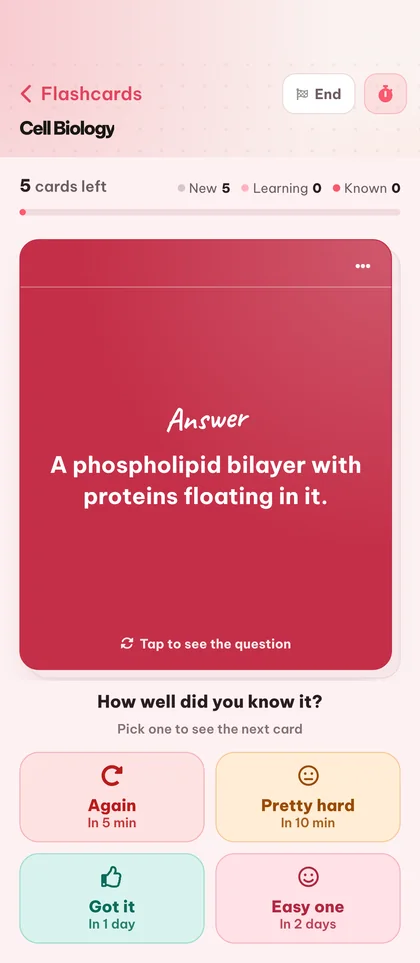
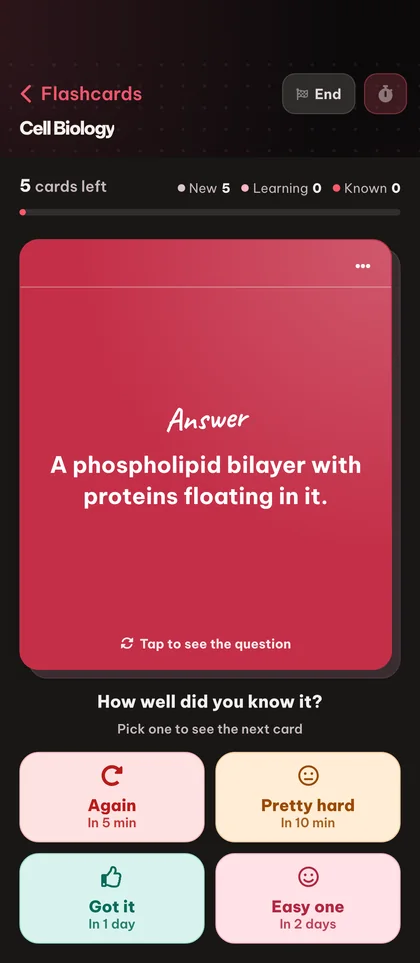
Open a deck in study mode and rate each card Again, Hard, Good, or Easy. Cards you struggle with come back sooner; ones you know fade out. New, To-Learn and To-Review counters keep your session focused.

อีกครั้ง / ยาก / ดี / ง่าย Cram mode คีย์ลัด
step.04
05 Export

Export, print, or take your deck anywhere

ส่งออก Deck กลับไปยัง Anki พิมพ์ PDF ที่สะอาดตา (โหมดสว่างหรือมืด) เพื่อทบทวนแบบออฟไลน์ หรือเก็บไว้ใน Eduloo และเปิดต่อบนโทรศัพท์ แท็บเล็ต หรือแล็ปท็อป

ส่งออก Anki .apkg Printable PDF · light + dark mode ซิงโครไนซ์ข้ามอุปกรณ์
step.05
Why it works better

Compared to hand-writing cards or a generic AI.

Manual flashcards burn the hours you should be spending on review. Generic AI tools give you cards detached from your actual material. Eduloo is built for the middle ground.

Compare

What matters when you're studying for an exam in two days

การ์ดที่เขียนด้วยมือ

The old way

Generic AI tools

Question banks

Eduloo Flashcards

Made for your material
Time to first deck
1–2 hours of busywork before the first review
Fast, but cards rarely match your material
A clean deck out of your document in seconds, start reviewing immediately
Scoped to your material
Yes, you wrote them
ธนาคารคำถามทั่วไป ไม่ใช่หนังสือเรียนของคุณ
Cards come from your uploaded document and the topics you picked
การทบทวนแบบเว้นระยะ
เฉพาะเมื่อใช้เครื่องมือแยกต่างหากอย่าง Anki
Rarely built in, or shallow
Again / Hard / Good / Easy schedule, the exact model Anki users know
ความเข้ากันได้ของ Anki
สร้างใหม่ด้วยตนเองต่อการ์ด
โดยปกติเป็นพื้นที่ปิด
Import .apkg, export .apkg, your data is yours, always portable
Editing & control
Total control, you wrote every word
การแก้ไขต่อการ์ดที่จำกัด
Every card fully editable, add, edit, duplicate, reorder, delete
Across devices
กระดาษ นั่นคือประสบการณ์นั้น
Web only, mobile is an afterthought
สำรับเดียวกันบนแล็ปท็อป แท็บเล็ต โทรศัพท์ สร้างสำหรับการแคมปิ่งด้วยมือเดียว
ค่าใช้จ่ายในการทดลอง
Free, but expensive in hours
Often paywalled before useful
ฟรีสำหรับแขก ไม่ต้องลงทะเบียน เก็บสำรับของคุณโดยสร้างบัญชี
ทุกสิ่งที่คุณสามารถทำได้

Twenty things the flashcard maker handles for you.

Generation is the headline. The rest of the surface area, editing, organizing, studying, importing, exporting, is what makes it work day to day.

01สร้าง

3 features · for getting the first deck on screen

Generate from documents

Turn any uploaded PDF, slide deck, or pasted notes into question / answer flashcards covering the topics you choose.

Create empty decks

Start from a blank deck and add cards manually when you want full control over what you study.

Anki .apkg import

Bring your existing Anki decks straight into Eduloo - cards, structure, and nested topics are preserved.

02Edit & organize

6 features · for shaping the deck after it lands

Edit questions and answers

Tap any card to rewrite the question or refine the answer. Edits save instantly with no separate publish step.

Rename decks

Rename a deck inline at any time. Names accept up to 191 characters so long subject titles fit comfortably.

ลากเพื่อจัดเรียงใหม่

กดและลากการ์ดเพื่อเรียงลำดับใหม่ภายในสำรับ ซึ่งมีประโยชน์สำหรับการจัดกลุ่มการ์ดตามหัวข้อย่อยหรือระดับความยาก

Duplicate cards

Duplicate a card to keep its formatting and tweak one detail - great for variant questions on the same concept.

Delete cards or whole decks

Remove a single card or wipe a whole deck. Deletes are confirmed so you cannot lose cards by mistake.

Nested deck structure

Group decks under parent topics with the familiar Anki-style :: separator. Switch between sub-decks from a single picker.

03Study

6 features · for the actual study time

Spaced repetition study

Rate each card Again, Hard, Good or Easy and the schedule adapts - struggle cards return faster, mastered cards space out.

Cram mode

Need a quick review before class? Switch on cram mode to cycle every card without affecting your spaced repetition schedule.

New / Learn / Review counters

ดูได้ทันทีว่ามีการ์ดใหม่กี่ใบ การ์ดที่ต้องเรียนกี่ใบ และการ์ดที่ถึงกำหนดทบทวนกี่ใบในแต่ละ Deck

เรียนแบบเต็มหน้าจอ

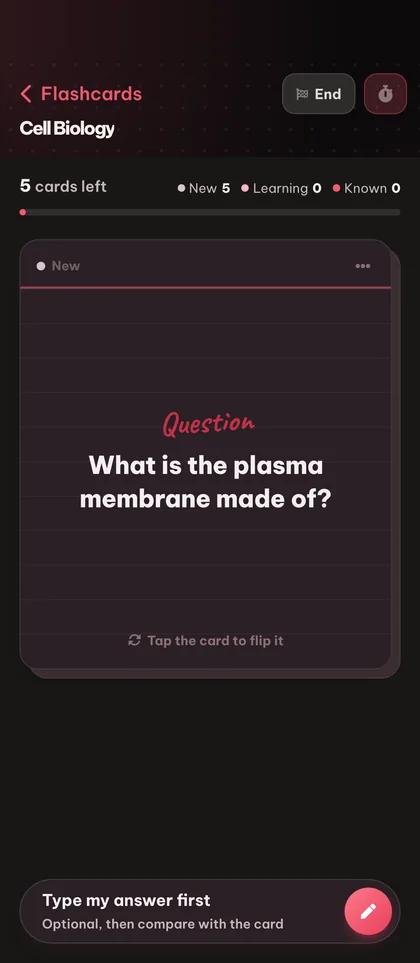
Distraction-free full-screen study mode with a clean flip animation - works equally well on desktop and mobile.

คีย์ลัด

พลิกการ์ดและให้คะแนนคำตอบด้วยแป้นพิมพ์ เร็วกว่าการคลิกเมื่อคุณสร้างนิสัย

ค้นหาคำถามและคำตอบ

Type any word and Eduloo finds every card whose question or answer matches. Perfect for revisiting a specific concept.

04แบ่งปันและพกพา

5 features · for export, mobile and beyond

20+ output languages

สร้างการ์ดเป็นภาษาอังกฤษ เยอรมัน ฝรั่งเศส สเปน โปรตุเกส อิตาลี โปแลนด์ ตุรกี ญี่ปุ่น และอื่นๆ อีกมากมาย

Printable PDF export (light & dark mode)

พิมพ์ PDF ที่สะอาดและเหมาะสำหรับการพิมพ์ของสำรับใดๆ เพื่อการศึกษาแบบออฟไลน์ เลือกโหมดสว่างสำหรับกระดาษ หรือโหมดมืดสำหรับการอ่านหน้าจอและอุปกรณ์ e-ink ที่ประหยัดแบตเตอรี่

Mobile-optimized

Study on your phone with a full-screen card view, tap-to-flip, and a mobile app bar built for one-handed use.

ส่งออก Anki .apkg

Take any Eduloo deck back to Anki with one click. Your study data is yours, always portable.

Deck feedback

Rate a deck after a session so you can flag the ones worth keeping and skip the ones that are not pulling their weight.

Eduloo Flashcards in depth

ทำไม การจำแบบแอคทีฟ works, and why most students still skip it.

A short read on the science, the implementation, and who this is really for.

§ 01Why flashcards work, and why most students still hate making them

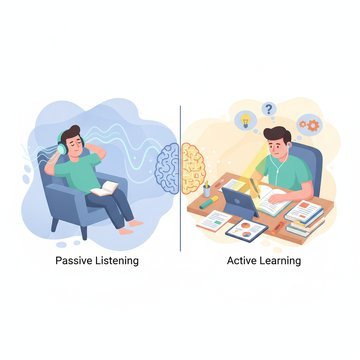
Active recall - retrieving an answer from memory rather than re-reading - is the single most evidence-backed study technique in the cognitive science literature. Flashcards are the cleanest possible vehicle for it. Look at the question, try to answer, flip the card, grade yourself.

The problem is everything that happens before you study: deciding what to put on the cards, writing the questions, writing the answers, formatting them, keeping them organized. For a 30-page lecture, that is two hours of busywork before the first review. Most students give up before they start.

Eduloo's flashcard maker exists to delete that busywork. You drop a document in, you get a deck out, and you spend your time on the part that actually moves your grade - reviewing the cards.

Eduloo's flashcard maker exists to delete that busywork.

§ 02วิธีการทำซ้ำแบบเว้นระยะถูกนำไปใช้ใน Eduloo

หลังจากแต่ละการ์ด คุณให้คะแนนคำตอบของคุณ ลืมเลย (ลืมไป) ยาก (จำได้ด้วยความพยายาม) ดี (จำได้อย่างถูกต้อง) หรือง่าย (จำได้ทันที) ตารางเวลาจะยาวขึ้นสำหรับการ์ดที่คุณรู้จัก และจะสั้นลงสำหรับการ์ดที่คุณไม่รู้จัก ซึ่งเป็นกลไกที่แน่นอนที่ผู้ใช้ Anki จะรับรู้ Eduloo แสดงตัวนับสามตัวเสมอ: มีการ์ดใหม่กี่ใบในสำรับนี้ คุณกำลังเรียนรู้กี่ใบ และมีการ์ดกี่ใบที่ต้องทบทวนวันนี้

หากมีสอบจริงในอีกสองวันและต้องการท่องจำ ให้เปิดโหมด Cram ทุกการ์ดจะหมุนเวียนโดยไม่คำนึงถึงวันที่กำหนด และตารางการทบทวนแบบเว้นระยะปกติของคุณจะไม่ถูกแตะต้อง

§ 03Eduloo Flashcards เหมาะสำหรับใคร

Medical students drowning in anatomy and pharmacology vocabulary. Language learners building real recall instead of passive recognition. Bar exam candidates working through case law. Anyone with a textbook, a stack of slides, or a deadline.

If you are already an Anki user, you can keep your existing decks - import them on day one and export Eduloo decks back to Anki whenever you want.

§ 04สิ่งที่แตกต่างเกี่ยวกับการสร้างแฟลชการ์ดของ Eduloo

Eduloo is not a generic question generator. The cards it produces are scoped to the document you uploaded and the topics you selected. That means the card on photosynthesis comes from your biology textbook chapter, not a generic biology question bank.

After generation, every card is fully editable. The AI handles the rough draft so you can focus on polishing the few cards that need a sharper question or a more precise answer.

§ 05Studying with Eduloo on mobile

ประสบการณ์มือถือสร้างขึ้นสำหรับมือเดียวและการวิ่นสั้น ๆ มุมมองการ์ดเต็มหน้าจอ แตะเพื่อพลิก แตะเพื่อให้คะแนน ไม่มีความยุ่งเหยิง ไม่มีเมนู ไม่มีแรงเสียดทานเพิ่มเติมระหว่างคุณและการ์ดถัดไป หากคุณเคยแคมปิ่งในโถงเก่าระหว่างชั้นเรียน นี่คืออินเทอร์เฟซที่คุณต้องการ

FAQ

คำถามที่พบบ่อย คำถาม

ดูมันในการดำเนิน

Ready to give it a try ?

Watch a quick demo, then jump in for free as a guest or pick a plan when you are ready.

Like what you see? Keep your work.

Create a free account to keep everything you build as a guest, lift the guest-mode limits, and sync across devices.