




1. Mục đích của interface trong Java là gì?
Single ChoiceTrình tạo quiz: Biến
mọi tài liệu thành
bài kiểm tra thử.
Biến PDF, slide hoặc ghi chú của bạn thành bài kiểm tra một lựa chọn, đúng/sai, điền vào chỗ trống, kết hợp và gắn nhãn hình ảnh. Kiểm tra những gì bạn thực sự nhớ, nhận phản hồi ngay lập tức và theo dõi điểm số cải thiện dần.
- Miễn phí ở chế độ khách
- 5 dạng câu hỏi
- 10 / 20 / 50 câu hỏi mỗi bài quiz
Guest Mode Your work is kept for 30 days.
Bài quiz 0 / 2 Documents 0 / 150k Sign in or create an accountThư viện bài kiểm tra
Luyện tập với các bộ câu hỏi trọng tâm, theo dõi tiến độ rõ ràng và tiến bộ nhanh qua từng lượt làm bài.
Làm nhanh năm câu hỏi còn hiệu quả hơn đọc lại. Loo sẽ ghi lại điểm cho bạn.Mọi lần làm bài đều được lưu lại. Xem điểm của bạn tăng dần nhé.Sai câu nào, Loo chỉ cho bạn câu đó lấy từ đâu trong tài liệu.Kiểm tra nhanh hay thi thử: 10, 20 hoặc 50 câu hỏi.Tự kiểm tra cũng là học. Loo chỉ giúp việc đó nhẹ nhàng hơn thôi.Câu sai dạy bạn nhanh hơn câu đúng. Loo ghi lại hết.
New Cards
New Quiz
New Summary
Edit Questions
Chọn loại câu hỏi
2. Java là một ngôn ngữ có kiểu dữ liệu tĩnh.
True or False3. Hoàn thành câu: Java sử dụng ____ và ____ để quản lý bộ nhớ và điều khiển luồng.
Fill in the Blank4. Ghép nối mỗi collection Java với đặc điểm của nó.
MatchingNew Podcast
Workspaces
Tên
Thao tác
Chưa có chủ đề nào
Hợp nhất bộ bài
Loading decks
Hợp nhất bộ câu hỏi
Loading quizzes
Pomodoro Timer
Phiên 1/4
25:00
Tiếp theo: Giờ nghỉ
25 min
5 min
Rate This Study Item
Hãy chọn cảm nhận của bạn về nội dung này và để lại nhận xét cho nhóm nếu muốn.
Chủ đề tài liệu
1Tạo chủ đề thủ công hoặc tự động. 2Click sections in the document to add them.
Click sections in the document to add them to this topic.
Chưa chọn phần nào.
Chưa có chủ đề nào.
Sections
No sections.
Chọn một chủ đề để xem vị trí của nó trong tài liệu.
Source of This Question
Loading sources
Nguồn này không còn khả dụng.
Import Guest Work?
Đã tìm thấy phiên khách
Import your guest work to keep it in your account.
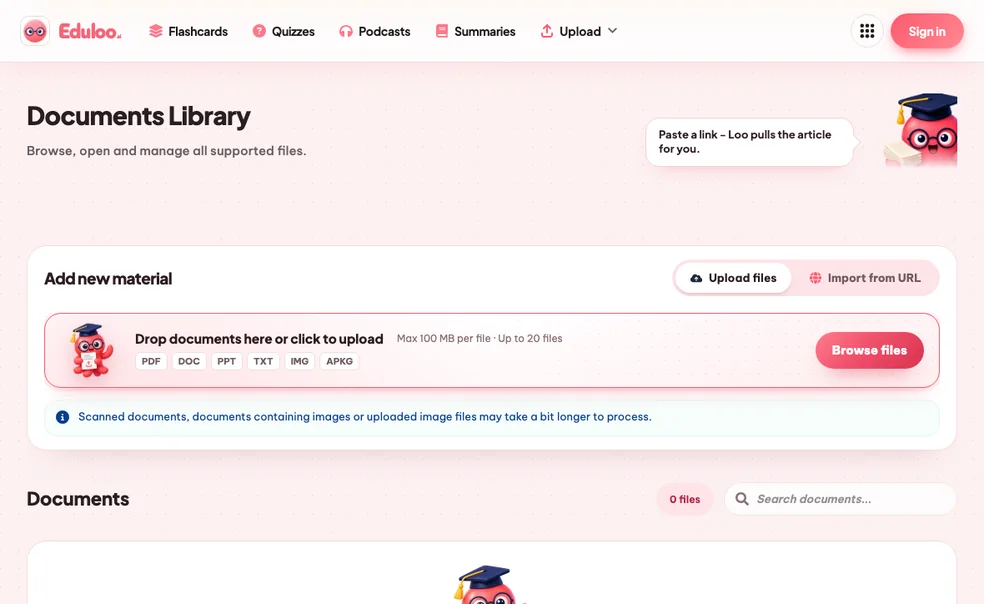
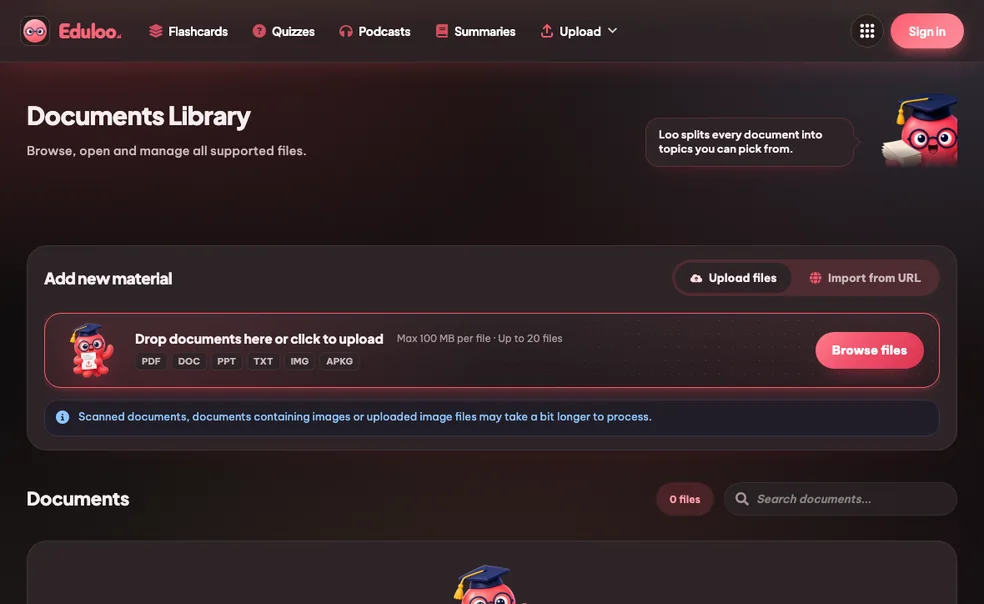
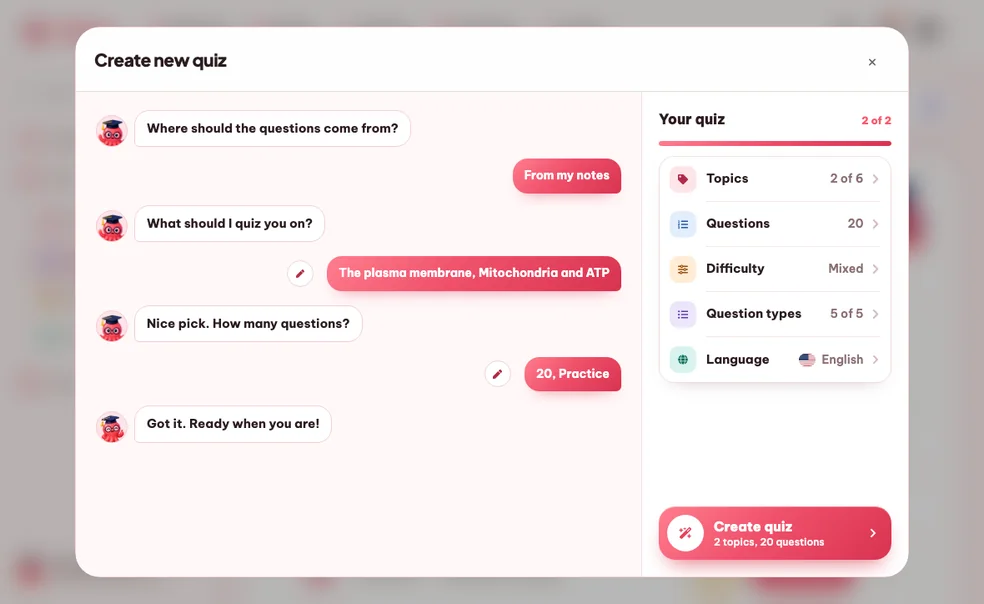
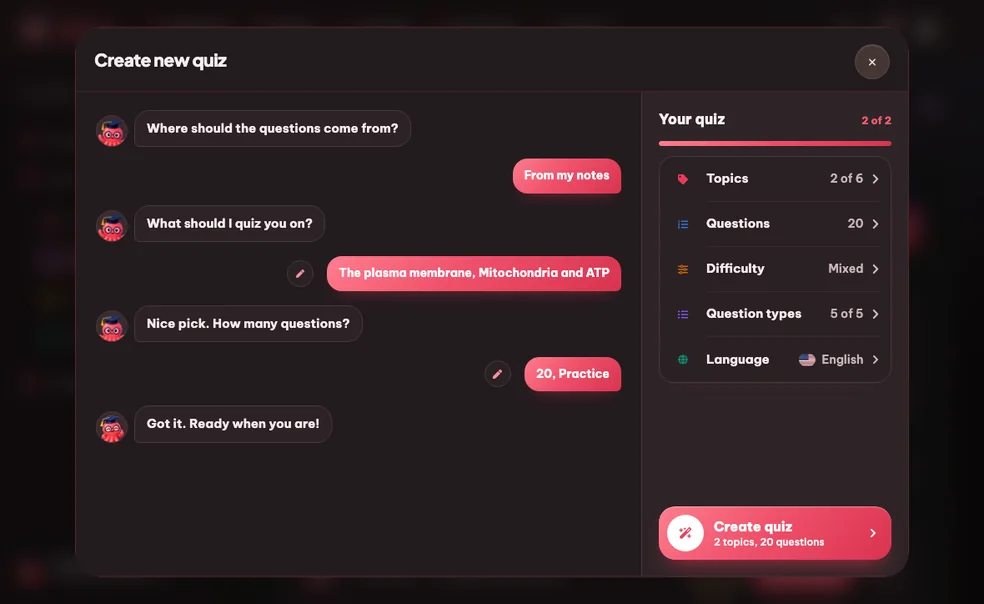
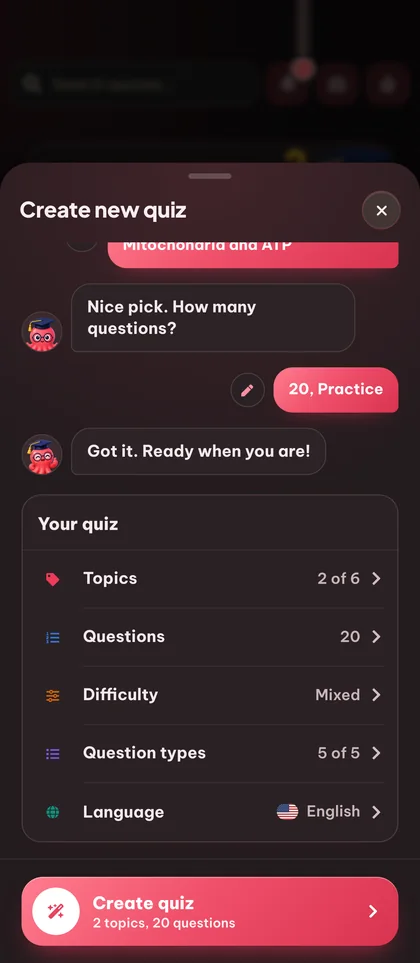
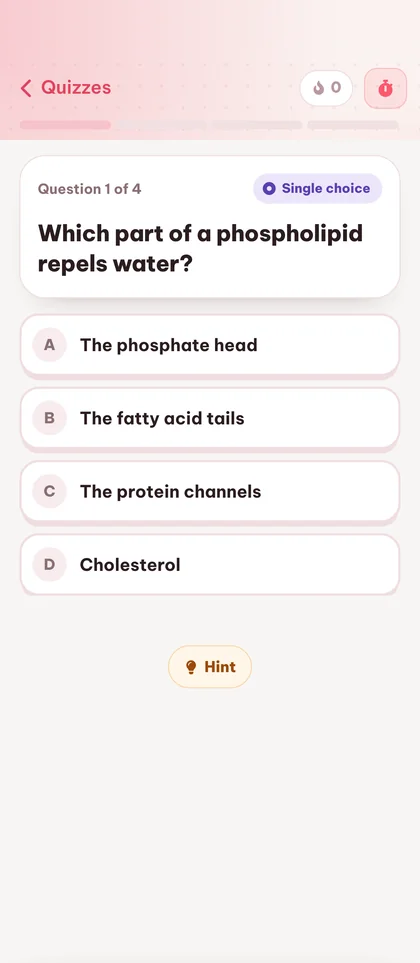
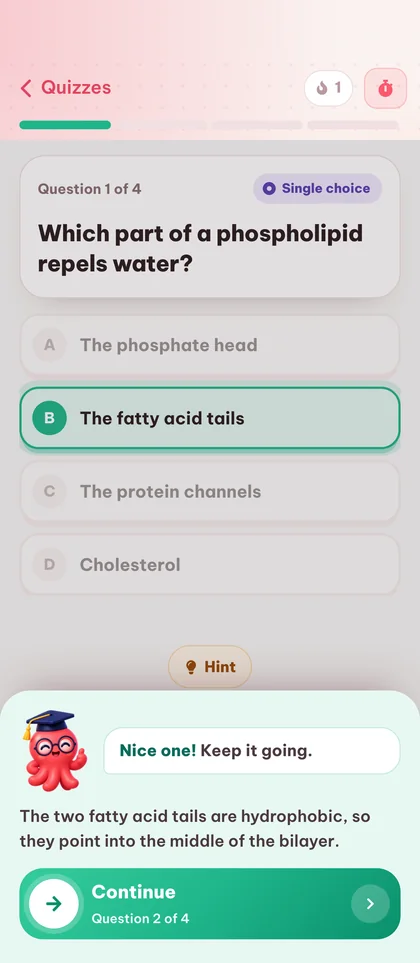
Cách trình tạo quiz
hoạt động qua ba bước.
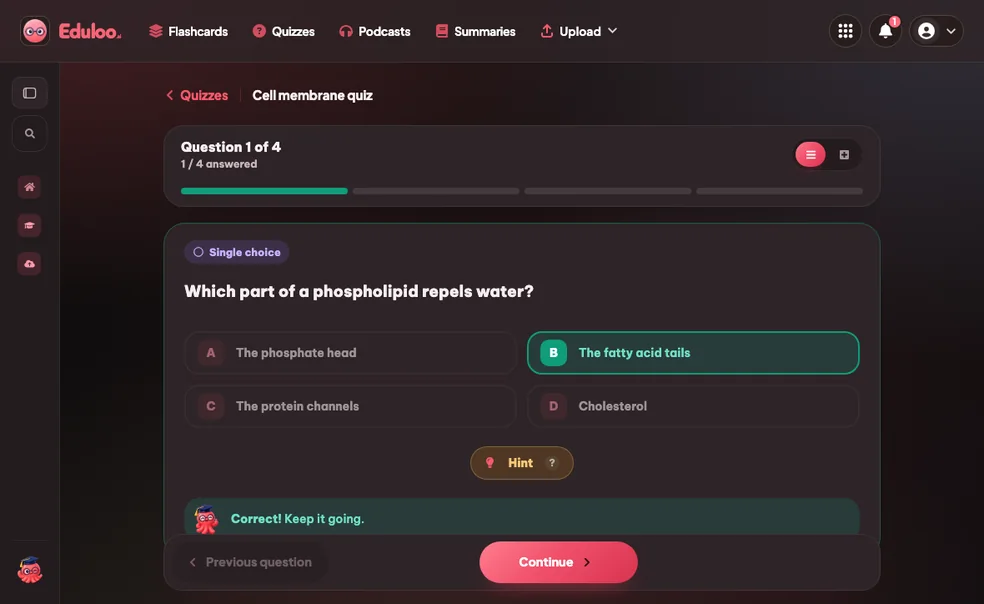
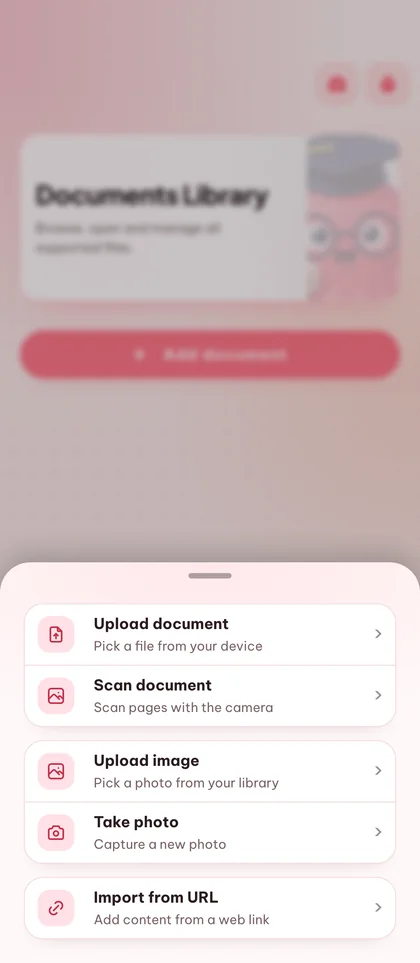
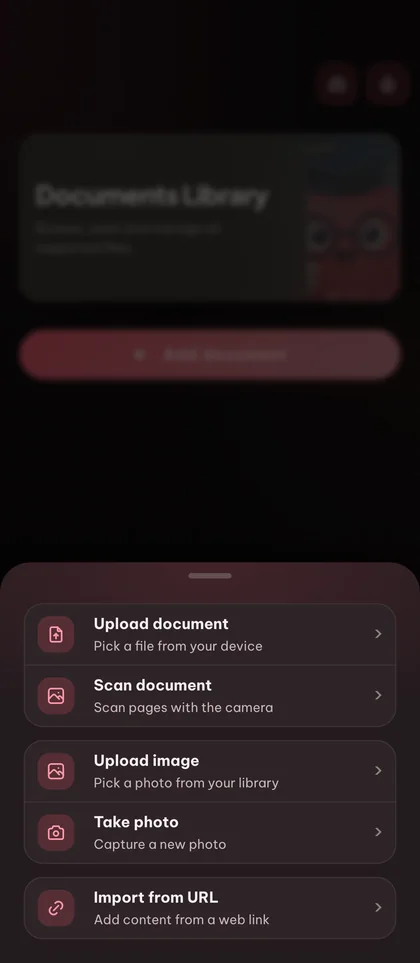
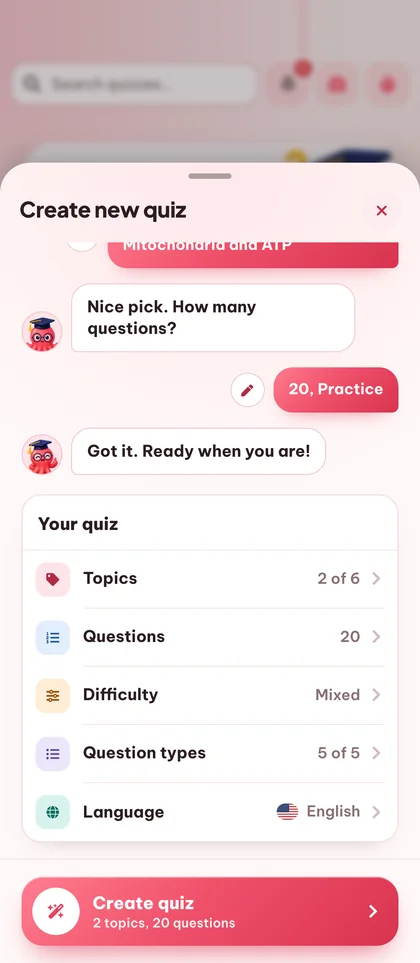

Nhớ lâu hơn
với bài kiểm tra thử.
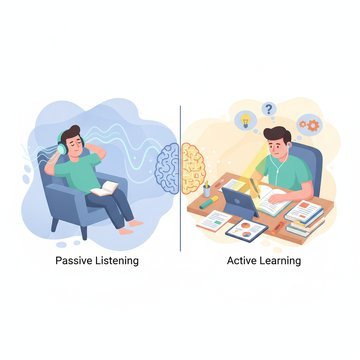
Active recall beats rereading
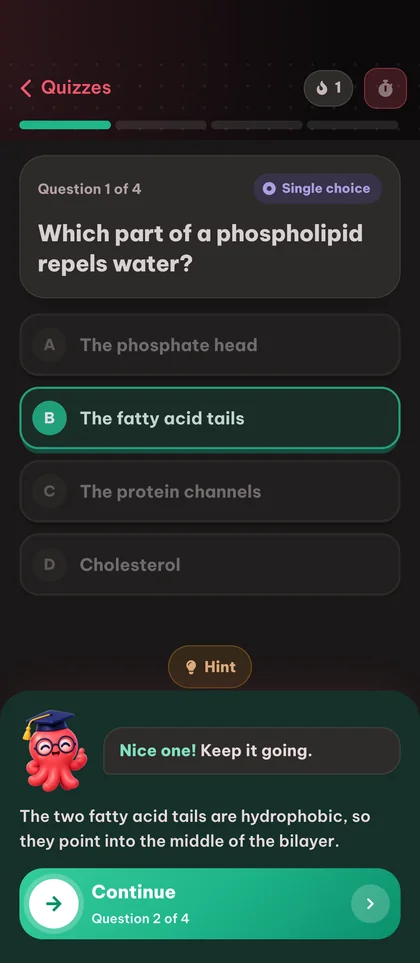
Tự kiểm tra là kỹ thuật học hiệu quả nhất mà chúng tôi biết. Eduloo giúp việc tự kiểm tra trở nên thật dễ dàng, để bạn thực sự bắt tay vào làm.
Câu hỏi được soạn từ tài liệu của bạn
Không lấy từ ngân hàng câu hỏi chung chung. Mỗi bài quiz đều bám sát các chủ đề trong tài liệu bạn đã tải lên.
Nhiều dạng câu hỏi trong một bài quiz
Kết hợp câu hỏi một lựa chọn, đúng/sai, điền vào chỗ trống, ghép cặp và gắn nhãn hình ảnh trong cùng một bài quiz để luyện khả năng nhớ lại, nhận biết, ghép nối và nhận diện hình ảnh.
Trình tạo quiz AI
tích hợp mọi thứ ở một nơi.
Tạo từ bất kỳ tài liệu nào
Biến file PDF, slide hoặc ghi chú đã tải lên thành một bài quiz thực sự, tập trung vào các chủ đề bạn chọn.
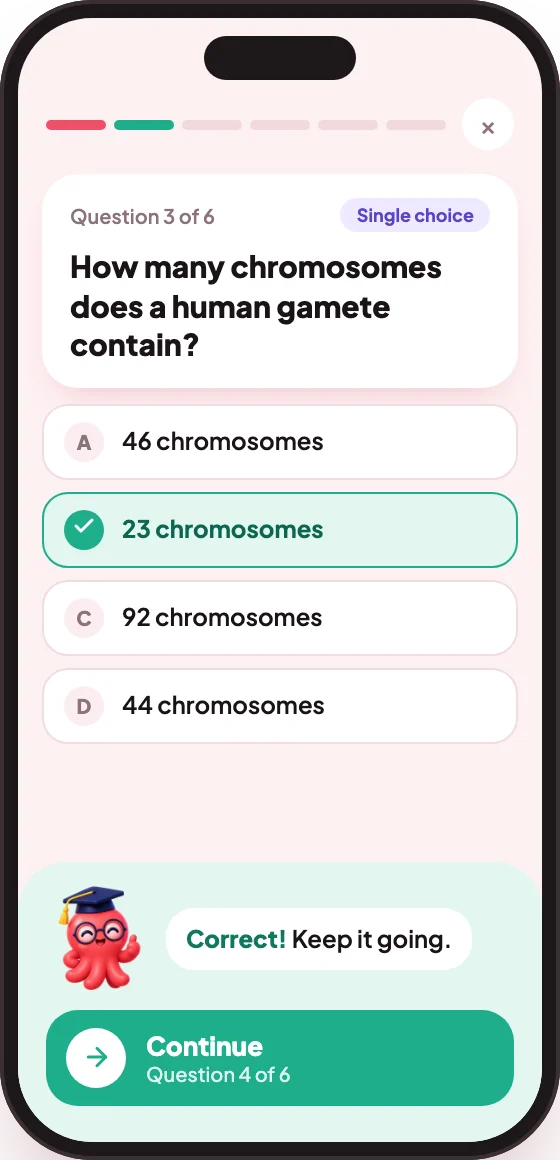
Số câu hỏi: 10, 20 hoặc 50
Ôn nhanh, luyện đề thực thụ hay thi thử đầy đủ: chọn độ dài phù hợp với buổi học của bạn.
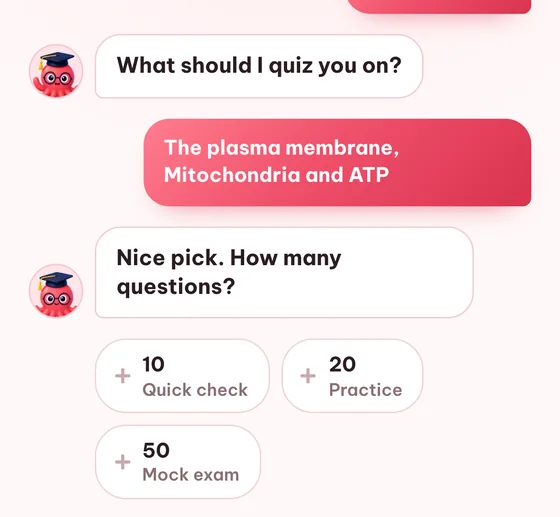
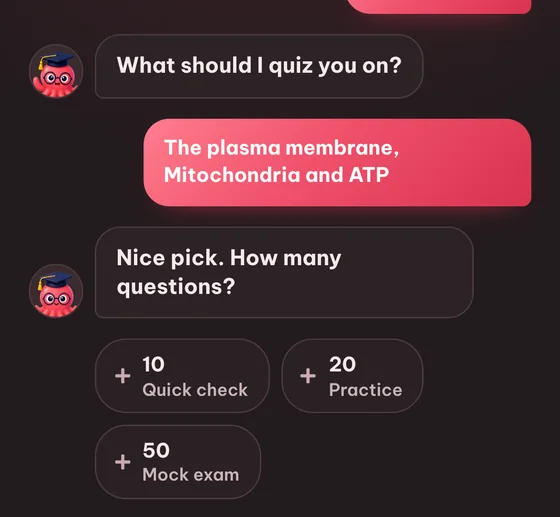
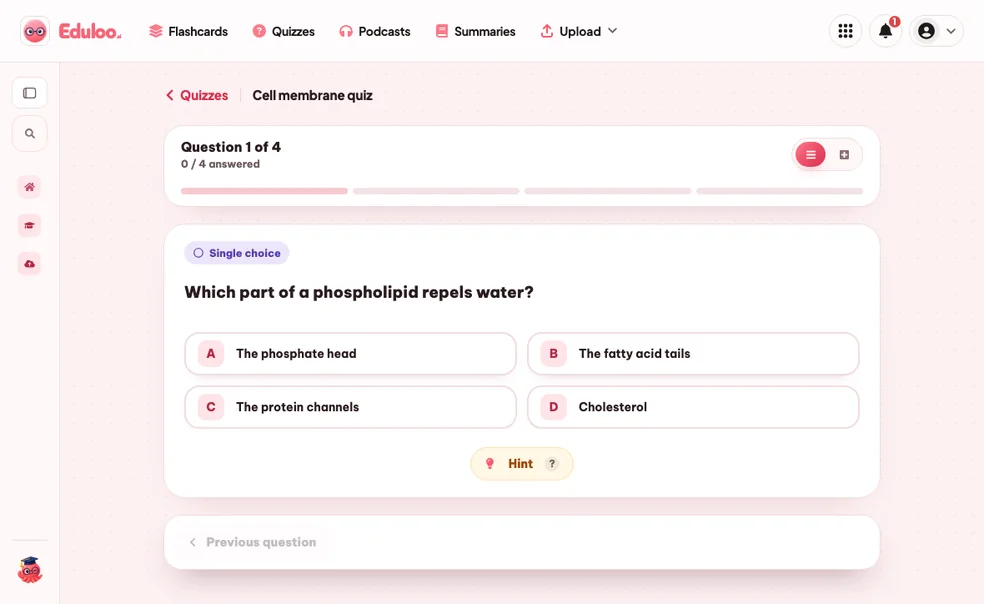
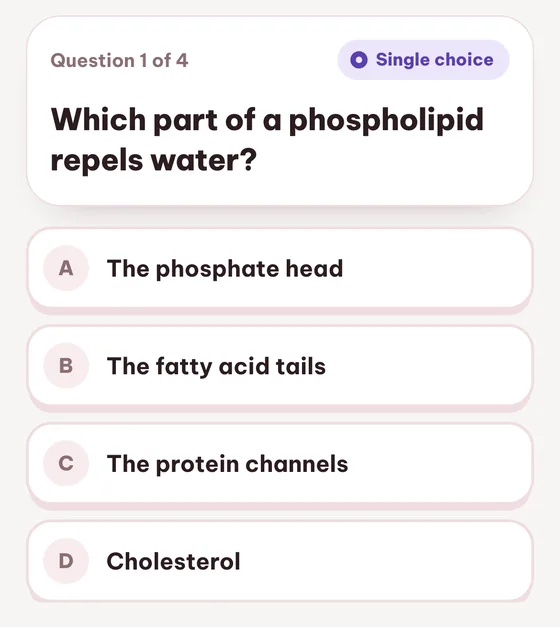
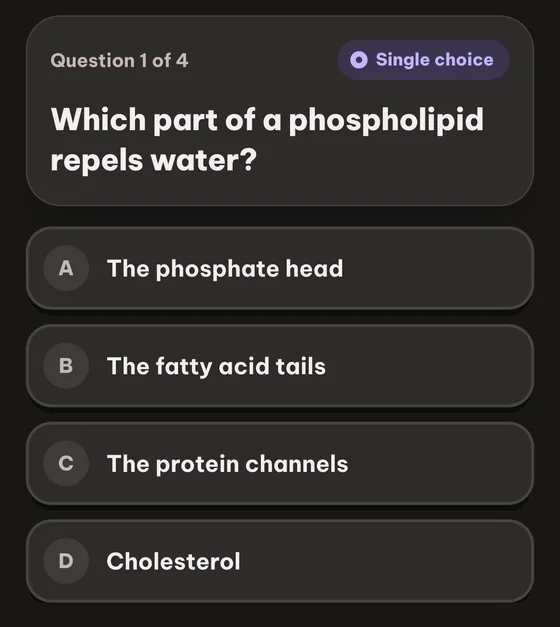
Câu hỏi trắc nghiệm một đáp án
Trắc nghiệm cổ điển với một đáp án đúng và ba phương án gây nhiễu được tạo từ tài liệu gốc.
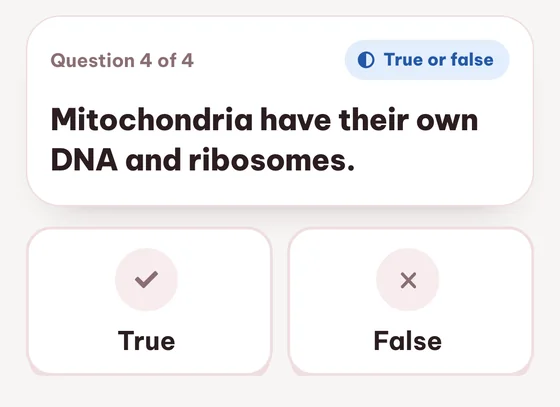
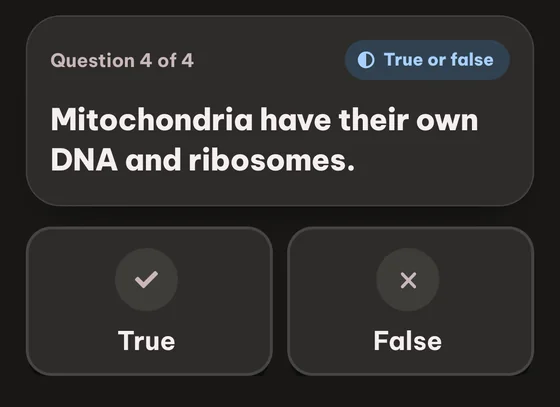
Đúng / Sai
Rèn khả năng nhớ dữ kiện và rất hợp để khởi động trước các dạng câu hỏi khó hơn.
Câu hỏi thường gặp câu hỏi

Vẫn còn thắc mắc? Hỏi Loo nhé.
Không tìm thấy câu trả lời? Gửi câu hỏi cho chúng tôi và chúng tôi sẽ phản hồi trong vòng một ngày.
Đặt câu hỏiBạn có thể dùng thử miễn phí. Tạo, làm và xem lại bài quiz với tư cách khách mà không cần đăng ký, trong giới hạn nhỏ dành cho khách và dữ liệu chỉ được lưu tạm thời. Gói Free vẫn miễn phí với giới hạn hằng tháng, bao gồm 10 lượt tạo quiz, còn gói Plus và Pro nâng các giới hạn đó lên cao hơn.
Một đáp án đúng (chọn một), đúng/sai, điền vào chỗ trống, kết hợp (ghép cặp) và gắn nhãn hình ảnh (nhấp vào đúng vị trí trên hình). Bạn có thể kết hợp cả năm loại trong một bài kiểm tra.
Bạn có thể chọn 10, 20 hoặc 50 câu hỏi mỗi bài kiểm tra. Mười câu là ôn nhanh, hai mươi câu là một lần luyện tập bình thường, năm mươi câu là độ dài của một bài thi thử.
Có. Mỗi câu hỏi đều có thể chỉnh sửa hoàn toàn - viết lại câu hỏi, thay đáp án nhiễu hoặc sửa đáp án đúng. Bạn cũng có thể xóa những câu không phù hợp.
Có. Mỗi lần thử đều được lưu kèm điểm số, vì vậy bạn có thể theo dõi kết quả của mình trên cùng một bài kiểm tra cải thiện theo thời gian. Danh sách bài kiểm tra hiển thị điểm số gần nhất của bạn bên cạnh mỗi mục.
18 ngôn ngữ đầu ra bao gồm tiếng Anh, Đức, Pháp, Tây Ban Nha, Ý, Bồ Đào Nha, Ba Lan, Thổ Nhĩ Kỳ, Nhật Bản và nhiều ngôn ngữ khác. Ngôn ngữ đầu ra được chọn mỗi lần bạn tạo.
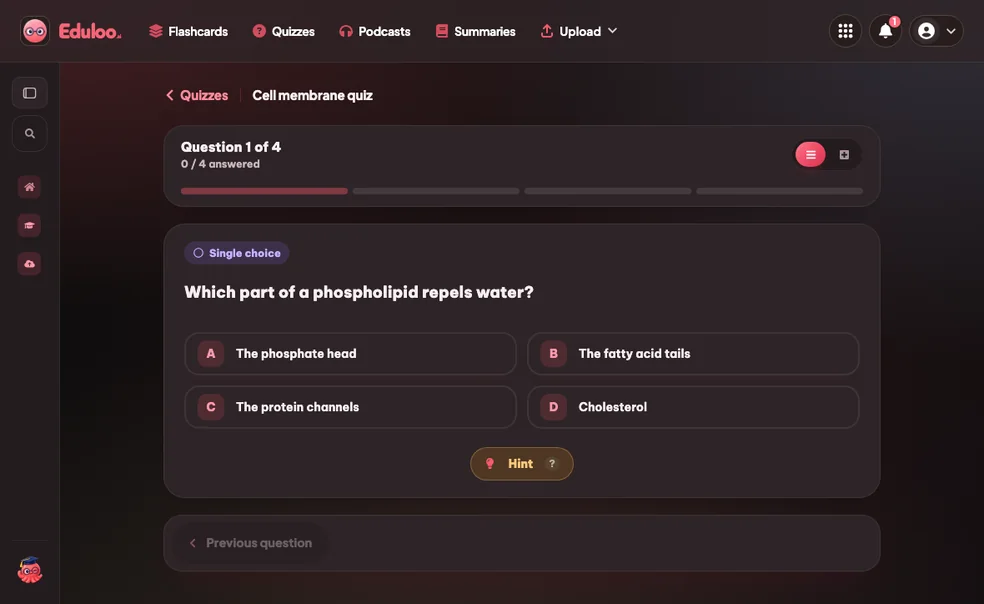
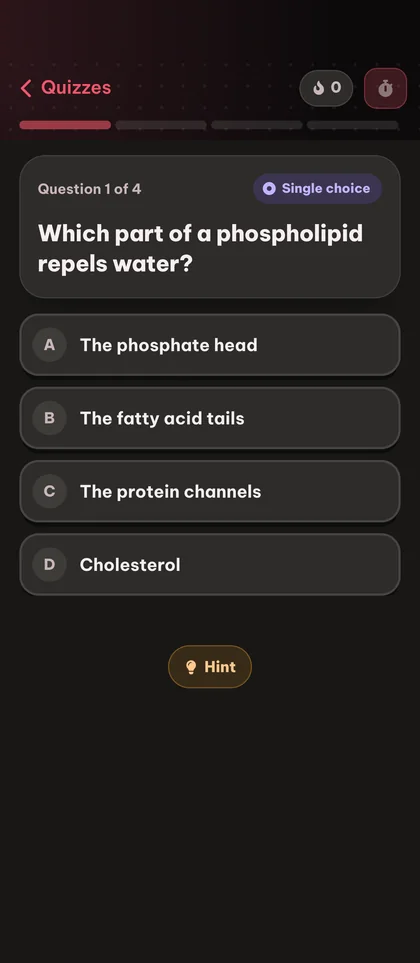
Có. Mỗi bài kiểm tra đều có thể chia sẻ qua đường dẫn - bất kỳ ai mở đường dẫn đó đều có thể làm bài và lưu vào thư viện của họ. Bạn cũng có thể in hoặc xuất bài kiểm tra ra PDF để dùng ngoại tuyến, ở chế độ sáng hoặc tối.
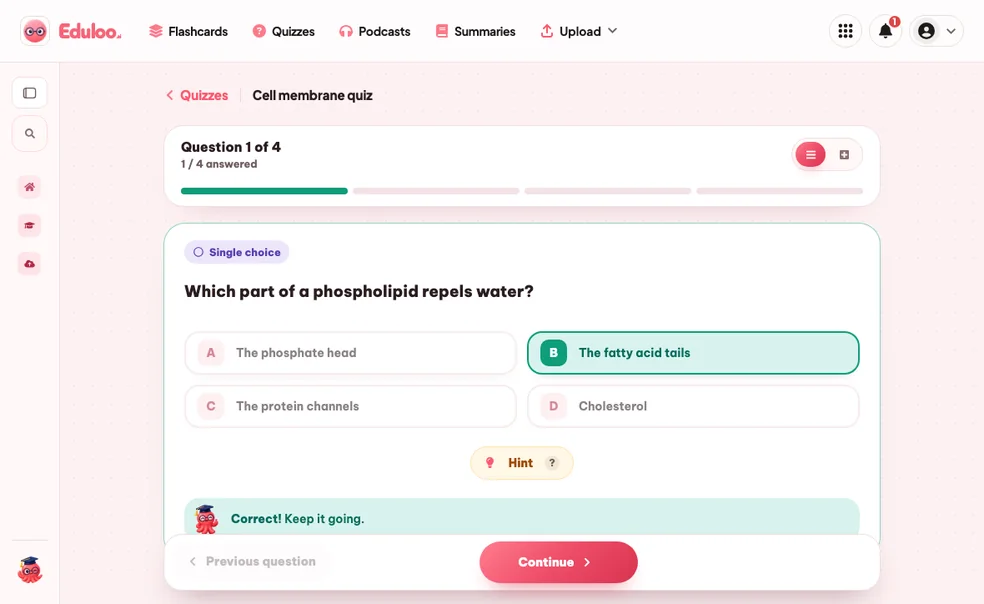
Bạn thấy ngay đáp án đúng và câu hỏi được gắn thẻ kèm liên kết đến chủ đề nguồn trong thư viện tài liệu của bạn, giúp bạn xem lại đúng phần tài liệu chứa đáp án đó.
Bài kiểm tra của khách được lưu trong 30 ngày rồi tự động xóa. Tạo tài khoản miễn phí để lưu vĩnh viễn và chuyển toàn bộ nội dung bạn đã tạo khi là khách chỉ bằng một cú nhấp.
Có. Một tài liệu tải lên duy nhất là đủ cho mọi công cụ học tập của Eduloo. Tạo thẻ, bài kiểm tra, bản tóm tắt và podcast từ cùng một bộ ghi chú mà không cần tải lên thêm.
Sẵn sàng dùng thử trình tạo quiz miễn phí chưa?
Xem demo nhanh, rồi dùng thử miễn phí với tư cách khách hoặc chọn gói khi bạn sẵn sàng.
Thích những gì bạn đang thấy? Lưu lại thành quả của bạn.
Tạo tài khoản miễn phí để giữ lại mọi thứ bạn đã tạo với tư cách khách, bỏ giới hạn chế độ khách, và đồng bộ hóa trên các thiết bị.