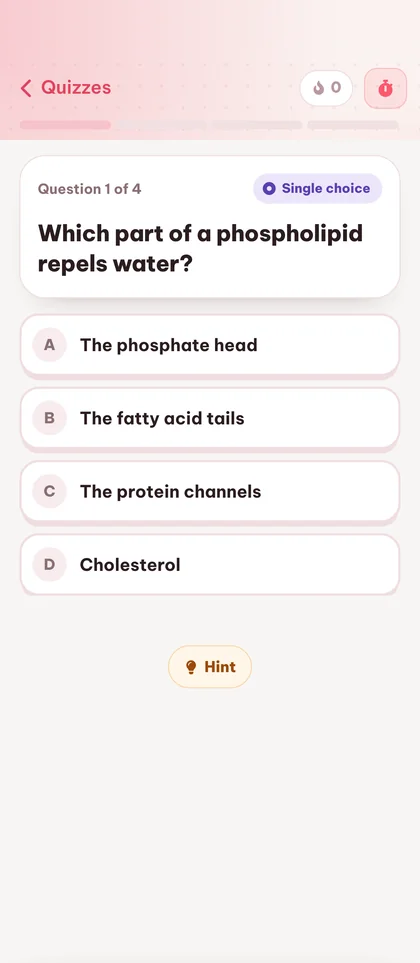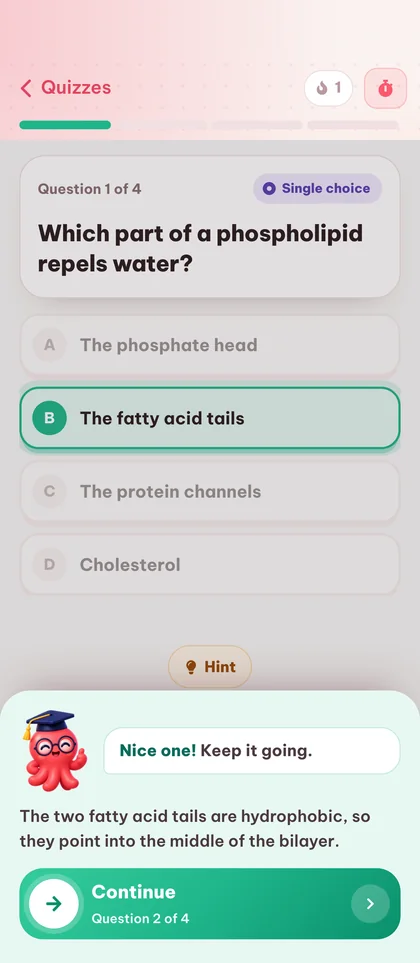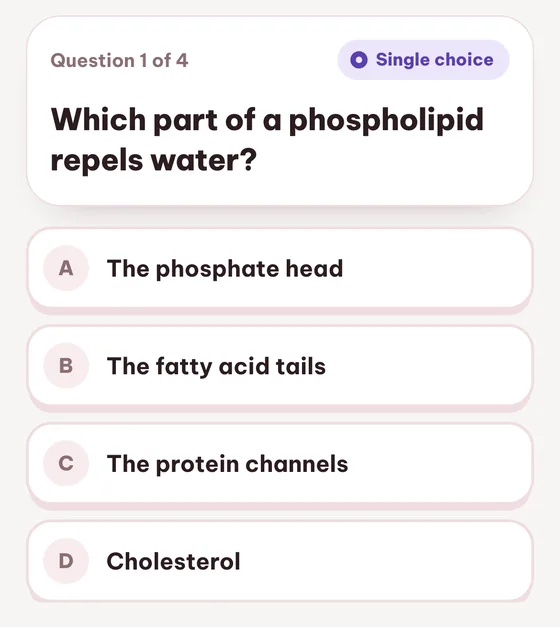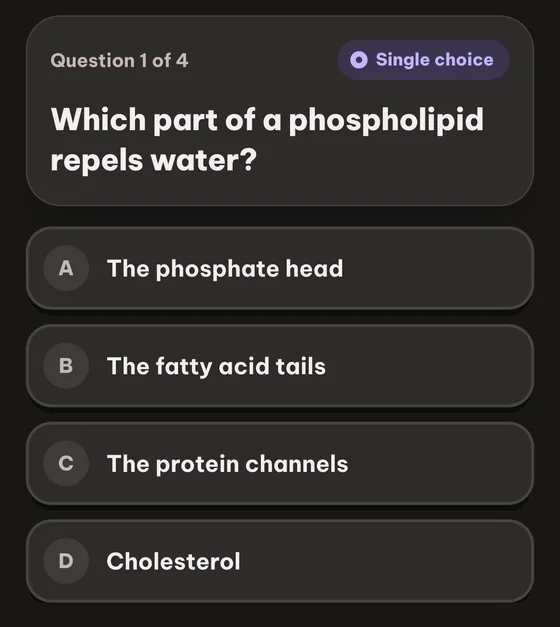



1. Java에서 인터페이스의 목적은 무엇인가요?
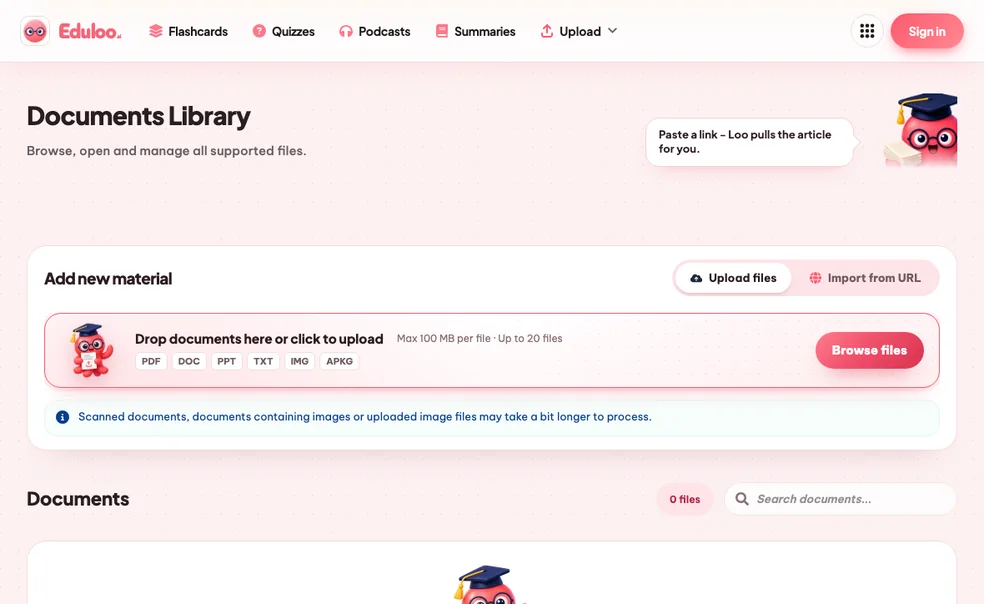
단일 선택Quiz Generator - AI-powered practice tests from any document
Turn your PDFs, slides or notes into single-choice, true/false, fill-in-the-blanks, combination and image-labeling quizzes. Test what you actually remember, see instant feedback, and watch your scores improve.
퀴즈 라이브러리
집중된 문제 세트로 연습하고, 명확한 진행 상황을 확인하며, 빠른 개선 루프를 경험하세요.
새 플래시카드 추가
새 퀴즈 만들기
새 요약 만들기
문제 편집
질문 유형 선택
2. Java는 정적 타입 언어입니다.
참/거짓3. 다음 문장을 완성하세요. Java는 메모리 관리와 스레드 제어를 위해 ____과(와) ____을(를) 사용합니다.
빈칸 채우기4. 각 Java 컬렉션을 그 특징과 일치시키세요.
조합새 팟캐스트 만들기
워크스페이스 및 주제 관리
덱 병합
퀴즈 병합
뽀모도로 타이머
뽀모도로 방법으로 집중력을 유지하세요. 25분의 집중 시간과 짧은 휴식을 균형 있게 반복합니다.
세션 1/4
25:00
다음: 휴식
이 학습 항목 평가하기
이 콘텐츠가 어땠는지 선택하고 선택적으로 팀에 의견을 남겨주세요.
문서 주제
아직 주제가 없습니다.
사용 가능한 청크가 없습니다.
이 주제에 포함할 PDF의 섹션을 클릭하여 선택하세요.
아직 선택된 섹션이 없습니다.
주제를 선택하여 문서에서의 위치를 확인하세요.
이 문제의 출처
소스를 불러오는 중...
더 이상 사용할 수 없는 소스입니다.
Would you like to import your guest study content?
게스트 세션 발견됨
게스트 세션에서 생성된 학습 콘텐츠를 찾았습니다. 지금 가져와서 계정에서 모든 것을 정리된 상태로 유지하세요.
From document to mock exam in five steps.
Five steps between the file on your desk and a real practice exam scored against your last attempt.
Drop in your study material
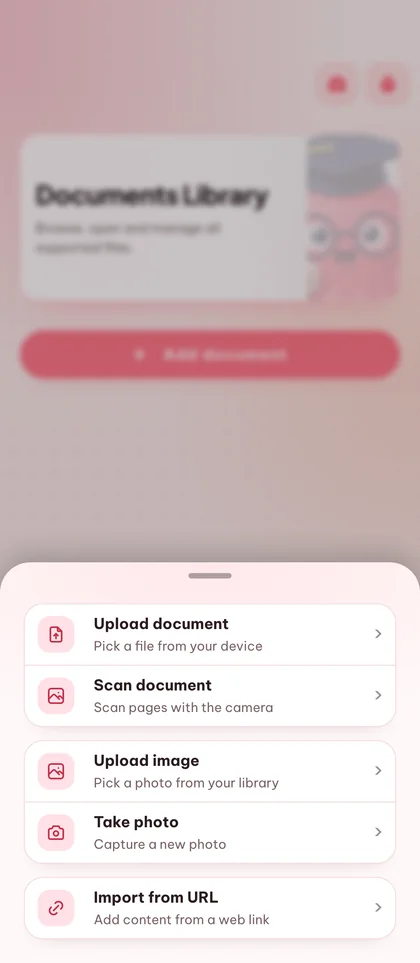
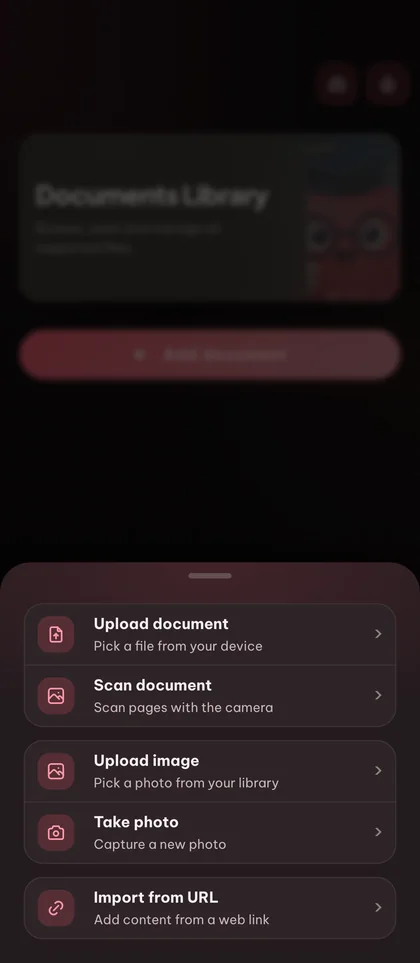
PDF, 슬라이드, 노트를 업로드하거나 이미 라이브러리에 추가한 문서를 사용하세요.
Pick your quiz shape
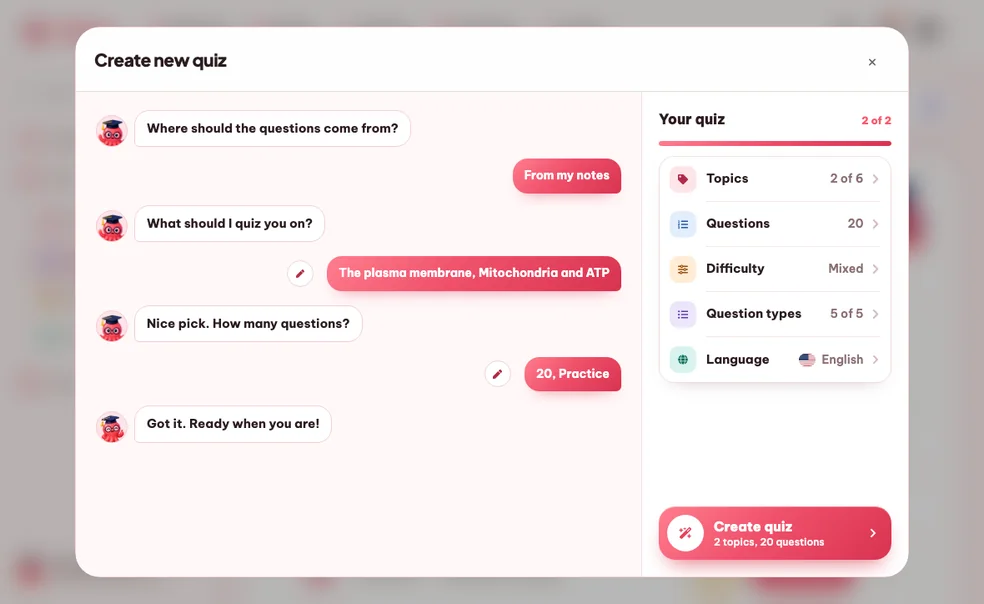
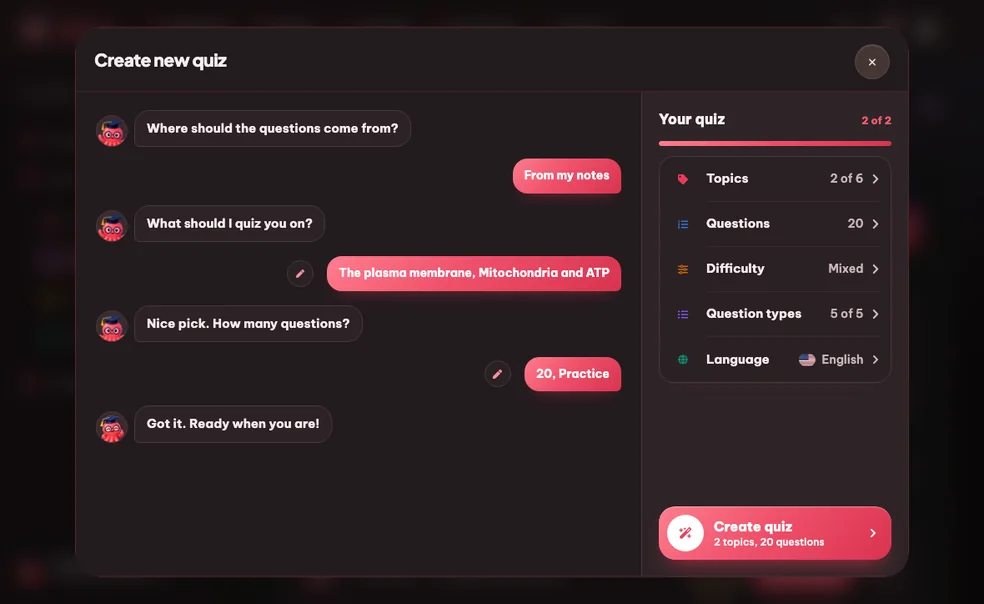
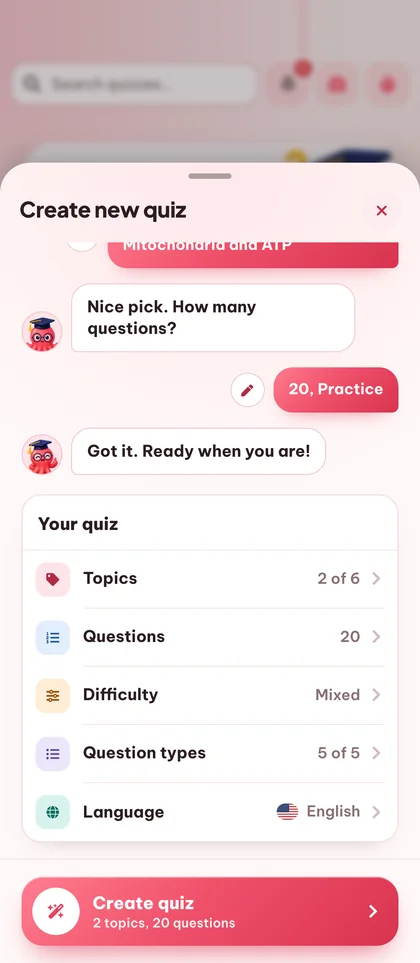
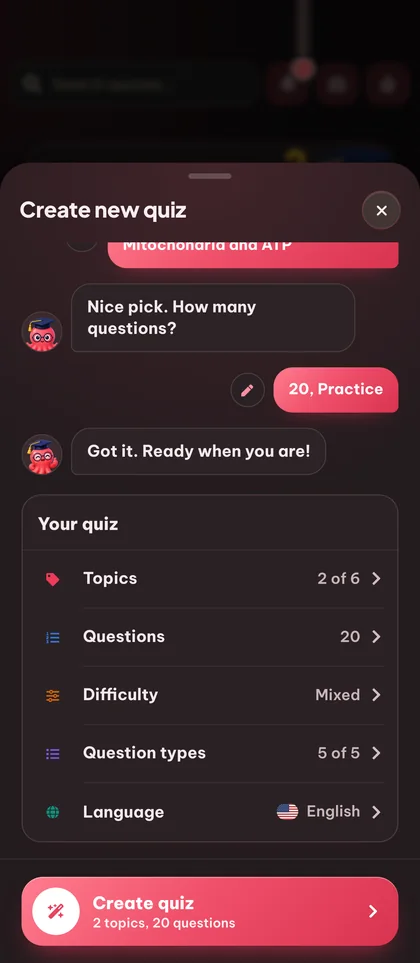
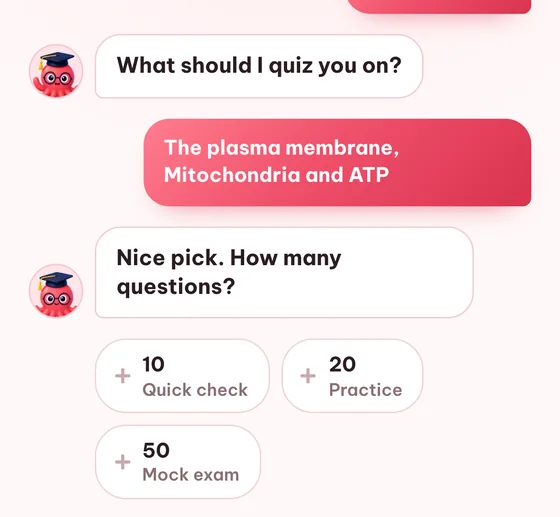
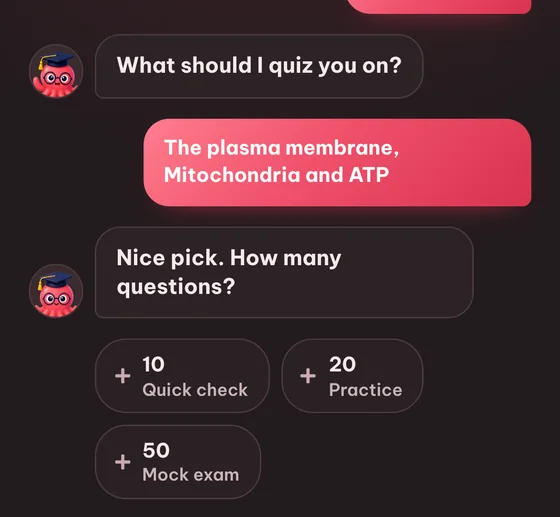
Choose topics, output language (20+ supported), question count (10, 20 or 50) and which question types you want - single-choice, true/false, fill-in-the-blanks, combination (matching) or image-labeling.
Generate and review
Eduloo writes the quiz in seconds. Every question is editable - rewrite, reorder, or remove anything before you take the test.
Take the quiz your way
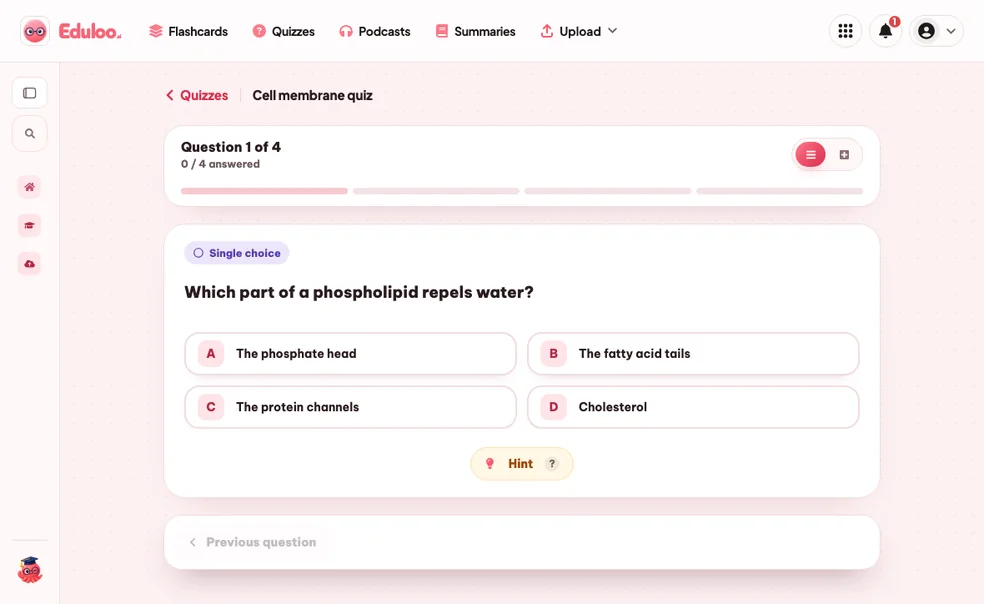
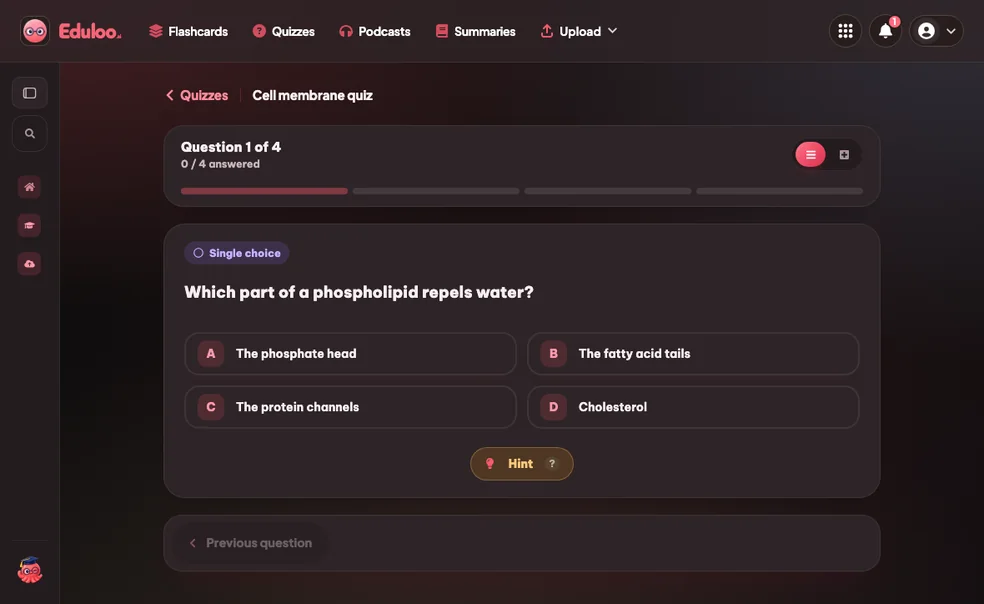
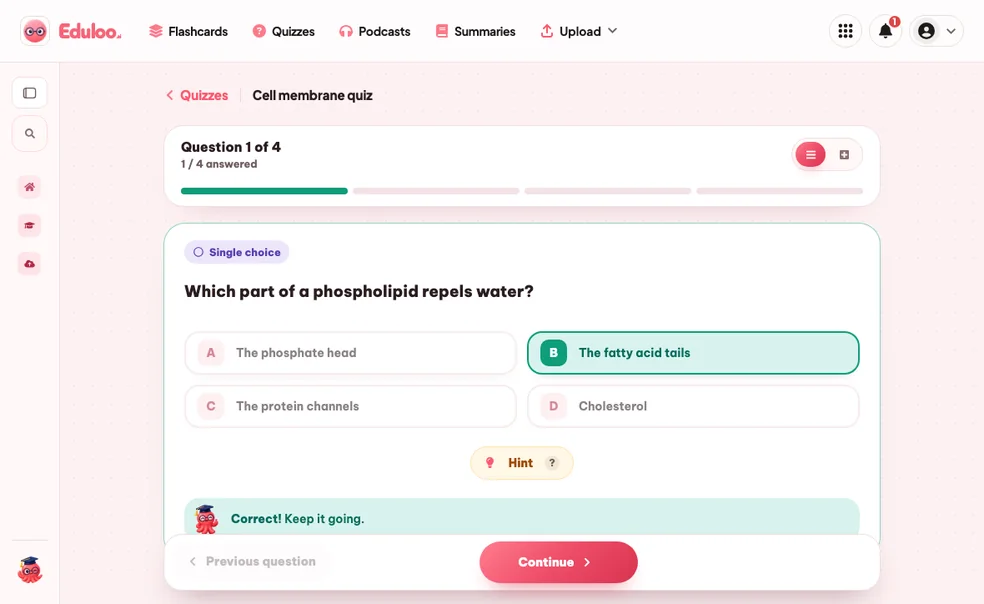
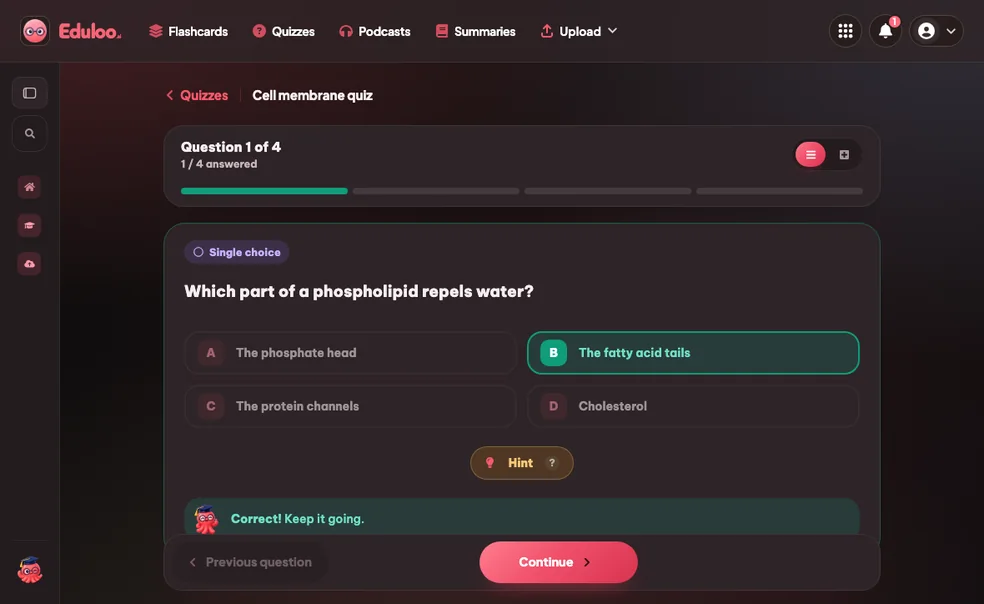
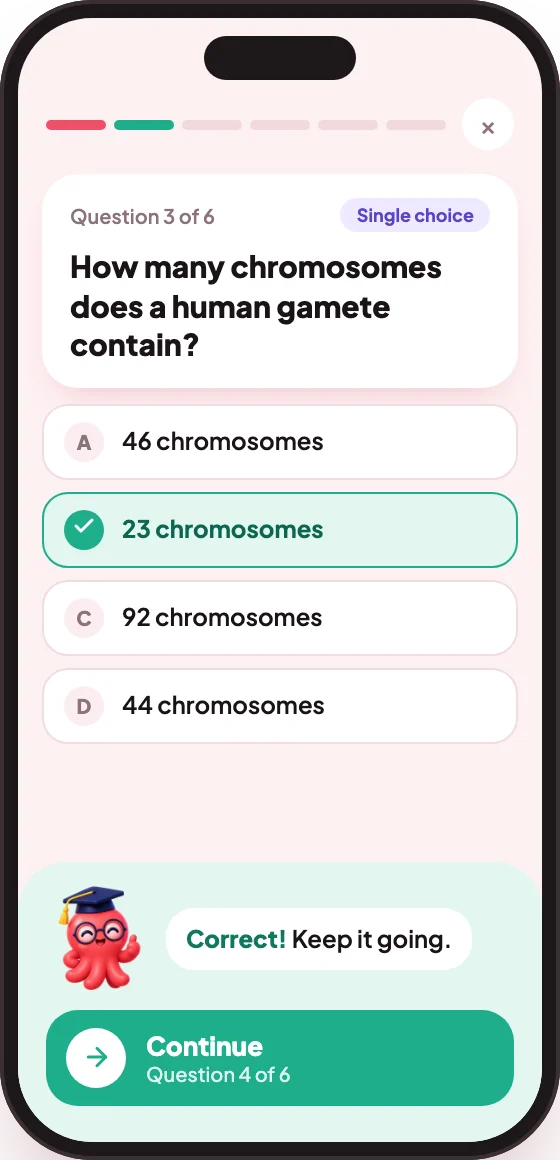
Choose between one-question-at-a-time mode (with a progress bar) or whole-quiz mode (see everything at once). Eduloo gives instant correct/incorrect feedback and a final score.
Track your progress
Every attempt is saved with its score so you can see whether you actually improved between sessions, not just whether the quiz felt easier.
Compared to 다시 읽기 or a generic question bank.
Re-reading feels productive but barely moves recall. Generic question banks are not scoped to your material. Eduloo writes a real practice exam from your actual study material.
What matters when you're studying for a real exam
Re-reading notes
Generic question banks
Eduloo Quizzes
모든 것 quiz generator handles for you.
Generation is the headline. Editing, study modes, scoring, history and search are what make it stick day to day.
01만들기
Generate from any document
Turn an uploaded PDF, slide deck or notes file into a real quiz scoped to the topics you choose.
Question count: 10, 20 or 50
빠른 복습, 실제 모의고사, 또는 완전한 모의 시험. 세션에 맞는 길이를 선택하세요.
Single-choice questions
Classic multiple choice with one correct answer and three distractors generated from the source material.
True / False
사실 회상을 연마하고 더 어려운 질문 유형 전에 워밍업에 좋습니다.
Fill-in-the-blank
Forces real recall instead of recognition - the toughest and most rewarding question style for memorization.
조합(매칭)
Match pairs across two columns - terms to definitions, dates to events, equations to descriptions.
이미지 라벨링
그림의 올바른 위치에 레이블을 탭하거나 드래그하세요. 해부학, 지도, 다이어그램, 회로도에 완벽합니다.
02Edit & organize
Rename quizzes
Give every quiz a clear name so a year of attempts stays organized and easy to find later.
Edit questions and answers
Refine any wording, fix a typo, or rewrite a distractor. Edits save instantly with no publish step.
Reorder questions
Drag questions into the order that makes sense for the study session you have in mind.
Delete questions or whole quizzes
Remove a single question or wipe a full quiz. Confirmations protect you against accidental deletes.
03시작하기
Two study modes
One-by-one mode for focused practice, or whole-quiz mode when you want to see and answer everything at once.
Instant feedback
답변 후 정답과 오답이 즉시 강조되므로 테스트하면서 배웁니다.
Score on every attempt
Each session ends with a clear score, so you can prove to yourself that the studying is actually working.
Citation back to source
Each question links to the document and topic it came from, so you can dig into the source when you get one wrong.
04추적 및 공유
Attempt history
See your previous scores for every quiz at a glance. Spot which quizzes you still need to come back to.
퀴즈 검색
Type any word and Eduloo searches quiz titles, questions and answers. Get straight to the quiz you want.
상태로 필터링
Filter the quiz library by whether a quiz is ready, in progress, or completed, so the right ones rise to the top.
20+ output languages
영어, 독일어, 프랑스어, 스페인어, 이탈리아어, 포르투갈어, 폴란드어, 일본어 등으로 퀴즈를 생성하세요.
Mobile-ready
Take quizzes on your phone with large touch targets, a clear progress bar, and a one-tap create button.
이유 자기 테스트 다시 읽기를 이기고, 잘 사용하는 방법.
테스팅 효과, 문제 유형, 활용 방법에 대한 짧은 안내입니다.
§ 01Why self-testing beats re-reading
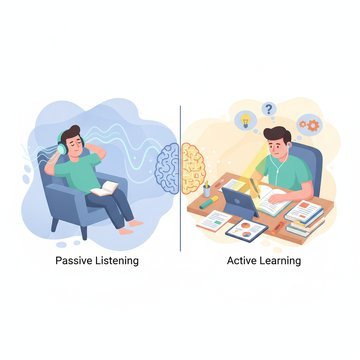
견고한 연구 결과가 있습니다. 이를 테스트 효과라고 부릅니다. 기억에서 정보를 검색하려고 노력하는 것은 같은 자료를 다시 읽는 것보다 그 기억을 훨씬 더 강화합니다. 연습 시험은 단지 아는 것을 측정하지 않습니다. 더 잘 기억하도록 만듭니다.
Eduloo's quiz generator removes the only thing that ever stopped students from doing this consistently: writing the practice tests. You drop in your material, you get a real test in seconds, you take it. The friction is gone.
§ 02How to choose question types
Single-choice and true/false are recognition tests - good for warming up and for facts where there really is only one right answer. Fill-in-the-blank is a recall test - much harder, much more effective for memorization, and the closest a quiz format gets to true active recall. Combination is for matching pairs (terms to definitions, dates to events). Image-labeling is for visual material like anatomy, maps and diagrams.
좋은 학습 세션은 보통 여러 유형을 혼합합니다. Eduloo에서는 생성 전에 다섯 가지 유형 중 포함할 것을 선택할 수 있으므로, 학습 목표에 맞게 퀴즈를 구성할 수 있습니다.
§ 03Quiz lengths and when to use them
Ten questions is a five-minute refresher - great between meetings or right before bed. Twenty questions is a normal practice round. Fifty questions is mock-exam territory - long enough to expose the topics you are weak in and to build endurance for the real exam.
Because attempt history is preserved, you can run the same fifty-question quiz weekly and watch your score climb over time. That number going up is one of the most motivating signals in studying.
§ 04Editing what the AI gives you
Generated quizzes are a starting point, not a finished product. Eduloo lets you rewrite any question, replace a clumsy distractor, fix a typo, or reorder questions before you take the test. Most users edit maybe one or two questions per twenty - the generator does the rough draft, you sharpen the few that need it.
§ 05노트로 다시 가리키는 인용
Every question is tagged with the source topic it came from, with a link back into the document library. If you get a question wrong, you are one click away from the exact section of your textbook or slides where the answer lives - so studying the gap takes seconds, not minutes.
자주 묻는 질문 질문
Ready to give it a try ?
Watch a quick demo, then jump in for free as a guest or pick a plan when you are ready.
Like what you see? Keep your work.
Create a free account to keep everything you build as a guest, lift the guest-mode limits, and sync across devices.