



1. จุดประสงค์ของ interface ใน Java คืออะไร
Single ChoiceQuiz Maker: เปลี่ยน
เอกสารใดก็ได้ให้เป็น
แบบทดสอบฝึกหัด
แปลง PDF สไลด์ หรือโน้ตของคุณเป็นแบบทดสอบแบบเลือกตอบเดียว ถูก/ผิด เติมคำในช่องว่าง แบบผสม และติดป้ายกำกับรูปภาพ ทดสอบสิ่งที่คุณจำได้จริง รับผลตอบรับทันที และดูคะแนนของคุณพัฒนาขึ้น
- ฟรี ในโหมดผู้เยี่ยมชม
- 5 รูปแบบคำถาม
- 10 / 20 / 50 คำถามต่อควิซ
Guest Mode Your work is kept for 30 days.
แบบทดสอบ 0 / 2 Documents 0 / 150k Sign in or create an accountคลังแบบทดสอบ
ฝึกฝนด้วยชุดคำถามที่เจาะจงเฉพาะเรื่อง ติดตามความคืบหน้าได้ชัดเจน และพัฒนาตัวเองได้อย่างรวดเร็ว
ตอบคำถามสั้นๆ 5 ข้อ ได้ผลกว่าอ่านซ้ำ แถม Loo ยังจดคะแนนไว้ให้ด้วยผลการทำทุกครั้งถูกบันทึกไว้หมด มาดูคะแนนของคุณไต่ขึ้นเรื่อยๆ กันเลยตอบผิดเมื่อไหร่ Loo จะชี้ให้ดูว่ามาจากตรงไหนทดสอบสั้นๆ หรือจำลองสอบจริงก็ได้ เลือกได้ 10, 20 หรือ 50 ข้อการทดสอบตัวเองก็คือการเรียนนั่นแหละ Loo แค่ช่วยให้มันง่ายขึ้นแบบไม่ต้องฝืนตอบผิดช่วยให้เรียนรู้ได้เร็วกว่าตอบถูกนะ Loo จดไว้ให้หมดแล้ว
New Cards
New Quiz
New Summary
Edit Questions
เลือกประเภทคำถาม
2. Java เป็นภาษาที่มีการกำหนดประเภทแบบคงที่
True or False3. เติมประโยคให้สมบูรณ์: Java ใช้ ____ และ ____ สำหรับการจัดการหน่วยความจำและการควบคุมเธรด
Fill in the Blank4. จับคู่ Java collection แต่ละรายการกับลักษณะเฉพาะของมัน
MatchingNew Podcast
Workspaces
ชื่อ
การดำเนินการ
ไม่มีวิชา
รวมสำรับ
Loading decks
รวมแบบทดสอบ
Loading quizzes
Pomodoro Timer
เซสชันที่ 1 จาก 4
25:00
ถัดไป: ช่วงพัก
25 min
5 min
Rate This Study Item
เลือกว่าคุณรู้สึกอย่างไรกับเนื้อหานี้ และจะเขียนความคิดเห็นถึงทีมด้วยก็ได้
หัวข้อเอกสาร
1สร้างหัวข้อเอง หรือให้ระบบสร้างให้อัตโนมัติ 2Click sections in the document to add them.
Click sections in the document to add them to this topic.
ยังไม่ได้เลือกส่วนใดเลย
ยังไม่มีหัวข้อ
Sections
No sections.
เลือกหัวข้อเพื่อดูตำแหน่งในเอกสาร
Source of This Question
Loading sources
ไม่พบแหล่งที่มานี้แล้ว
Import Guest Work?
พบเซสชันผู้เยี่ยมชม
Import your guest work to keep it in your account.
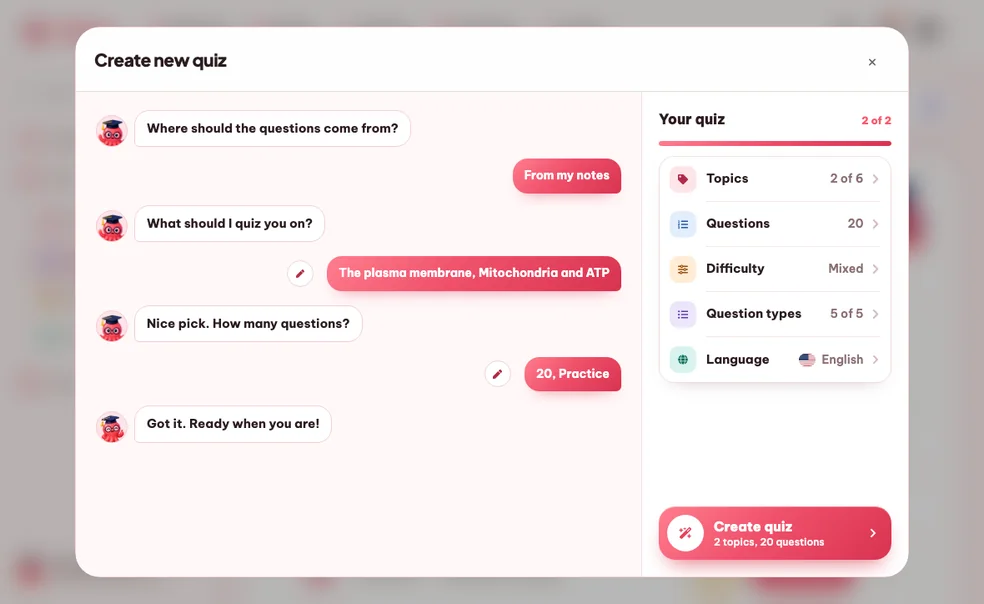
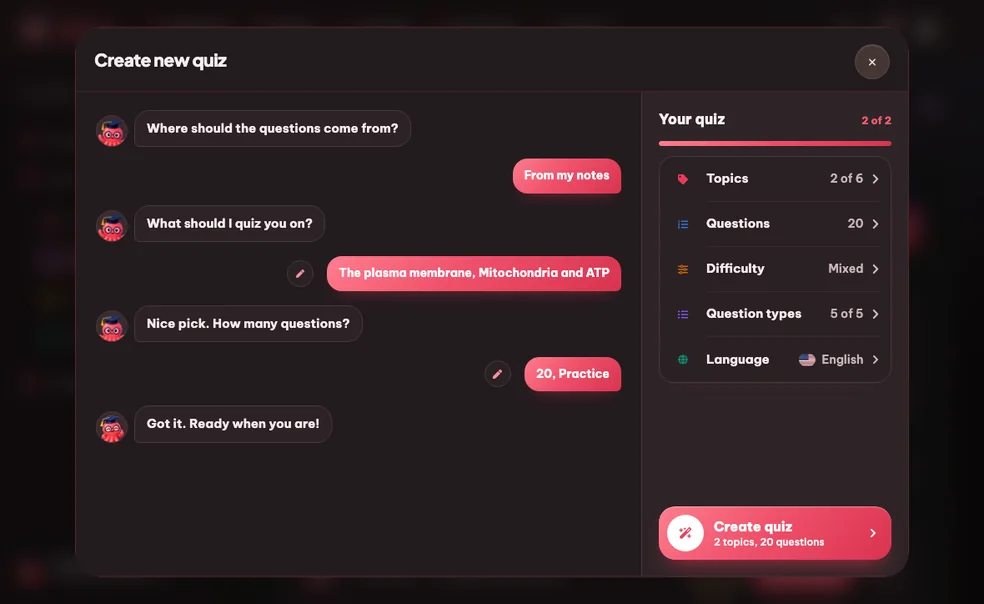
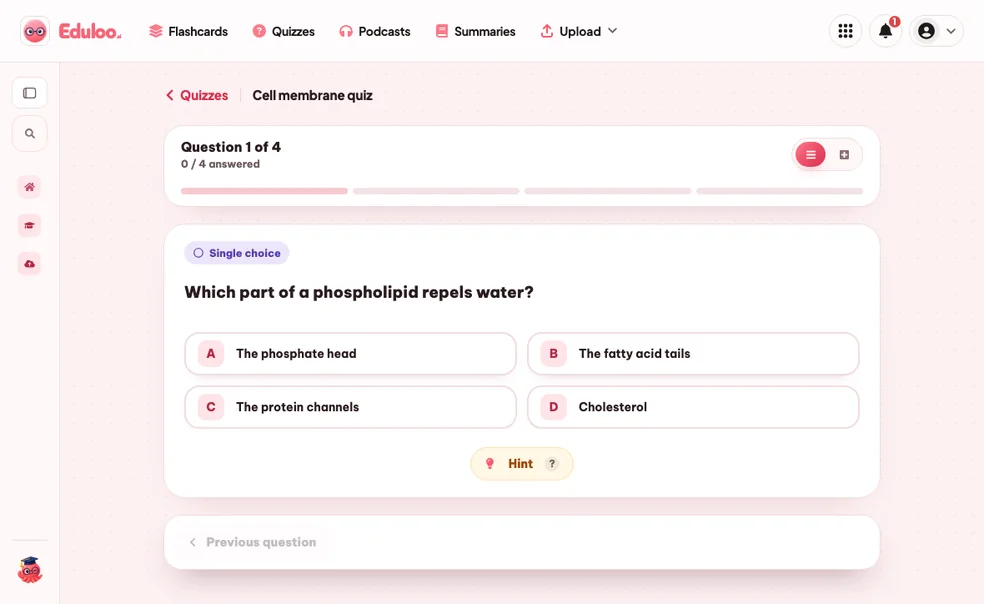
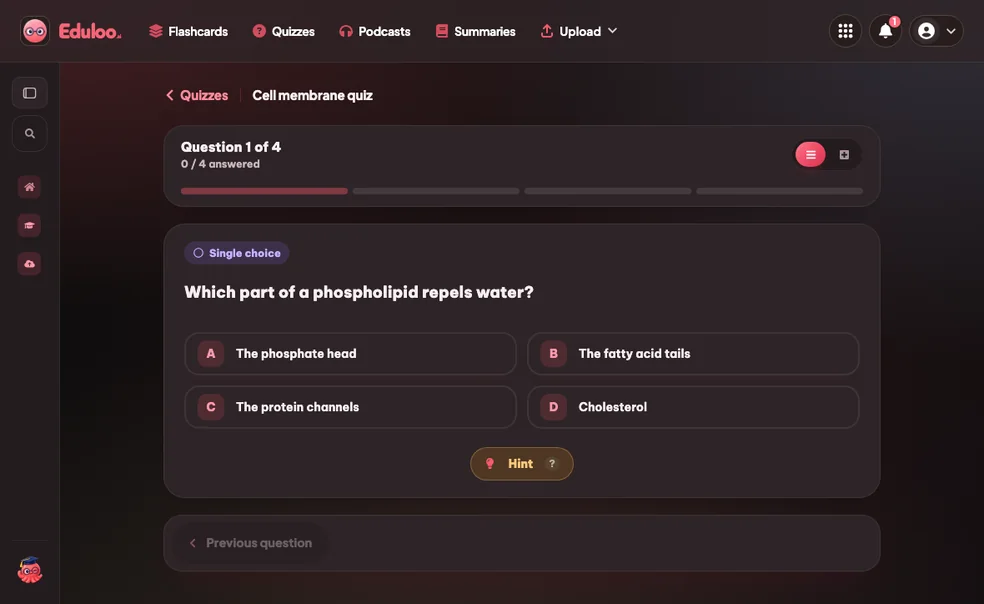
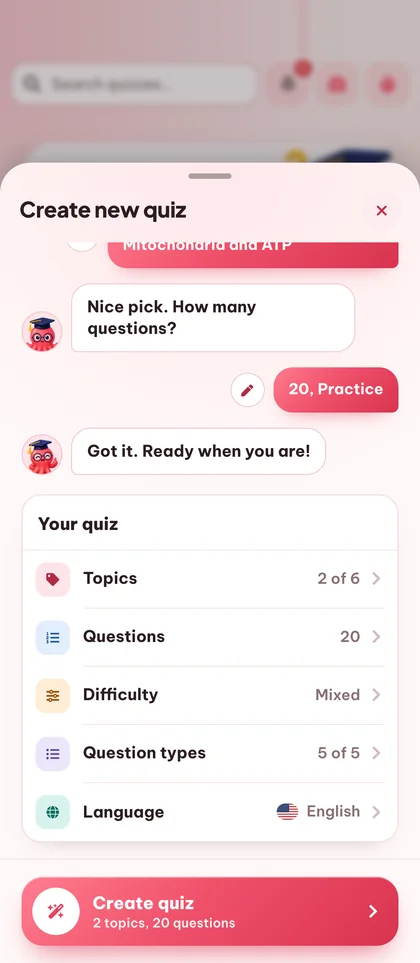
วิธีการทำงานของเครื่องมือสร้างควิซ
ใน 3 ขั้นตอน
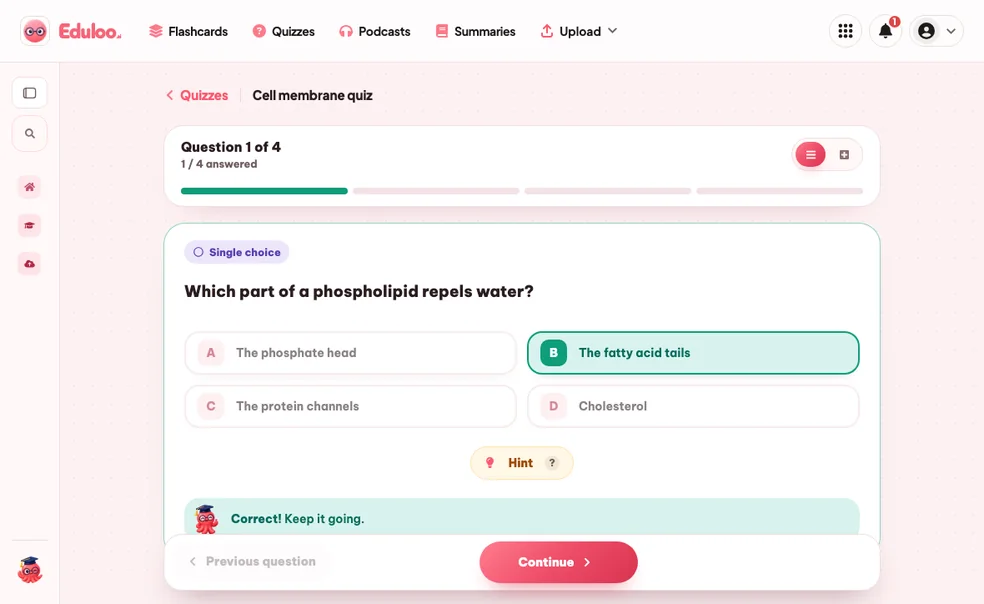
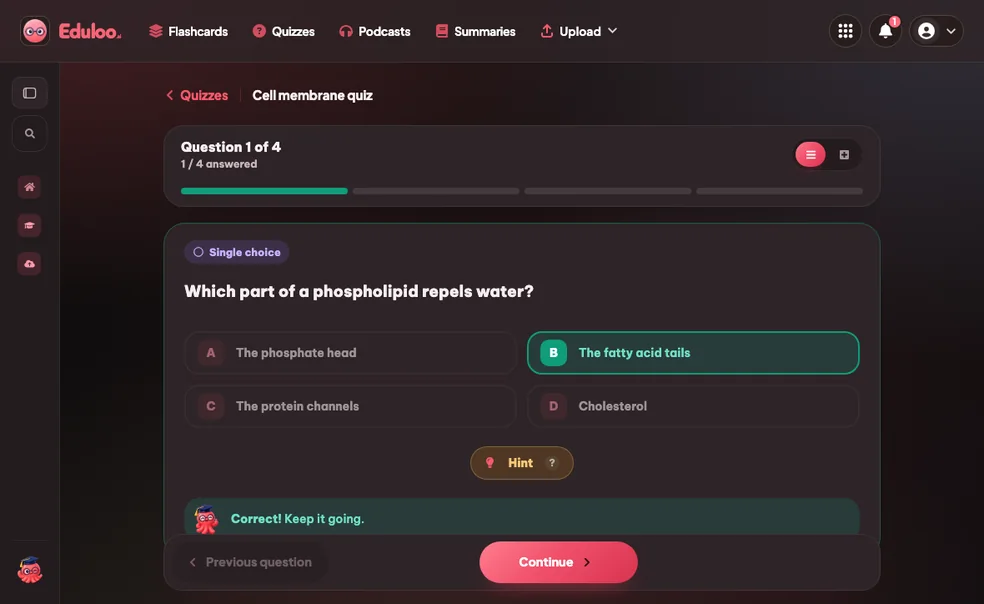
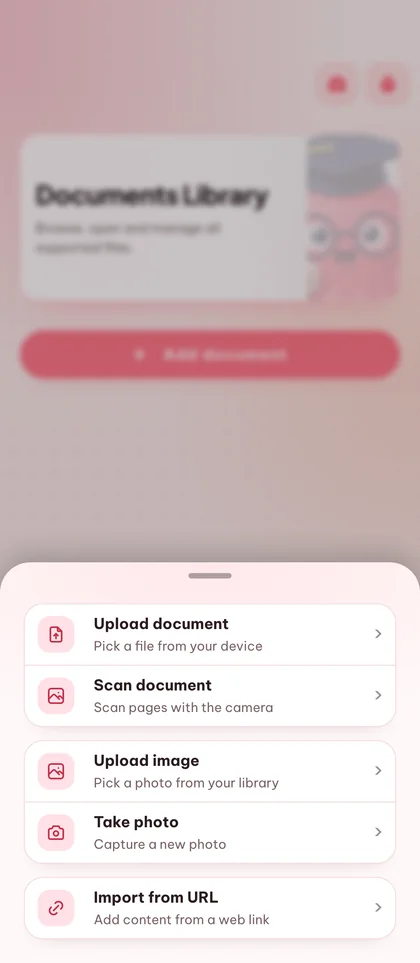
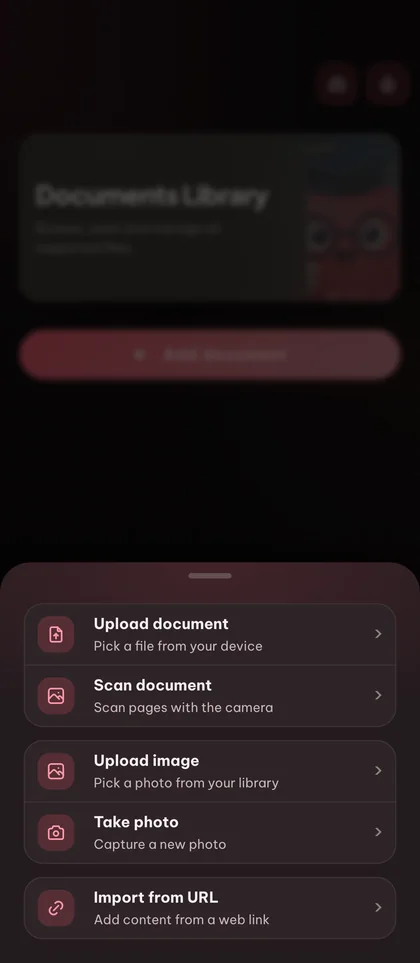

จำได้มากขึ้น
ด้วยแบบทดสอบฝึกหัด
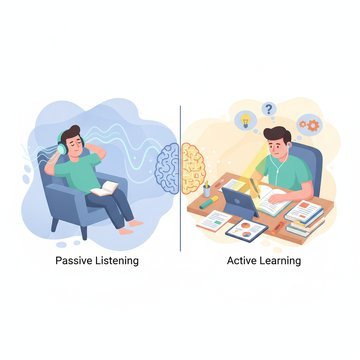
Active recall beats rereading
การทดสอบตัวเองคือเทคนิคการเรียนที่ได้ผลที่สุดเท่าที่เรารู้ Eduloo ทำให้การทดสอบตัวเองง่ายจนคุณลงมือทำจริงๆ
คำถามที่เขียนจากเนื้อหาของคุณ
ไม่ได้ดึงมาจากคลังคำถามทั่วไป ทุกควิซจะครอบคลุมเฉพาะหัวข้อจากเอกสารที่คุณอัปโหลด
คำถามหลายรูปแบบในควิซเดียว
ผสมคำถามแบบเลือกตอบข้อเดียว ถูก/ผิด เติมคำในช่องว่าง จับคู่ และระบุส่วนต่างๆ ในภาพไว้ในควิซเดียว เพื่อฝึกการนึกออก การจดจำ การจับคู่ และการระบุสิ่งที่เห็น
เครื่องมือสร้างควิซด้วย AI
ที่รวมทุกอย่างไว้ในที่เดียว
สร้างจากเอกสารใดก็ได้
เปลี่ยนไฟล์ PDF สไลด์ หรือโน้ตที่อัปโหลดให้เป็นควิซจริงตามหัวข้อที่คุณเลือก
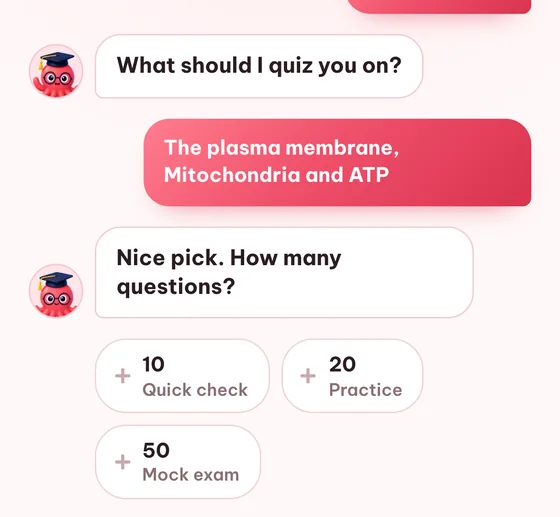
จำนวนคำถาม: 10, 20 หรือ 50
ทบทวนสั้นๆ ฝึกทำข้อสอบจริง หรือสอบจำลองเต็มรูปแบบ เลือกความยาวให้เหมาะกับการเรียนแต่ละครั้ง
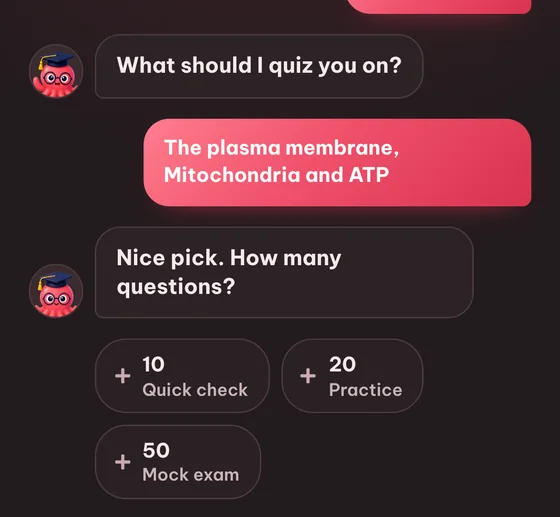
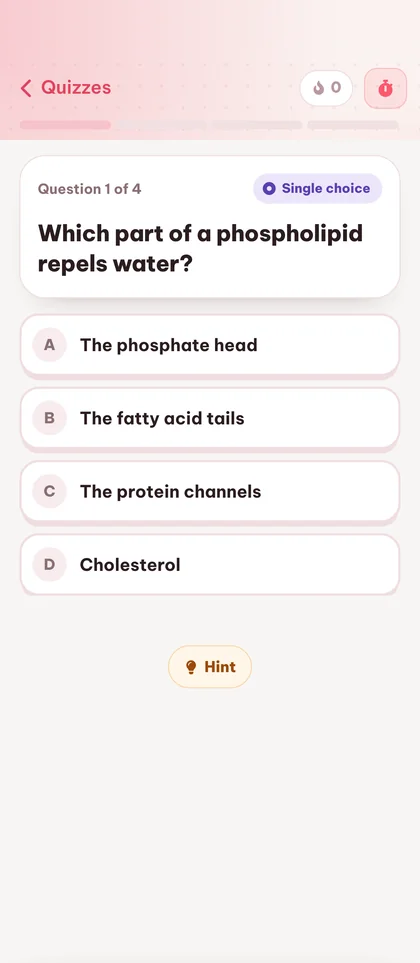
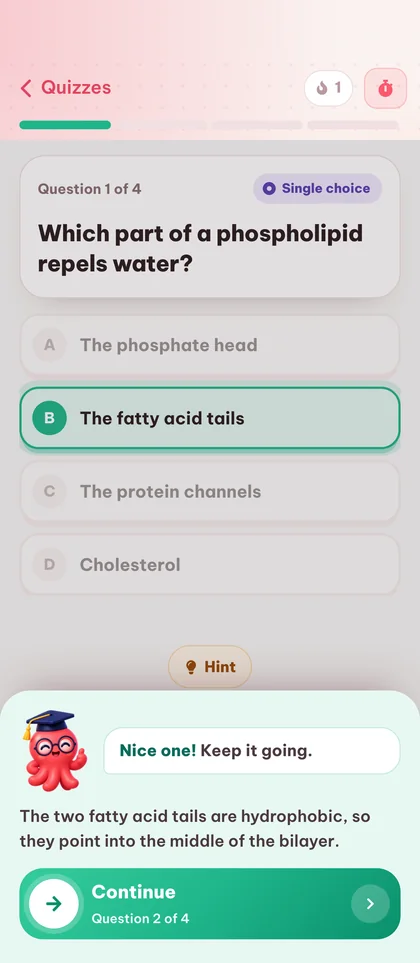
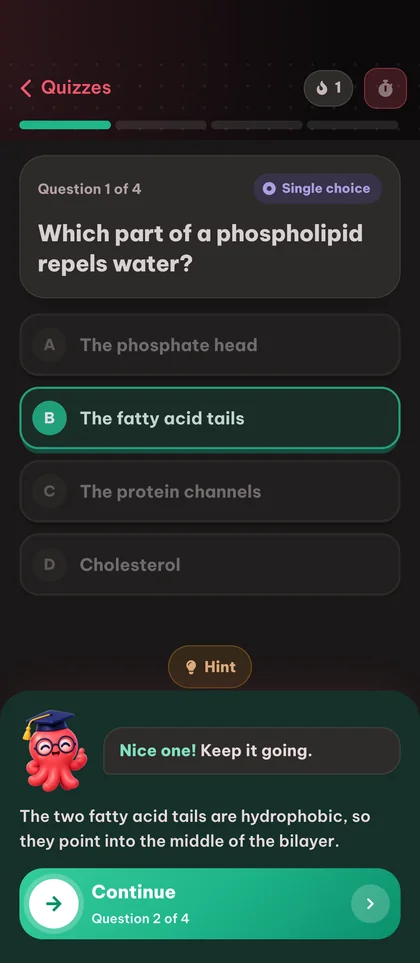
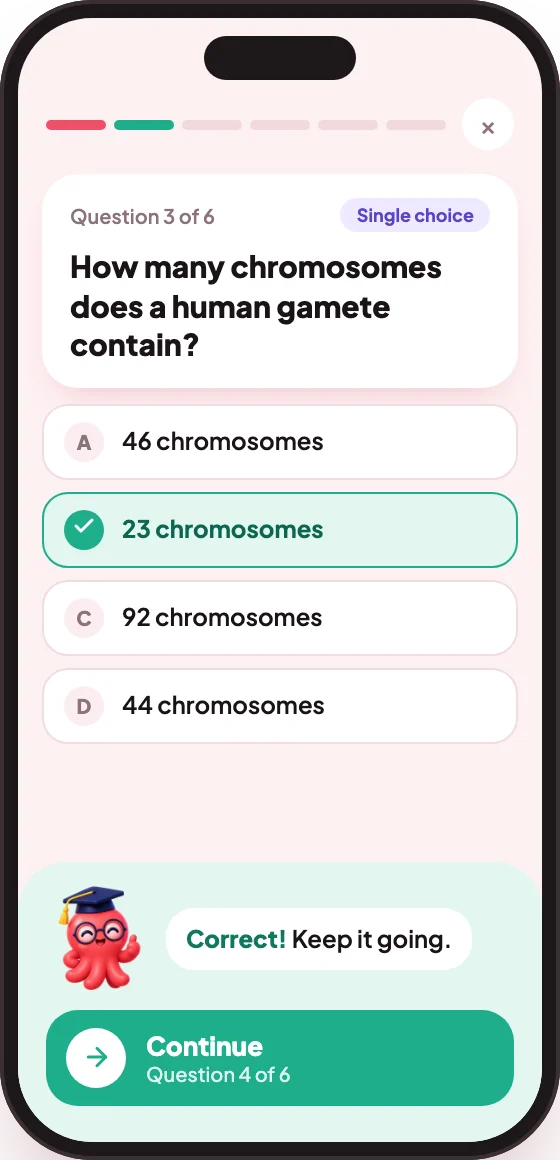
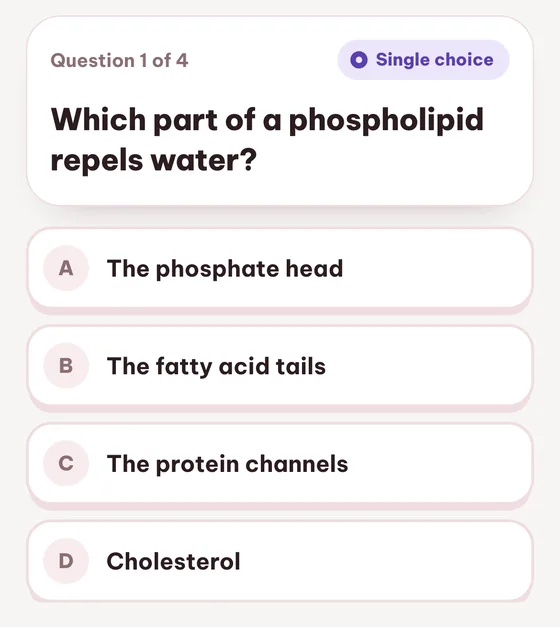
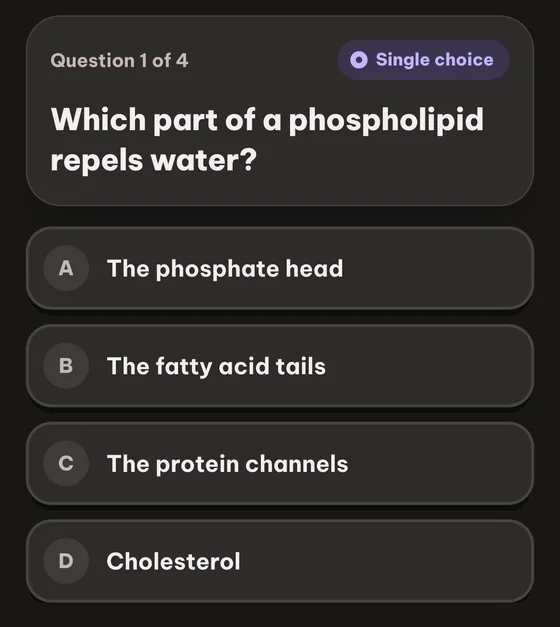
คำถามแบบเลือกตอบข้อเดียว
คำถามแบบเลือกตอบคลาสสิก มีคำตอบที่ถูกหนึ่งข้อและตัวลวงสามข้อที่สร้างจากเนื้อหาต้นฉบับ
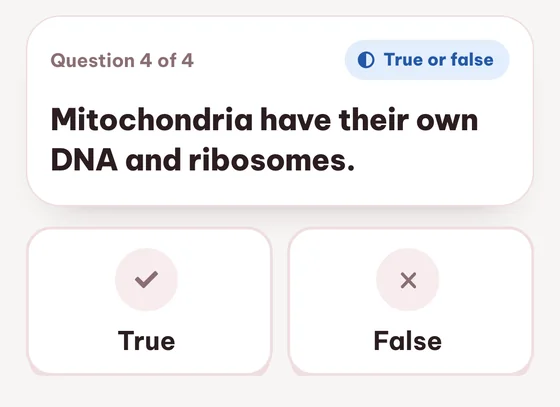
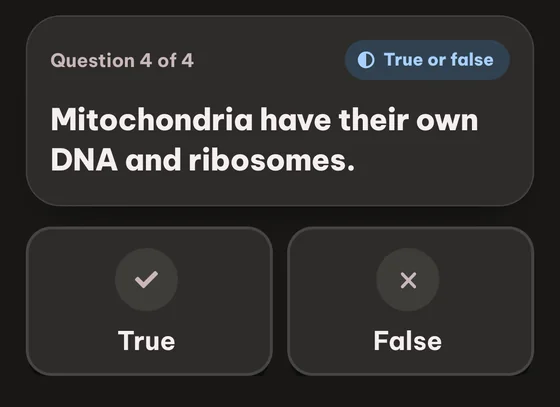
ถูก / ผิด
ช่วยให้จำข้อเท็จจริงได้แม่นขึ้น และเหมาะสำหรับวอร์มอัปก่อนเจอคำถามแบบที่ยากกว่า
คำถามที่พบบ่อย คำถาม

ยังติดอยู่ใช่ไหม? ถาม Loo ได้เลย
ไม่เจอคำตอบที่นี่ใช่ไหม? ส่งคำถามมาหาเรา แล้วเราจะตอบกลับภายใน 1 วัน
ส่งคำถามทดลองใช้ได้ฟรี คุณสามารถสร้าง ทำ และทบทวนควิซในฐานะผู้เยี่ยมชมได้โดยไม่ต้องสมัครสมาชิก ภายในโควตาสำหรับผู้เยี่ยมชมที่มีจำกัด และข้อมูลจะถูกจัดเก็บไว้เพียงชั่วคราว แพ็กเกจ Free ยังคงใช้งานได้ฟรีโดยมีโควตารายเดือน ซึ่งรวมถึงการสร้างควิซ 10 ครั้ง ส่วนแพ็กเกจ Plus และ Pro จะเพิ่มโควตาให้มากขึ้น
เลือกตอบข้อเดียว (คำตอบถูกหนึ่งข้อ), ถูกหรือผิด, เติมคำในช่องว่าง, การจับคู่ (คู่ที่ตรงกัน) และการติดป้ายกำกับรูปภาพ (คลิกจุดที่ถูกต้องบนรูป) คุณสามารถผสมทั้งห้าประเภทในแบบทดสอบเดียวได้
คุณสามารถเลือกจำนวนคำถามได้ 10, 20 หรือ 50 ข้อต่อแบบทดสอบ สิบข้อเหมาะสำหรับทบทวนเร็ว ยี่สิบข้อเป็นการฝึกปกติ และห้าสิบข้อเทียบเท่าข้อสอบจริง
ได้เลย ทุกคำถามแก้ไขได้อย่างเต็มที่ ไม่ว่าจะเป็นการเขียนโจทย์ใหม่ เปลี่ยนตัวเลือกหลอก หรือแก้ไขคำตอบที่ถูกต้อง คุณยังลบคำถามที่ไม่ตรงใจออกได้ด้วย
ได้ ทุกครั้งที่ทำจะถูกบันทึกพร้อมคะแนน ทำให้คุณเห็นพัฒนาการในแบบทดสอบเดิมเมื่อเวลาผ่านไป รายการแบบทดสอบจะแสดงคะแนนล่าสุดถัดจากแต่ละรายการ
รองรับ 18 ภาษาผลลัพธ์ ได้แก่ อังกฤษ เยอรมัน ฝรั่งเศส สเปน อิตาลี โปรตุเกส โปแลนด์ ตุรกี ญี่ปุ่น และอื่น ๆ คุณสามารถเลือกภาษาผลลัพธ์ได้ทุกครั้งที่สร้าง
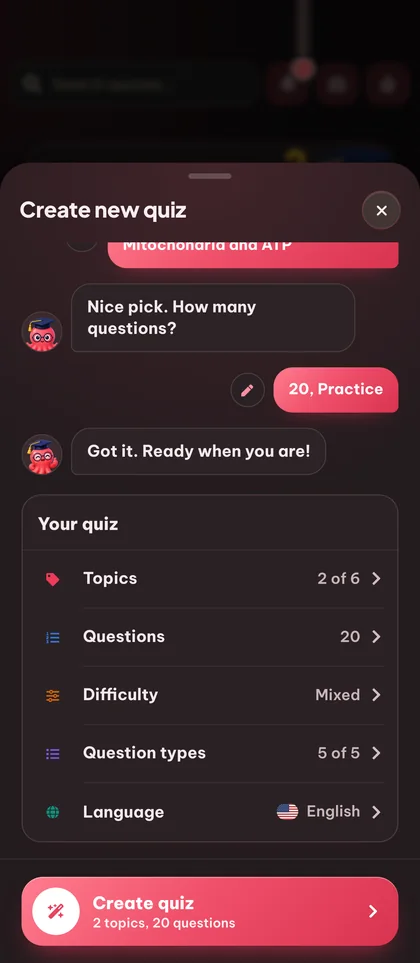
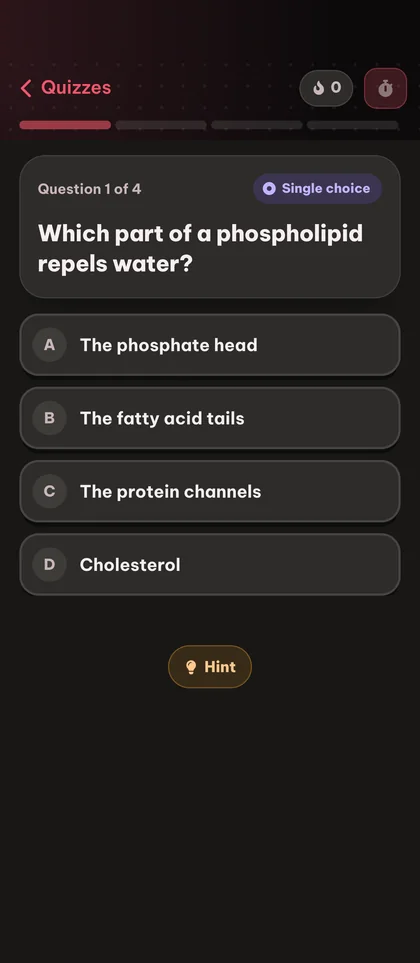
ได้เลย ทุกแบบทดสอบสามารถแชร์ผ่านลิงก์ได้ ใครก็ตามที่เปิดลิงก์สามารถทำคำถามและบันทึกแบบทดสอบลงในคลังของตนเองได้ นอกจากนี้คุณยังสามารถพิมพ์หรือส่งออกเป็น PDF เพื่อใช้แบบออฟไลน์ได้ ทั้งในโหมดสว่างและโหมดมืด
คุณจะเห็นคำตอบที่ถูกต้องทันที และคำถามจะถูกติดแท็กพร้อมลิงก์ไปยังหัวข้อต้นทางในคลังเอกสารของคุณ เพื่อให้คุณทบทวนส่วนที่แน่นอนของเนื้อหาที่คำตอบมาจากได้
แบบทดสอบของผู้เยี่ยมชมจะถูกเก็บไว้ 30 วัน จากนั้นจะถูกลบโดยอัตโนมัติ สร้างบัญชีฟรีเพื่อเก็บรักษาไว้อย่างถาวร และย้ายทุกอย่างที่สร้างในฐานะผู้เยี่ยมชมได้ในคลิกเดียว
ใช่ เอกสารที่อัปโหลดหนึ่งไฟล์ขับเคลื่อนทุกเครื่องมือเรียนของ Eduloo สร้างแฟลชการ์ด แบบทดสอบ บทสรุป และพอดแคสต์จากโน้ตชุดเดียวกันโดยไม่ต้องอัปโหลดซ้ำ
อ่านเพิ่มเติม:
ภาพลวงว่าตัวเองเข้าใจแล้วอภิปัญญากับการเรียนรู้
พร้อมลองเครื่องมือสร้างควิซฟรีหรือยัง?
ดูตัวอย่างสั้น ๆ แล้วเริ่มใช้งานฟรีในฐานะผู้เยี่ยมชม หรือเลือกแพลนเมื่อคุณพร้อม
ชอบสิ่งที่เห็นอยู่ไหม? เก็บงานของคุณไว้เลย
สร้างบัญชีฟรีเพื่อเก็บทุกอย่างที่คุณสร้างในฐานะผู้เยี่ยมชม ยกเลิกข้อจำกัดของโหมดผู้เยี่ยมชม และซิงค์ข้อมูลข้ามอุปกรณ์
สร้างบัญชีฟรี
หรือ เข้าสู่ระบบ